
Pos HTML Templates
POS vendors need clear paths from hardware and payment features to pricing, integrations, and demo requests. Ready-made HTML sections give that information a reusable structure that developers can review, adapt, and deploy without rebuilding the page hierarchy.
-

-
-
-
-
-
-
-
-
-
Free Website Builder SoftwareDownload
-
-
-
-
-
-
-
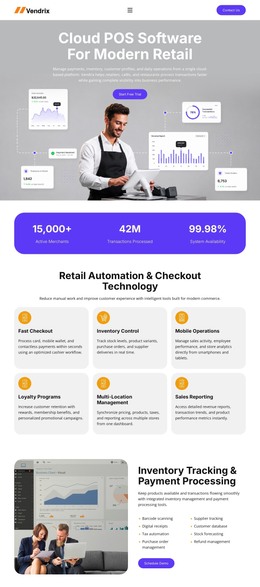












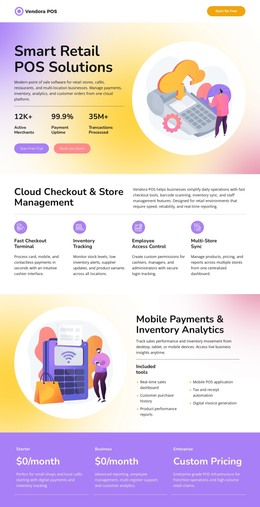



More HTML Templates from Business & Law Category















































Other Business & Law HTML Templates
Professional POS HTML Templates
POS software vendors, payment providers, and retail technology teams need pages that explain complex systems without burying buyers in technical detail. POS HTML templates give them finished markup with sections in a sensible order, repeating product cards, and comparison tables for terminal specs. Many close with a demo or quote form that carries a merchant from the first terminal photo to a sales call.
Reusable Sections With Repeated Terminal Cards
Point-of-sale hardware often looks nearly identical on paper. Two countertop models can share a screen and a card reader yet suit very different stores, from a small coffee shop to a busy grocery chain. An HTML template gives every device card the same markup pattern, so each model shows its heading, spec list, and price line in the same order.
Nicepage's Grid Repeater Element supports this type of repeated content because each cell maintains its own content hierarchy while holding its own text, icon, and details. Adding another terminal or integration then means filling in a new cell that already follows the pattern.
A practical POS HTML template can organize:
- terminal specification blocks with display size, connectivity, and payment methods;
- feature comparison rows showing which plan includes inventory or reporting;
- integration groups sorted by function, such as accounting or delivery;
- request forms placed right after the comparison.
Clean HTML Structure for POS Vendor Pages
The markup should align with how buyers evaluate a POS platform. Heading levels separate hardware from software, specs sit in tables that can be compared row by row, and features read as short lists. Colors and fonts are easy to change later, but the section order takes serious work to rebuild.
Beyond the product overview and a call to action, most blocks depend on the sales model. Fixed monthly plans fit into a pricing table, while quote-based pricing requires a request form next to the product. A restaurant vendor may add blocks for online ordering and table service, and a retailer may need to compare inventory tools across several stores.
Sizing the Template to Your Lineup
A good POS template does not have to include every possible section. A vendor with one terminal and one software package may do better with a short structure that explains the device and how to order it. A larger catalog needs room for one more terminal model or integration partner without breaking the heading order around it.
Check the product hierarchy and the request flow first, since both depend on how many products you sell and which action matters most. Brand details can wait until the section order fits your lineup.