High-quality courses Template


Edit Template Offline
2. Create new page and search for id 6070564
Edit Template Online
Create Awesome Websites


Free Nicepage Builder
Keywords
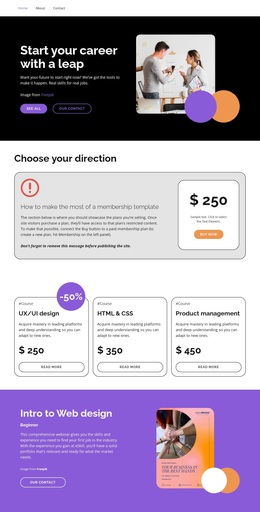
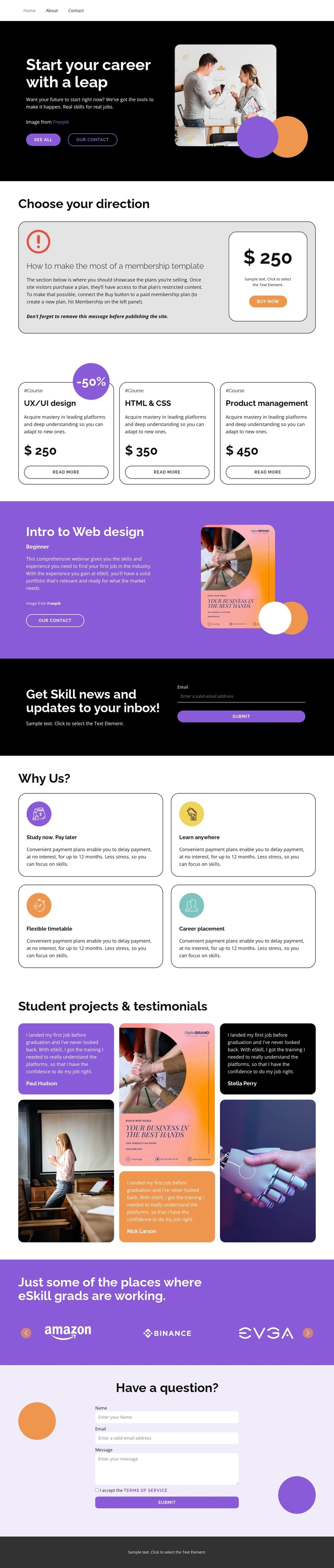
Three practical subjects connect offer, learning benefits, and proof
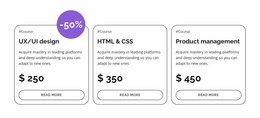
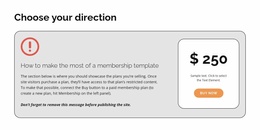
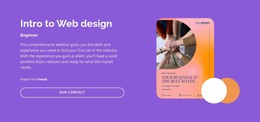
The design stands out through the way it combines course choice with the surrounding questions a prospective learner may have. UX/UI design, HTML and CSS, and product management appear as three peer offers, giving the page a practical skills focus rather than centering on one narrow subject. The membership section adds a plan-oriented layer, while the Beginner web design webinar offers a more specific entry point for visitors who may prefer a guided introduction.
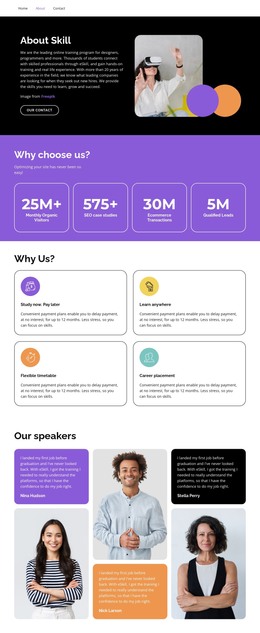
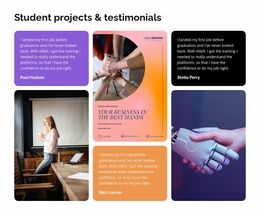
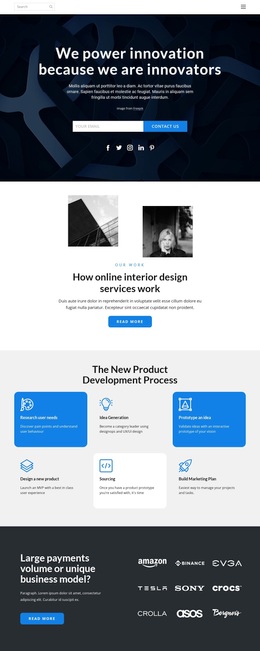
The supporting content makes the design useful for projects that need to explain how learning fits into everyday circumstances. “Study now. Pay later,” “Learn anywhere,” “Flexible timetable,” and “Career placement” are presented as four separate benefits, creating a concise framework for the offer. Student projects and testimonials then shift from promises to learner-oriented proof, and the employer-logo strip extends that story toward possible work destinations.
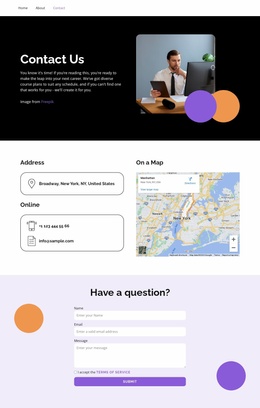
This combination gives the template broader coverage than a page built only around pricing or course cards. It can suit an education provider, skills program, or career-training initiative that needs to present options, practical advantages, evidence, and contact paths in one visual direction. The dark hero, purple feature bands, rounded cards, and spacious breaks reinforce that choice without forcing the design into a purely corporate or purely editorial presentation.
Customize with Nicepage
Open this ready-made template in the Template Builder and customize it visually in the Nicepage editor. Replace demo content, edit page sections, and adapt the design to your project without rebuilding the template from scratch.
Start With a Ready-Made Template
Choose a Design for a New Page
Use a ready-made template as a starting point instead of creating every page from a blank canvas. When adding a new page in Nicepage, browse available designs, compare different layouts, and choose an option that already fits the general purpose and visual direction of your project.
Browse Different Page Designs
Explore Page Designs using search, thematic categories, Design Sets, and full-page previews. The collection includes layouts for different subjects and page purposes, making it easier to compare alternatives before selecting a design to customize.
Customize the Selected Template
After choosing a design, create the page and continue editing it visually in Nicepage. Replace the demo content, adjust images, typography, colors, sections, and other elements, and adapt the ready-made layout to your own content instead of rebuilding the design from the beginning.
Explore More Design Directions
If the first option does not match your project closely enough, return to the design collection and compare other templates before committing to a layout. This makes the template library useful not only for faster page creation, but also for exploring different visual approaches and finding a suitable starting point for a new project.
This workflow gives you access to a broad collection of ready-made designs that can be selected, compared, and customized according to the needs of each new page or project.