
Business Card Templates
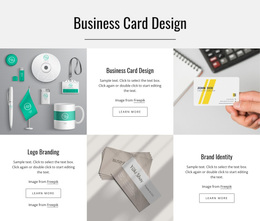
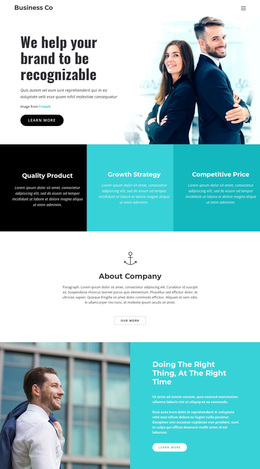
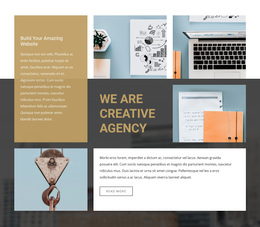
A consultant may need a credentials-focused card, while a creative freelancer may prefer a layout with visual work samples. Compare business card templates by profile emphasis, contact placement, and content capacity to find a design that suits your professional introduction.















































Other Business & Law Templates
Creative Business Card Templates for Digital Profiles
Business card templates in this collection are best approached as business card-inspired website designs: compact online introductions rather than print-ready card artwork. Their layouts borrow the clarity of a traditional card while making room for clickable contact details and, where appropriate, links to further work. The useful question is not simply which design looks attractive, but how quickly a visitor can recognize the person or organization and take the intended action.
Compare Business Card Design Approaches
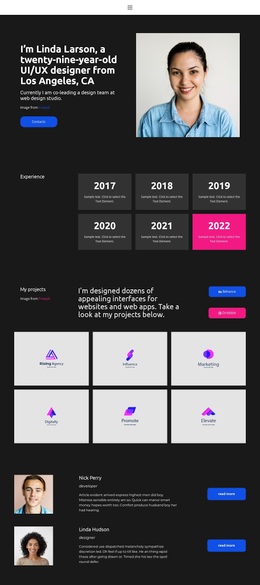
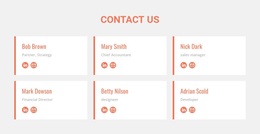
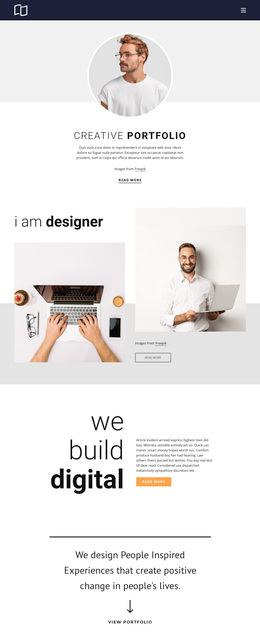
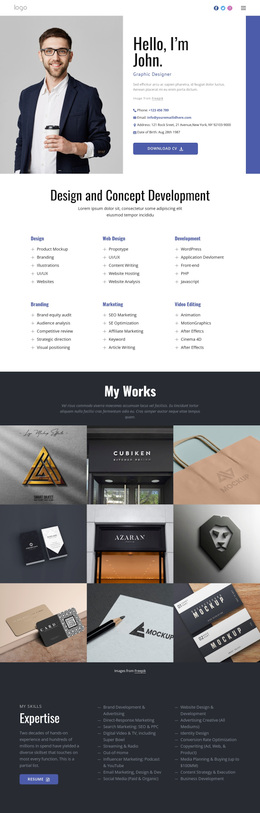
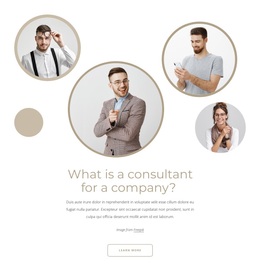
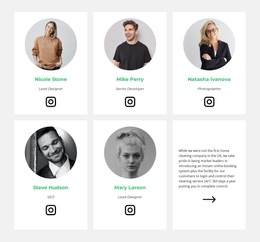
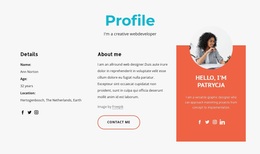
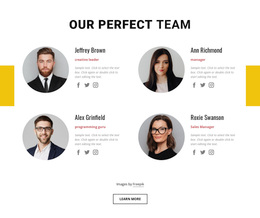
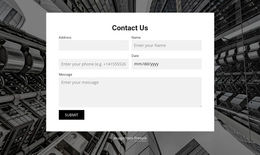
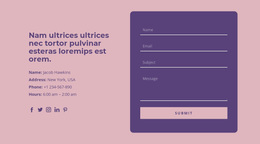
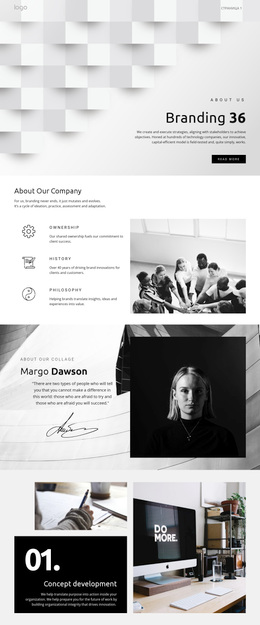
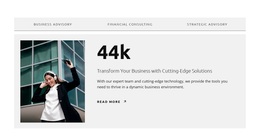
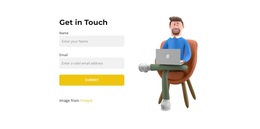
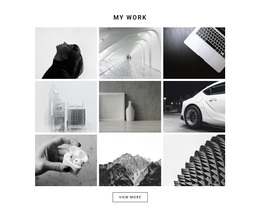
A minimal contact layout keeps the name, role, and main communication link close together. A portrait-focused profile gives personal recognition more weight, which can suit a public-facing specialist. A portfolio-oriented design reserves space for selected work or project links. A corporate profile may instead emphasize an organization, job title, and consistent brand treatment.
Start by judging whether the name and role are immediately recognizable, whether the primary contact action is visible, and whether optional blocks fit the material available. A design with unused decorative sections isn't necessarily better than a smaller, more focused layout.
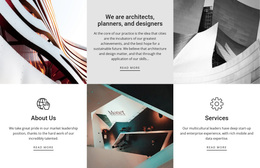
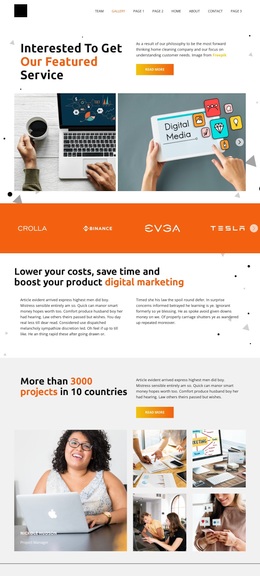
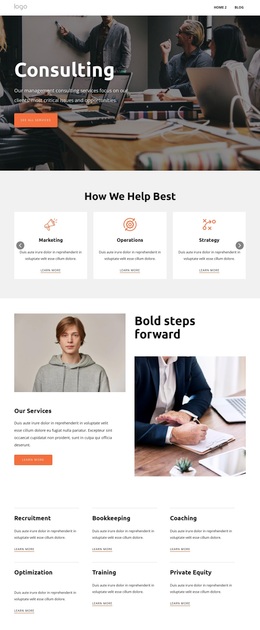
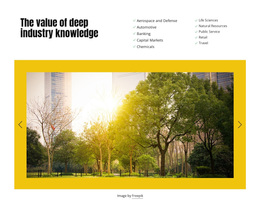
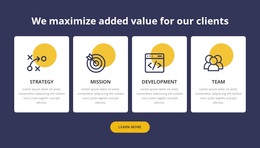
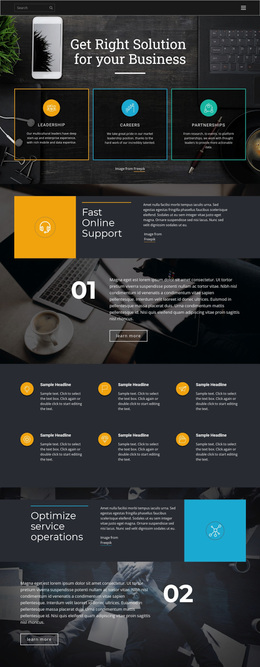
Compare the actual previews for image placement, contact visibility, and the space given to supporting details. Those differences often matter more than the style label attached to a design.
Choose by Content and Contact Placement
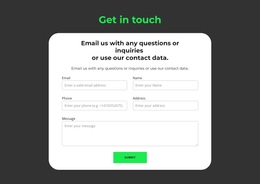
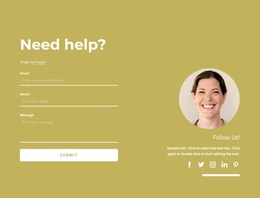
Look closely at how each preview balances personal recognition with practical contact information. A portrait should remain recognizable after cropping on mobile, while a long professional title must fit without pushing an email or telephone link out of view. If selected work is part of the card, its preview should support rather than compete with the contact action. A company affiliation should also be distinguishable from the individual's role, particularly in a corporate-style layout. Designs that still look complete after optional material is removed are often easier to adapt.
Before settling on a design, insert the real name and job title into the preview where possible. Long titles can change the visual hierarchy, and a portrait that works with the sample image may crop poorly with a different photograph. Check whether a visitor can find the preferred email, telephone, or inquiry action without scanning the whole page.
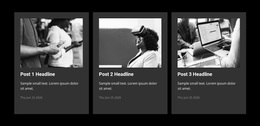
Content capacity matters too. A compact contact page can feel awkward when asked to hold several services and detailed credentials. Conversely, a spacious portfolio layout may look unfinished if the only available content is a short introduction and one contact link.
Use the search and filtering options described in Page Basics to narrow the designs by topic, category, or page type. Larger previews make it easier to judge contact placement and content capacity before choosing a template.
Check the Design Before Publishing
Review the page at both wide and narrow widths, especially if contact buttons sit beside a portrait or logo. Make sure essential information stays visible and that decorative elements don't distract from the primary action. If the page will be linked from an email signature, it should make sense to a visitor who has never seen the rest of the website.
For a digital business card page, the final test is simple: can someone identify you and find the right contact method without extra navigation? Choose the layout that makes that possible with your own content, then adapt its visual style to your professional identity.