We design amazing projects Template



Edit Template Offline
2. Create new page and search for id 4458914
Edit Template Online
Create Awesome Websites


Free Nicepage Builder
Keywords
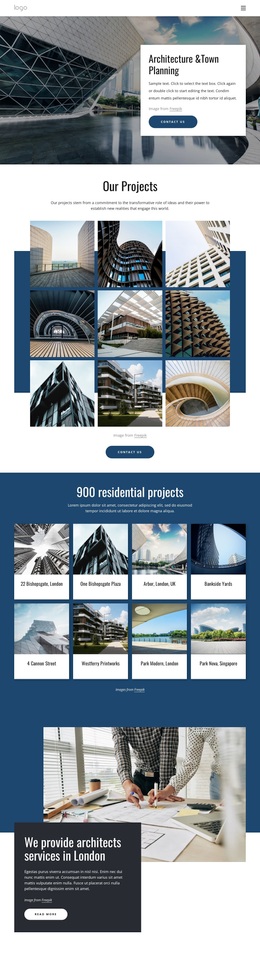
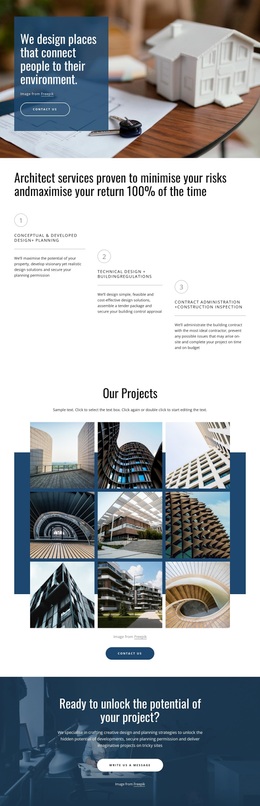
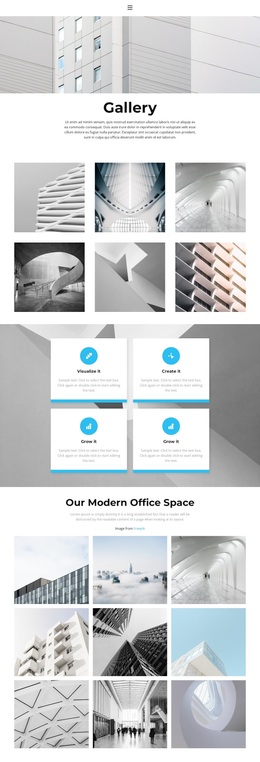
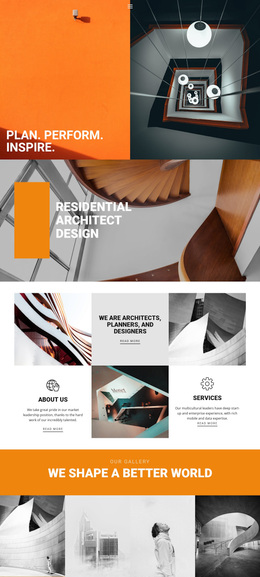
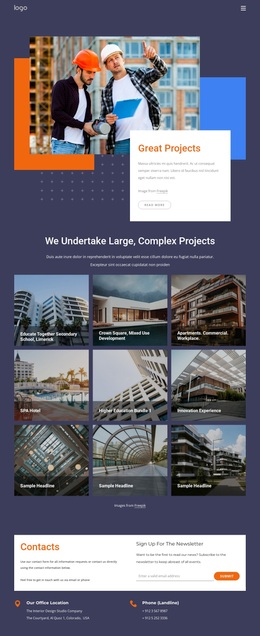
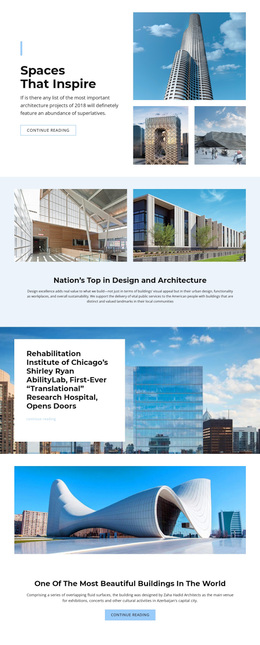
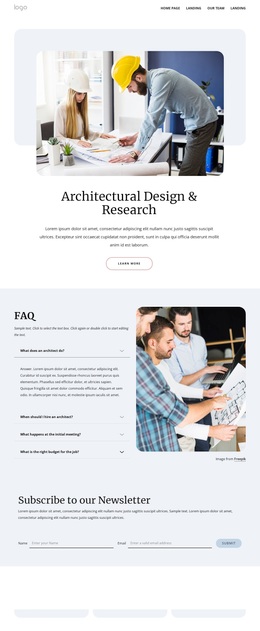
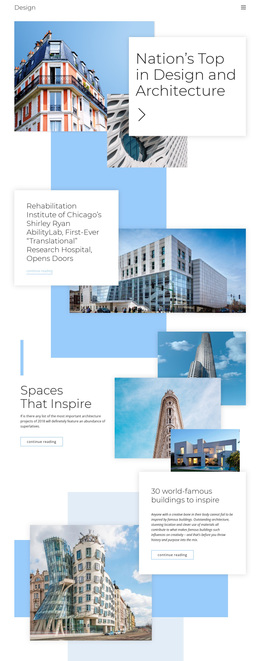
Nine architectural images balance process, specialisms, and social value
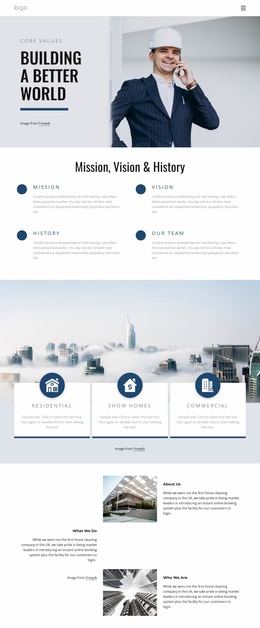
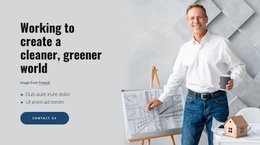
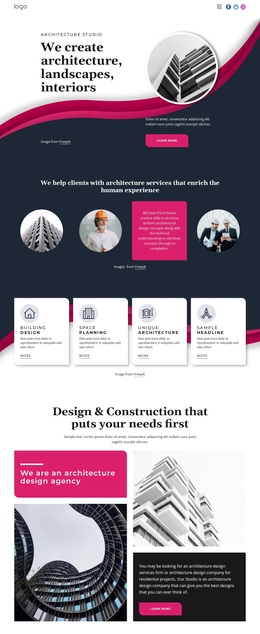
The strongest reason to choose this design is the way it gives visual work and professional process equal importance. Large architectural photography carries the opening statement, while the three numbered service stages explain what happens around a project: design and planning first, technical and regulatory work next, and contract administration with construction inspection afterward. This makes the page suitable for a practice that needs to show more than finished images.
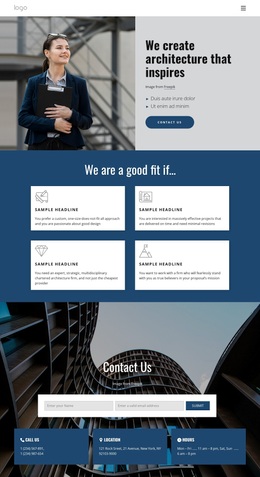
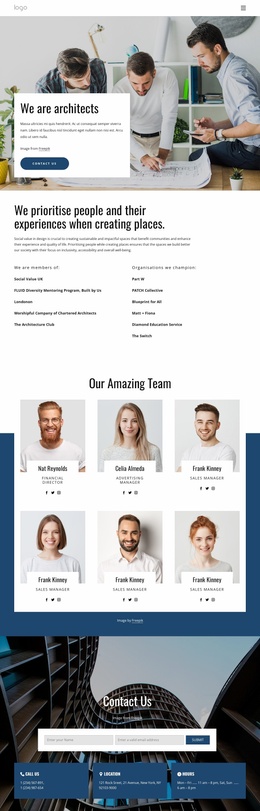
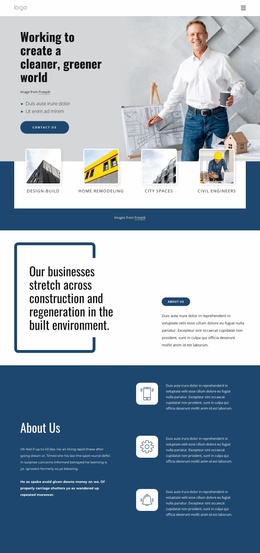
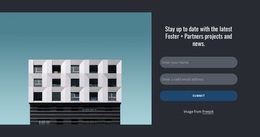
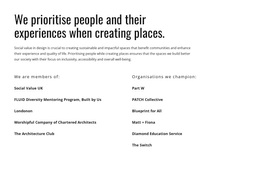
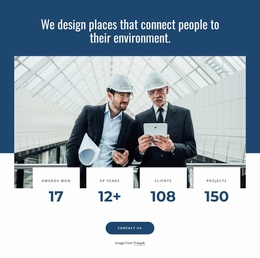
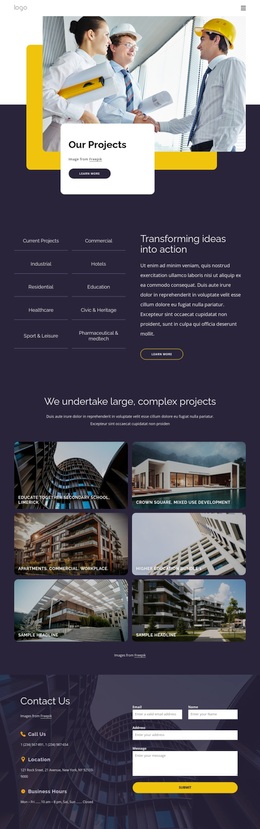
The nine-image Our Projects gallery provides a substantial visual centre and gives the layout a recognisable portfolio character. Around it, the design names planning permission, architectural design, interior design, and master planning, then extends the category coverage to project types including extensions, flat conversions, self-build houses, and new-build flats. A dark enquiry callout adds a direct route for project conversations without interrupting the gallery-led presentation. The later practice statement, four metric cards, and social-value section—including Social Value UK among the listed affiliations—make the design feel oriented toward people and public value as well as services. A closing name-and-email subscription form completes the choice with a second engagement path. Together, these relationships distinguish the template from a generic architecture portfolio or a service-only page: it presents work, explains delivery stages, identifies applicable project categories, and leaves room for continued communication.
Customize with Nicepage
Open this ready-made template in the Template Builder and customize it visually in the Nicepage editor. Replace demo content, edit page sections, and adapt the design to your project without rebuilding the template from scratch.
Start With a Ready-Made Template
Choose a Design for a New Page
Use a ready-made template as a starting point instead of creating every page from a blank canvas. When adding a new page in Nicepage, browse available designs, compare different layouts, and choose an option that already fits the general purpose and visual direction of your project.
Browse Different Page Designs
Explore Page Designs using search, thematic categories, Design Sets, and full-page previews. The collection includes layouts for different subjects and page purposes, making it easier to compare alternatives before selecting a design to customize.
Customize the Selected Template
After choosing a design, create the page and continue editing it visually in Nicepage. Replace the demo content, adjust images, typography, colors, sections, and other elements, and adapt the ready-made layout to your own content instead of rebuilding the design from the beginning.
Explore More Design Directions
If the first option does not match your project closely enough, return to the design collection and compare other templates before committing to a layout. This makes the template library useful not only for faster page creation, but also for exploring different visual approaches and finding a suitable starting point for a new project.
This workflow gives you access to a broad collection of ready-made designs that can be selected, compared, and customized according to the needs of each new page or project.