Constructing infrastructure Template



Edit Template Offline
2. Create new page and search for id 5805815
Edit Template Online
Create Awesome Websites


Free Nicepage Builder
Keywords
Infrastructure services meet corporate information and proof
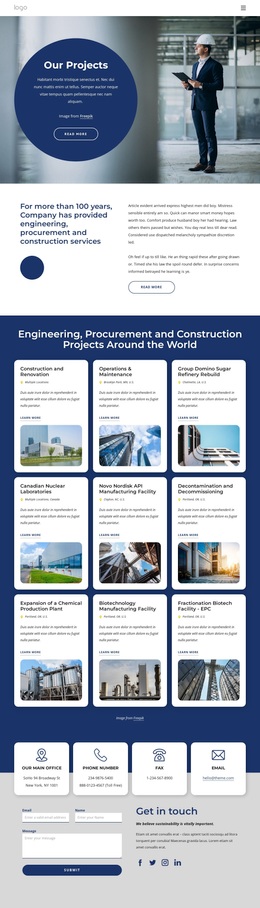
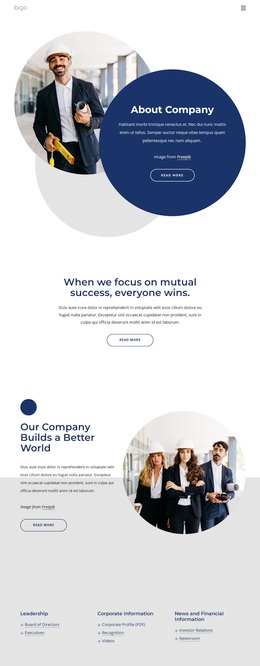
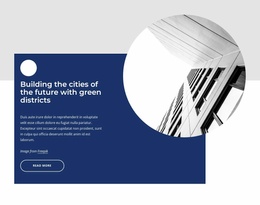
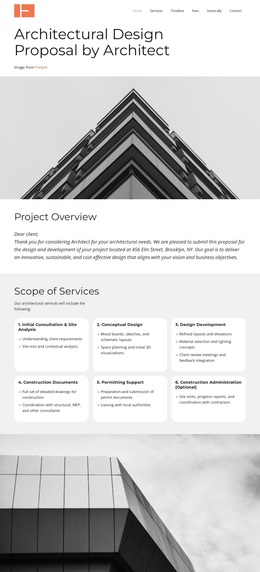
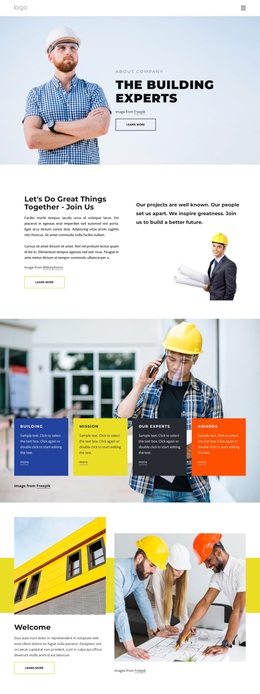
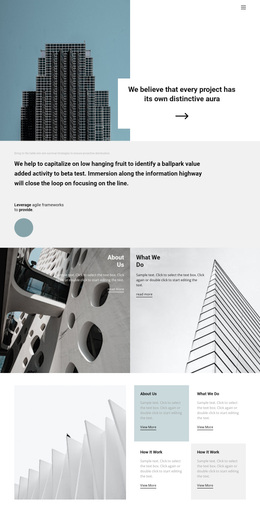
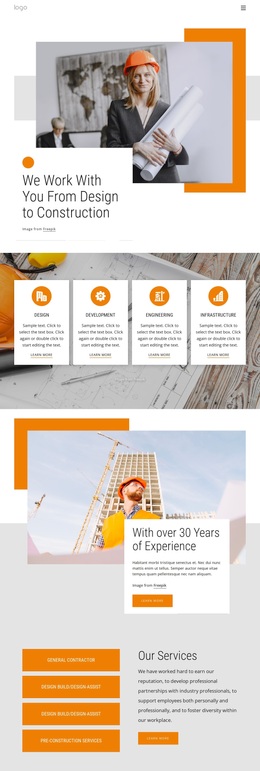
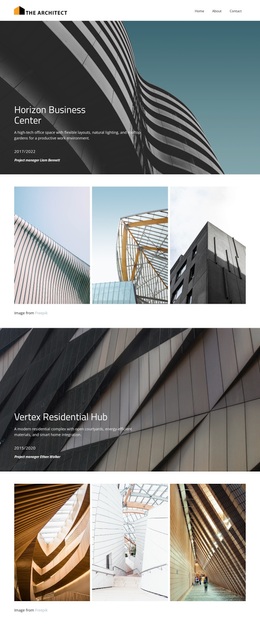
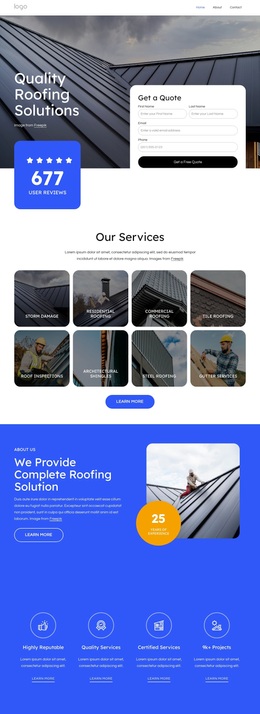
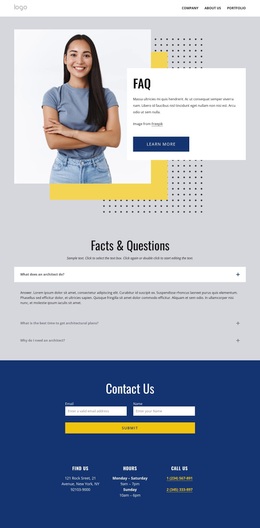
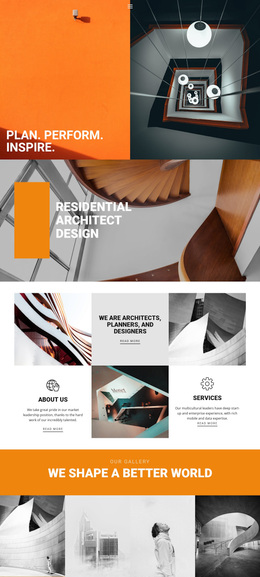
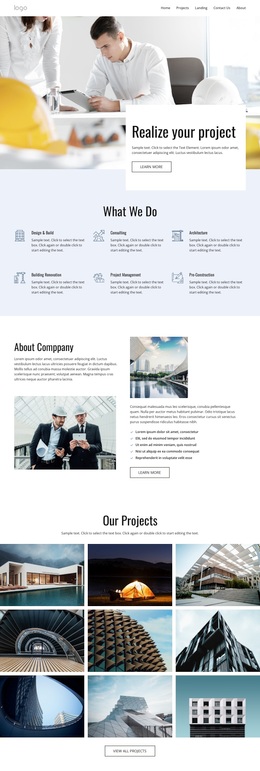
The strongest reason to choose this design is its coverage of several company-story requirements within one coordinated page. The opening introduction and philosophy statement establish an organizational point of view, while the positioning section connects that message with construction imagery and a direct Read more action. This makes the design more specific than a generic business layout centered only on a product list or a short service grid.
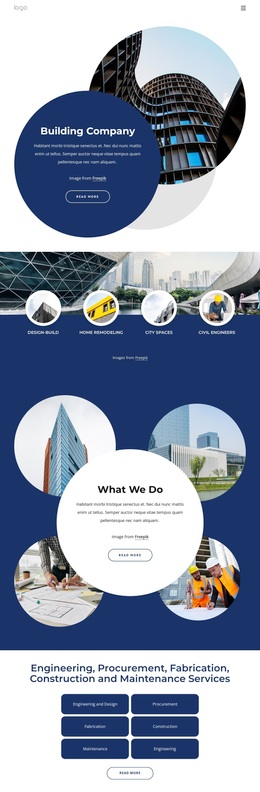
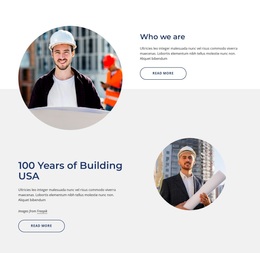
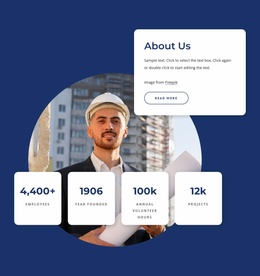
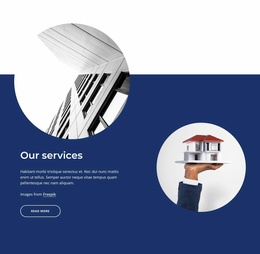
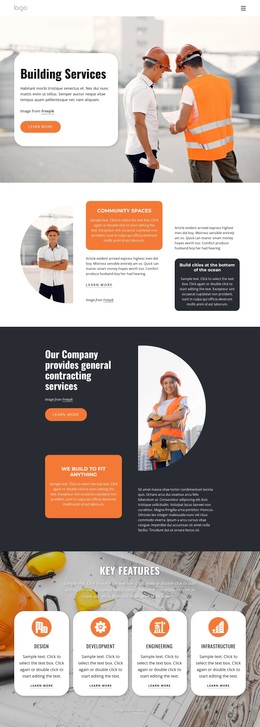
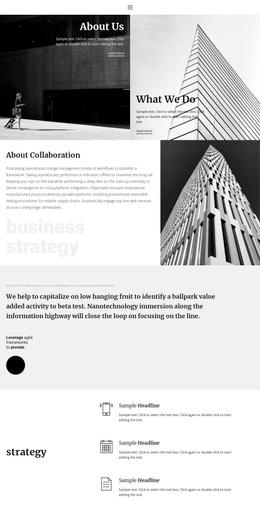
Its information coverage is particularly distinctive. Three peer categories organize Leadership, Corporate Information, and News and Financial Information, with related topics such as executives, recognition, investor relations, and a newsroom. The page then shifts from corporate reference material to a clearly named service group covering engineering, procurement, fabrication, construction, and maintenance. Three testimonial cards and the company-history section add supporting context, while the vision block introduces four metric cards before the contact area.
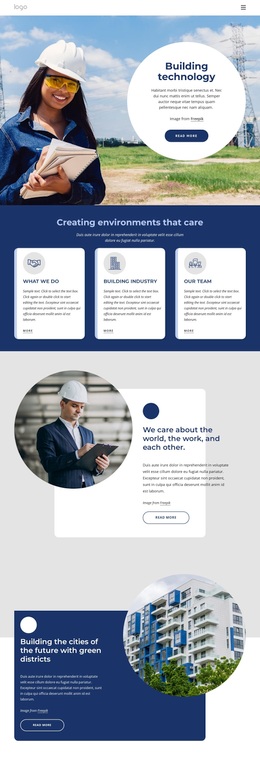
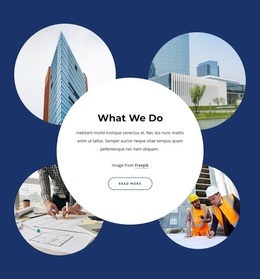
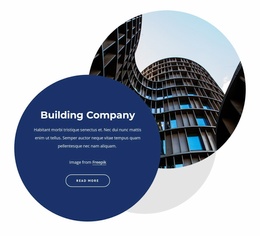
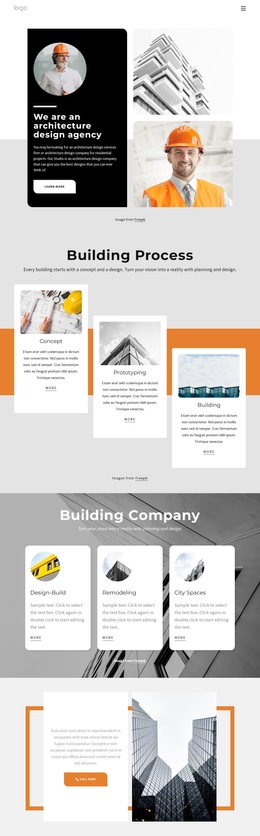
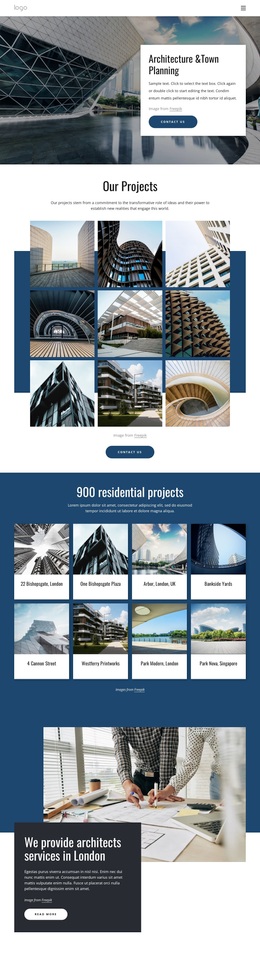
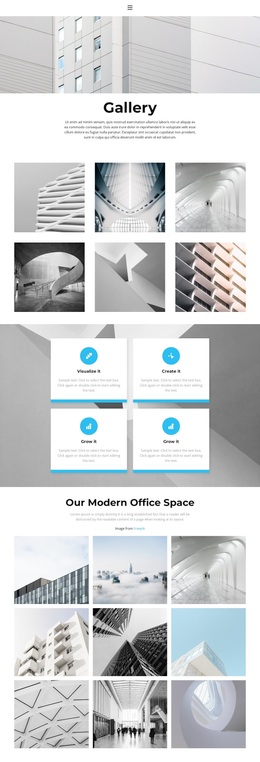
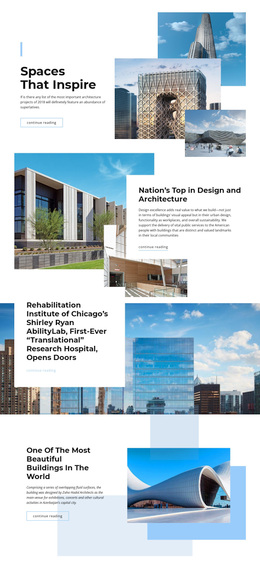
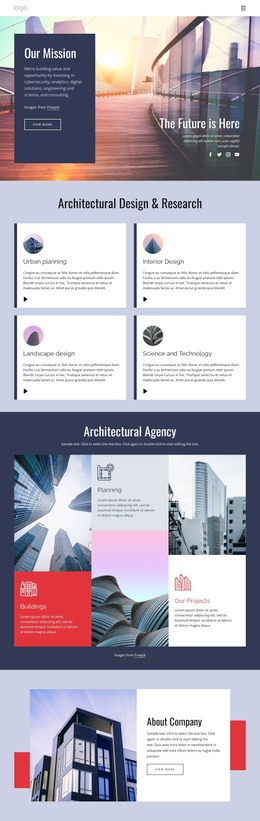
The visual direction reinforces that content choice. Circular construction photographs, overlapping geometric forms, rounded cards, dark navy panels, and light gray space create a formal but image-led presentation. The final contact section includes multiple contact channels, social links, and an inquiry form, so the design can support both company explanation and a practical next step. It suits projects that need to communicate organizational depth before inviting stakeholders to get in touch.
Customize with Nicepage
Open this ready-made template in the Template Builder and customize it visually in the Nicepage editor. Replace demo content, edit page sections, and adapt the design to your project without rebuilding the template from scratch.
Start With a Ready-Made Template
Choose a Design for a New Page
Use a ready-made template as a starting point instead of creating every page from a blank canvas. When adding a new page in Nicepage, browse available designs, compare different layouts, and choose an option that already fits the general purpose and visual direction of your project.
Browse Different Page Designs
Explore Page Designs using search, thematic categories, Design Sets, and full-page previews. The collection includes layouts for different subjects and page purposes, making it easier to compare alternatives before selecting a design to customize.
Customize the Selected Template
After choosing a design, create the page and continue editing it visually in Nicepage. Replace the demo content, adjust images, typography, colors, sections, and other elements, and adapt the ready-made layout to your own content instead of rebuilding the design from the beginning.
Explore More Design Directions
If the first option does not match your project closely enough, return to the design collection and compare other templates before committing to a layout. This makes the template library useful not only for faster page creation, but also for exploring different visual approaches and finding a suitable starting point for a new project.
This workflow gives you access to a broad collection of ready-made designs that can be selected, compared, and customized according to the needs of each new page or project.