Boost your power with sports Template


Edit Template Offline
2. Create new page and search for id 18199
Edit Template Online
Create Awesome Websites


Free Nicepage Builder
Keywords
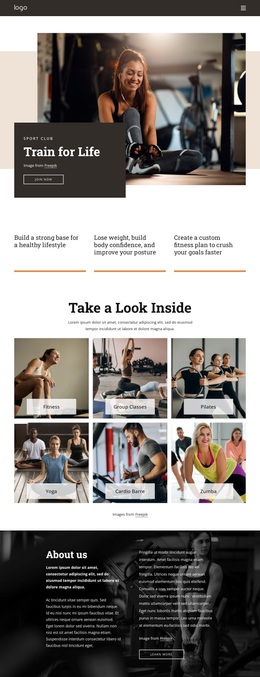
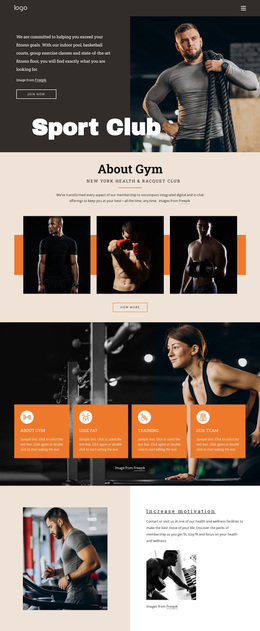
Four Training Offers Give This Sports Design a Distinctive Starting Point
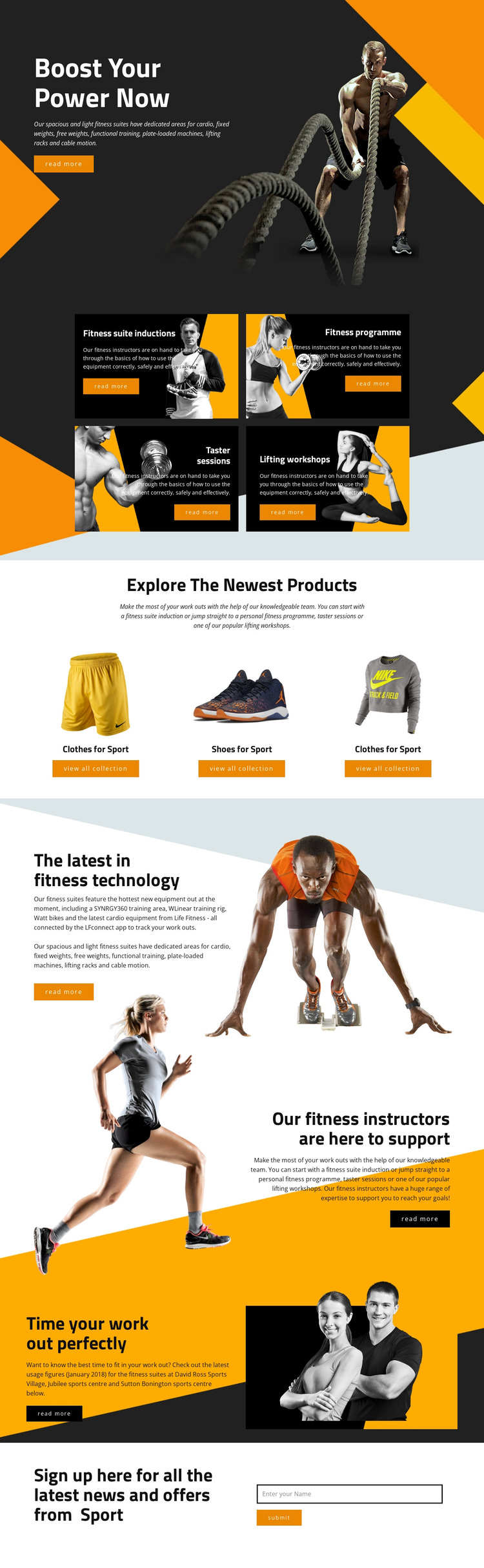
The four named training offerings make this design more specific than a generic sports homepage. Fitness suite inductions, a fitness programme, taster sessions, and lifting workshops are presented as a repeated peer group, so the page can communicate variety without losing a clear fitness focus. That combination is a useful reason to choose the design when a project needs to show several ways visitors can begin or develop their training.
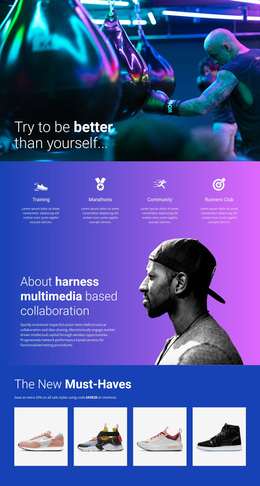
The three product panels add another layer of coverage. Clothes for sport and shoes for sport introduce merchandise through image-led category content, while the collection actions create a different kind of visitor path from the training cards. The page also includes supporting material about connected fitness technology, instructors, and facility usage timing, giving the design more range than a layout limited to service promotion alone.
The closing subscription form ties the varied content to an ongoing updates relationship. Visitors can explore training, products, equipment, and support information before reaching a direct invitation to receive news and offers. Combined with the dark editorial photography, diagonal forms, orange highlights, and compact display typography, this content coverage makes the template a strong option for a fitness or sports project that needs both activity promotion and merchandise context.
Customize with Nicepage
Open this ready-made template in the Template Builder and customize it visually in the Nicepage editor. Replace demo content, edit page sections, and adapt the design to your project without rebuilding the template from scratch.
Start With a Ready-Made Template
Choose a Design for a New Page
Use a ready-made template as a starting point instead of creating every page from a blank canvas. When adding a new page in Nicepage, browse available designs, compare different layouts, and choose an option that already fits the general purpose and visual direction of your project.
Browse Different Page Designs
Explore Page Designs using search, thematic categories, Design Sets, and full-page previews. The collection includes layouts for different subjects and page purposes, making it easier to compare alternatives before selecting a design to customize.
Customize the Selected Template
After choosing a design, create the page and continue editing it visually in Nicepage. Replace the demo content, adjust images, typography, colors, sections, and other elements, and adapt the ready-made layout to your own content instead of rebuilding the design from the beginning.
Explore More Design Directions
If the first option does not match your project closely enough, return to the design collection and compare other templates before committing to a layout. This makes the template library useful not only for faster page creation, but also for exploring different visual approaches and finding a suitable starting point for a new project.
This workflow gives you access to a broad collection of ready-made designs that can be selected, compared, and customized according to the needs of each new page or project.