Mountain advanture travel Template


Edit Template Offline
2. Create new page and search for id 99063
Edit Template Online
Create Awesome Websites


Free Nicepage Builder
Keywords
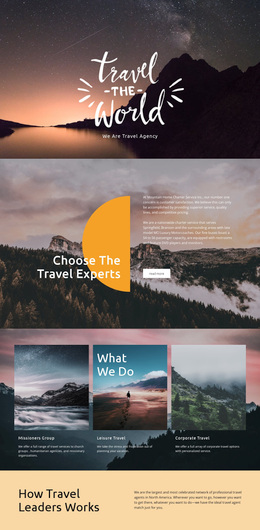
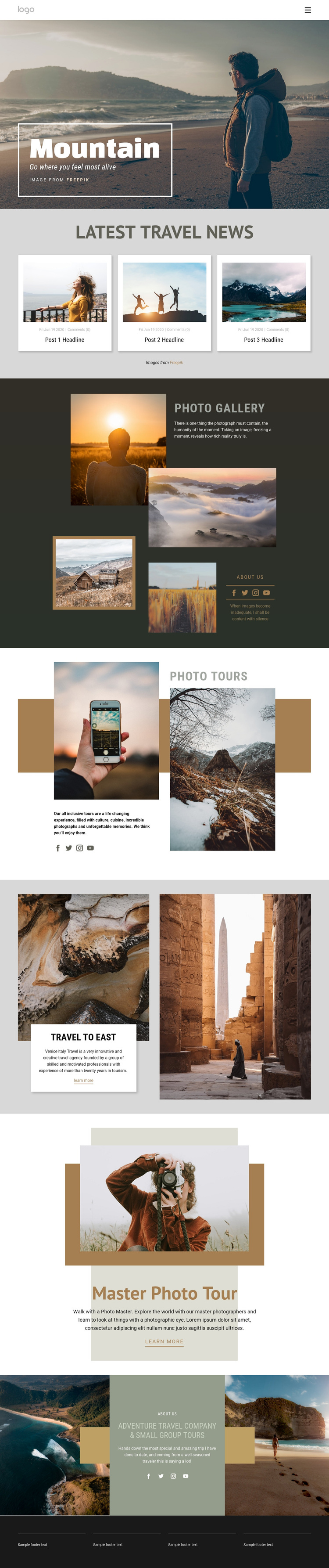
A Mountain Hero Leads Into Gallery-Led Travel Storytelling
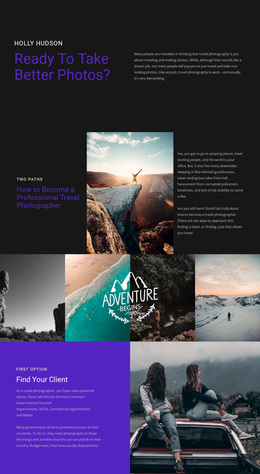
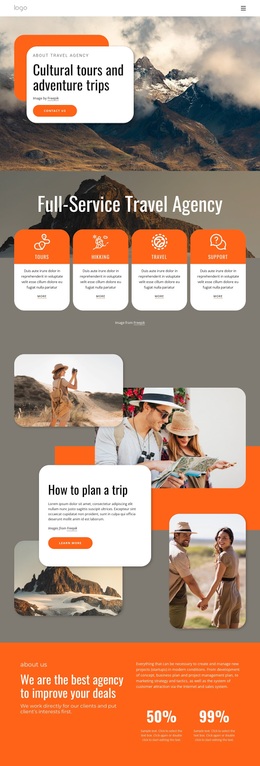
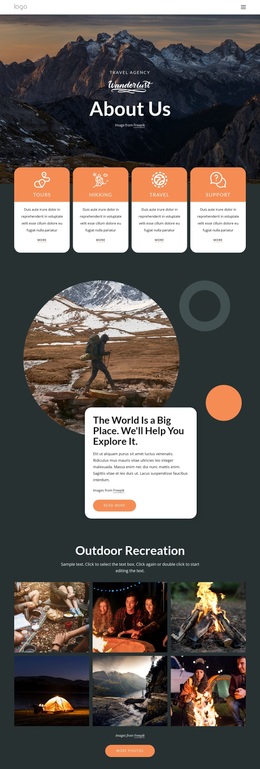
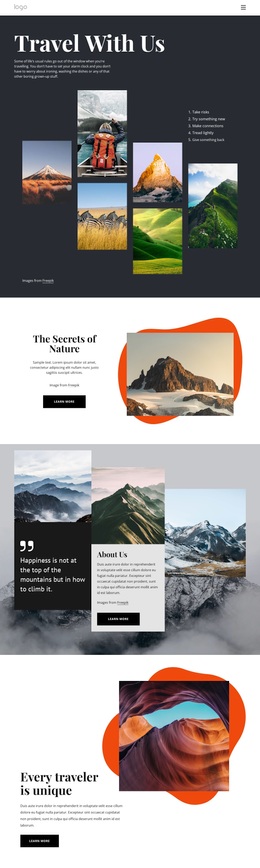
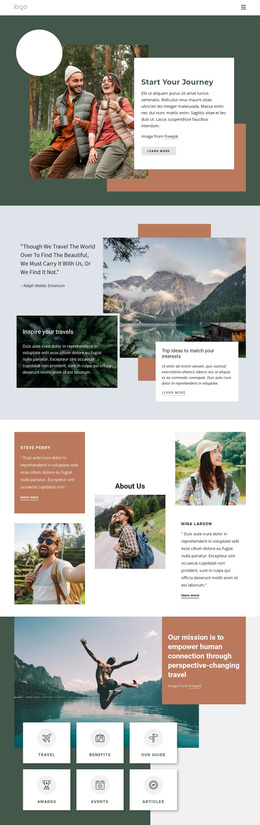
The mountain hero, with its full-width scenic image and overlaid text card, immediately establishes photography as the main carrier of the message. That choice continues in the dark Photo Gallery, where several travel photographs surround introductory copy and social links. A design built around this relationship is a useful option for projects that want visitors to understand a destination or experience visually before reading dense explanatory material.
The page also covers more than one type of travel content. Three Latest Travel News cards provide an editorial pattern for updates, while Photo Tours introduces the central offering through an image-led split layout. Travel to East adds a destination-specific story with paired photographs and a centered card, and Master Photo Tour presents a featured photography experience with a Learn more action. The Adventure Travel Company and Small Group Tours section adds a broader organizational perspective, helping the layout move beyond a simple gallery.
This combination distinguishes the design from alternatives centered only on service lists, pricing, or long-form articles. Its strongest selection reason is the way large images, framed compositions, compact copy, and multiple tour-oriented sections work together. The sample headlines, dates, testimonials, and company wording should be replaced with verified project content, but the underlying content coverage already gives the design a clear travel photography direction.
Customize with Nicepage
Open this ready-made template in the Template Builder and customize it visually in the Nicepage editor. Replace demo content, edit page sections, and adapt the design to your project without rebuilding the template from scratch.
Start With a Ready-Made Template
Choose a Design for a New Page
Use a ready-made template as a starting point instead of creating every page from a blank canvas. When adding a new page in Nicepage, browse available designs, compare different layouts, and choose an option that already fits the general purpose and visual direction of your project.
Browse Different Page Designs
Explore Page Designs using search, thematic categories, Design Sets, and full-page previews. The collection includes layouts for different subjects and page purposes, making it easier to compare alternatives before selecting a design to customize.
Customize the Selected Template
After choosing a design, create the page and continue editing it visually in Nicepage. Replace the demo content, adjust images, typography, colors, sections, and other elements, and adapt the ready-made layout to your own content instead of rebuilding the design from the beginning.
Explore More Design Directions
If the first option does not match your project closely enough, return to the design collection and compare other templates before committing to a layout. This makes the template library useful not only for faster page creation, but also for exploring different visual approaches and finding a suitable starting point for a new project.
This workflow gives you access to a broad collection of ready-made designs that can be selected, compared, and customized according to the needs of each new page or project.