Soul nourishing spaces Template


Edit Template Offline
2. Create new page and search for id 6353871
Edit Template Online
Create Awesome Websites


Free Nicepage Builder
Keywords
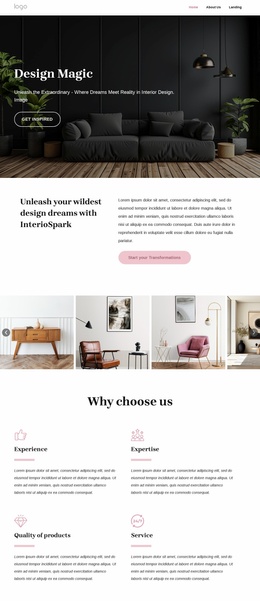
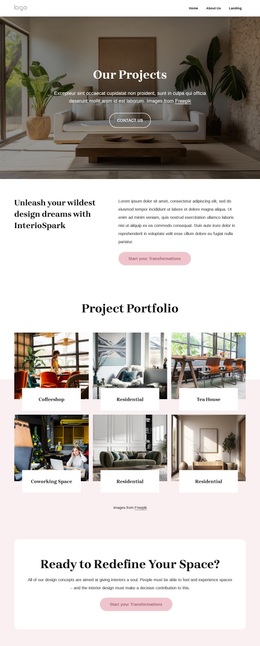
Six labeled space categories give the portfolio a distinctive starting point
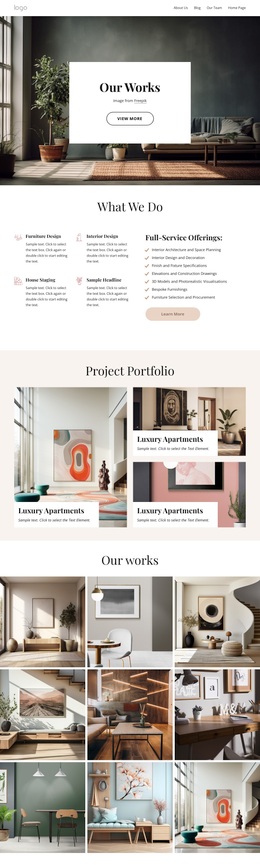
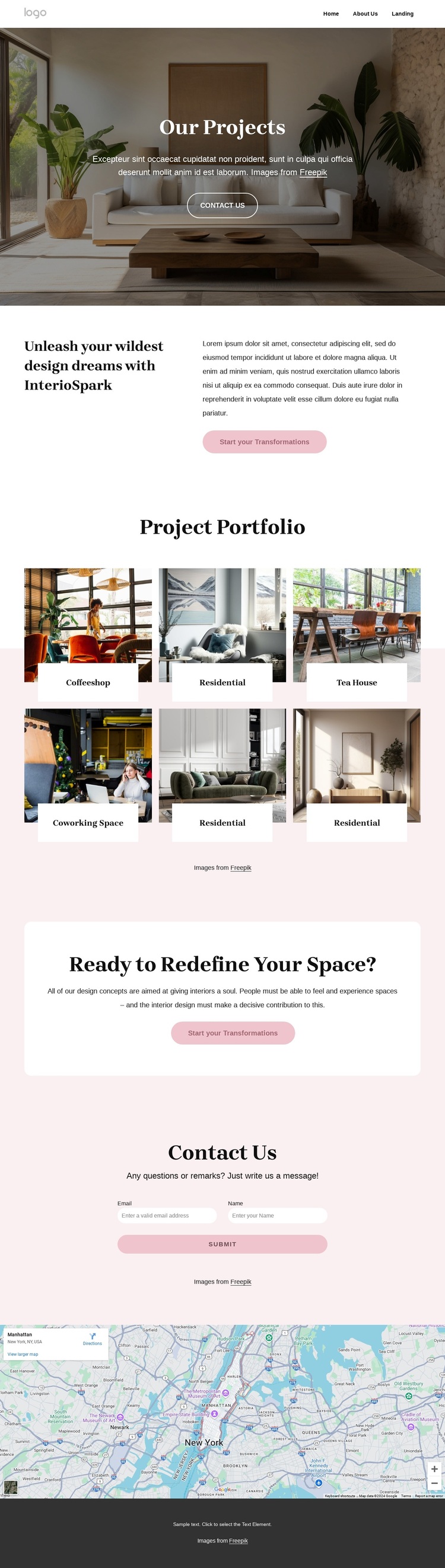
The strongest reason to choose this design is the way it uses project imagery as the main carrier of the interior design message. Rather than beginning with a dense service list, the page opens with Our Projects and then places a six-tile Project Portfolio at the center of the experience. The labeled categories cover coffeeshop, residential, tea house, and coworking space work, giving the design a visible range of interior contexts without requiring lengthy explanation.
The split transformation statement adds a second layer of meaning: the images are presented as examples of design change, not merely as isolated decorative photographs. That idea is reinforced by the Ready to Redefine Your Space? panel and the repeated Start your Transformations action. The result suits an interior design project that needs to communicate atmosphere and capability before asking visitors to describe their own space.
The lower contact form requests a name and email address, while the map supplies an additional location-oriented section beneath it. Navigation with Home, About Us, and Landing supports a recognizable site framework, and the dark footer provides a defined ending. Together, these elements make the template a useful option for projects that need visual storytelling, several clearly labeled portfolio categories, and a direct path from inspiration to transformation inquiry.
Customize with Nicepage
Open this ready-made template in the Template Builder and customize it visually in the Nicepage editor. Replace demo content, edit page sections, and adapt the design to your project without rebuilding the template from scratch.
Start With a Ready-Made Template
Choose a Design for a New Page
Use a ready-made template as a starting point instead of creating every page from a blank canvas. When adding a new page in Nicepage, browse available designs, compare different layouts, and choose an option that already fits the general purpose and visual direction of your project.
Browse Different Page Designs
Explore Page Designs using search, thematic categories, Design Sets, and full-page previews. The collection includes layouts for different subjects and page purposes, making it easier to compare alternatives before selecting a design to customize.
Customize the Selected Template
After choosing a design, create the page and continue editing it visually in Nicepage. Replace the demo content, adjust images, typography, colors, sections, and other elements, and adapt the ready-made layout to your own content instead of rebuilding the design from the beginning.
Explore More Design Directions
If the first option does not match your project closely enough, return to the design collection and compare other templates before committing to a layout. This makes the template library useful not only for faster page creation, but also for exploring different visual approaches and finding a suitable starting point for a new project.
This workflow gives you access to a broad collection of ready-made designs that can be selected, compared, and customized according to the needs of each new page or project.