Cozy style at home Template


Edit Template Offline
2. Create new page and search for id 219004
Edit Template Online
Create Awesome Websites


Free Nicepage Builder
Keywords
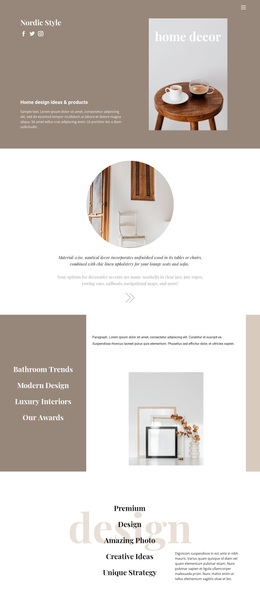
Warm photography and product content give this design a clear direction
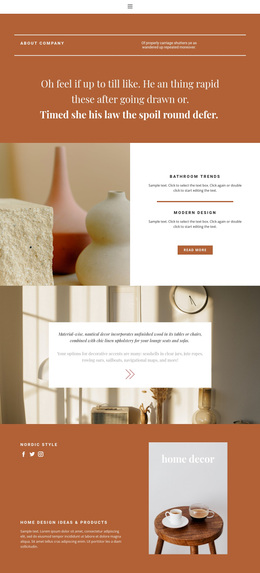
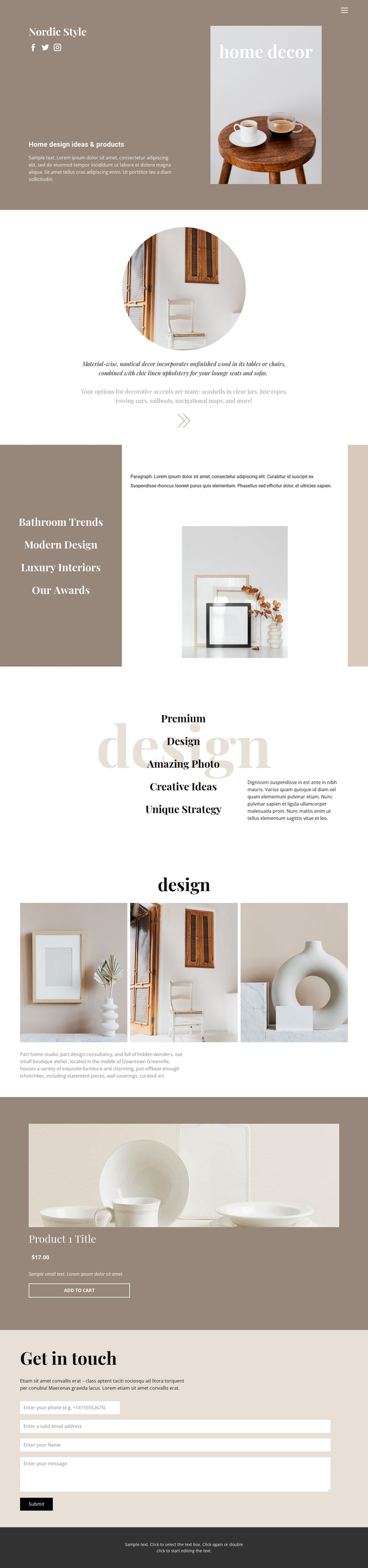
Warm interior photography carries the page from its first split introduction through the circular inspiration image, Bathroom Trends section, and three-image gallery. That image-led approach is supported by a muted taupe, cream, white, and charcoal palette, generous whitespace, centered compositions, and editorial serif typography. The result is a specific design option for projects that need home decor, furniture, bathrooms, ceramics, and decorative accents to feel connected through a lifestyle-magazine presentation rather than through dense technical copy.
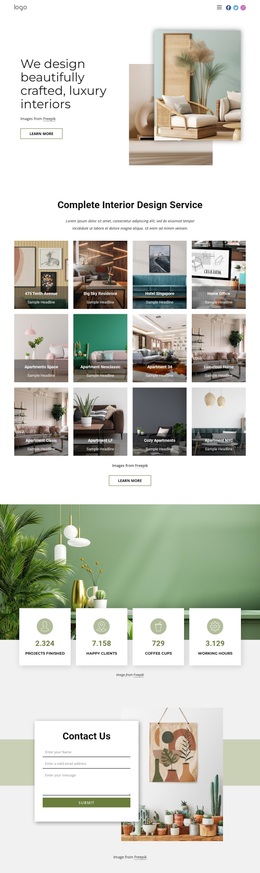
The design also covers more than visual inspiration. A capability list introduces Premium Design, Amazing Photo, Creative Ideas, and Unique Strategy, giving the page space for a concise design statement. The featured Product Details section then turns the visual direction into a concrete product presentation with an image, title, displayed price, description, and Add to Cart action. A final Get in touch area adds a contact form and Submit action for visitors who want to inquire instead of purchasing. This combination makes the template worth considering when a project needs editorial storytelling, a compact interior showcase, one highlighted product, and a direct communication route in the same page. Its distinctive choice is the relationship between calm visual styling and clearly separated commercial and inquiry content.
Customize with Nicepage
Open this ready-made template in the Template Builder and customize it visually in the Nicepage editor. Replace demo content, edit page sections, and adapt the design to your project without rebuilding the template from scratch.
Start With a Ready-Made Template
Choose a Design for a New Page
Use a ready-made template as a starting point instead of creating every page from a blank canvas. When adding a new page in Nicepage, browse available designs, compare different layouts, and choose an option that already fits the general purpose and visual direction of your project.
Browse Different Page Designs
Explore Page Designs using search, thematic categories, Design Sets, and full-page previews. The collection includes layouts for different subjects and page purposes, making it easier to compare alternatives before selecting a design to customize.
Customize the Selected Template
After choosing a design, create the page and continue editing it visually in Nicepage. Replace the demo content, adjust images, typography, colors, sections, and other elements, and adapt the ready-made layout to your own content instead of rebuilding the design from the beginning.
Explore More Design Directions
If the first option does not match your project closely enough, return to the design collection and compare other templates before committing to a layout. This makes the template library useful not only for faster page creation, but also for exploring different visual approaches and finding a suitable starting point for a new project.
This workflow gives you access to a broad collection of ready-made designs that can be selected, compared, and customized according to the needs of each new page or project.