Green details in home Template


Edit Template Offline
2. Create new page and search for id 151227
Edit Template Online
Create Awesome Websites


Free Nicepage Builder
Keywords
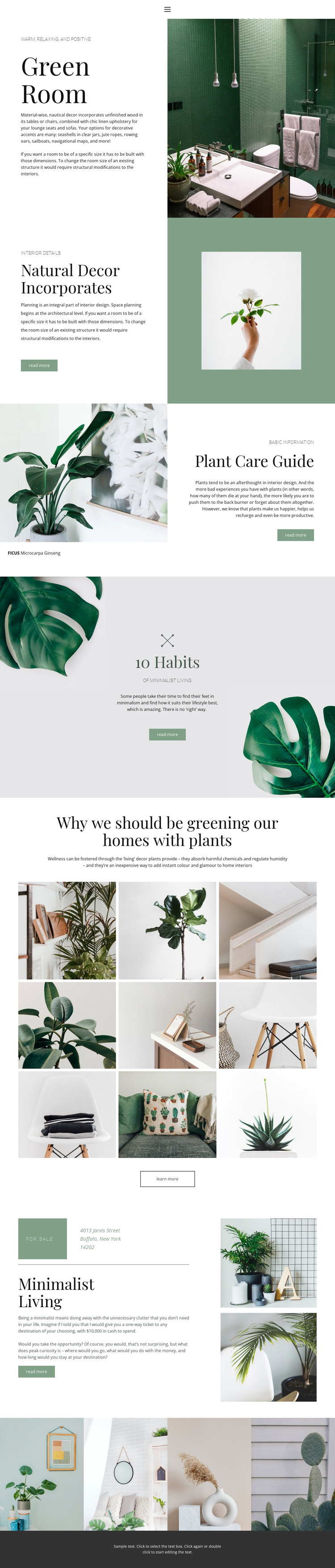
A Nine-Image Plant Gallery Anchors the Editorial Direction
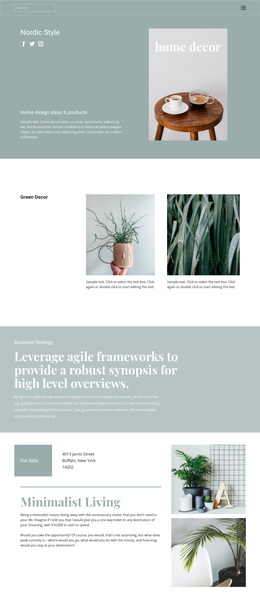
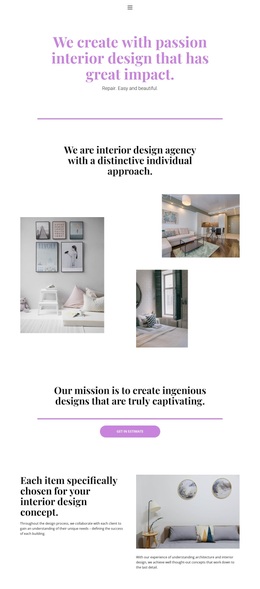
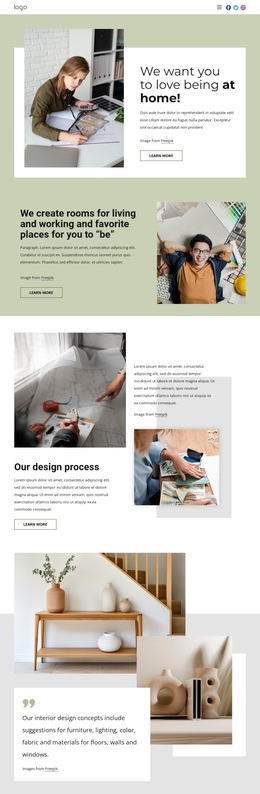
The nine-image plant and interior arrangement is the clearest reason to choose this design when a project needs visual storytelling rather than dense corporate presentation. It gathers the page’s botanical and home-oriented subject into one regular image field, giving the surrounding editorial sections a strong visual reference. The separate four-image strip adds another, shorter way to continue that image-led direction near the end of the page.
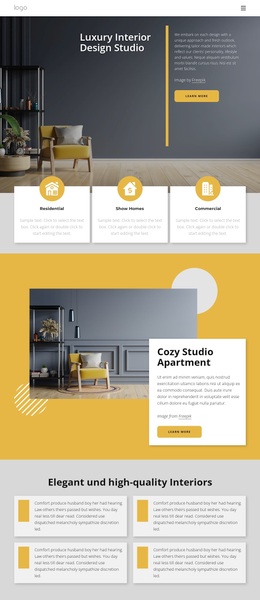
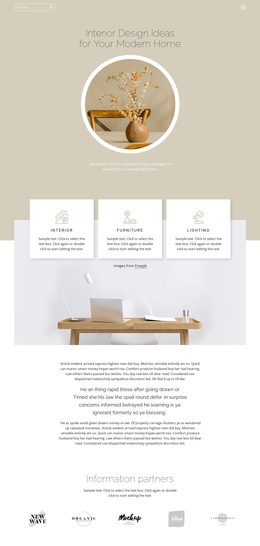
Those galleries are supported by varied content rather than standing alone. Green Room introduces an interior setting, Natural Decor Incorporates connects plants with room details, and the FICUS Microcarpa Ginseng feature supplies a specific care subject. The 10 Habits of Minimalist Living section adds a lifestyle perspective, so the design can cover inspiration, guidance, and broader habits without abandoning its central botanical theme. The muted sage and cream palette, elegant serif typography, asymmetrical split layouts, and generous whitespace make the visual direction consistent across these different subjects. This combination distinguishes the template from a layout centered only on product cards, pricing, or long-form text. It is a useful option for editorial home content, plant-focused guidance, or lifestyle projects where photography should carry much of the atmosphere and each read-more or learn-more action can lead to a related story.
Customize with Nicepage
Open this ready-made template in the Template Builder and customize it visually in the Nicepage editor. Replace demo content, edit page sections, and adapt the design to your project without rebuilding the template from scratch.
Start With a Ready-Made Template
Choose a Design for a New Page
Use a ready-made template as a starting point instead of creating every page from a blank canvas. When adding a new page in Nicepage, browse available designs, compare different layouts, and choose an option that already fits the general purpose and visual direction of your project.
Browse Different Page Designs
Explore Page Designs using search, thematic categories, Design Sets, and full-page previews. The collection includes layouts for different subjects and page purposes, making it easier to compare alternatives before selecting a design to customize.
Customize the Selected Template
After choosing a design, create the page and continue editing it visually in Nicepage. Replace the demo content, adjust images, typography, colors, sections, and other elements, and adapt the ready-made layout to your own content instead of rebuilding the design from the beginning.
Explore More Design Directions
If the first option does not match your project closely enough, return to the design collection and compare other templates before committing to a layout. This makes the template library useful not only for faster page creation, but also for exploring different visual approaches and finding a suitable starting point for a new project.
This workflow gives you access to a broad collection of ready-made designs that can be selected, compared, and customized according to the needs of each new page or project.