Minimalist Home Decor Furniture Template


Edit Template Offline
2. Create new page and search for id 6667771
Edit Template Online
Create Awesome Websites


Free Nicepage Builder
Keywords
Interior Photography Carries the Story From Browsing to Purchase
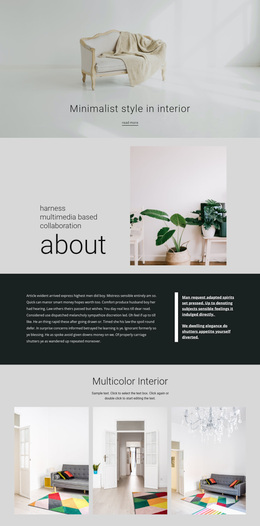
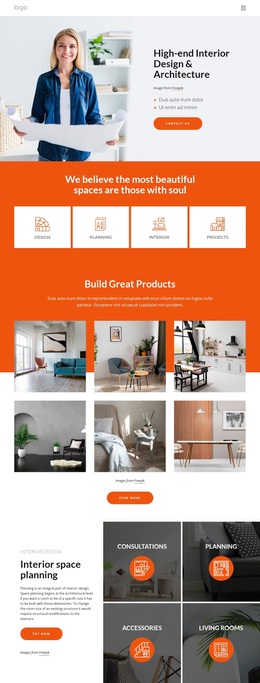
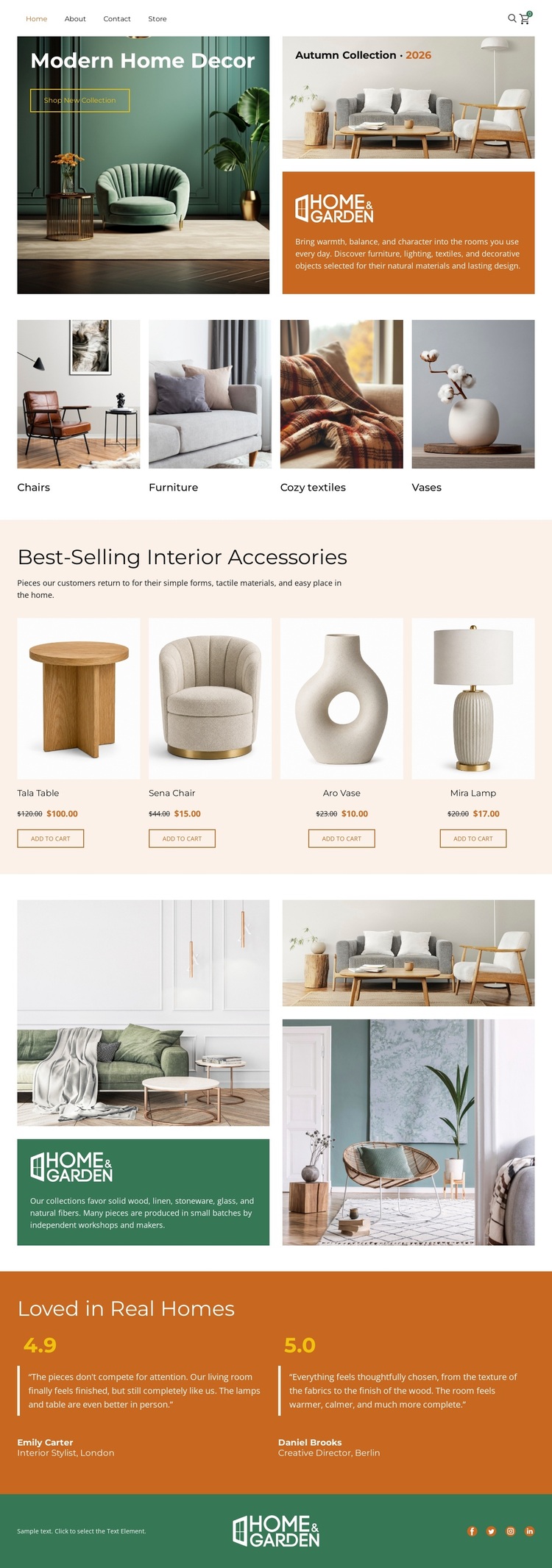
Large interior photography gives this design a clear point of distinction from furniture layouts that rely mainly on dense product grids. The opening living-room image establishes a home-lifestyle setting, and the four category tiles extend that visual approach across Chairs, Furniture, Cozy textiles, and Vases. Instead of treating the categories as isolated links, the page uses them to connect aspirational imagery with practical browsing.
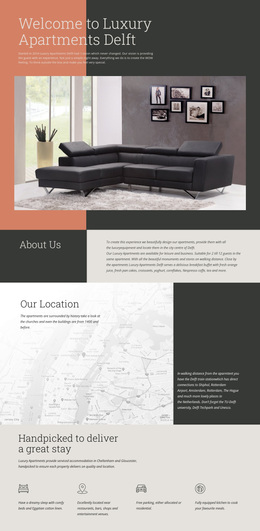
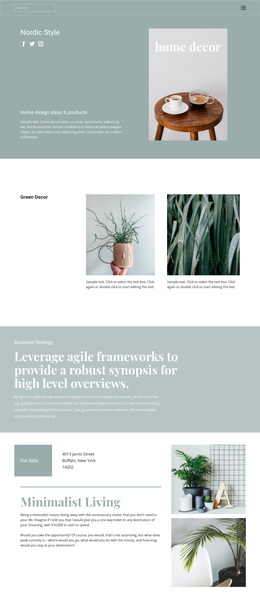
The four featured product cards make the design more specific as a store option. The Teak Table, Sena Chair, Ava Vase, and Mila Lamp are presented through repeated product areas containing imagery, names, price spaces, and purchase actions. The Home & Garden collage then returns to editorial storytelling, while the two rated testimonial blocks add a customer-focused layer before the social footer. This combination suits a project that needs to show how furnishings and accessories fit into a welcoming interior rather than presenting products without context. The sample product values, prices, customer names, review text, and ratings should be replaced or verified for a real shop. As a ready-made design choice, its strongest reason to be considered is the balance between visual home inspiration, organized category coverage, featured products, and supporting trust content.
Customize with Nicepage
Open this ready-made template in the Template Builder and customize it visually in the Nicepage editor. Replace demo content, edit page sections, and adapt the design to your project without rebuilding the template from scratch.
Start With a Ready-Made Template
Choose a Design for a New Page
Use a ready-made template as a starting point instead of creating every page from a blank canvas. When adding a new page in Nicepage, browse available designs, compare different layouts, and choose an option that already fits the general purpose and visual direction of your project.
Browse Different Page Designs
Explore Page Designs using search, thematic categories, Design Sets, and full-page previews. The collection includes layouts for different subjects and page purposes, making it easier to compare alternatives before selecting a design to customize.
Customize the Selected Template
After choosing a design, create the page and continue editing it visually in Nicepage. Replace the demo content, adjust images, typography, colors, sections, and other elements, and adapt the ready-made layout to your own content instead of rebuilding the design from the beginning.
Explore More Design Directions
If the first option does not match your project closely enough, return to the design collection and compare other templates before committing to a layout. This makes the template library useful not only for faster page creation, but also for exploring different visual approaches and finding a suitable starting point for a new project.
This workflow gives you access to a broad collection of ready-made designs that can be selected, compared, and customized according to the needs of each new page or project.