Custom interior designs Template



Edit Template Offline
2. Create new page and search for id 6226049
Edit Template Online
Create Awesome Websites


Free Nicepage Builder
Keywords
Minimalist Style and Team Profiles Give the Page a Distinctive Direction
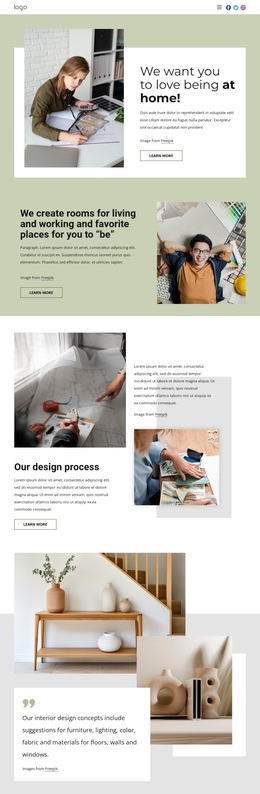
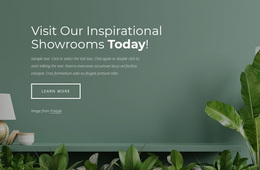
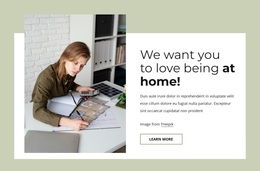
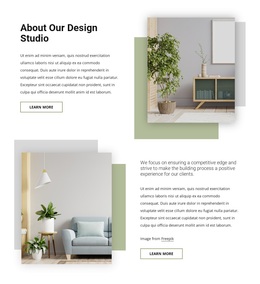
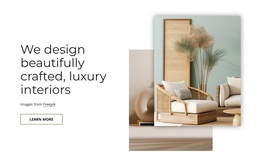
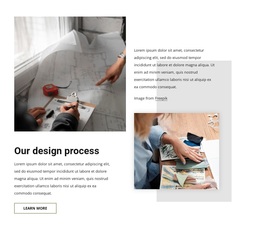
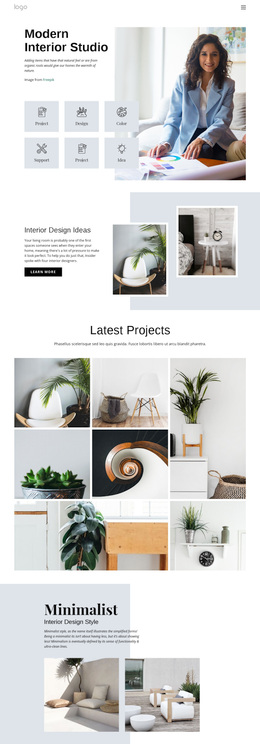
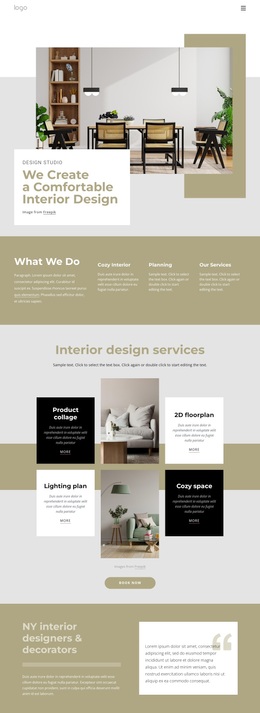
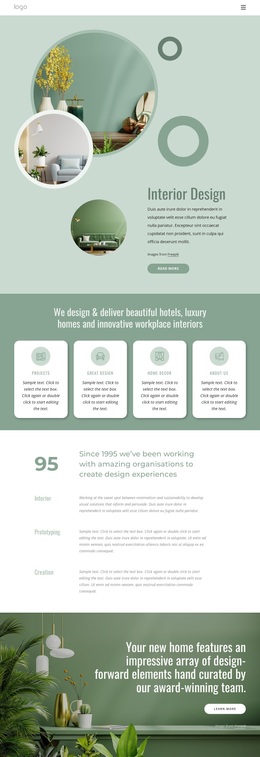
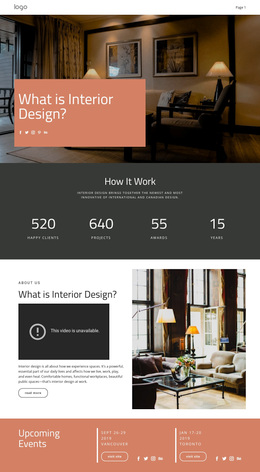
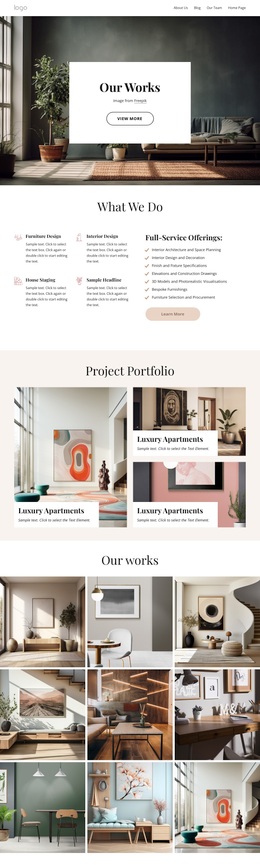
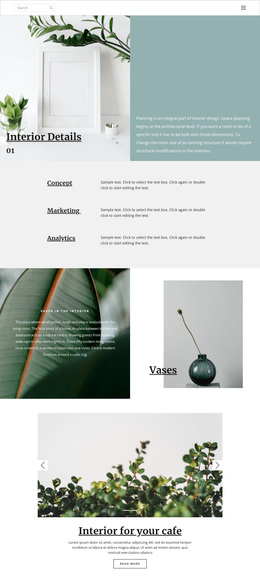
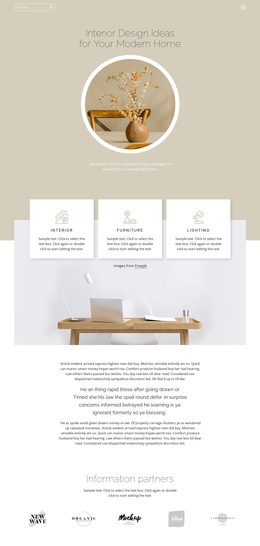
The page is especially recognizable for the way it combines interior imagery with an explanation of design thinking. Rather than presenting only a gallery of finished rooms, it begins with the idea of loving the experience of being at home, then explains how rooms for living and working are created. The process section adds another layer by showing design work through layered images and supporting text.
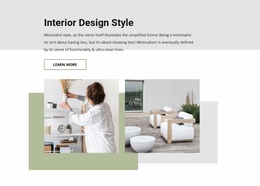
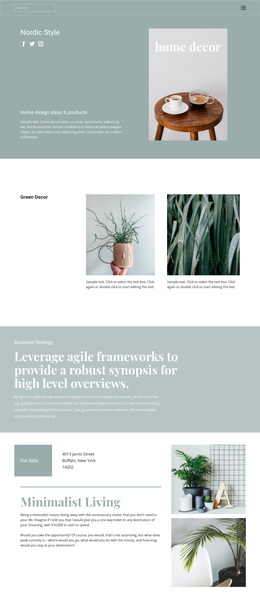
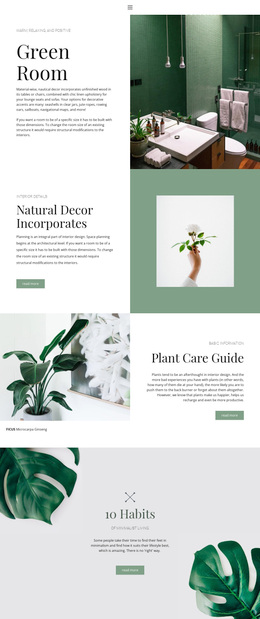
Its content coverage also makes the design a useful option for studios that need more than a visual portfolio. The overlap block addresses furniture, lighting, color, fabric, and materials, while the minimalist-style section gives the page a specific interior direction supported by paired photographs. These details help visitors understand the kind of design conversation the studio offers, not just the appearance of its imagery.
The six-profile team slider is another distinguishing element. It introduces a broad range of studio roles in a compact, browsable format, balancing the earlier service and style content with human context. The closing contact form then turns the presentation into a practical about page rather than a purely editorial statement. This combination suits an interior studio that wants calm visual storytelling, process explanation, team visibility, and a clear way to begin a conversation.
Customize with Nicepage
Open this ready-made template in the Template Builder and customize it visually in the Nicepage editor. Replace demo content, edit page sections, and adapt the design to your project without rebuilding the template from scratch.
Start With a Ready-Made Template
Choose a Design for a New Page
Use a ready-made template as a starting point instead of creating every page from a blank canvas. When adding a new page in Nicepage, browse available designs, compare different layouts, and choose an option that already fits the general purpose and visual direction of your project.
Browse Different Page Designs
Explore Page Designs using search, thematic categories, Design Sets, and full-page previews. The collection includes layouts for different subjects and page purposes, making it easier to compare alternatives before selecting a design to customize.
Customize the Selected Template
After choosing a design, create the page and continue editing it visually in Nicepage. Replace the demo content, adjust images, typography, colors, sections, and other elements, and adapt the ready-made layout to your own content instead of rebuilding the design from the beginning.
Explore More Design Directions
If the first option does not match your project closely enough, return to the design collection and compare other templates before committing to a layout. This makes the template library useful not only for faster page creation, but also for exploring different visual approaches and finding a suitable starting point for a new project.
This workflow gives you access to a broad collection of ready-made designs that can be selected, compared, and customized according to the needs of each new page or project.