Personal thoughts in interior Template


Edit Template Offline
2. Create new page and search for id 68879
Edit Template Online
Create Awesome Websites


Free Nicepage Builder
Keywords
Interior art and process content give this design a clear point of view
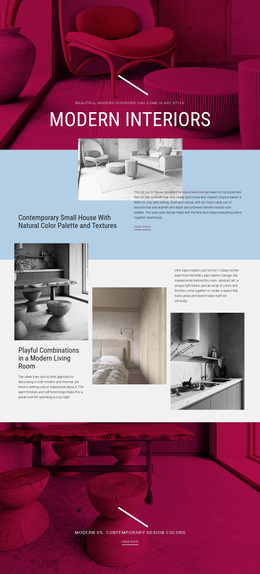
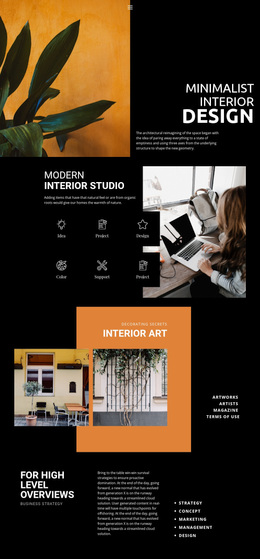
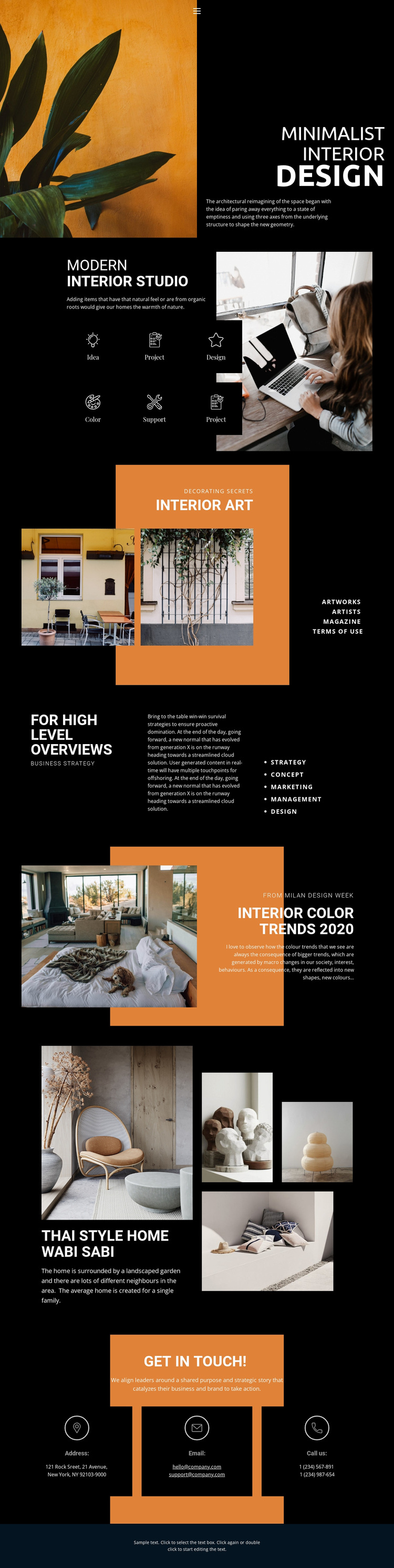
The combination of a dramatic opening image, dark editorial panels, and warm orange accents immediately separates this option from a conventional service-page layout. MINIMALIST INTERIOR DESIGN is presented as a visual statement rather than a long introduction, allowing the interior photograph and bold uppercase heading to carry the first impression. That approach suits projects where atmosphere and spatial styling need to be understood before detailed explanation.
The design also covers more than visual mood. The Modern Interior Studio section follows the hero with six labeled process tiles, including Idea, Project, Design, Color, and Support, so the page can communicate a studio method alongside its aesthetic direction. Interior Art then expands the visual language, while the Thai Style Home Wabi Sabi gallery demonstrates how a specific residential project can be given a larger image-led treatment.
Strategy labels, the FOR HIGH LEVEL OVERVIEWS section, and the Interior Color Trends 2020 feature add a second layer of editorial content. They make the template suitable for an interior practice that wants to discuss concepts, trends, and business-related thinking rather than display images alone. The closing Get in Touch section keeps the choice practical by placing address, email, and phone channels after the work has been introduced. Its value is therefore the balance between recognizable visual character, process coverage, project evidence, and a direct contact ending.
Customize with Nicepage
Open this ready-made template in the Template Builder and customize it visually in the Nicepage editor. Replace demo content, edit page sections, and adapt the design to your project without rebuilding the template from scratch.
Start With a Ready-Made Template
Choose a Design for a New Page
Use a ready-made template as a starting point instead of creating every page from a blank canvas. When adding a new page in Nicepage, browse available designs, compare different layouts, and choose an option that already fits the general purpose and visual direction of your project.
Browse Different Page Designs
Explore Page Designs using search, thematic categories, Design Sets, and full-page previews. The collection includes layouts for different subjects and page purposes, making it easier to compare alternatives before selecting a design to customize.
Customize the Selected Template
After choosing a design, create the page and continue editing it visually in Nicepage. Replace the demo content, adjust images, typography, colors, sections, and other elements, and adapt the ready-made layout to your own content instead of rebuilding the design from the beginning.
Explore More Design Directions
If the first option does not match your project closely enough, return to the design collection and compare other templates before committing to a layout. This makes the template library useful not only for faster page creation, but also for exploring different visual approaches and finding a suitable starting point for a new project.
This workflow gives you access to a broad collection of ready-made designs that can be selected, compared, and customized according to the needs of each new page or project.