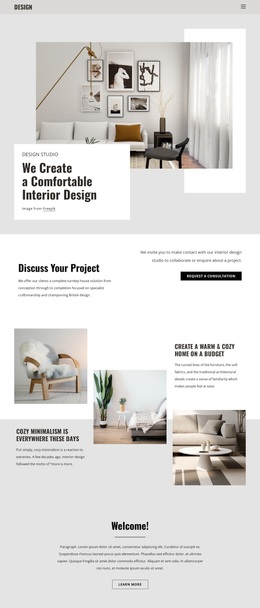
The place where you life Template


Edit Template Offline
2. Create new page and search for id 6182762
Edit Template Online
Create Awesome Websites


Free Nicepage Builder
Keywords
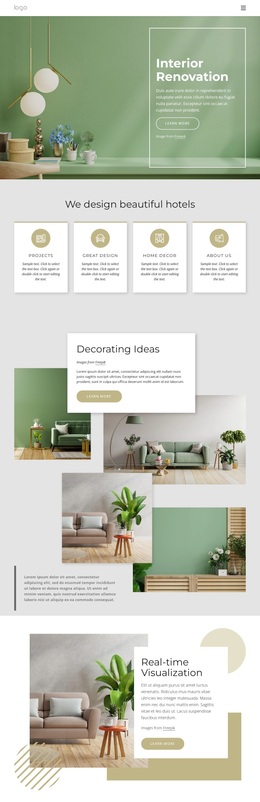
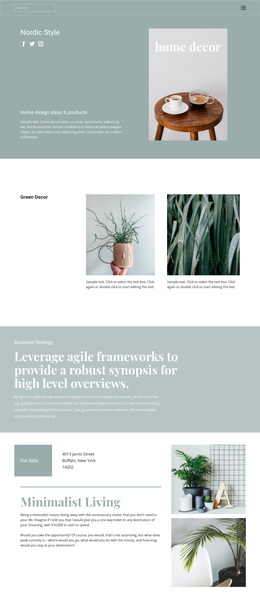
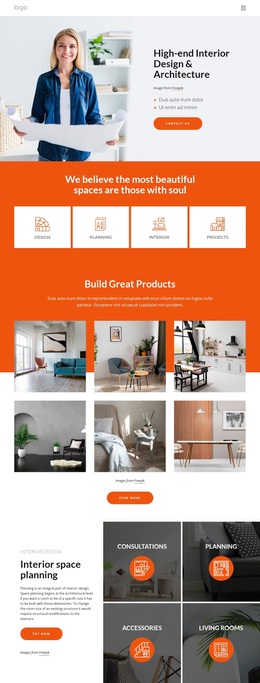
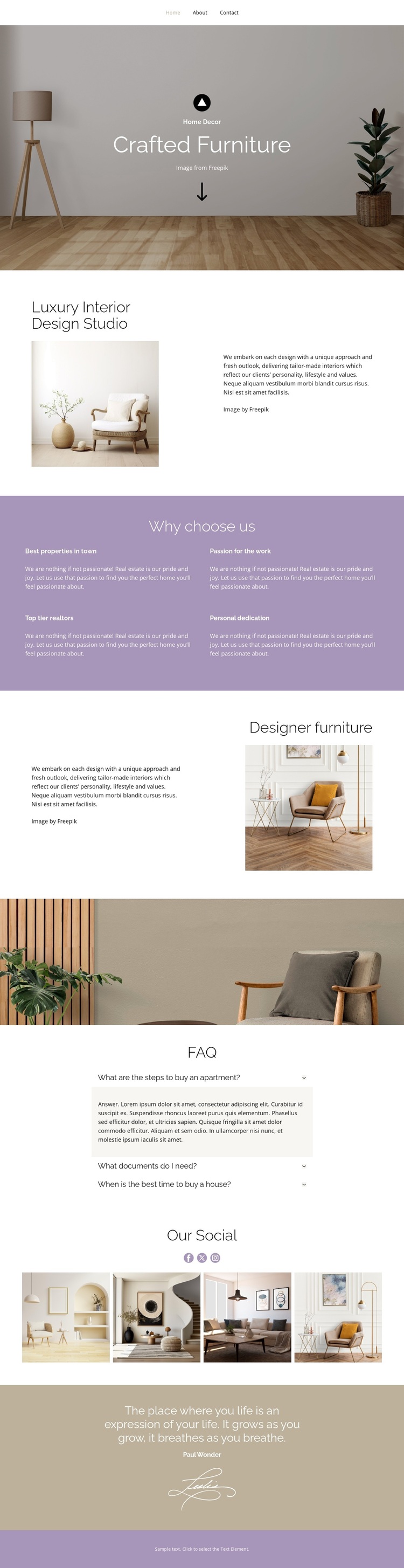
Furniture Imagery and Editorial Spacing Define the Design Choice
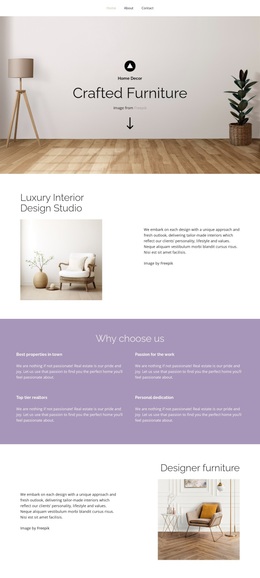
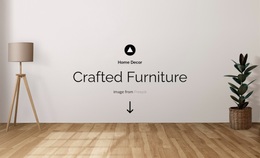
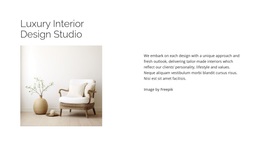
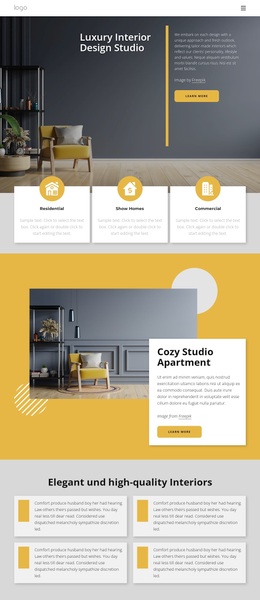
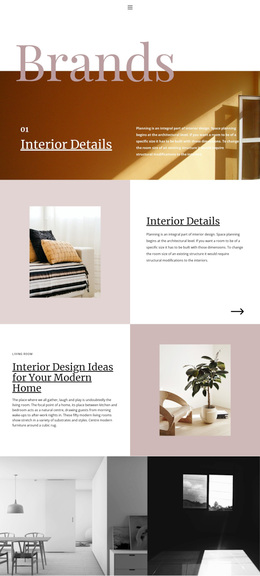
Large room photographs, centered headings, and generous whitespace make this design a useful option for projects that need interior atmosphere to carry as much meaning as written explanation. The Crafted Furniture hero introduces that direction immediately, while the split Luxury Interior Design Studio section adds context without replacing the visual focus. Its portrait-oriented image and neighboring copy create a more intimate presentation than a dense service list would provide.
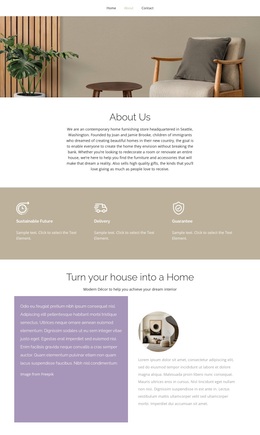
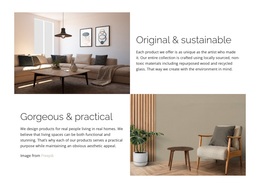
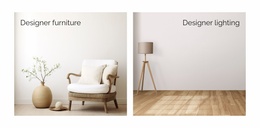
The design also covers several kinds of content without losing its calm character. Four Why choose us feature blocks provide concise reasons related to properties, passion, creators, and dedication. The separate Designer furniture section gives the main offering another focused moment, and the full-width image creates a pause between the commercial presentation and the practical FAQ content. This balance suits a studio that wants to show both an aesthetic point of view and the ideas behind its work.
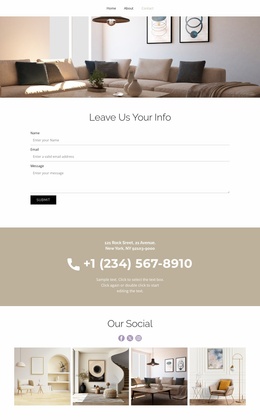
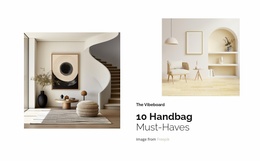
The four-image Our Social gallery adds a compact visual collection, while the closing quotation with its signature-style graphic introduces a personal, editorial finish. The FAQ supplies useful informational structure, and the minimal footer keeps the ending quiet. Compared with layouts centered on dense text, pricing tables, or extensive catalogs, this option stands out through room imagery, furniture-led storytelling, and a measured sequence of visual and explanatory sections.
Customize with Nicepage
Open this ready-made template in the Template Builder and customize it visually in the Nicepage editor. Replace demo content, edit page sections, and adapt the design to your project without rebuilding the template from scratch.
Start With a Ready-Made Template
Choose a Design for a New Page
Use a ready-made template as a starting point instead of creating every page from a blank canvas. When adding a new page in Nicepage, browse available designs, compare different layouts, and choose an option that already fits the general purpose and visual direction of your project.
Browse Different Page Designs
Explore Page Designs using search, thematic categories, Design Sets, and full-page previews. The collection includes layouts for different subjects and page purposes, making it easier to compare alternatives before selecting a design to customize.
Customize the Selected Template
After choosing a design, create the page and continue editing it visually in Nicepage. Replace the demo content, adjust images, typography, colors, sections, and other elements, and adapt the ready-made layout to your own content instead of rebuilding the design from the beginning.
Explore More Design Directions
If the first option does not match your project closely enough, return to the design collection and compare other templates before committing to a layout. This makes the template library useful not only for faster page creation, but also for exploring different visual approaches and finding a suitable starting point for a new project.
This workflow gives you access to a broad collection of ready-made designs that can be selected, compared, and customized according to the needs of each new page or project.