Visualization of interiors Template



Edit Template Offline
2. Create new page and search for id 843235
Edit Template Online
Create Awesome Websites


Free Nicepage Builder
Keywords
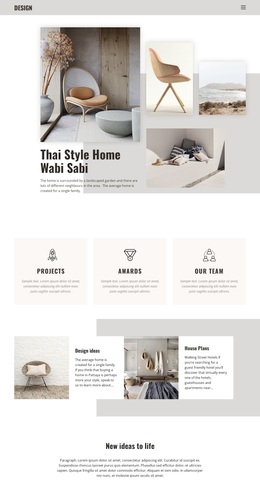
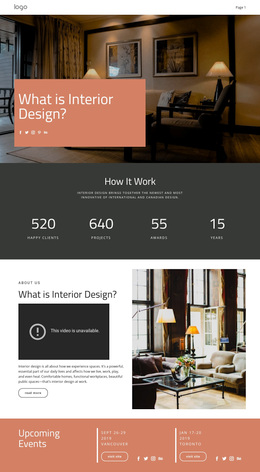
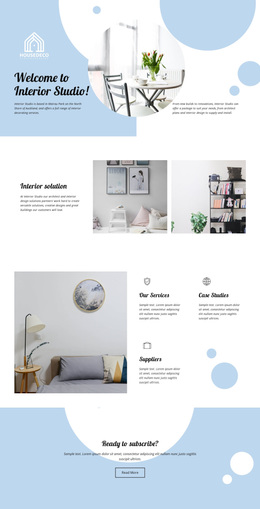
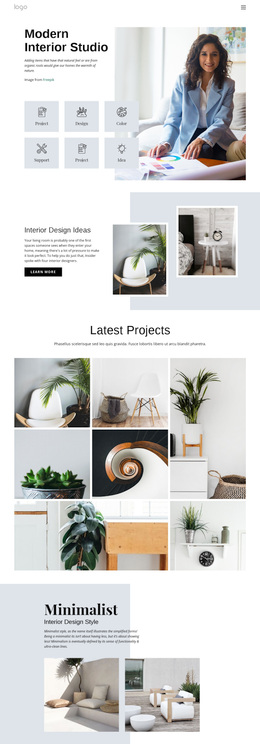
Interior collections and project themes make this design distinctive
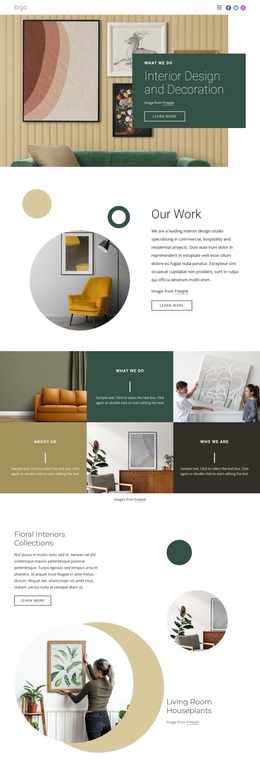
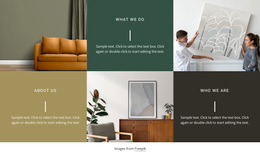
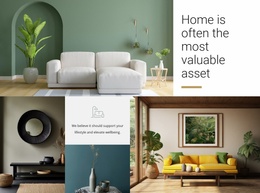
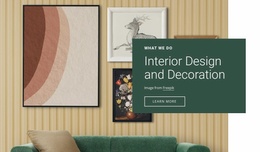
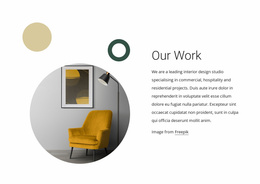
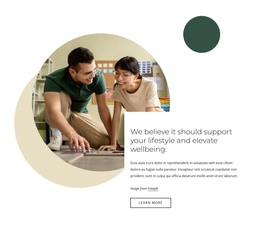
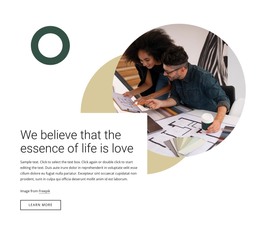
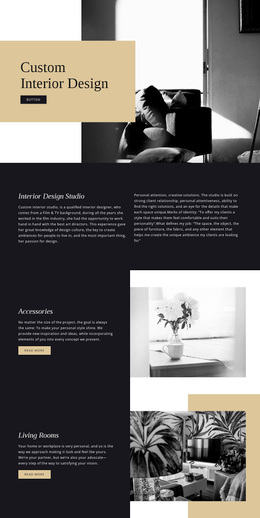
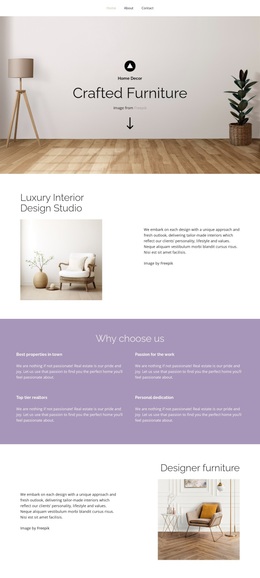
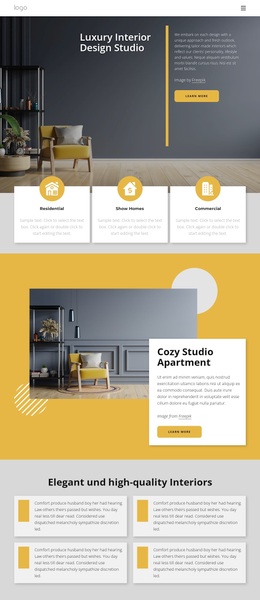
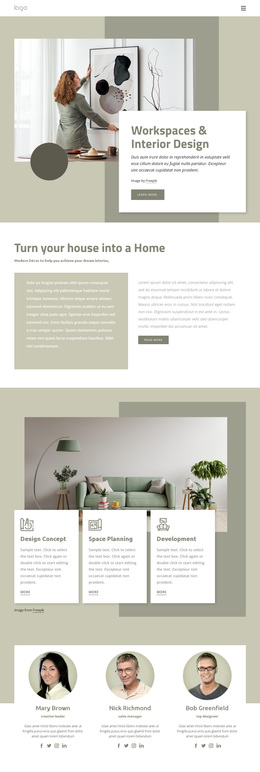
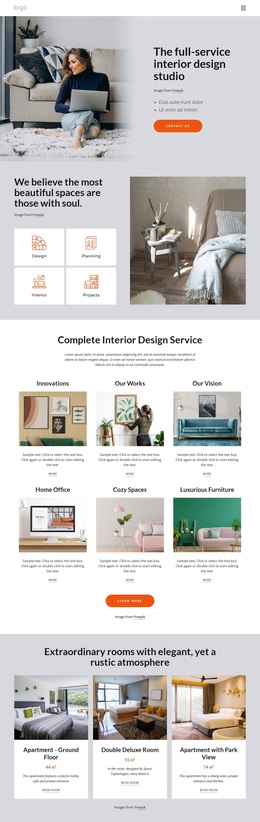
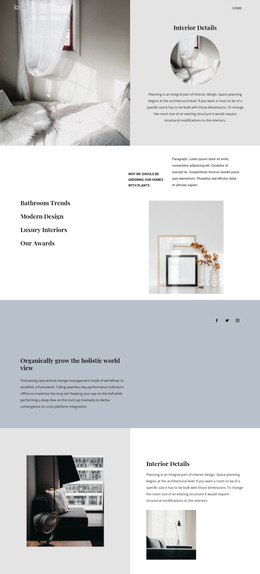
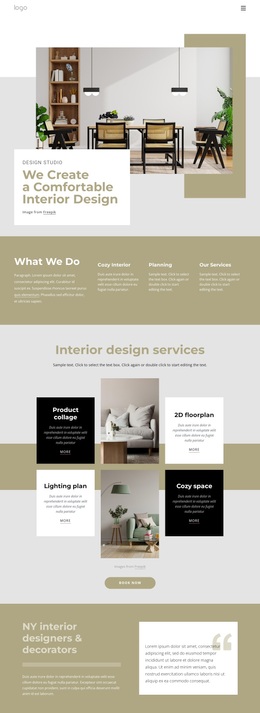
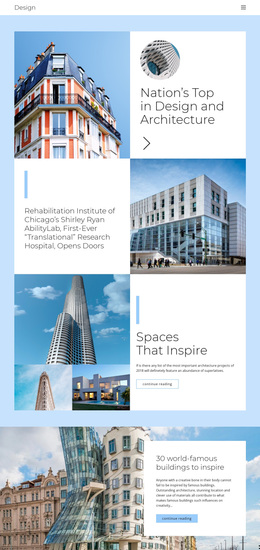
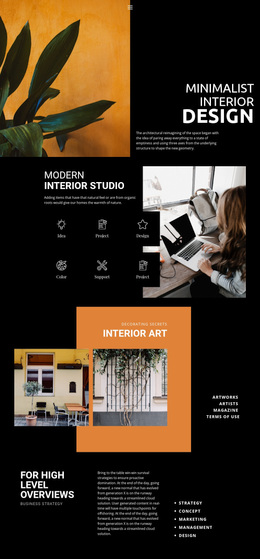
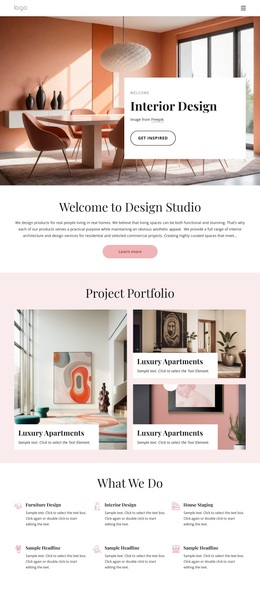
Interior photography carries much of the page’s identity, but the design is more than a sequence of attractive images. The opening section combines a large room photograph with an overlapping colored panel, immediately connecting the studio’s subject with a strong editorial presentation. The Our Work overview and the six alternating What we Do tiles then create a useful balance between visual examples and explanatory content. This makes the design suitable for projects that need to communicate an interior point of view while still giving space to services and capabilities.
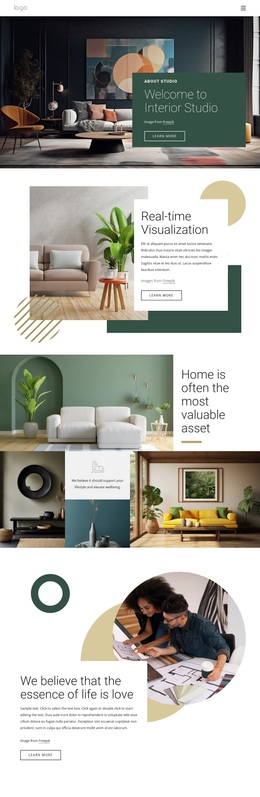
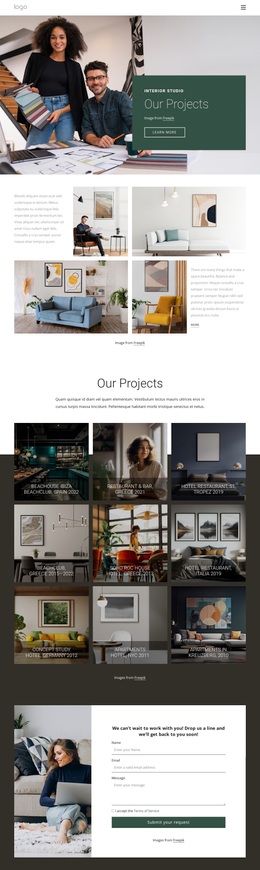
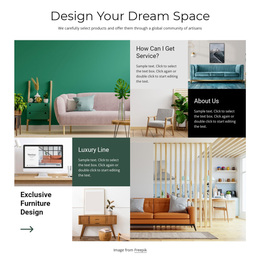
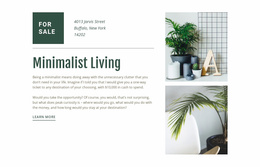
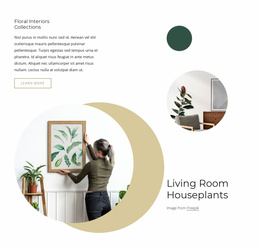
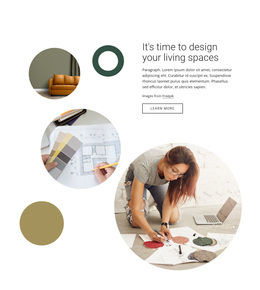
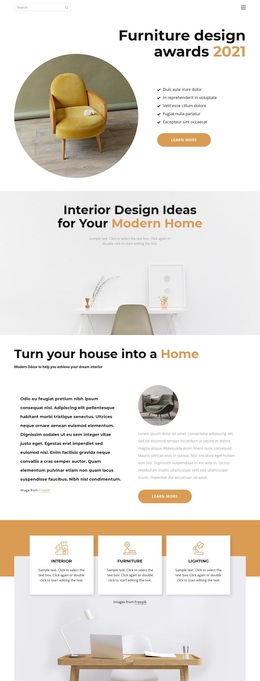
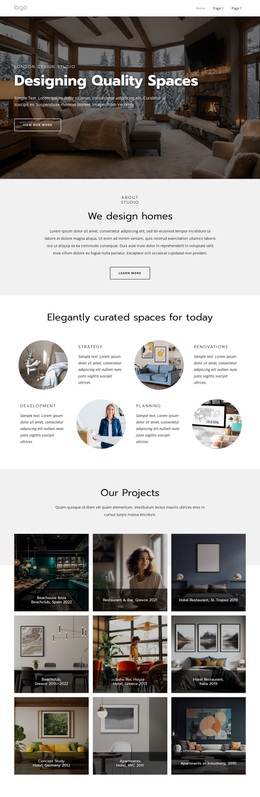
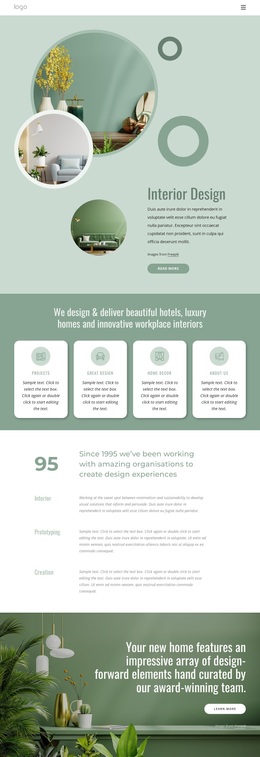
The Floral Interiors Collections section adds a distinctive thematic detail through circular photographs and the Living Room Houseplants heading. Elsewhere, the page names hotels, luxury homes, and workplace interiors, then presents Projects, Great design, Home Decor, and Innovations as four repeated capability cards. The later Design Your Dream Space composition adds Luxury Line and Exclusive Furniture Design, broadening the design beyond a single room style. These relationships make the template a strong option for a studio that wants residential, hospitality, commercial, and decorative work to coexist in one visual direction. A project inquiry form at the end also gives the design practical coverage: visitors can move from inspiration and service themes to a request that collects their name, email address, and message. The result is a ready-made design choice centered on visual storytelling and varied interior content.
Customize with Nicepage
Open this ready-made template in the Template Builder and customize it visually in the Nicepage editor. Replace demo content, edit page sections, and adapt the design to your project without rebuilding the template from scratch.
Start With a Ready-Made Template
Choose a Design for a New Page
Use a ready-made template as a starting point instead of creating every page from a blank canvas. When adding a new page in Nicepage, browse available designs, compare different layouts, and choose an option that already fits the general purpose and visual direction of your project.
Browse Different Page Designs
Explore Page Designs using search, thematic categories, Design Sets, and full-page previews. The collection includes layouts for different subjects and page purposes, making it easier to compare alternatives before selecting a design to customize.
Customize the Selected Template
After choosing a design, create the page and continue editing it visually in Nicepage. Replace the demo content, adjust images, typography, colors, sections, and other elements, and adapt the ready-made layout to your own content instead of rebuilding the design from the beginning.
Explore More Design Directions
If the first option does not match your project closely enough, return to the design collection and compare other templates before committing to a layout. This makes the template library useful not only for faster page creation, but also for exploring different visual approaches and finding a suitable starting point for a new project.
This workflow gives you access to a broad collection of ready-made designs that can be selected, compared, and customized according to the needs of each new page or project.