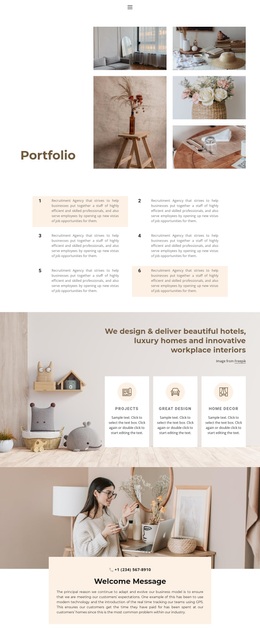
Interior and lighting design Template


Edit Template Offline
2. Create new page and search for id 6055105
Edit Template Online
Create Awesome Websites


Free Nicepage Builder
Keywords
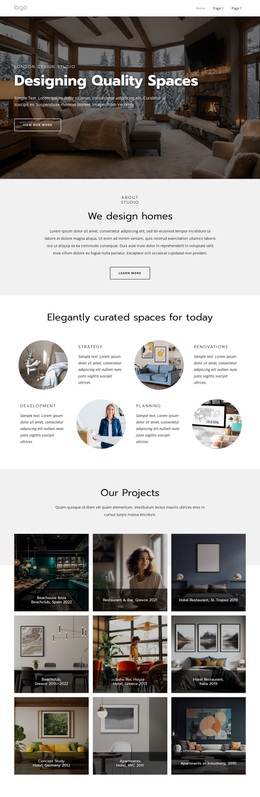
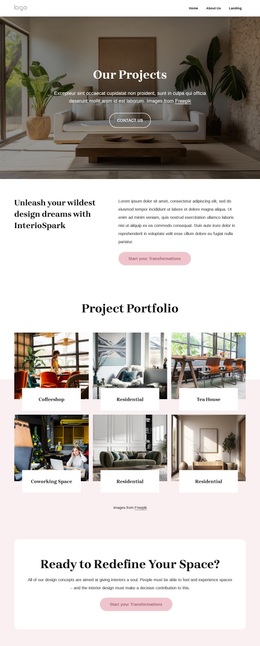
Large Project Photography Gives the Portfolio a Distinctive Direction
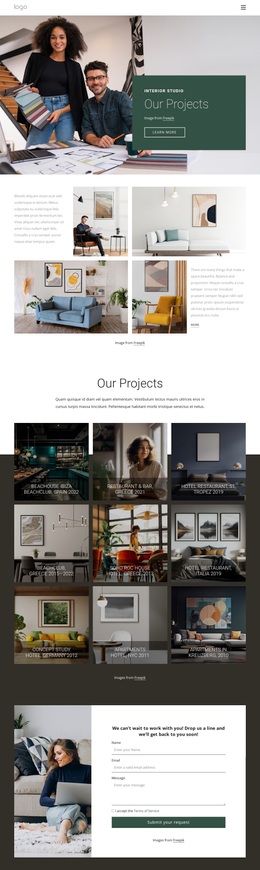
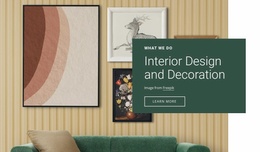
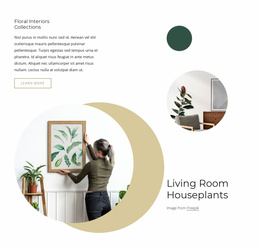
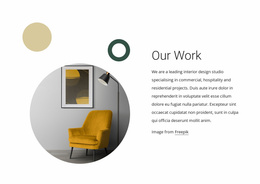
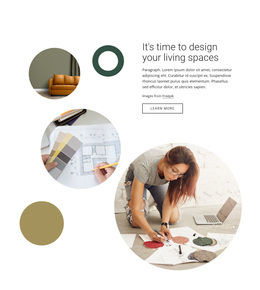
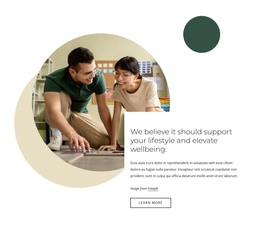
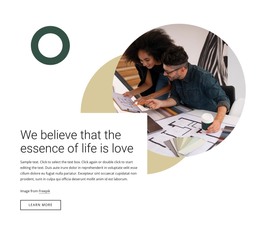
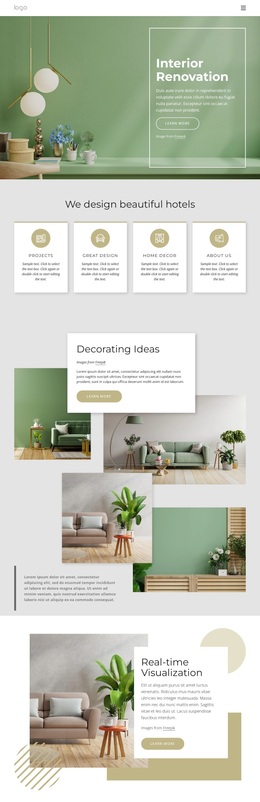
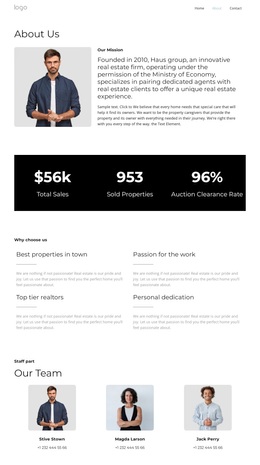
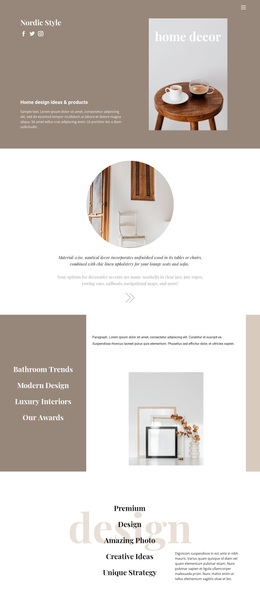
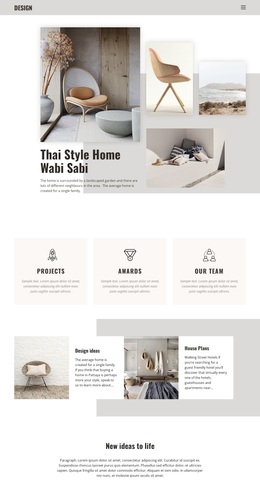
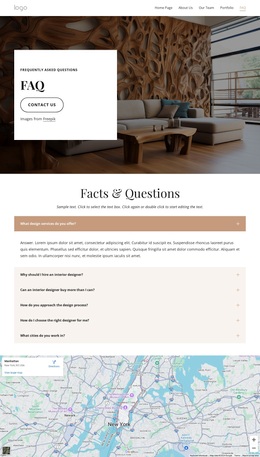
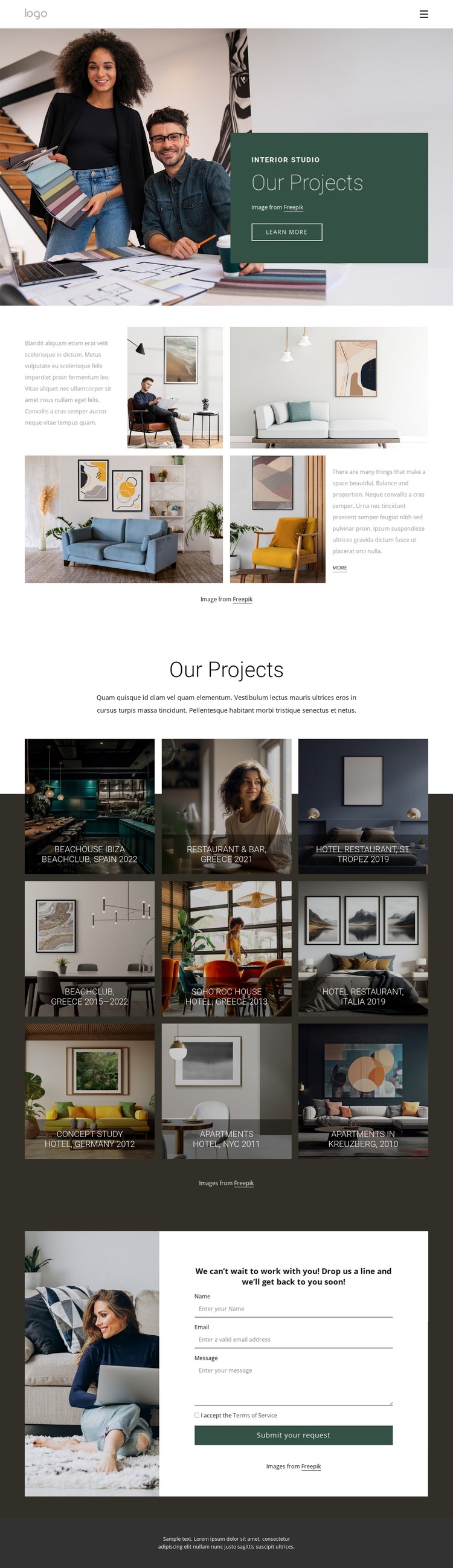
The design makes imagery the primary carrier of information. A large interior photograph appears at the opening beside a dark green panel that identifies the studio and introduces “Our Projects.” The split section continues that approach by placing brief supporting copy next to four additional photographs, so visitors encounter the studio through spaces and compositions before reading the project list in detail.
The main gallery gives this template its clearest point of distinction. Nine project tiles repeat a three-column image treatment with dark overlays, project names, and location references. The labels range from Beachclub and Restaurant & Bar to Hotel Restaurant, Concept Study, and Apartments, covering hospitality, residential, and commercial directions within one visual system. That breadth makes the design a useful option for a studio that needs to show varied work without abandoning a consistent editorial presentation.
The muted green, cream, white, and charcoal palette supports the photography rather than competing with it. Spacious layouts and understated typography leave room for each project image, while the final contact section translates visual interest into a project inquiry opportunity through the Submit your request action and form. The result is a focused design choice for portfolios where atmosphere, completed work, and a direct route to new inquiries matter more than dense service descriptions.
Customize with Nicepage
Open this ready-made template in the Template Builder and customize it visually in the Nicepage editor. Replace demo content, edit page sections, and adapt the design to your project without rebuilding the template from scratch.
Start With a Ready-Made Template
Choose a Design for a New Page
Use a ready-made template as a starting point instead of creating every page from a blank canvas. When adding a new page in Nicepage, browse available designs, compare different layouts, and choose an option that already fits the general purpose and visual direction of your project.
Browse Different Page Designs
Explore Page Designs using search, thematic categories, Design Sets, and full-page previews. The collection includes layouts for different subjects and page purposes, making it easier to compare alternatives before selecting a design to customize.
Customize the Selected Template
After choosing a design, create the page and continue editing it visually in Nicepage. Replace the demo content, adjust images, typography, colors, sections, and other elements, and adapt the ready-made layout to your own content instead of rebuilding the design from the beginning.
Explore More Design Directions
If the first option does not match your project closely enough, return to the design collection and compare other templates before committing to a layout. This makes the template library useful not only for faster page creation, but also for exploring different visual approaches and finding a suitable starting point for a new project.
This workflow gives you access to a broad collection of ready-made designs that can be selected, compared, and customized according to the needs of each new page or project.