Luxury interior design studio Template



Edit Template Offline
2. Create new page and search for id 2294605
Edit Template Online
Create Awesome Websites


Free Nicepage Builder
Keywords
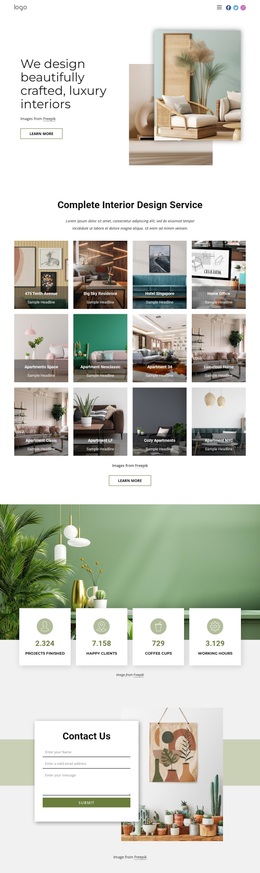
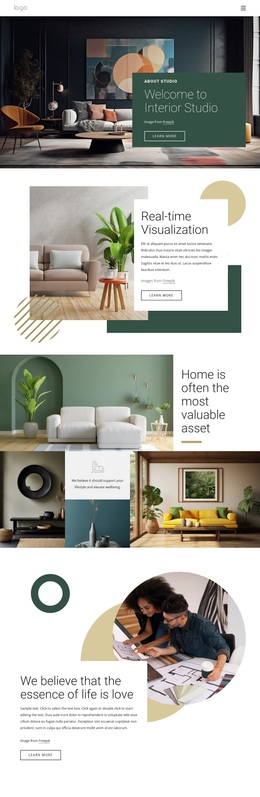
Four Interior Concepts Give This Design a Distinctive Starting Direction
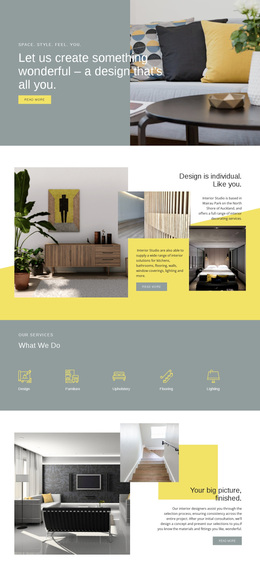
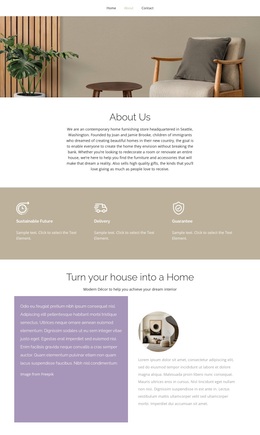
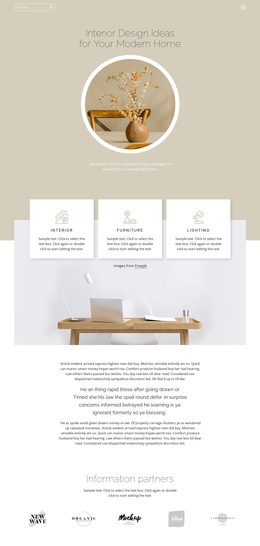
The design is worth considering because it presents interior work through several different visual narratives instead of depending on one repeated content pattern. The three category cards first establish practical coverage—Residential, Show Homes, and Commercial—so the page can speak to more than one type of interior design project. Their white surfaces and circular mustard icons create a concise service overview beneath the image-led hero.
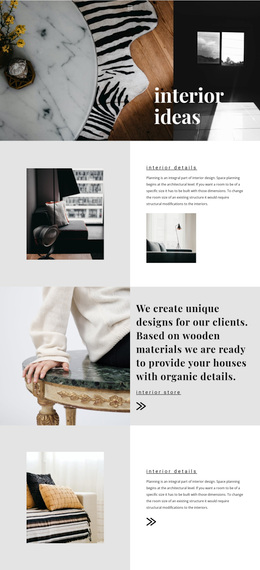
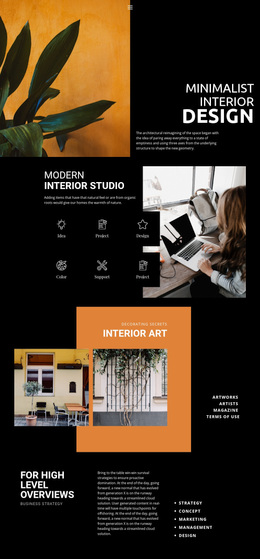
The later sections provide the stronger point of distinction. A studio apartment introduces a focused project story, the decorating ideas area uses a collage to emphasize inspiration, and the vibrant patterns section gives a second project concept a bold mustard setting. The cozy kitchen block adds a four-image composition, extending the range of interiors shown on the page. Overlapping white text panels connect these different examples while allowing each one to retain its own visual emphasis.
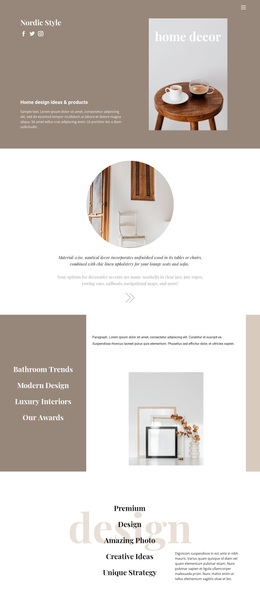
This combination suits a studio that needs to communicate both service breadth and a recognizable design sensibility. The warm mustard, charcoal, white, and soft gray palette supports an editorial presentation, while large interior photography carries much of the message. The contact form and adjacent office, phone, fax, and email channels make the page more than a gallery of ideas: they provide a clear place for an interested visitor to begin an inquiry. As a ready-made option, its value comes from this balance of categories, visual proof, and response content.
Customize with Nicepage
Open this ready-made template in the Template Builder and customize it visually in the Nicepage editor. Replace demo content, edit page sections, and adapt the design to your project without rebuilding the template from scratch.
Start With a Ready-Made Template
Choose a Design for a New Page
Use a ready-made template as a starting point instead of creating every page from a blank canvas. When adding a new page in Nicepage, browse available designs, compare different layouts, and choose an option that already fits the general purpose and visual direction of your project.
Browse Different Page Designs
Explore Page Designs using search, thematic categories, Design Sets, and full-page previews. The collection includes layouts for different subjects and page purposes, making it easier to compare alternatives before selecting a design to customize.
Customize the Selected Template
After choosing a design, create the page and continue editing it visually in Nicepage. Replace the demo content, adjust images, typography, colors, sections, and other elements, and adapt the ready-made layout to your own content instead of rebuilding the design from the beginning.
Explore More Design Directions
If the first option does not match your project closely enough, return to the design collection and compare other templates before committing to a layout. This makes the template library useful not only for faster page creation, but also for exploring different visual approaches and finding a suitable starting point for a new project.
This workflow gives you access to a broad collection of ready-made designs that can be selected, compared, and customized according to the needs of each new page or project.