
Transportation CSS Templates
Fleet specifications, route coverage, and transport services can create dense page layouts. These CSS templates provide a styled foundation that lets teams refine spacing, colors, typography, and responsive behavior around real logistics content.
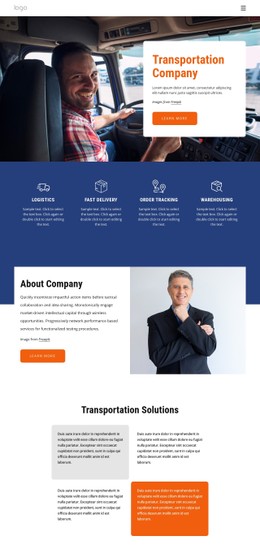
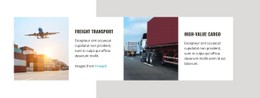


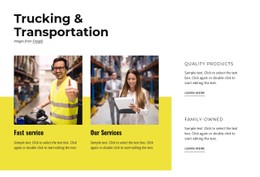

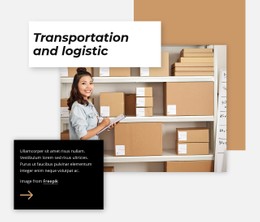

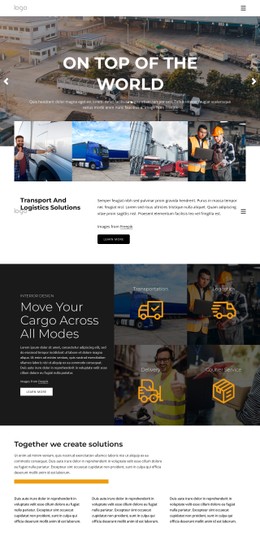

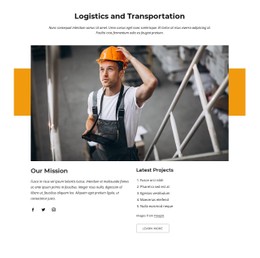




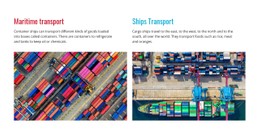







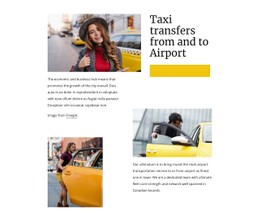
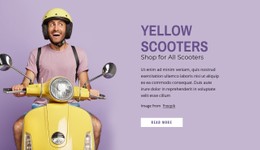
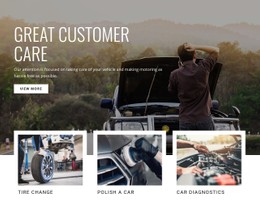
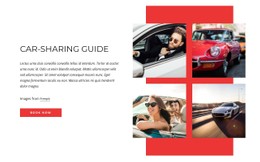


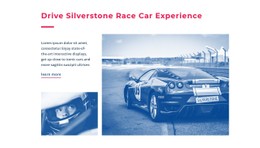
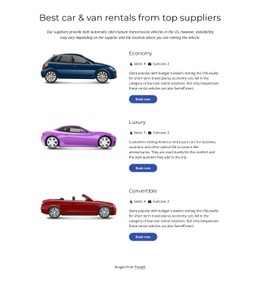
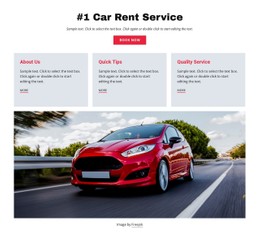
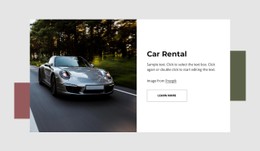
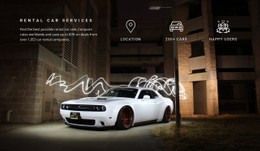

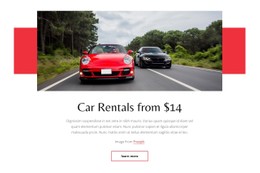
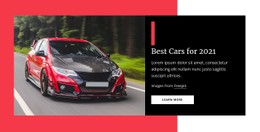
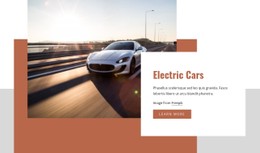

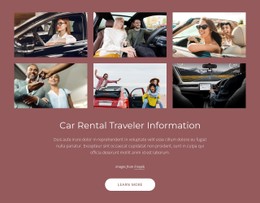



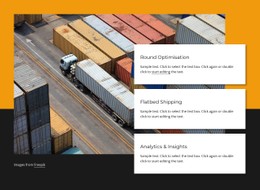
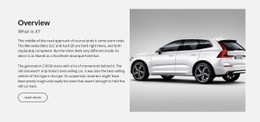
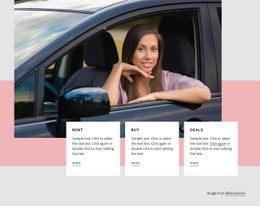

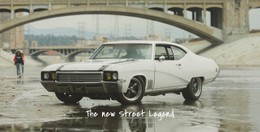
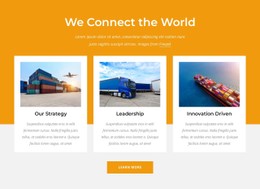


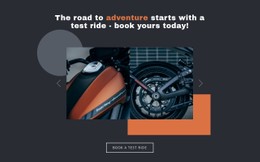

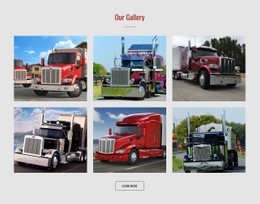

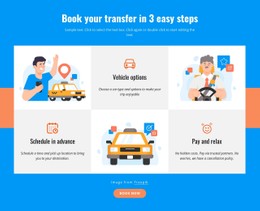


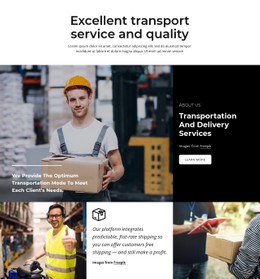
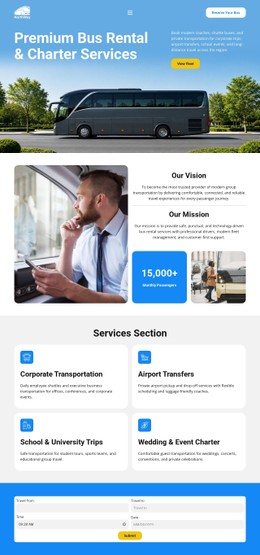













Other Cars & Transportation CSS Templates
Flexible Transportation CSS Templates
A refrigerated trailer card and a flatbed card should look like they belong to the same carrier, even though one lists temperature ranges and the other lists deck length. Transportation CSS templates come with that consistency already built in. Fleet cards, route blocks, and quote forms draw from a single shared stylesheet, so a brand color change updates every section.
Which Components Arrive Styled
Scan the demo for these transport components and see whether each has rules of its own:
- Fleet cards whose photo ratio, spec lines, and equipment tags stay aligned when one truck has more details than its neighbors.
- Route and coverage blocks where a featured lane or a highlighted service region can stand out from the grid.
- Service tiers that set express apart from standard at a glance, usually through color and border weight.
- Quote and booking forms with roomy fields, visible focus states, and an error style that does not look like an alarm.
Check that these pieces share one visual logic, from spacing to badge colors. If the express tag on a tier card and the express badge on a route block come from two different classes, the styles were assembled piece by piece. Every later change will then mean hunting down duplicates. Tracking badges such as "in transit" deserve the same check.
Coverage Checks From Loading Docks
Picture a shipper on a loading dock, phone in hand, checking whether you pick up in their county. On a narrow screen, the fleet grid should drop to fewer columns, the route list should stack, and the pickup details must stay readable without zooming. Nicepage's Responsive Modes let you preview phone and tablet widths before you commit. Try your longest vehicle name there, since breakpoints tuned to the demo's short names often give out on something like "high-roof cargo van, extended wheelbase." Watch the booking button too, because on some templates it shrinks with the type scale until it is hard to tap.
Brand Colors Over Existing Rules
Once the base is in place, most brand work happens globally through your colors, fonts, and button corner radius. Local exceptions are rarer and usually temporary, like a storm-delay notice or a holiday-surcharge banner that needs its own look for a week. For those, Nicepage accepts Custom CSS Code on a single element or across the whole site.
To compare two candidates, recolor one badge in each. If the change reaches every card and route block using that class, the stylesheet is well organized. If you end up chasing the same red through half the sections, move on.