

Dealer CSS Templates
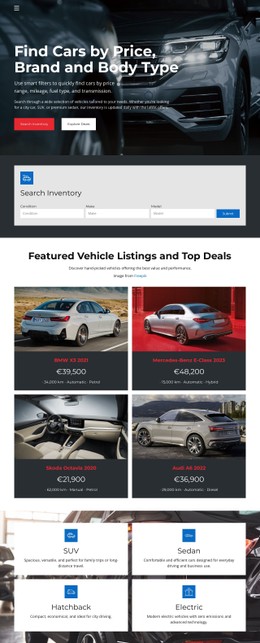
Dealership inventory pages need distinctive price tags, readable trim labels, and consistent photo treatments. Dealer CSS templates make these visual details easier to control through responsive styles and brand colors, without changing the underlying vehicle information.


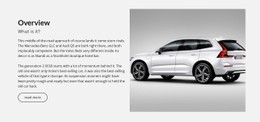
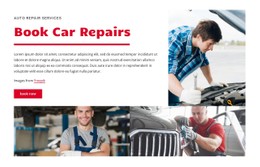



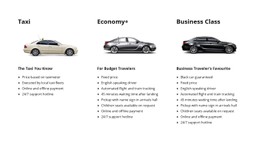
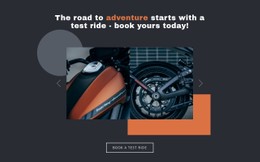













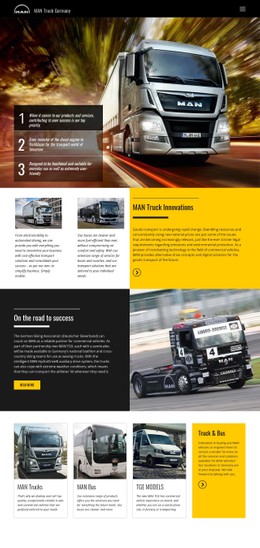
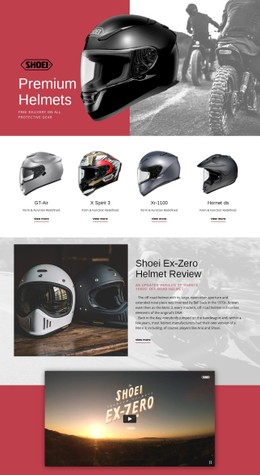

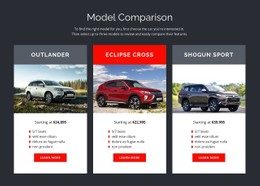
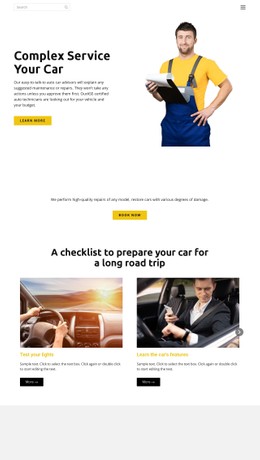
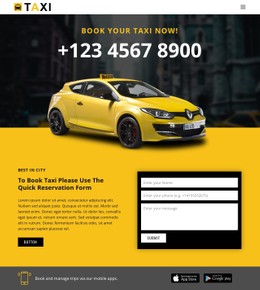

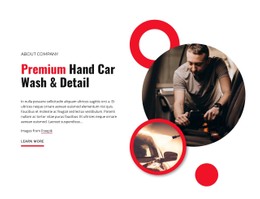

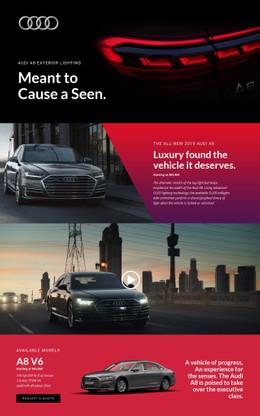























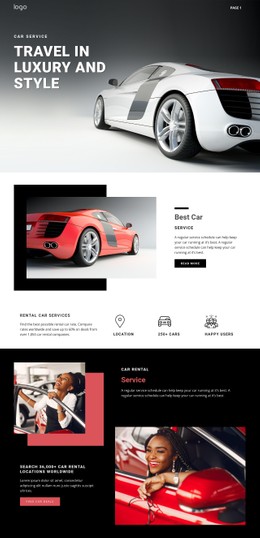

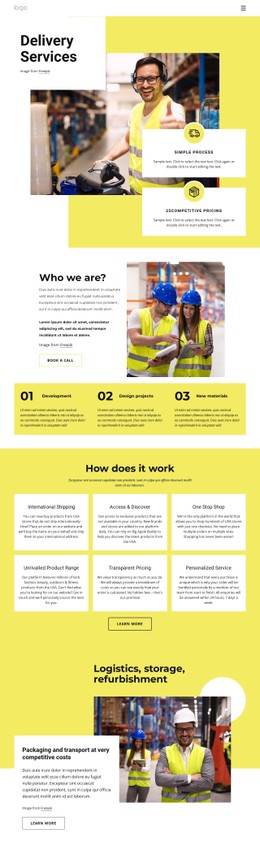


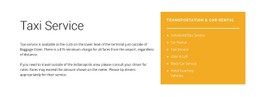
Other Cars & Transportation CSS Templates
Customizable Dealer CSS Templates
Most dealer CSS templates look polished in a demo, where every card has a short model name and a studio photo. Differences appear once you add a discounted SUV, a reserved hatchback, and a luxury sedan with a long trim name. The CSS layer of a ready dealer design decides how those cars look side by side.
Visual Details Worth Comparing Across Demos
See how each demo handles the parts of an offer that compete for attention:
- The full price visually outweighs an estimated monthly payment, so shoppers never mistake one figure for the other.
- Labels for available, reserved, and sold cars differ in wording as well as color, since a glance in sunlight can miss a change in hue.
- Photos of a sedan, a tall SUV, and a cargo van fit the same frame without cropping off bumpers or roof lines.
Picture one clearance car in a row of ordinary listings, carrying a long trim name, a struck-through old price, and a sale badge. In a weak design, the badge overlaps the name or the price drops to a second line. A reserved car beside it needs a label unlike that badge, since the two mean different things to a buyer.
Brand Colors That Suit Your Showroom
A luxury showroom may favor restrained typography and large photographs, while a used car dealership often prefers denser rows with more offers per screen. Either way, basic colors and fonts should change through visual settings, with code left for unusual requests. A short sequence shows how a candidate adapts:
- Swap Theme Colors for the dealership palette and confirm that buttons, status labels, and sale badges still stand apart.
- Hover over the test drive button and reach it by keyboard to check that its states stay visible in the new colors.
- Add Custom CSS where the controls fall short, for example, to restyle a clearance section. Nicepage accepts it for one element, one page, or the entire site. Then check the result in Preview, because added CSS may not show inside the editor.
Testing Real Offers at Narrow Widths
Demo content is usually tidy, so test shortlisted designs with your messiest offers, mixing long trim names with short ones and wide photos with tall ones. CSS Grid or Flexbox layouts can change columns and gaps at each breakpoint, but only real content shows whether those changes hold. At phone width, the price has to stay prominent and the finance note readable. If a sold label disappears into the photo or a sale badge covers the price, that design will cost more to fix than it saves.