
Freight Website Templates
Shippers often need separate details on routes, cargo handling, and transport modes before contacting a freight provider. Coordinated website layouts link those service pages to company credentials and quote requests, keeping information accessible throughout the project.






































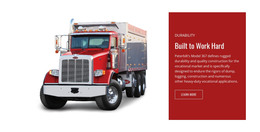
More Website Templates from Cars & Transportation Category

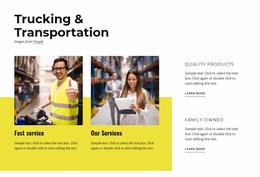
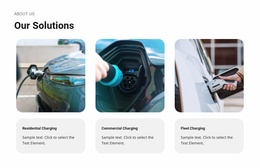




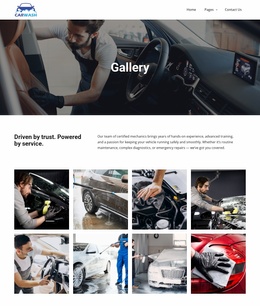
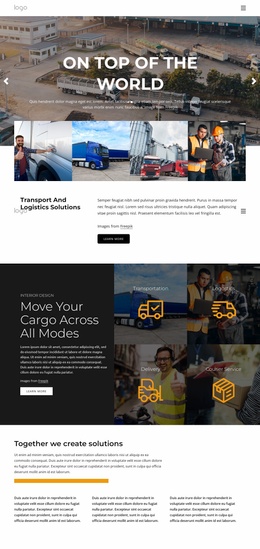
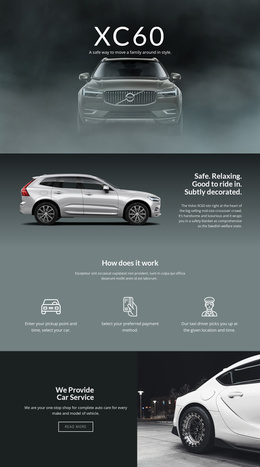
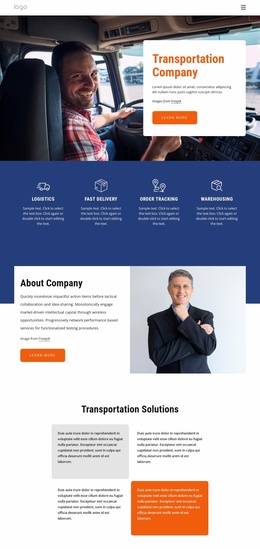
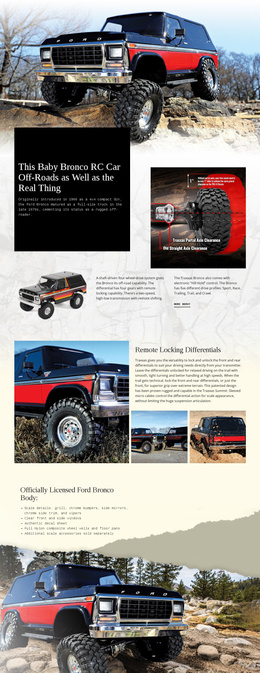



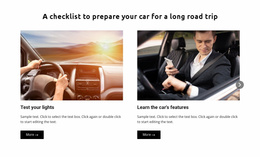

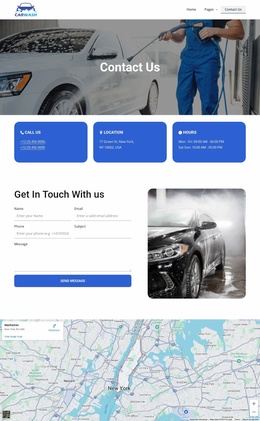
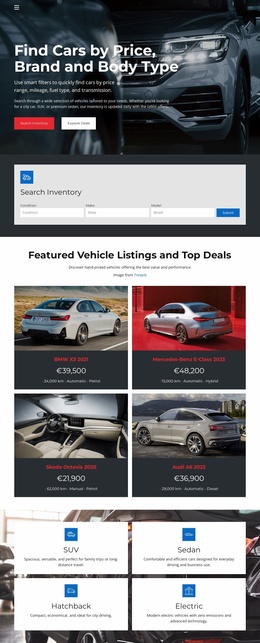
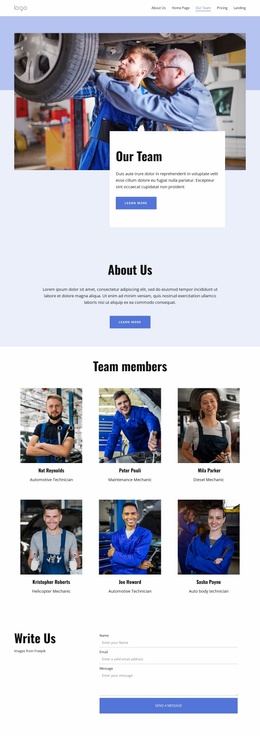



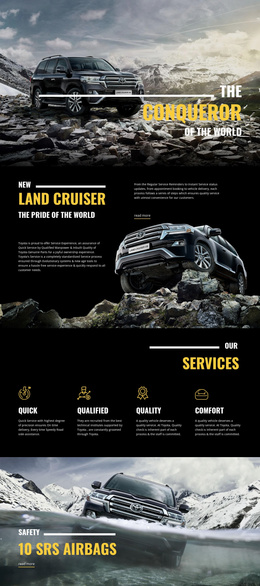

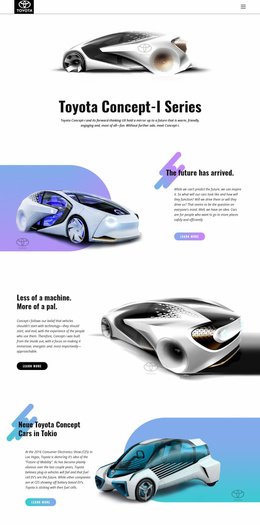

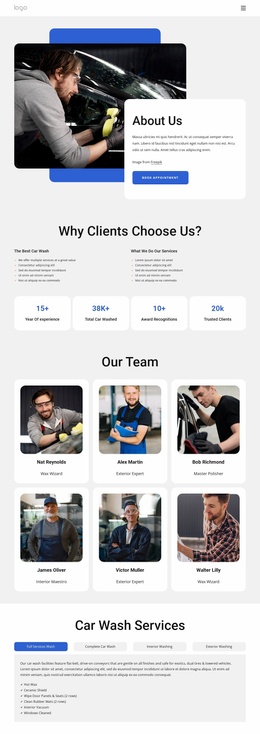
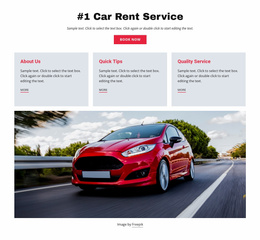



Other Cars & Transportation Website Templates
Professional Freight Website Templates
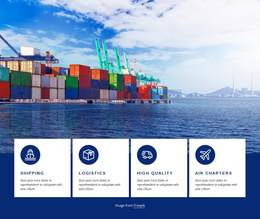
Freight forwarders, cargo carriers, and logistics agencies need more than a polished homepage. Freight website templates provide a designed starting point, with many layouts that include service cards, transport imagery, and a contact area ready for your details. Shippers use these sites to compare transport options and confirm coverage before requesting a quote.
Which Layout Suits Your Cargo Operation
The kind of freight work you handle decides which templates belong on your shortlist:
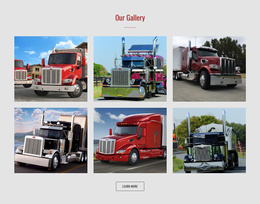
- A carrier gains the most from large transport photos and a block for fleet or equipment details.
- A freight forwarder needs room to show ocean, air, and road services as separate cards.
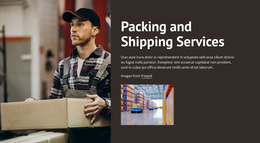
- A logistics agency that combines warehousing and customs brokerage needs space for several service groups.
A compact business with one main service can do well with a single-page design, while a forwarder moving air and rail freight across continents will want more pages. On any demo, check that the first screen fits your main transport mode, your regions, and a visible path to a quote.
Sections Worth Checking in Every Template Demo
Once a few designs look right, check how each demo handles freight content:
- Service cards should keep air freight, ocean freight, and trucking clearly apart, with or without separate pages behind them.
- A coverage section needs space for real trade lanes or regional groups without crowding everything else.
- The contact area should be easy to spot, with a quote form you can set up to ask for origin, destination, and cargo type.
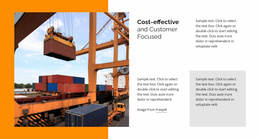
A hero shot of stacked containers tells visitors you move ocean cargo, so a trucking firm that keeps it sends the wrong signal before anyone reads a line. Your own fleet photos and documented certifications should fit the layout, too. Open the preview at phone width too and make sure services and the contact button stay easy to find.
Adapting Pages for Real Routes and Inquiries
Nicepage's visual page editor lets you rewrite service texts, swap transport images, and update contact details in the design you picked. If you later add warehousing as a separate page, the Site Basics guide explains how to create and manage a Site Project and its pages through the Dashboard. The Website Menu links those pages in the header or footer, and the Contact Form Element holds your quote fields.
Replace the demo content with the services you sell and list only the lanes and regions you serve today. The form gathers shipment details, and your team still sets the price. Publish once a shipper can tell which cargo you move, where it goes, and how to reach you.