
Exhibition Website Templates
An exhibition site has to serve visitors, artists, press contacts, and partners without scattering essential show information. These templates provide a coordinated set of pages for exhibition overviews, programs, profiles, venue details, and archives.








More Website Templates from Cars & Transportation Category









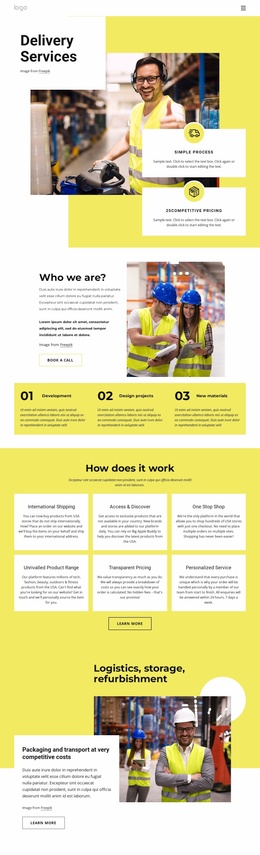
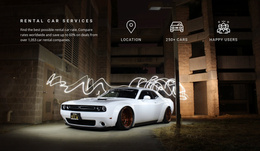
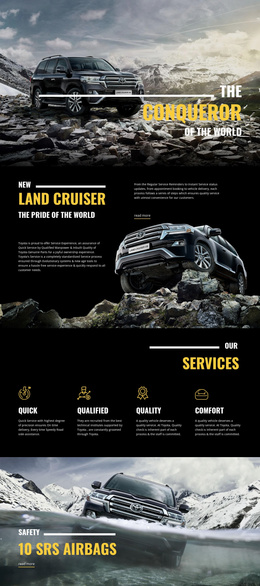
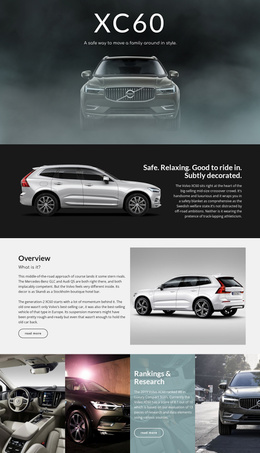














Other Cars & Transportation Website Templates
Ready-to-Use Exhibition Website Templates for Galleries, Expos, and Fairs
Some exhibitions last a month in a small gallery or a museum wing, while others fill a convention hall with product stands for three crowded days. Exhibition website templates provide a finished design with linked pages and a single visual style. In a good template, dates, venue details, and tickets are never more than a click away.
Essential Pages, Optional Extras
A single promotional page can announce an opening, yet it runs out of room once exhibitors, the program, and visitor details compete for space. Whether a show fills one room or a whole hall, a few core pages do most of the work:
- A home page that leads with the title, the dates, and a strong main image.
- An exhibition detail page with an overview, featured works or products, and the people taking part.
- Profiles that work for an artist, an exhibiting brand, or a partner organization.
- A visitor page with opening hours, directions, and an obvious ticket or registration button.
Extra pages depend on scale. A trade expo usually needs an exhibitor directory, a floor plan, and a press area for journalists, while a small gallery can skip all three. Every page lives in one Nicepage project, and the Page Basics documentation explains how to manage them.
Tracing One Visitor's Route
On a typical visit, someone opens the home page and checks the dates and address. Then they browse the highlights and look for a talk or product presentation that fits their day. Clear navigation keeps that route short, and a footer with the address and hours saves a trip back to the visitor page. Buttons like Plan Your Visit or View Exhibitors belong where the eye lands first.
Responsive behavior deserves a separate look. At a trade show, people often open the website between aisles to find a booth number, and a desktop-only floor plan fails them there. Check how the demo treats a big hero image, thumbnail grids, and captions, since pictures carry most exhibition sites. For image-heavy shows, the Gallery Carousel Element can fit several works into one compact block.
Counting What Your Show Will Publish
Count what the show will publish, then picture the archive a few seasons later. A layout that looks elegant with one exhibition should still hold together with dozens of past shows. Fonts, colors, and photo style should run through the whole set, so even the visitor information feels like part of the show. If the pages you rely on most, such as artist profiles or an exhibitor list, must be built from nothing, the design suits a different kind of show.