
Suspension HTML Templates
For a first-time TRX visitor, a photo of suspension straps needs context: session level, coaching style, and class details. These suspension HTML templates pair a focused training image with readable text and a clear call to action.
-
-

-
-
-
-
Free Website Builder SoftwareDownload
-
-
-
-
-






More HTML Templates from Cars & Transportation Category





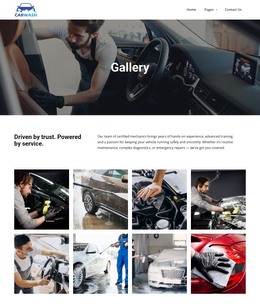


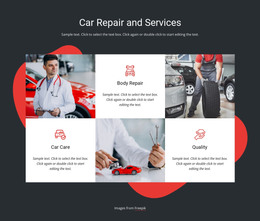

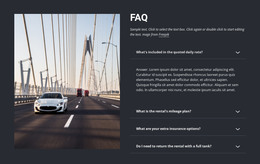
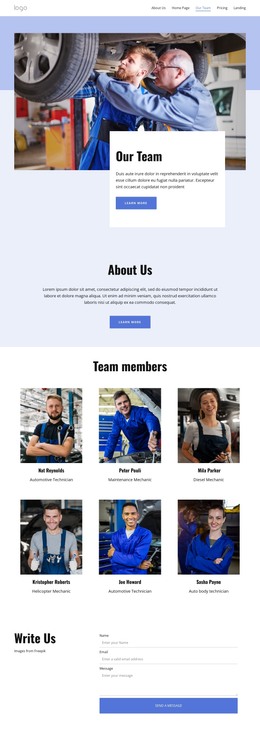

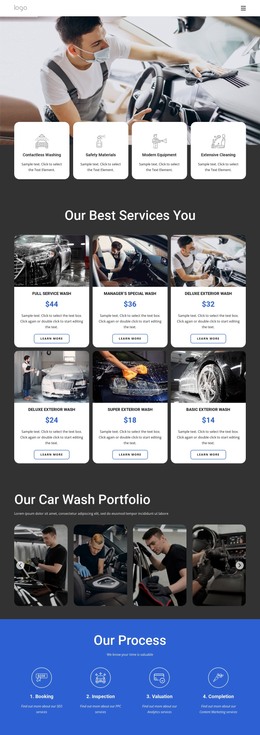

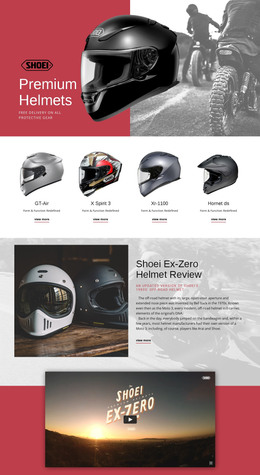
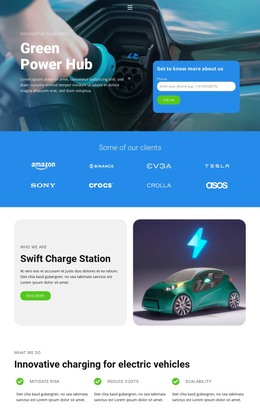
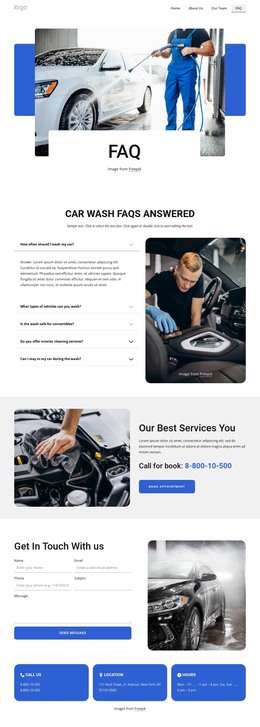
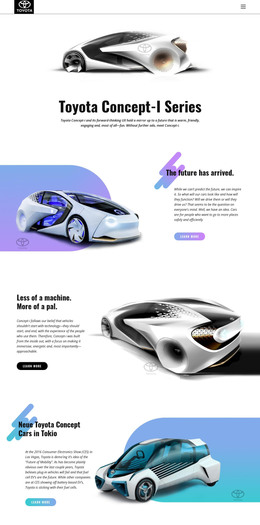
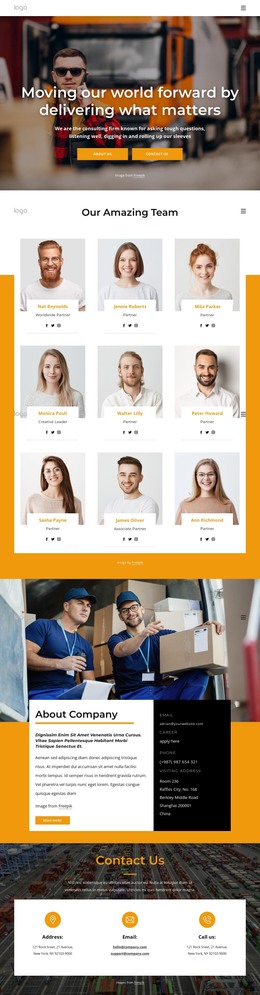
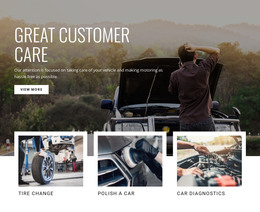

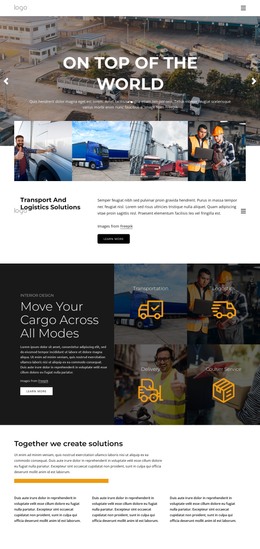

Other Cars & Transportation HTML Templates
Clean Suspension HTML Templates
Suspension HTML templates on Nicepage are ready-made designs you can preview, adjust in the visual editor, and export as part of an HTML project. The term attracts two different audiences, and the catalog reflects that. One TRX training section shares the category with a much larger group of car repair designs.
Inside the TRX Training Block
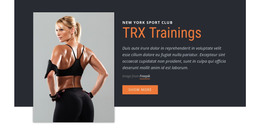
The TRX Suspension Training design is a single section for one class offering, meant to go inside an existing page of a gym site. Its preview shows four parts in two columns:
- a portrait of a woman in workout clothes on the left, overlapping a dark charcoal shape
- a small "New York Sport Club" label above an orange "TRX Trainings" heading
- one paragraph of muted light text
- a single orange "Show More" button
The paragraph holds a short note about the class format, so a full program description needs its own section below.
How to Compare Layouts Before Choosing
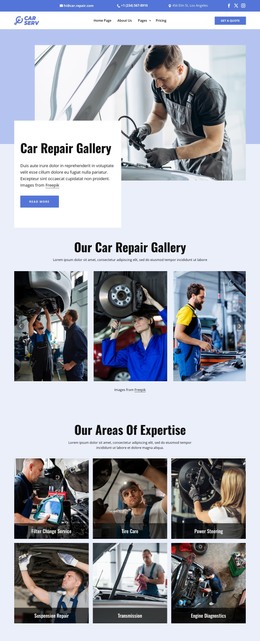
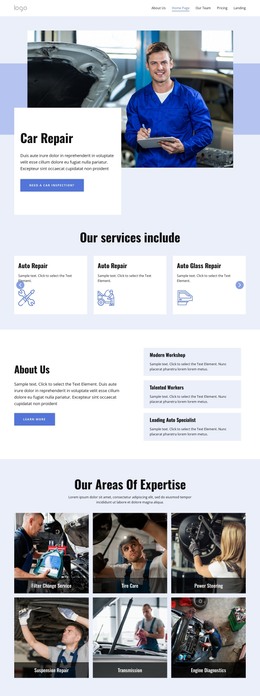
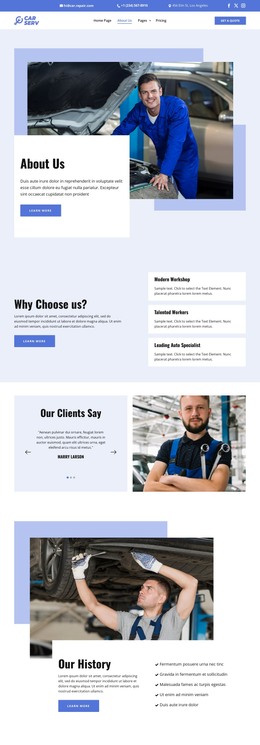
Most other cards use auto-service designs with names like Car Repair Team or Engine Repair and Wheel Alignment. These are general repair layouts, so a shop that handles shocks and struts writes that work into the copy. Some come as one block and others as a full page, which matters if you only need to fill a gap in an existing layout.
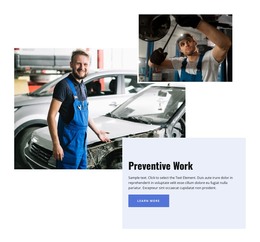
Image weight is worth comparing too. The TRX block leans on one tall portrait, while the engine repair design spreads three overlapping photos around a black text card. Check where the button falls and whether your own photos suit the frame. A wide workshop shot will need heavy cropping to fit a vertical portrait slot.
Customizing Photos, Copy, and Export
Every element of the block is editable in Nicepage. You replace the demo photo and text, shift the orange accents to your brand colors, and set where the button leads. Nicepage's Button Element documentation clearly shows how to link a button to a page, block, or external web address and adjust its appearance for different screen sizes. A label like "See Class Schedule" or "Book a Repair" tells visitors more than a generic "Show More".
A new photo can change how the portrait overlaps the dark shape, so check the phone preview after swapping it. The finished section becomes part of your Nicepage project, which exports as HTML you can host yourself or pass to a developer.
For a studio adding one suspension class, the TRX block is the closest match here. A garage gets more from the repair designs once the demo copy describes its own suspension work.