
Messenger Website Templates
Messaging services must answer different questions for prospects, teams, and existing users. A coordinated page set separates product features, use cases, plans, trust information, and support, while shared navigation keeps each path easy to reach.



More Website Templates from Cars & Transportation Category
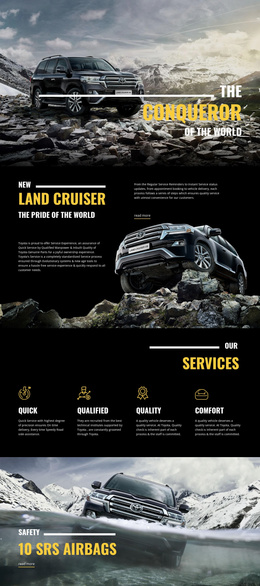
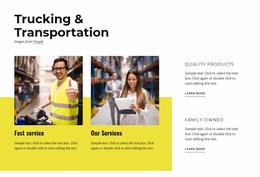
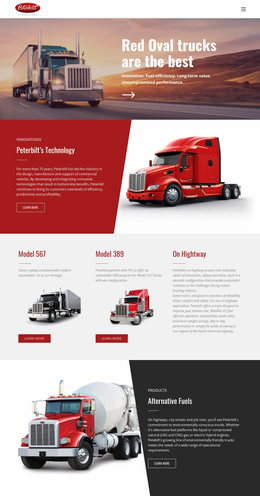

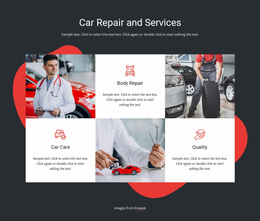




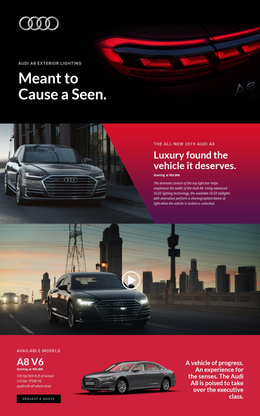
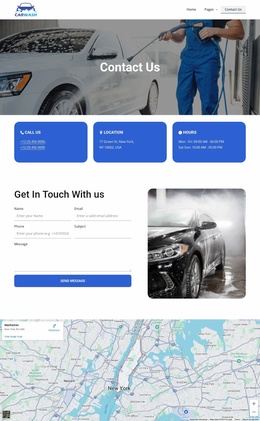
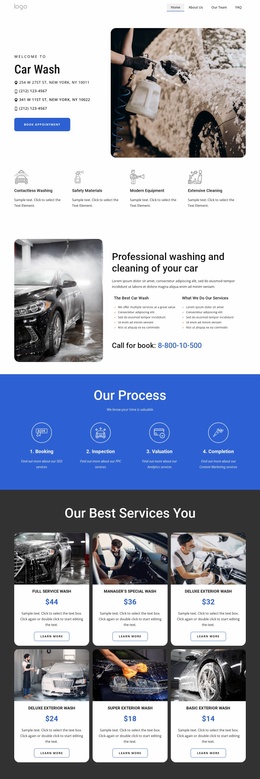
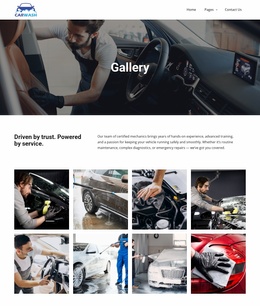


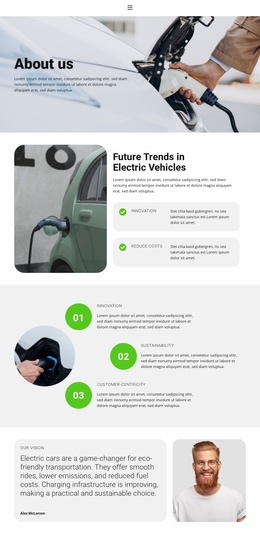

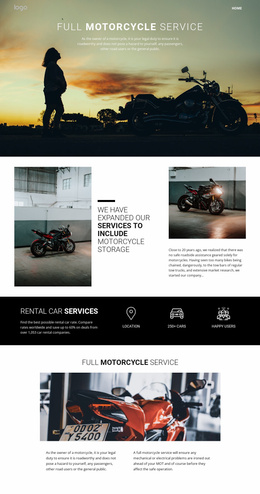
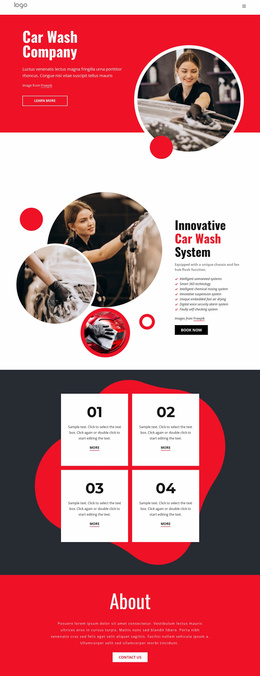

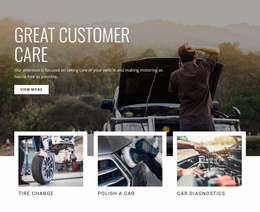






Other Cars & Transportation Website Templates
Contemporary Messenger Website Templates
Messenger website templates give a chat app its public home, the site people visit before they install anything. They explain the product, list the plans, and provide download links. One visitor comes to compare group chats and calls, while another only wants to see the price. Spreading the story over several pages serves both.
Why Features and Use Cases Live Apart
The Features page usually leads with direct messages, group chats, and voice or video calls. File sharing and notifications tend to follow close behind. Use case pages show how the same tools fit different ways of talking. A template with room for several of them gives each audience its own page:
- Remote teams, who keep work in channels and switch to a call when typing gets slow.
- Online communities, where big groups run on announcements and moderation.
- Customer support, where agents share an inbox, and customers expect quick replies.
- Friends and family, who care most about photos, voice messages, and privacy.
A community organizer can then jump straight to the scenario that looks like theirs.
Pages Visitors Check Before Installing
Before trying a new messenger, people want to know whether it is safe, what it costs, and whether it runs on their devices. Those answers are easiest to find on dedicated pages:
- Security and privacy, covering encryption, data storage, and account protection.
- Pricing, where plans can differ by group size, file limits, or admin tools.
- Platforms and downloads, showing which devices and systems the app supports.
A messenger often needs separate download buttons for app stores, desktop, and the web, and the top of the Home page has to fit them all. Nicepage provides a Menu Element for website navigation, and a messenger menu reads better with product pages and help articles in separate groups. Plain labels like Group Chat, Calls, and Security tell visitors more than internal product names.
Support After the Download
Once the app is installed, the questions change. Most people look for help with notifications, account access, or restoring message history. Others need answers about sending large files, call quality, or privacy settings. A contact route covers whatever a help article cannot fix.
The Nicepage Dashboard, where you manage Project Websites and their individual pages, comes in handy once the messenger grows and each new feature gets its own page. A good messenger template has natural places for the product story, the security pages, and the steps that lead to an install. Help content needs its own section too, so regular users never dig through sales copy to fix a notification problem.