
Fast HTML Templates
Heavy images and unnecessary resources can slow even a visually simple page. Fast HTML templates provide a cleaner structural base for landing pages, portfolios, business content, and other projects where efficient loading matters.
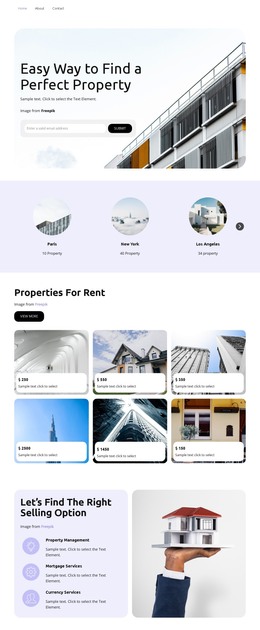

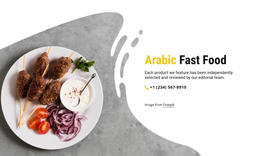

























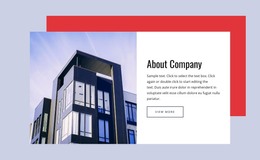
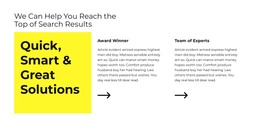
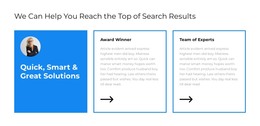
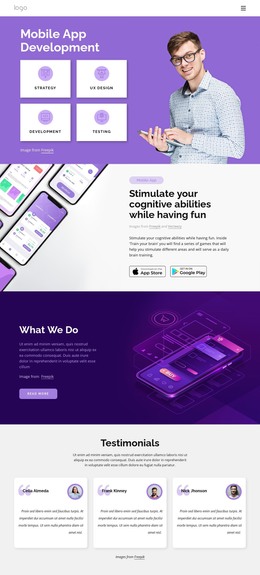
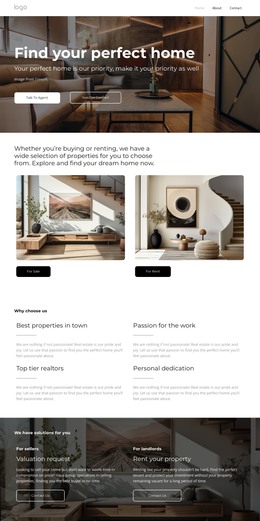
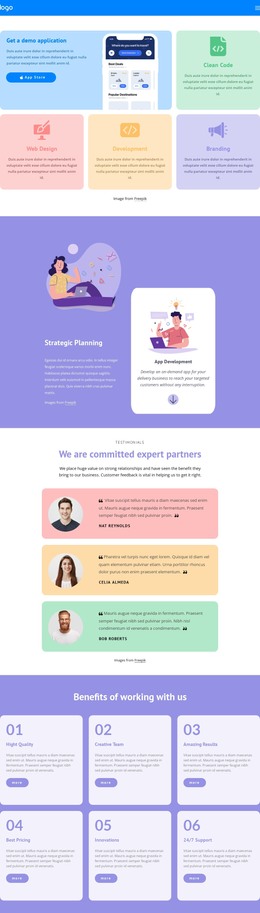
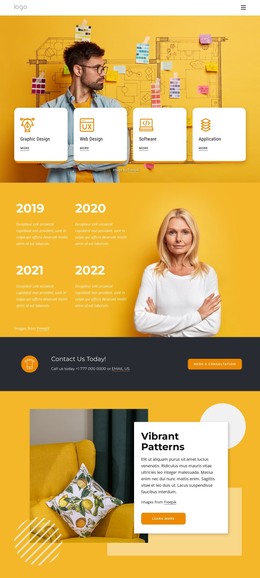
















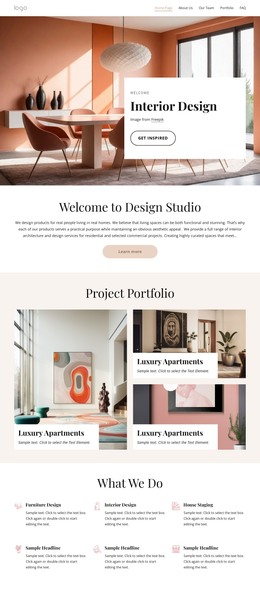
















Other Cars & Transportation HTML Templates
Useful Fast HTML Templates
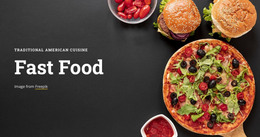
A fast HTML template earns its name twice. First, it gets you to a working site sooner, since the header, content sections, and footer are already laid out. Then it pays off again after launch, when a design that keeps page weight in check opens quickly even on a phone with a weak signal. You'll also find designs here for businesses whose entire pitch is speed, such as fast-food restaurants, delivery services, and taxi companies.
Judging a Design by Its Sections
Starting from a template means you never stare at an empty HTML document. How much time that saves depends on how closely the template's sections follow what you plan to publish. A landing page built around one offer needs its call to action near the top. A portfolio lives or dies by its gallery, while a company overview needs space for longer text. Before settling on a design, check a few things in the preview:
- whether the sections come in the same order as your content;
- how many blocks you would have to build from scratch;
- whether the main button is still in plain sight on a phone screen.
Extra sections are easy to delete, so a design with a little too much usually beats one that comes up short.
How One Delivery Service Goes Live
Say a local food delivery service wants its site up before the holiday rush. Its path from preview to launch might look like this:
- pick a design with room for an order button and opening hours on the first screen;
- replace the demo content with its own menu, prices, and service area;
- remove the blocks it has no use for and rearrange the rest;
- adjust colors and fonts, then publish the site or export it as HTML for its own hosting.
None of this requires touching the code, though the exported files remain available for direct editing.
When Fast Demos Turn Sluggish
A demo tends to feel quick partly because it shows only a handful of photos. Your own menu or portfolio can easily hold several times as many. Let one strong image carry the first screen, because that is the picture every visitor waits for.
For pictures lower down, Nicepage's SEO Settings include Image Lazy Loading, which holds them back until a visitor scrolls to them. Nicepage also supports WebP, which usually produces smaller files than PNG or JPG at similar quality. With that in place, even a menu with dozens of dish photos can open about as quickly as the demo that won you over.