
Crane HTML Templates
Crane pages often combine dense equipment data with project and service content. These HTML templates provide reusable structures that keep fleet specifications, capabilities, images, and inquiry actions clear across different screen sizes.
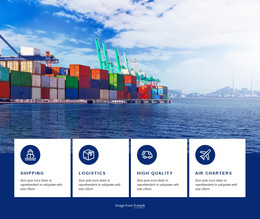








More HTML Templates from Cars & Transportation Category
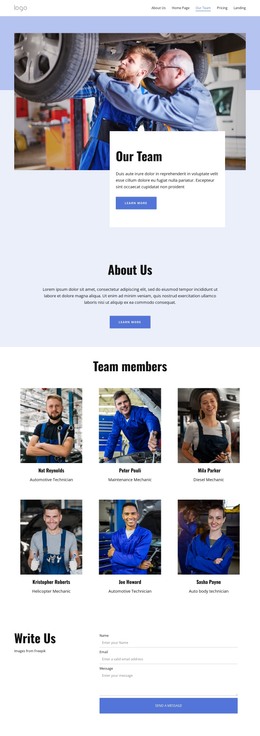

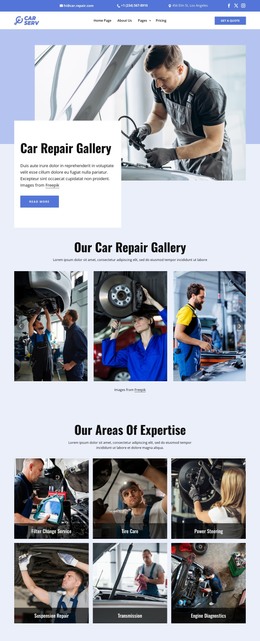

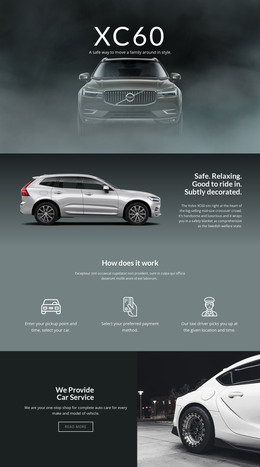





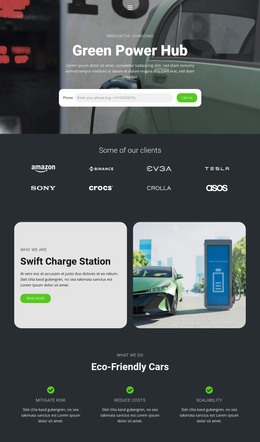
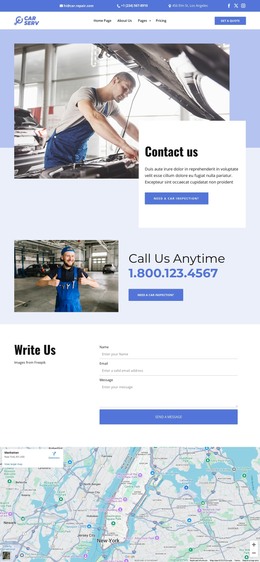
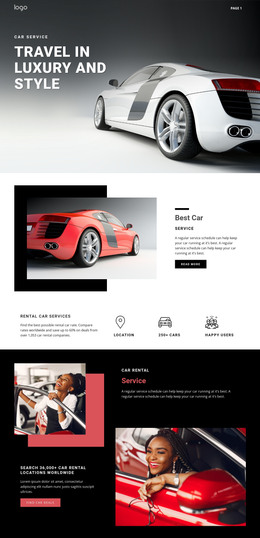
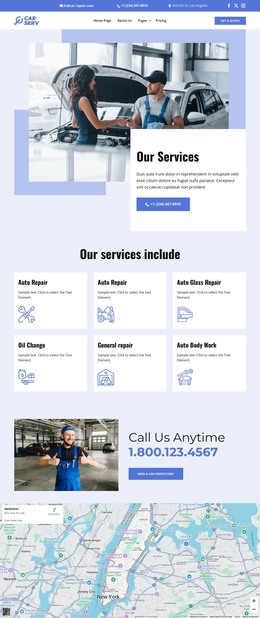
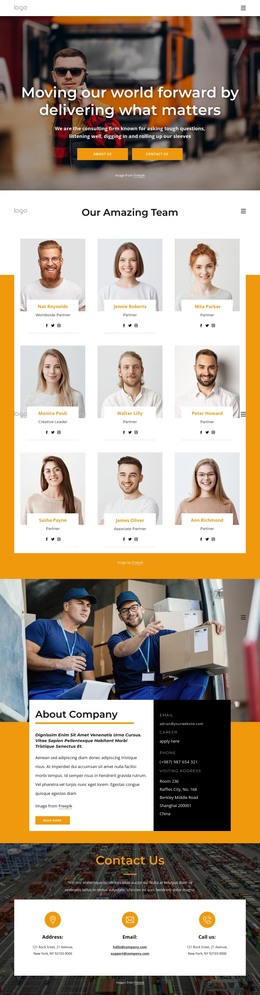
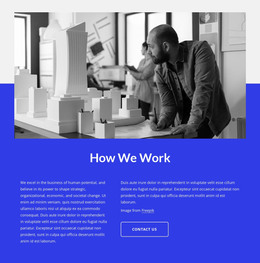


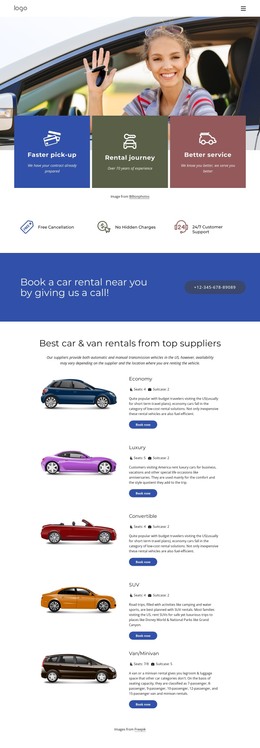



















Other Cars & Transportation HTML Templates
Clean Crane HTML Templates for Lifting Services
Crane rental companies, lifting contractors, and equipment operators often need to present technical information without turning each service page into a custom development task. Crane HTML templates provide a structured starting point for fleet details, project references, and direct service inquiries.
Structure Technical Crane Content in HTML
A crane website may need more than large equipment photos and a contact button. Clients often compare machine types, lifting capacities, and operating areas before sending an inquiry. A clear markup structure helps keep those content groups distinct while preserving a logical reading order.
Reusable HTML sections are especially useful when several cranes share the same information pattern. One equipment block can contain a machine name, image, capacity range, application notes, and inquiry link, and then serve as a fully repeatable structure for other fleet entries. Service sections can follow a similar pattern for mobile crane rental, industrial lifting, or specialized transport.
The goal is not to force every crane company into an identical site architecture. The HTML foundation should give developers and site owners predictable content regions that can be adapted to the actual fleet and service model.
Keep Fleet Markup Responsive
Responsive behavior belongs in the markup and CSS rather than in a later fix. Fleet cards, capacity tables, and project images need a structure that reflows through breakpoints without breaking the link between a specification and the machine it describes. A boom length or a lifting capacity figure loses its meaning as soon as it wraps away from its own row.
Nicepage supports exporting HTML websites from its desktop workflow, allowing a refined crane layout to be exported as static files for further technical work. Exported markup sites can also be hosted on third-party platforms, keeping the final hosting choice separate from the design stage.
Prepare Markup for Further Development
A useful crane HTML template should leave room for technical additions after the visual layout is complete. An inquiry form may need additional fields for load weight, lifting radius, and site access before it can be connected to a real handler. Specification tables may be filled from an equipment database, and load charts or safety documents may be attached as downloadable files.
That makes source clarity more valuable than decorative complexity. Identifiable service regions, consistent equipment markup, and a logical heading hierarchy enable a later developer to find the right block without reading the whole file. For a fleet-heavy crane company, this creates a practical static foundation that can be inspected, extended, and handed off without rebuilding the core page structure.