
Exhibition HTML Templates
For galleries that need portable page files, exhibition HTML templates provide structured areas for artwork records, curatorial text, event details, and venue information while keeping the project suitable for static HTML output.
-

-

-
-
-
-
-
-
-
-
-
Free Website Builder SoftwareDownload
-








More HTML Templates from Cars & Transportation Category


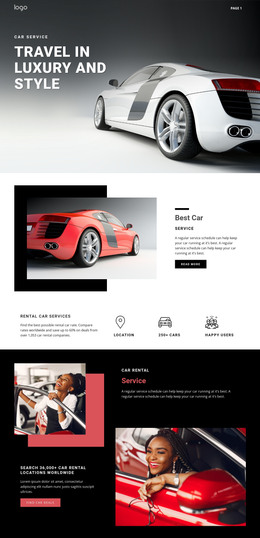
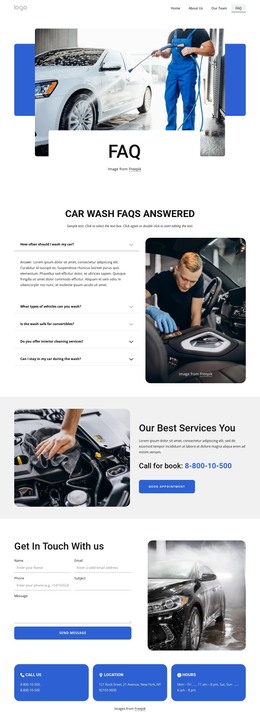



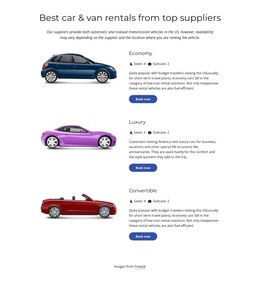
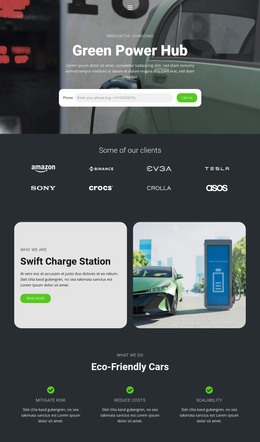

















Other Cars & Transportation HTML Templates
Clean Exhibition HTML Templates
An exhibition HTML template is the finished front end of a show site, delivered as pages, scripts, and images in ordinary folders. Galleries, museums, and expo organizers pick this format to keep the files in their own hands. Everything stays editable in a code editor, with no CMS or database in the way.
Editable Files Behind Every Screen
Under the polished preview, most exhibition HTML templates come down to a few practical parts:
- Linked HTML pages, often a home page, an exhibition overview, and a visit page.
- Image folders plus scripts that may power a lightbox for viewing a work at full size.
- A responsive layout that rearranges artwork grids and schedules on a phone.
- Plain files a developer can edit, reuse, and upload to an ordinary web server.
Good markup keeps updates small. When every exhibit card follows the same pattern, adding a piece means copying a block and updating its text and image. A schedule edit stays inside the schedule and leaves the gallery alone. Long session titles and tall portrait photos are worth testing too, since tidy demo content hides weak spots.
Components Built Around Exhibits
Exhibitions repeat the same kinds of records many times, so these components deserve a close look:
- Artwork records that keep the title, artist, and medium attached to each image.
- Exhibitor cards for industry shows, with a company name, a category, and a stand number.
- Program entries that give an opening night, a guided tour, and a product demo in the same date format.
- A venue block with the address, visiting hours, and a map or directions.
With thirty exhibitors or forty works on display, one card pattern keeps every entry looking alike. Each card can then link to a detail page with larger photos and a full description. Check captions and alt text as well, since exhibition labels tend to run longer than placeholder copy.
Self-Hosting After Export
In Nicepage, you can export a customized project as HTML files from the desktop application or the online editor. The Export HTML documentation covers the steps, and the files can go to your own hosting, a venue server, or a developer. Exported pages have one quirk to plan for. When a show closes, nothing switches "Now on view" to "Past exhibition" by itself, so someone edits the label and uploads the page again.
Before committing to a design, imagine adding one more exhibitor, replacing the gallery images, and creating a new detail page. A template that handles all three by duplicating or swapping existing parts will carry the show through its whole run.