Bronco Rc Car HTML Template


Edit Template Offline
2. Create new page and search for id 14117
Edit Template Online
Create Awesome Websites


Free Nicepage Builder
Keywords
Vehicle Introduction to Chassis Cards Forms a Finished Static Arrangement
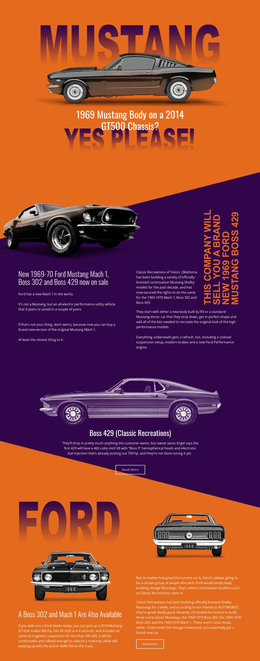
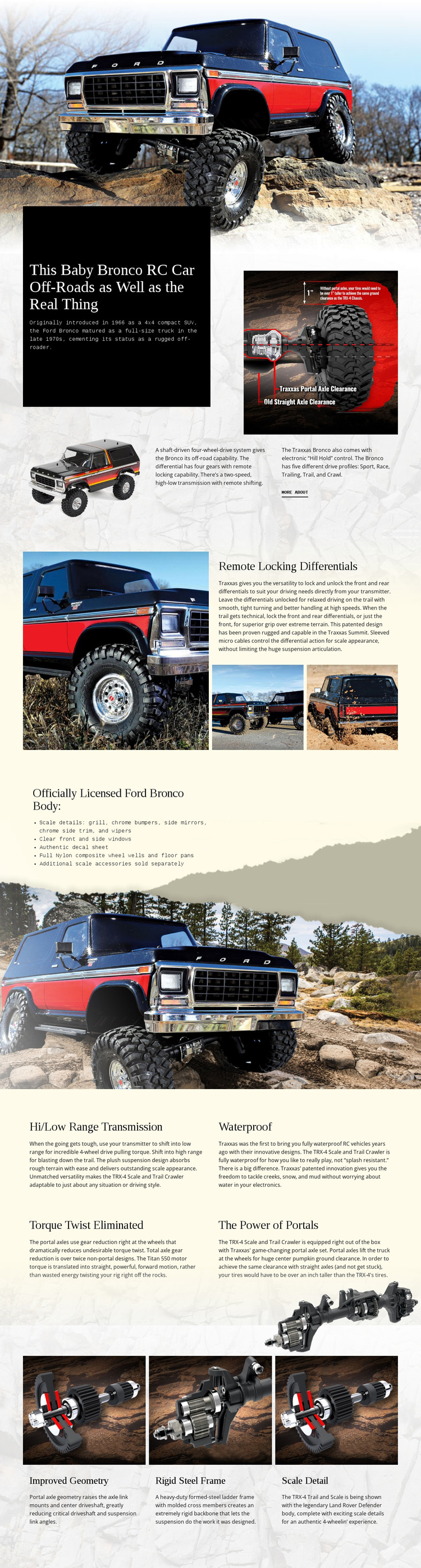
The page contains the main content areas needed for a self-contained product presentation. It begins with a wide vehicle photograph that establishes the subject immediately, then moves into a product introduction combining a strong headline, historical Ford Bronco context, drivetrain information, and several supporting images. This opening gives the static page both visual identification and explanatory content before the more specialized features appear.
The middle of the design adds technical depth without abandoning the same product focus. The remote locking differentials section pairs a large image with explanatory copy and two detail photographs, while the licensed body section turns scale information into a concise list over a vehicle background. Below that, four repeated blocks cover hi/low range transmission, waterproof construction, torque twist elimination, and portal power. The repeated format makes the specifications readable within a single page flow.
Three final cards for improved geometry, a rigid steel frame, and scale detail provide a closing summary of chassis and appearance qualities, supported by another vehicle image. Together, these areas create a ready-made static implementation with introduction, evidence, technical explanation, and a final feature recap. The design could be exported as an HTML website using Nicepage’s HTML Export, but its main value here is that the finished content arrangement is already coherent before any additional sections are added.
Customize with Nicepage
Open this ready-made template in the HTML Builder and customize it visually in the Nicepage editor. Replace demo content, edit page sections, and adapt the design to your project without rebuilding the template from scratch.
Export and Use This Template as an HTML Website
Create a Portable HTML Website
When the template is ready, use the HTML Export option to create a static website with the files required for deployment. The exported website can be used independently of the Nicepage editor and deployed on your preferred hosting.
Nicepage also provides SEO settings and optimization features, including Page Titles and Descriptions, Canonical settings, headings, image Alt Text, and other page-level properties that help prepare the website for search engines.
Deploy Without a CMS
Upload the finished website to the hosting environment that fits your project. Because the exported site does not require WordPress, Joomla, or another CMS to deliver its pages, it can be placed on your own server, uploaded to a hosting provider, or deployed through an existing web infrastructure.
Hand Off the Website Files
The generated website files can also be provided to a client, developer, or hosting team. They remain available outside the Nicepage editor for deployment, technical review, or project-specific development when additional work is required.
This workflow makes the template a practical foundation for a portable static website that can be exported from the Nicepage editor and deployed independently.

More from Cars & Transportation HTML Templates
-
Free Website Builder SoftwareDownload