

Motor HTML Templates
Riders need more than an exterior photo when comparing engines, transmissions, or brake setups. Motor HTML templates place technical specifications beside close-up images and service descriptions in reusable sections that remain legible on phones.



















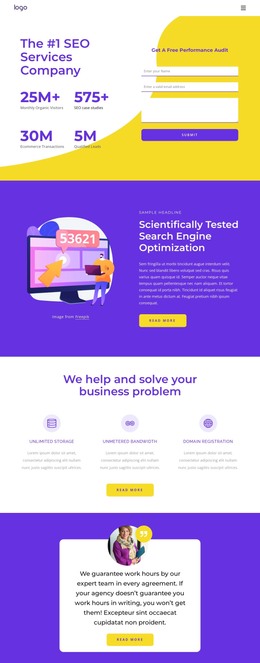




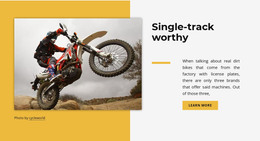



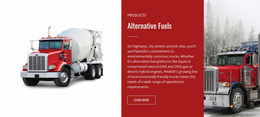


More HTML Templates from Cars & Transportation Category
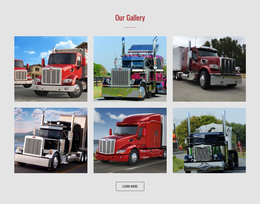
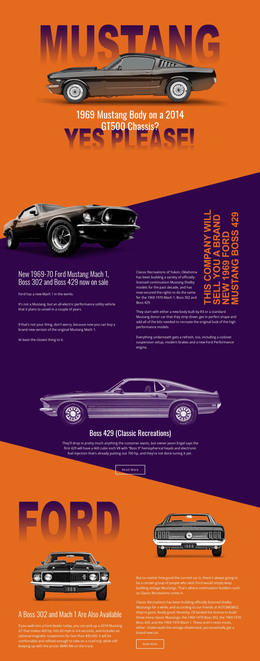


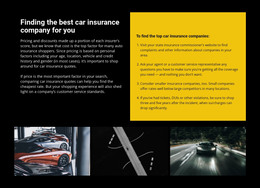
Other Cars & Transportation HTML Templates
Smartphone-Optimized Motor HTML Templates
A car dealership, a motorcycle showroom, and an engine repair shop all want visitors to request a quote, but each gets there through different sections. Motor HTML templates provide that route with prebuilt structure, including catalog grids, model descriptions, and inquiry forms, ready for your vehicles and prices. Below you'll see how those blocks serve dealers, rental fleets, and workshops, plus what a demo should prove before you commit.
Organize Vehicle Listings Around Model Details
Most inventories open with a grid of vehicle cards, each showing a model name, one main photo, and a price. Any card should open a full model page, so buyers never dig elsewhere for the numbers. A classic road bike and a new hatchback carry different specs, yet one layout can present both in the same order. When comparing demos, see how the model page arranges its core parts:
- A heading with the make, model year, and exact trim, so one variant's figures never land under another.
- A spec table built with Nicepage's Table Element, with units beside each engine, transmission, and brake value.
- A short description of who the vehicle suits.
- An inquiry or test drive button right after the specs.
Swap every demo figure for manufacturer data before the catalog goes live.
Place Gallery Shots Beside Specs
Few shoppers decide from a single hero image. They want the side profile, the dashboard, and a close look at the engine. With Nicepage's Image Gallery Thumbnails guide, you can set up a main image that visitors switch by clicking smaller previews, keeping every view of one model on its own page. Strong layouts place the gallery beside the model name and spec table, with the inquiry button nearby. A shopper who just zoomed in on the brake calipers can then ask about that trim at once.
Click Through Rental and Workshop Routes
A rental fleet needs room for daily rates and pickup terms beside each car, followed by a request form. A workshop section reads best with the service name and a summary first. Supported vehicles and the scope of work follow, and contact details close the block.
Then click through the demo as a customer would. Can you get from the catalog to one model and back without losing your place? Is the repair or rental section one click from the main menu? Live stock levels and online reservations need a separate inventory or booking integration.
Finally, drop real content into one catalog, one model page, and one service section. If your longest model name and a real repair description fit without reshuffling blocks, the template matches how your customers shop.