
Transportation HTML Templates
Unlike style-focused transport layouts, these templates provide an HTML foundation for freight services, fleet specifications, route information, and inquiries. Reusable sections keep operational content organized while leaving a practical path to standard web files.





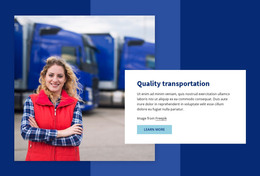
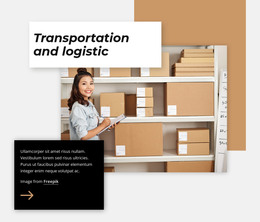

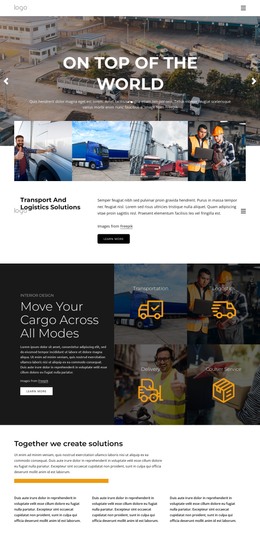

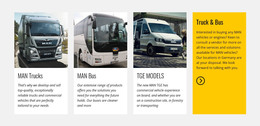













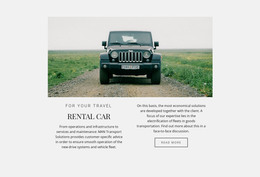
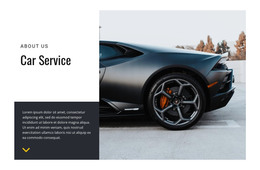

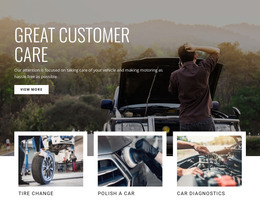

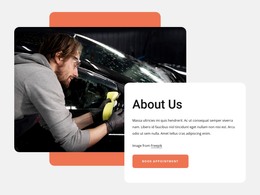
































Other Cars & Transportation HTML Templates
Ready-to-use Transportation HTML Templates for Transport Services
Transportation HTML templates let a freight carrier, car rental desk, or charter bus company start with finished layouts in editable markup. Once you replace the placeholders with your content, the files are ready to host. They can also go to a developer who wires in what no template knows in advance, like live rates or shipment tracking.
Inside the Package
Before comparing designs, check what the file set contains:
- Separate files for the main views, such as services, fleet, and contact.
- At least one service detail layout that can be copied for each cargo type or route.
- Reusable components like vehicle cards, route cards, and a quote form.
- A sensible block order, since phones usually stack blocks in the order the file lists them.
Fleet cards need extra attention, because truck specs grow as axle count, trailer length, and temperature range get added one by one. A card built for one line of text will need new markup each time.
Reusable Markup Across Cargo Lines
Reusable markup pays off once a trucking company sells several kinds of freight, since one detail layout can be copied for each service line:
- Full truckload, with trailer types and maximum payload in the spec block.
- Less than truckload, where pallet counts and consolidation days fill the same slots.
- Expedited freight, which swaps transit estimates for guaranteed delivery windows.
- Oversize or hazmat loads, which usually need one extra block for permits and handling rules.
When each copy follows a single markup pattern, a developer can later build the entire set from a spreadsheet or a JSON file. A fifth service line then becomes a new row of data. Car rental firms can apply the same pattern to vehicle classes, and couriers to delivery zones.
Hosting and Extending Exported Code
Nicepage lets you customize a template visually and then export the result. Its HTML site export documentation describes a package of HTML files, scripts, and images. You can save it to a folder, pack it into a ZIP archive, or upload it over FTP.
From there, the files are ordinary front-end code that can live on a company server or in a Git repository. A developer can then connect the quote form to a dispatch system or add a tracking lookup through an API. None of that comes built in, so plan it separately.
Before settling on a template, open the fleet file and count the lines you would touch to add one more truck. If the answer is a copied card and a new photo, the template will grow as the fleet grows.