
Scooter HTML Templates
An electric scooter page should separate range estimates from battery capacity, charging time, and braking hardware. Repeated HTML sections give each model the same factual labels and a clearer reading order.


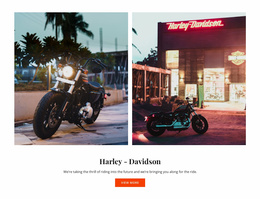
More HTML Templates from Cars & Transportation Category
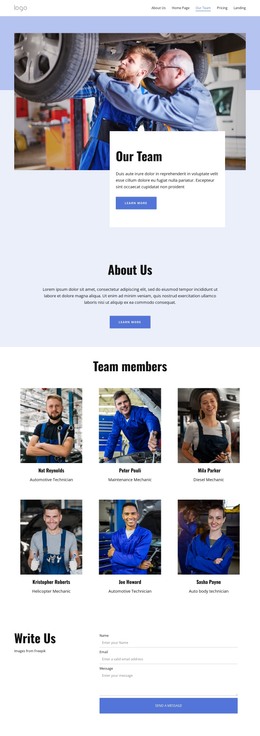

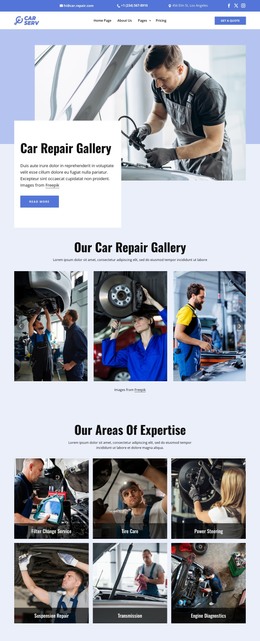

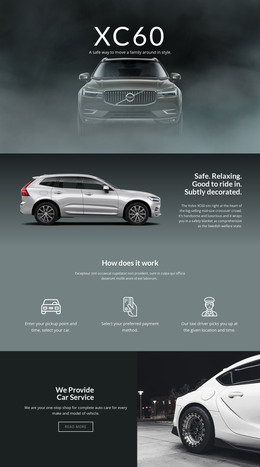




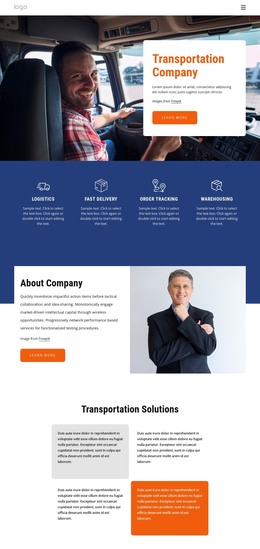
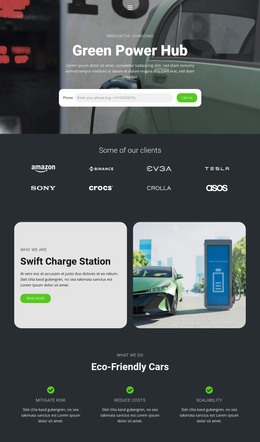
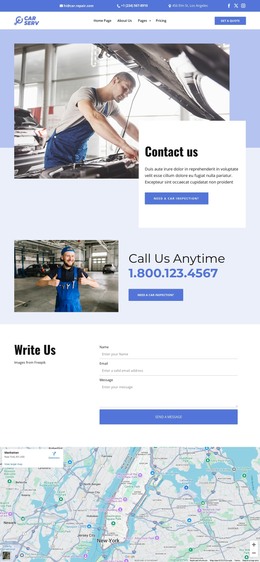
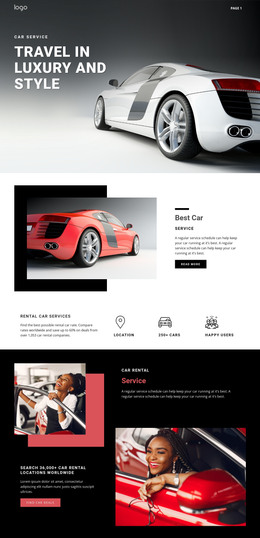
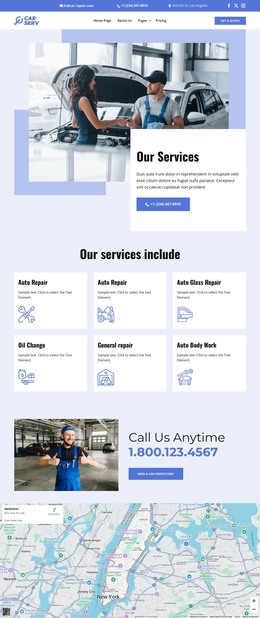





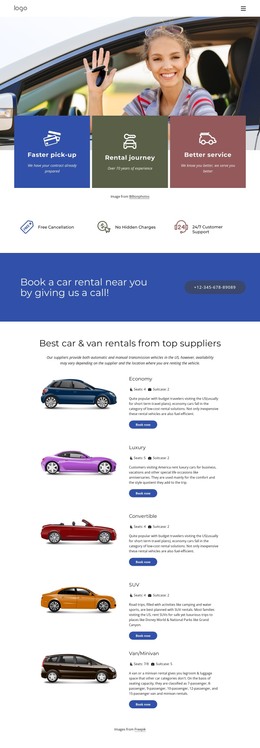
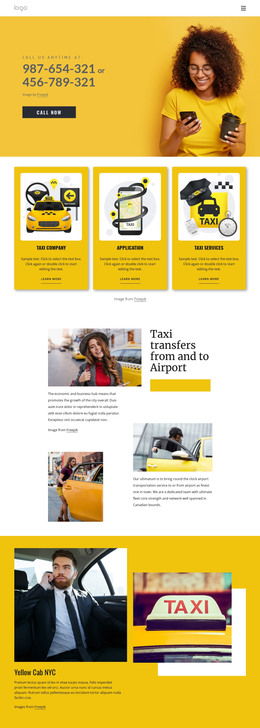
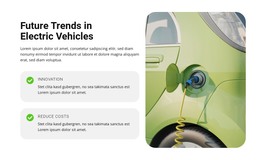















Other Cars & Transportation HTML Templates
Exportable Scooter HTML Templates
Scooter HTML templates are layouts you customize in Nicepage and export as HTML files for your own hosting. Beyond the look, check whether the exported pages can present scooter details clearly and support the features your business needs. For example, live stock and working bookings depend on the services you connect.
What an HTML Export Includes
The export includes the HTML pages for your scooter design, plus the JavaScript files and images they use. Depending on the Nicepage version, it can go to a folder, a ZIP archive, or straight to your server over FTP.
The files can then be used in several ways:
- The package does not depend on Nicepage Hosting, so any provider you already use will do.
- A developer can take the same folder and connect a booking tool or an inventory feed.
- The code stays open to direct edits, though manual changes must be carried over after each new export.
Presenting Scooter Model Details
Some templates come with individual pages for each model, so check whether the set covers every scooter you offer. When a layout uses Nicepage's Grid Repeater Element, each scooter card keeps its name, photo, and spec summary in the same position. Since the repeater only arranges cards visually, the exported code deserves its own check.
A few details show whether the cards will hold up across your lineup:
- A commuter scooter and a long-range model should list range, motor power, and charging time in the same order.
- Units need to stay beside the numbers, since a bare 25 leaves shoppers guessing between miles and kilometers.
- The template shows an advertised range exactly as entered, so label manufacturer figures as such.
- A rental card can show a daily rate and a Book Now button, yet confirming dates requires working booking logic.
In the simplest setup, a daily rate entered on the page changes only when someone edits and re-uploads it.
When Files Go Live
After upload, check that every scooter photo and thumbnail loads, since a renamed folder can break image paths. Links from the catalog should open the correct scooter pages, even when the site lives in a subfolder. Send a test inquiry through each form, and make sure no model's specs end up beside another model's photo. Each scooter's name should be a real heading, specs should stay in the page copy, and photos need alt text. On a phone, the range and charging time should fit on their own lines, and the cards should stay in order.
The right scooter HTML template combines clear vehicle information with pages that stay readable and work on the hosting you chose.