

Dealer HTML Templates
Car buyers compare mileage, model year, powertrain, and availability before approaching a showroom. With dealer HTML templates, each listing can present those facts in clear, reusable markup that remains readable on mobile devices.












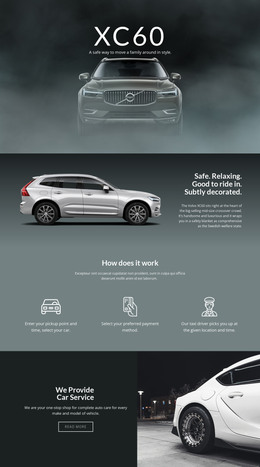
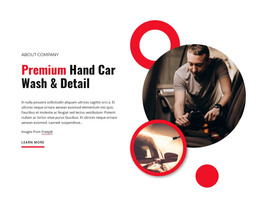
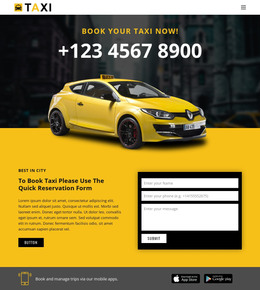

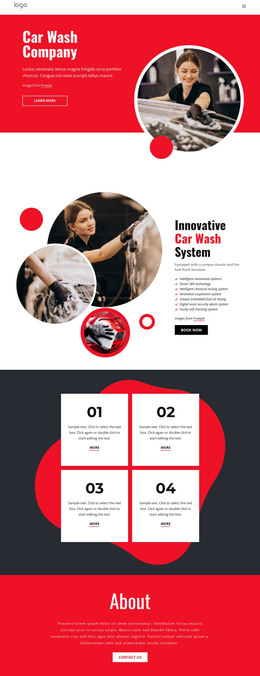











































Other Cars & Transportation HTML Templates
Ready-to-use Dealer HTML Templates
Almost any dealer HTML template looks convincing in its demo, with a handful of cars, short names, and round prices. The real test begins when a dealership loads its own stock with mileage, trims, and condition notes. If the demo cards were built around a photo and a price alone, every extra field means reworking the structure by hand for each new arrival.
What to Check in a Dealer HTML Template
A few structural points in the demo reveal how well it will cope with a real lot:
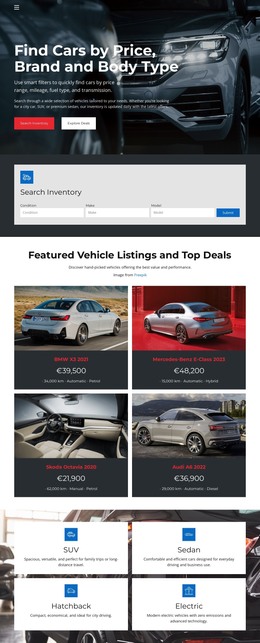
- The inventory view keeps each card brief, with the price, model year, and mileage that shoppers use to narrow their choice.
- A separate details page has room for full specifications and a larger photo set, plus a service record or warranty terms when the dealer can confirm them.
- The inquiry link appears on that details page, and a visible stock reference tells the sales team which car the buyer means.
When a new car arrives, whoever publishes it can duplicate an existing card and overwrite the name, price, and photo description instead of assembling one from scattered pieces. With the cell controls and responsive behavior described in the Grid Element documentation, you can arrange those cards in rows and columns that keep the inventory overview readable.
Room for Electric Cars and Work Vans
A rigid template shows its limits once the lot holds more than one kind of vehicle. A used electric car buyer looks for battery capacity and the charging connector. A business buyer comparing vans needs payload and cargo dimensions to know whether the vehicle will carry their tools. Optional rows in the specification area absorb such extras, so staff doesn't have to bury technical data in the description.
Plan updates before you commit. Manually edited HTML listings don't sync with dealership inventory software, so a sold car stays online until someone removes it. A small used car lot with slow turnover can live with that, but a busy franchise showroom should first agree on who updates prices and photos.
How Listings Hold Up on Phones
On a phone, inventory cards stack, and the order inside each one matters. The price and mileage need to stay close to the car's name, and the link to full details shouldn't slip below a long paragraph. At the same width, scroll through a details page to confirm every specification is still there.
A dealer HTML template fits the job when a shopper can move from the grid to one car's details and send a question about that exact vehicle without any restructuring.