
Car HTML Templates
Dealers and automotive services often repeat the same vehicle details, galleries, specifications, and contact patterns. A ready-made HTML foundation keeps those sections consistent while preparing the finished site for static delivery and further developer work.

























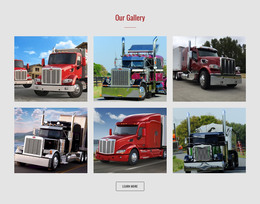




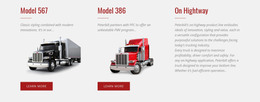







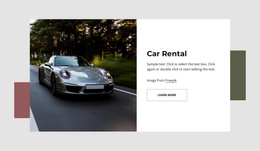








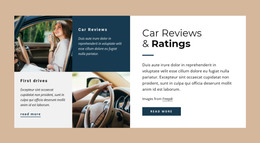


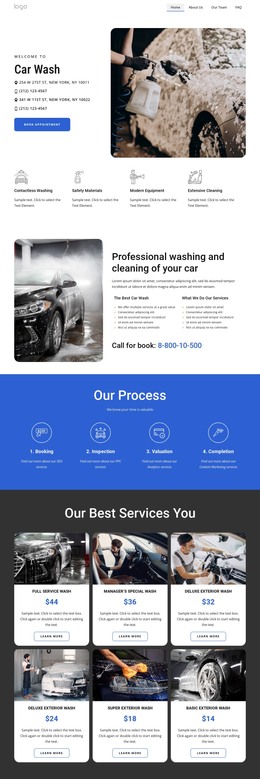
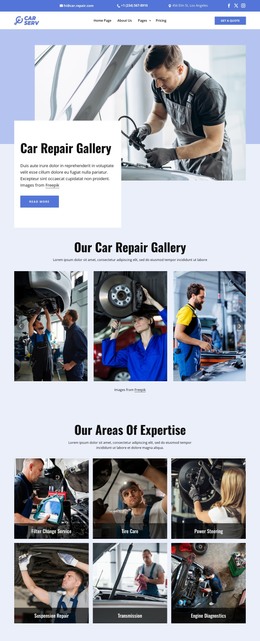
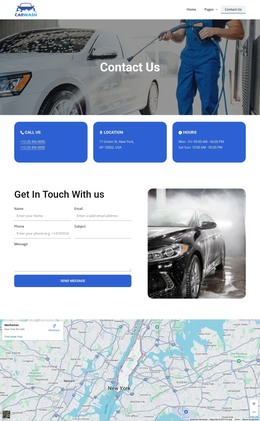






















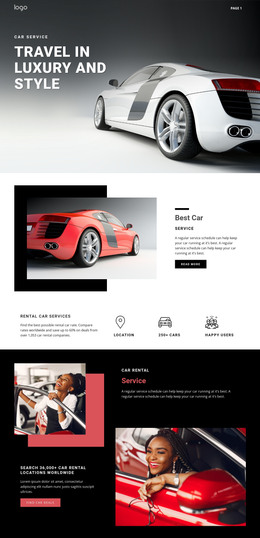

Other Cars & Transportation HTML Templates
Clean Car HTML Templates for Static Automotive Sites
A car HTML template arrives as a folder of files. You unzip it, open the screens in a code editor, change text and photographs by hand, then copy the result to hosting. Nothing runs behind that folder, so there is no database to keep alive and no admin panel to maintain.
Files You Unpack First
What ships varies from one product to the next, so the archive deserves to be opened first. Depending on the package, you can expect:
- An entry file plus separate files for the stock listing and individual cars, often under a path such as "cars/2019-estate.html".
- An images folder with vehicle photography, logos, and icons, waiting to be swapped.
- Scripts and fonts where the product ships them, sometimes pulled from an external service instead.
- Demo content everywhere, which has to come out before launch.
The question worth asking is how quickly you find things in there. Open one car file and see whether the model name, price, and mileage are where a person would look, since that is the work you repeat for every arrival.
Adding Fresh Arrivals By Hand
Putting one more car online is the routine that defines this format:
- Duplicate the closest existing car file and rename the copy to match your naming pattern.
- Replace the model name, the price, and the specification values inside it.
- Drop new photographs into the images folder and point the file at them.
- Add the car to the stock listing, then open both files locally to watch the links work.
Selling a car reverses those steps, and the link from the listing goes with it, or a visitor meets a 404 where the car used to be. Titles and descriptions are edited the same way, which is comfortable at a dozen cars and tedious at a hundred.
Uploading, Upkeep, Honest Limits
Nicepage exports a finished project as static HTML files that can be moved to compatible hosting via FTP or whatever upload method your host offers. After the transfer, walk the site once. Click every navigation item, confirm that photographs and fonts load with the rest, and try the contact form, which often requires an external service to send anything. Relative paths deserve a look too, since a folder at a different depth can break links that behaved perfectly on a laptop.
The format rewards a specialist dealer whose cars sell slowly, an agency handing a project to a client, or a promo site built for one season. Backups are copies of the folder; history can live in Git, and moving hosts means uploading the same files to another host. If stock turns over daily, a CMS carries that load better.