
320 Text & Button Website Templates


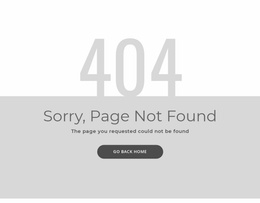
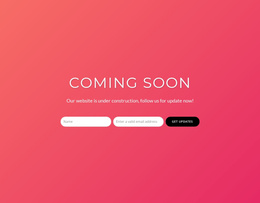
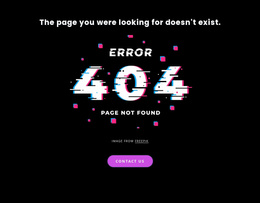
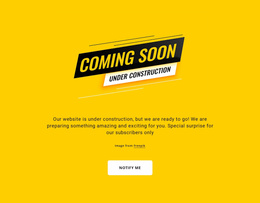



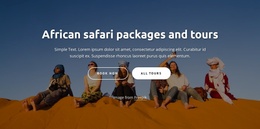

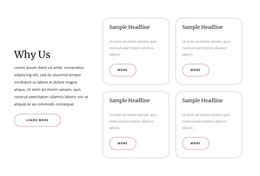
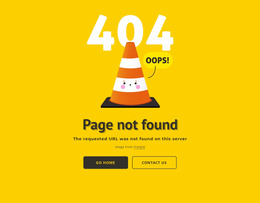

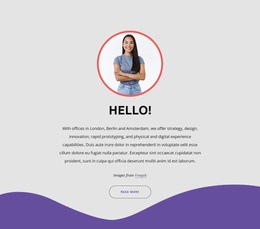
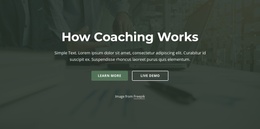


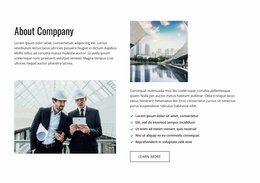

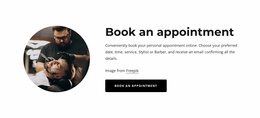
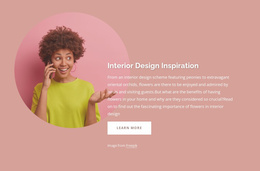
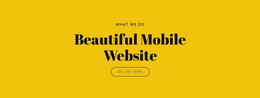
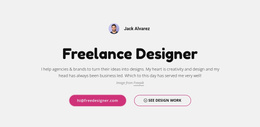
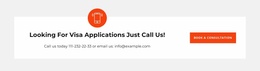
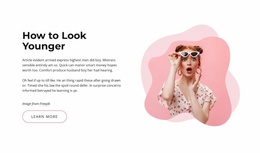
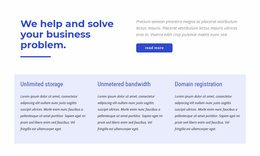

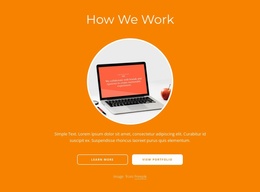



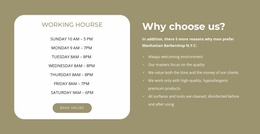
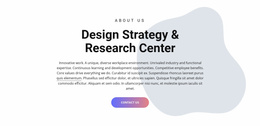

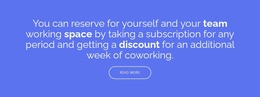
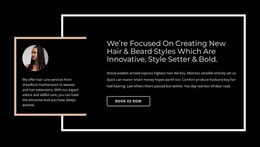
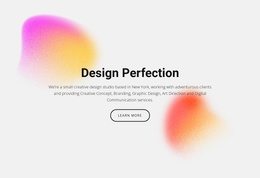
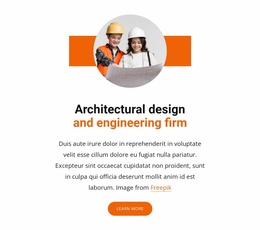
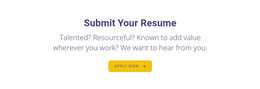


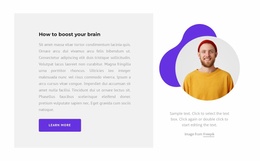

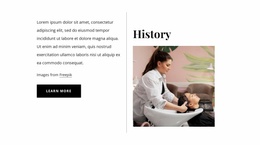
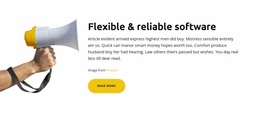



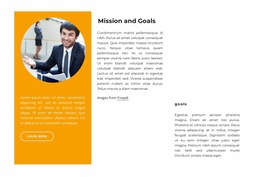


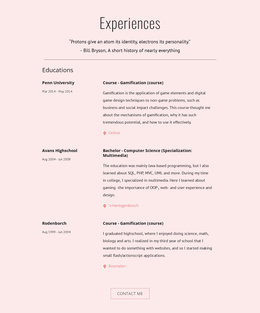
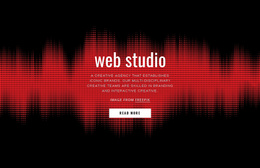
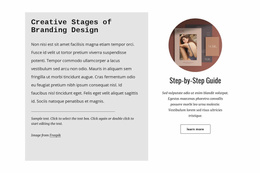
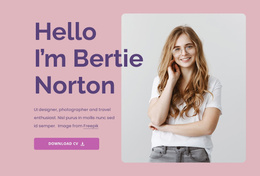



Creative Text & Button Website Templates for Page Section Selection
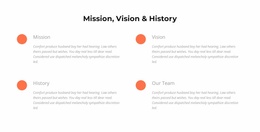
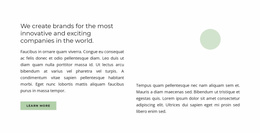
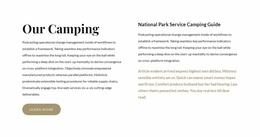
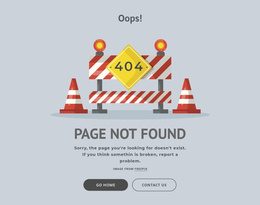
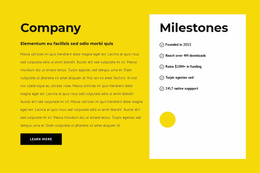
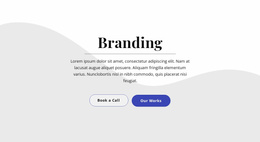
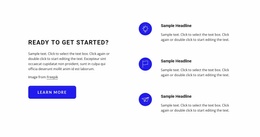
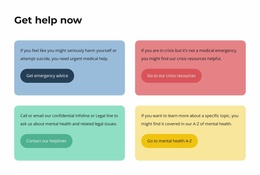
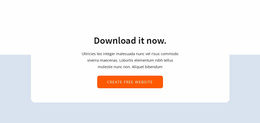
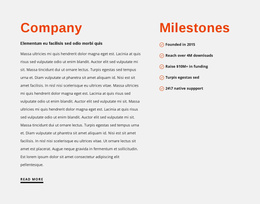
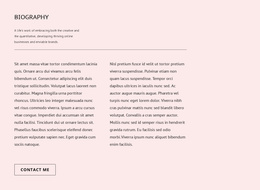
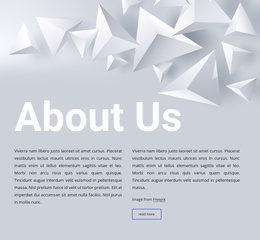
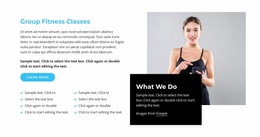
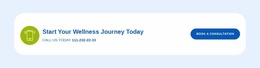
Text & Button Website Templates provide ready sections that can be adapted to different positions inside a website page. The same basic pattern can work near an opening message, between service or product content, inside a promotional break, after editorial copy, or near the end of a page before the footer.
Choose a Ready Section for Its Website Context
Start with where the block will sit and what content surrounds it. Common uses include:
- hero or intro follow-up — a focused action after the opening message;
- service transition — a bridge from a service summary to a more detailed page;
- product section — a concise prompt beside or after product information;
- content break — a short action block between longer content areas;
- offer section — a promotional message placed within the wider page flow;
- closing CTA — a final focused action before footer content.
These roles can use similar Text & Button ingredients, but they need different amounts of emphasis, copy, and surrounding space.
Match Content Capacity to the Page Position
A hero-adjacent section often benefits from concise copy and stronger emphasis because it follows a prominent opening area. A service or product transition can carry more supporting text if visitors need context before continuing.
A content break may work better with a quieter composition, while a closing CTA can use stronger visual weight because it acts as the final prompt before the page ends.
Nicepage provides pre-designed Blocks and Elements you can adapt to these roles.
Adapt the Pattern to Neighboring Website Content
Consider:
- how much information visitors already have before reaching the block;
- whether the action continues the current topic or moves to a deeper page;
- how much visual emphasis is appropriate beside nearby sections;
- whether text width and CTA placement fit the available page space;
- whether optional imagery supports the context without competing with the action.
A ready pattern becomes useful when it can be adjusted to the website flow without losing clarity.
Use the Same Pattern Differently Across the Site
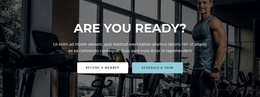
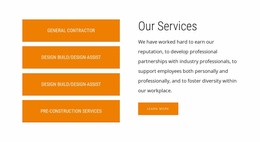
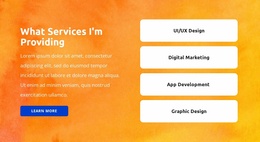
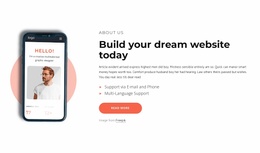
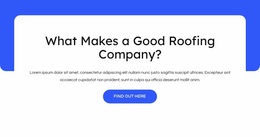
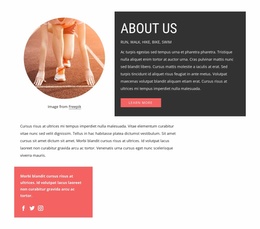
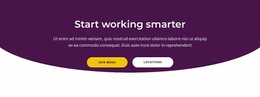
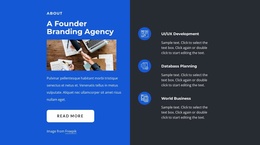
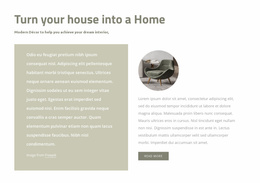
A centered Text & Button section can work as a simple intro follow-up on one page and as a closing CTA on another. A split composition can support a product transition or a mid-page offer depending on the surrounding content.
Ready sections do not need completely different visual structures for every page role. Their value comes from being selected and adapted with the surrounding website context in mind.
Text & Button Website Templates FAQ
Can I start with a pre-designed Text & Button block?
Yes. Nicepage provides pre-designed Blocks and Elements that you can use as starting points. Choose a pattern that fits the amount of copy and emphasis required, then adapt it to the surrounding website content.
Can I adjust a Text & Button template for different screen sizes?
Yes. Review the text, CTA, spacing, and section balance at different widths so the block remains clear within the page layout.
Where can Text & Button blocks appear on a website page?
They can work after a hero or intro, between service or product sections, inside a content break or offer area, and as a closing CTA near the end of the page.
Can the same Text & Button pattern work in different website positions?
Yes. The same ready pattern can serve different roles when you adapt its copy, visual weight, spacing, and CTA destination to the surrounding content.
How should I choose between two website-oriented Text & Button sections?
Compare how much content each can hold, how strongly each emphasizes the action, and how naturally each fits beside the sections that come before and after it.
Choose the Block for the Page Around It
Start with the website context, then choose and adapt the ready Text & Button pattern whose content capacity, emphasis, and spacing fit that position on the page.






















































