
330 Layered Images Website Templates

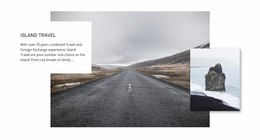



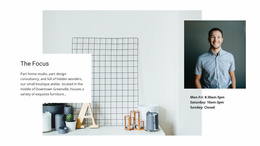





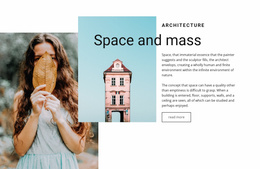
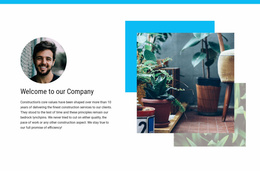


























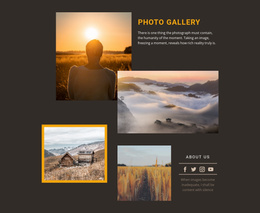
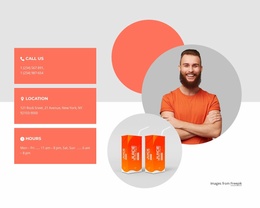


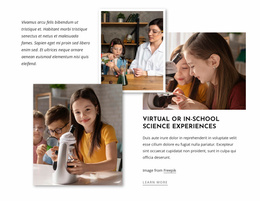
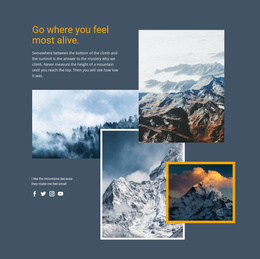


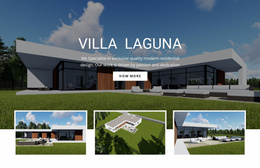



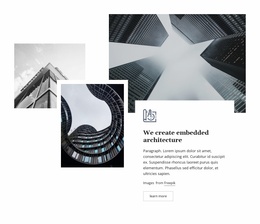










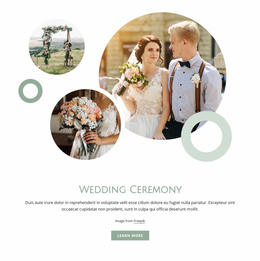


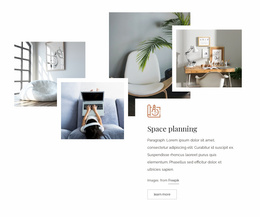




























Ready-To-Use Layered Images Website Templates for Reusable Visual Sections
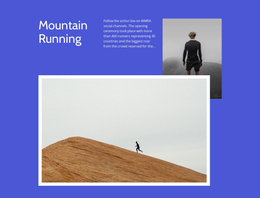
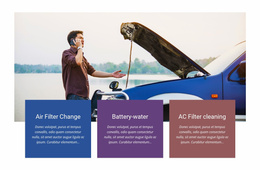
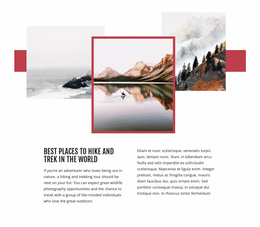
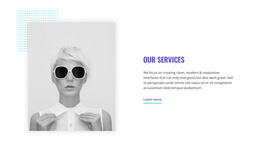
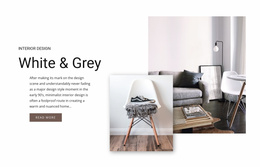
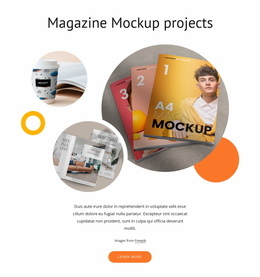
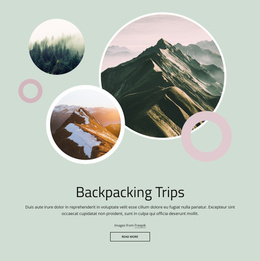
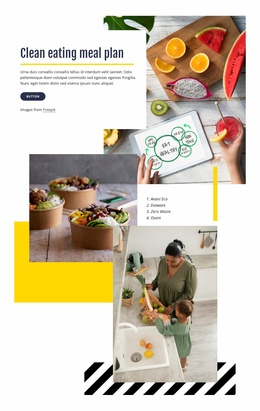
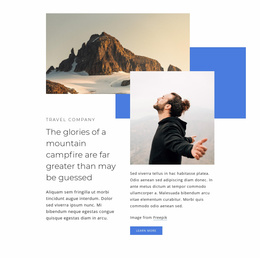
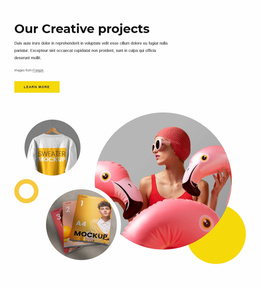
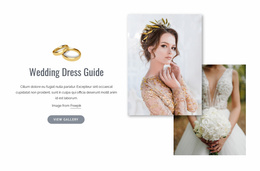
Layered Images Website Templates provide ready-made section foundations for broader website projects. Each design gives you a prepared image-led block where scale, overlap, offsets, and supporting content already work together, so you can adapt the section without rebuilding its visual structure from scratch.
Flexible Layered Image Sections Within a Website Structure
A Layered Images section should work naturally with the content around it while keeping the layered image composition itself as the focal feature. The main question is how that prepared section supports a specific page role without overpowering nearby content.
When reviewing a website-template section, check:
- whether the dominant layered image remains the focal point beside hero, text, gallery, or CTA sections;
- whether supporting images add depth without making the page feel visually crowded;
- whether text beside the composition stays readable;
- whether spacing gives the layered group enough separation from neighboring content;
- whether the same section pattern can be adapted for another page role without losing its image hierarchy.
Replace Images and Adapt Supporting Content
The Image Element supplies the individual visuals used in these compositions. After selecting a suitable website template, replace the placeholder imagery with project-specific content while keeping the prepared section structure. The Image Element documentation covers image editing in the Nicepage editor.
You can also adapt headings, short descriptions, CTA text where present, background treatment, and the spacing around the image group so the section fits its place on the page.
Reuse the Layered Section Across Related Pages
The same Layered Images section pattern can support different pages without appearing identical. Images and copy may change, but the relationship between the dominant and supporting visuals can remain recognizable. This makes the block useful as a reusable section foundation inside a broader website project.
Keep the Section Aligned With the Surrounding Page
Before finalizing the block, check how the layered composition interacts with neighboring content and whether it has enough breathing room.
Useful checks include:
- whether the dominant image still attracts attention first;
- whether supporting visuals remain secondary;
- whether nearby text or CTAs have enough clearance;
- whether the layered section creates a clear transition without visually swallowing the next block.
Layered Images Website Template FAQ
Can I replace the images in a Layered Images Website Template?
Yes. You can replace placeholder visuals with project-specific imagery while keeping the ready-made section structure as the starting point.
Can I change the text and CTA inside the section?
Yes. You can adapt headings, descriptions, and CTA content so the section supports the specific role it plays on the page.
Can the same Layered Images section pattern be reused?
Yes. You can reuse the same section logic with different images, copy, and spacing when the pattern fits more than one part of a broader website project.
What should I check before adding the section to a page?
Review the dominant image, supporting layers, spacing, text clearance, and how the composition transitions to the content before and after it.
Add the Layered Section to a Broader Website Project
Choose a ready-made section whose image hierarchy and supporting content already fit the intended page role. Replace the visuals, refine the content in the Nicepage editor, and use the finished block as one reusable part of the broader website structure.






















































