
Modal Popup Website Templates
-
-

-
-
-
-
-
-
-
-
-
-
-
-
-
-
-
-
-
-
-
Customize Any TemplateDownload
-
-
-
-
-
-
-
-
-
-
-
-
-
-
-
-
-
-
-

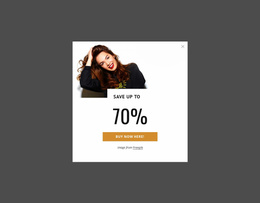
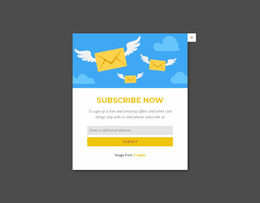
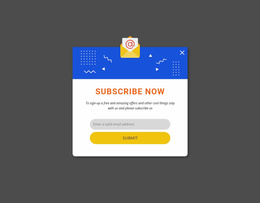

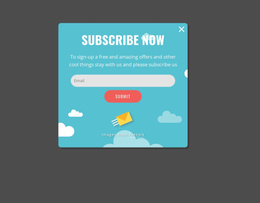

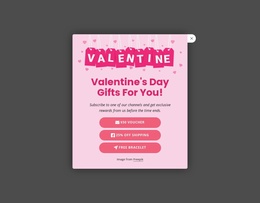
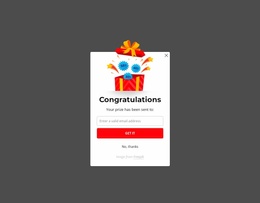
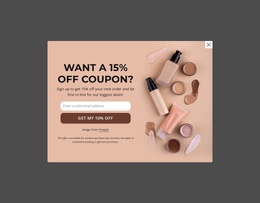
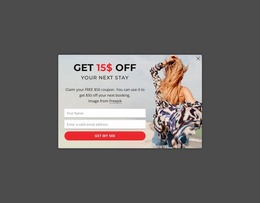
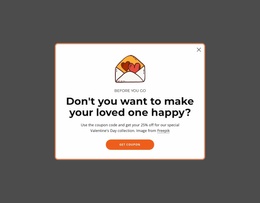
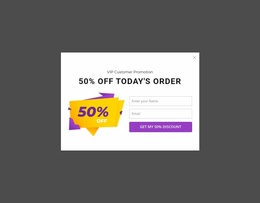
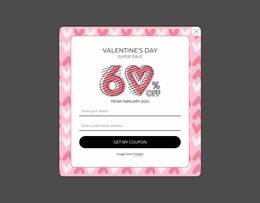
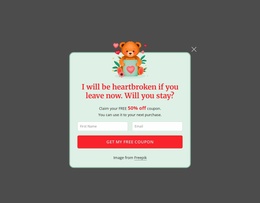
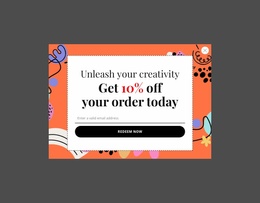
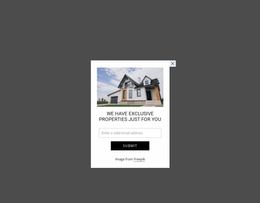
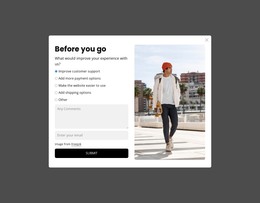
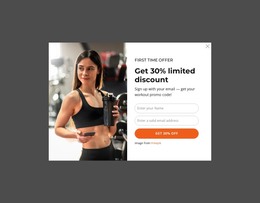
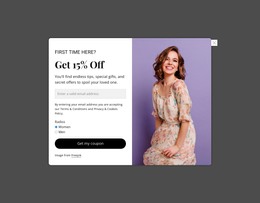
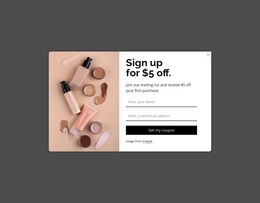
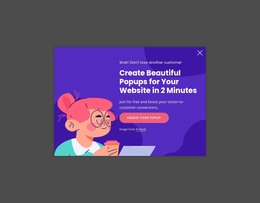
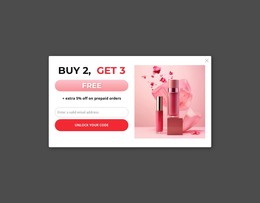
Ready-To-Use Modal Popup Website Templates for Real Website Use Cases
Modal Popup Website Templates are most useful when the popup is chosen for a specific type of website, not as an isolated design exercise. An ecommerce store, service business, portfolio, event site, and campaign page can all use a modal, but the reason for opening it and the content inside it will differ.
This page therefore focuses on website-project context: where a popup fits, what role it plays on that site, and which ready section direction is easiest to adapt.
Match Popup Templates to the Website Type
Common project contexts include:
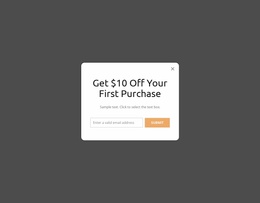
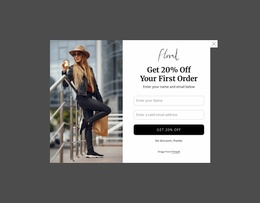
- Ecommerce websites — product details, size or delivery information, newsletter signup, or a timely offer.
- Service websites — inquiry, booking, consultation, quote request, or supporting service details.
- Portfolio websites — project descriptions, image galleries, case-study details, or contact prompts.
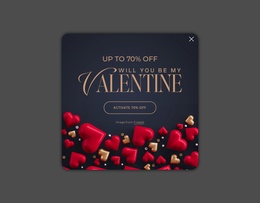
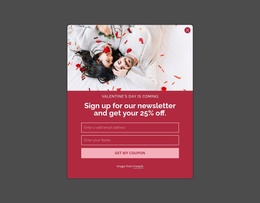
- Campaign and event websites — registration, announcement, schedule details, lead capture, or a limited promotion.
The same visual popup pattern can serve different sites, but the surrounding context changes what belongs inside it. An ecommerce offer may need a product image and price cue, while a service popup may work better with a concise explanation and an inquiry action.
Use the Existing Website Journey as the Starting Point
Before selecting a popup section, identify where it will be triggered on the site. A product card, service block, portfolio preview, pricing section, or campaign CTA gives the modal a clear reason to open.
This makes the choice more practical than simply browsing a generic popup catalog. Consider:
- what page or section introduces the popup;
- what extra information or action belongs there;
- whether the content should be reused on similar pages;
- how the visual style should match the rest of the website.
Nicepage Modal Popup can then be adapted inside that broader website project.
Keep Website-Specific Content Compact
A popup does not need to repeat the entire page. Use it for the part of the website journey that benefits from a separate dialog.
For an online store, that might be a concise product clarification. For a consultancy site, it could be a short qualification form. A portfolio may use a larger media-led composition, while a campaign site may need a direct registration prompt.
The important distinction from the broad "templates" page is simple: the templates page helps choose a popup pattern by task; website-templates applies popup patterns to concrete website types and site journeys.
Maintain a Consistent Site Experience
Once a section is selected, adapt its typography, colors, imagery, and controls so it feels native to the website where it appears. Reuse can be useful when similar pages need the same interaction, but the content should still reflect the local page context instead of showing the same generic message everywhere.
Modal Popup Website Templates FAQ
How can a popup support an ecommerce website template?
It can show product details, delivery or size information, a newsletter signup, or a relevant offer without adding all of that material to the permanent product-page layout.
What popup tasks fit a service website?
Common uses include consultation requests, booking prompts, quote forms, service details, or a short qualification step connected to a relevant page section.
Can a portfolio website use a Modal Popup?
Yes. A popup can reveal project details, larger media, supporting case-study information, or a contact action while keeping the main portfolio grid concise.
Is a Modal Popup Website Template a complete website?
No. In this category, it is a ready popup section intended for use within a broader website project and adapted to that site's purpose and visual system.
Choose the Popup Around the Website Context
Start with the site type and the page moment where the popup will appear. Select a ready Modal Popup section that suits that use case, adapt its content and visuals, and connect it to the relevant product, service, portfolio, campaign, or other website interaction.





















































