
2010 Shapes Website Templates

















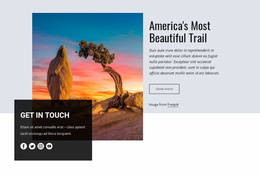

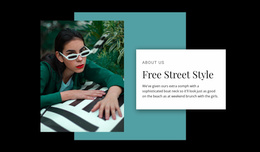
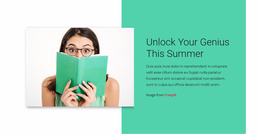


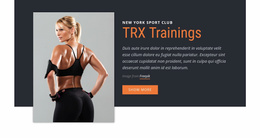


























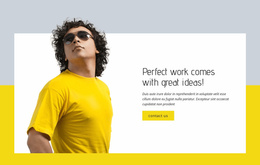

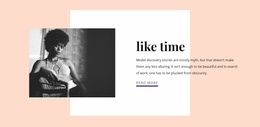


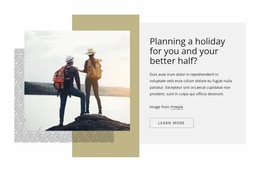
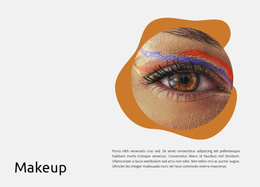






Ready-To-Use Shapes Website Templates With Geometric Design
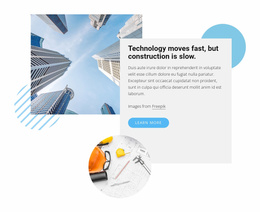
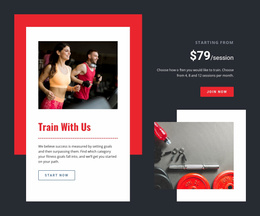
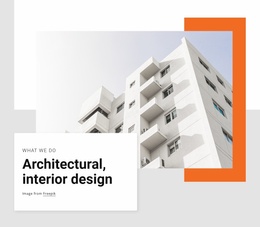
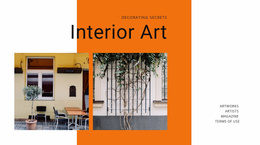
Shapes Website Templates provide complete ready-made design foundations for websites that use circles, rectangles, abstract forms, and geometric backgrounds as part of their visual style. Instead of building the site structure and visual direction separately, you can start from a prepared template and customize the pages, content, imagery, colors, and geometric treatment for your own project.
This approach works well for creative agencies, portfolios, product websites, services, events, startups, and other projects that benefit from a more expressive visual identity. The template gives you a starting structure, while the shape style determines how bold, minimal, playful, or editorial that structure feels.
Browse Ready-Made Shape Website Templates by Style
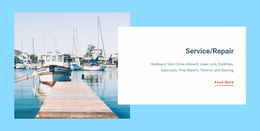
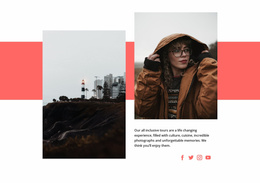
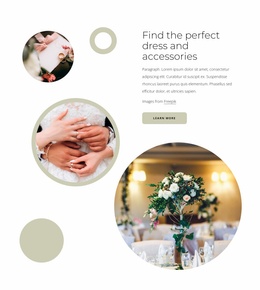
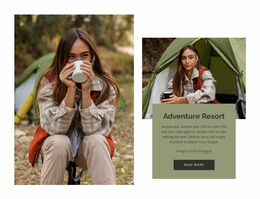
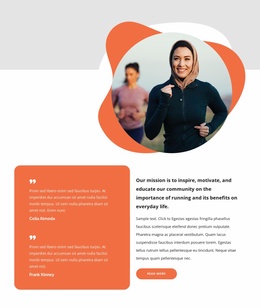
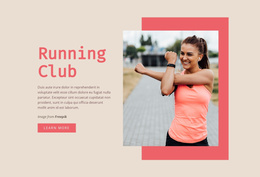
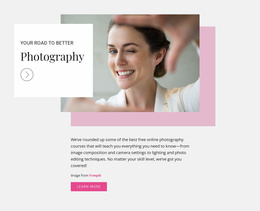
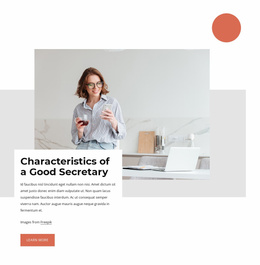
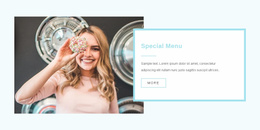
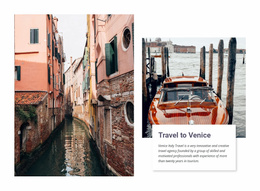
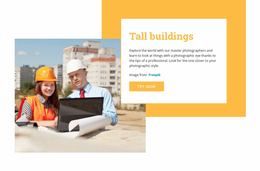
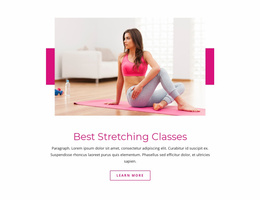
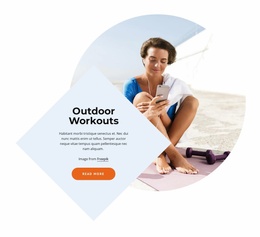
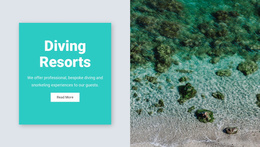
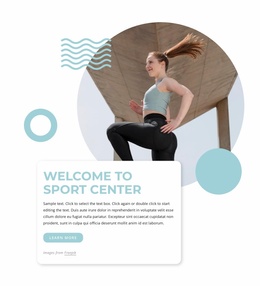
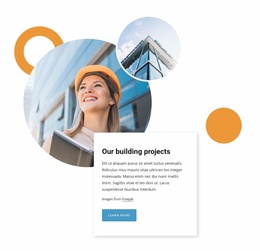
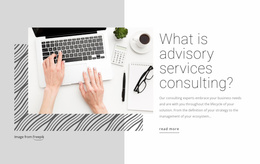
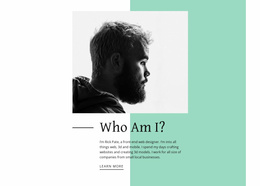
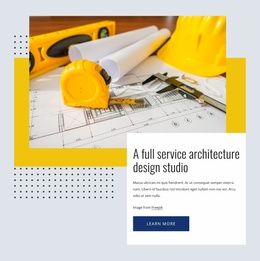
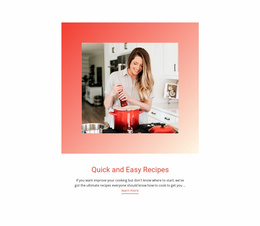
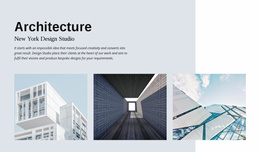
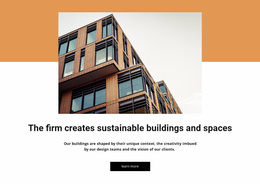
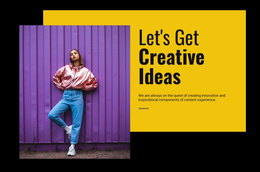
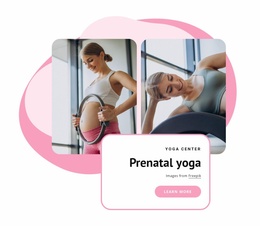
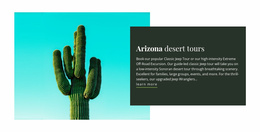
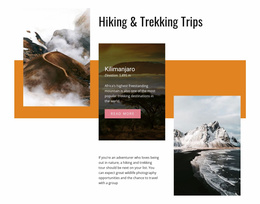
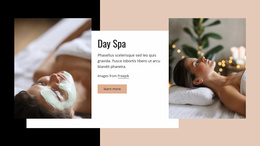
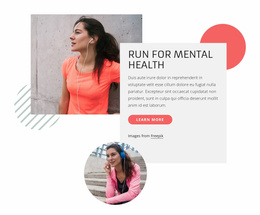
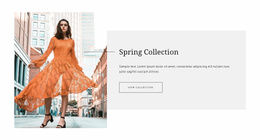
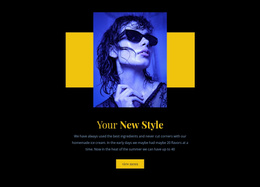
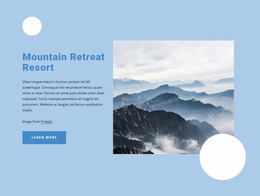
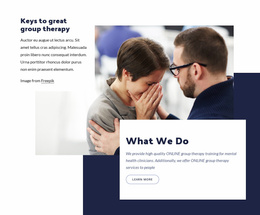
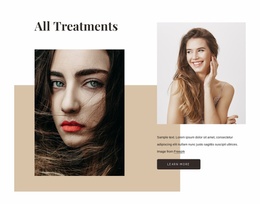
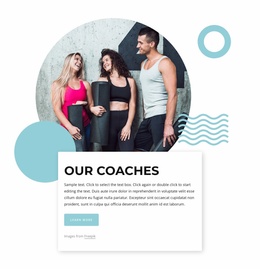
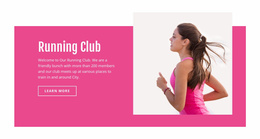
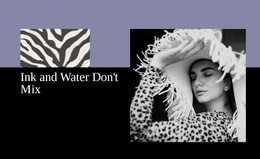
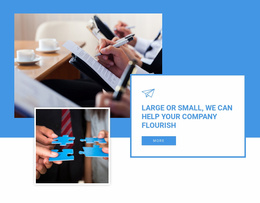
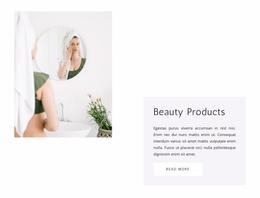
Different templates use geometry in different ways. Some rely on large abstract backgrounds in the hero, while others use smaller circles and accents around images or headings. A frame-oriented geometric treatment can make photography or featured content feel more contained, while oversized color fields can create a stronger campaign-like look.
When comparing options, look at the whole website design rather than one decorative section. Check whether these parts feel compatible with the kind of site you want to publish:
- the home page;
- inner content areas;
- imagery;
- typography;
- shape treatment.
Start With a Prepared Whole-Site Structure
A ready-made website template reduces the amount of layout work required before real content can be added. Its structure can already coordinate the home page with inner pages and content areas, including:
- hero sections;
- image blocks;
- calls to action;
- supporting sections that can be reordered or adapted for the project.
The geometric style then adds visual character across that broader structure. A background shape can anchor the home-page hero, an abstract form can support an inner content area, and smaller accents can connect different pages without forcing the same composition everywhere.
Customize Shapes, Content, and Visual Details
Customization is especially important when the replacement content has a different length or image ratio. A shorter headline may allow a larger shape, while a taller image can require more open space or a different background position. Treat the geometry as part of the template style you are adapting, not as a fixed object that must stay in the same place.
Some designs also benefit from editing the geometric object itself. The Shape Element can be used for that specific task when a background form, accent, or frame needs different proportions after the website content is replaced.
Check Responsive Behavior Across Key Template Pages
Responsive behavior matters because the template must stay coherent across its main pages, not just in one hero section. Review how the home page and important inner areas handle stacking, image scale, text width, and geometric backgrounds on smaller screens. The decorative arrangement may simplify, but the template should keep content readable and maintain a recognizable, shape-led style.
Match the Template to the Website You Need
The best Shapes website template is the one that fits both the subject and the content structure. - A portfolio may prioritize large imagery. - A service site may need clearer text sections. - A product website may require stronger calls to action and feature areas.
Choose the template whose page structure already comes closest to that need, then refine the geometric style. This is usually more efficient than choosing a visually impressive template whose content structure doesn't suit the project.
Shapes Website Template FAQ
Can I customize a Shapes website template with my own content and colors?
Yes. You can replace the demo text and images, adjust colors, refine the layout, and edit geometric elements so the final website matches your brand and project requirements.
Are there pre-designed elements and blocks for faster website setup?
Yes. Nicepage provides a library of pre-designed Elements and Blocks. TeYou can place textimages, sliders, forms, and grids ca the visual canvas and cocombine themith the template structure during customization.
What should I check before choosing a shape-led website template?
Check the relationship between the home page and inner pages, the overall structure, visual style, image treatment, section variety, and responsive behavior. Choose a template whose whole-site foundation already fits the kind of website you need, then customize its content and design details.
Make the Template Feel Like Your Own Website
Judge the template as a whole-site foundation rather than by one strong demo section. After replacing the sample content, check whether the home page and inner areas still feel connected, whether the hierarchy works across the site, and whether the geometric treatment remains recognizable without becoming repetitive. The finished template should support the website structure as consistently as it supports the visual style.






















































