
950 Sports Website Templates



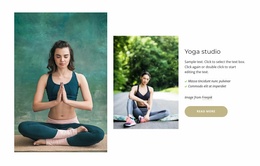
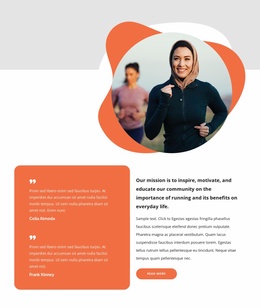
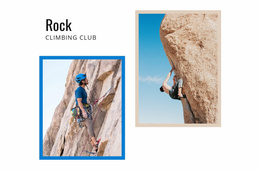
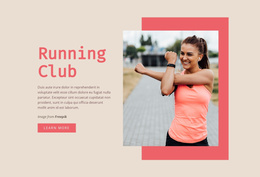
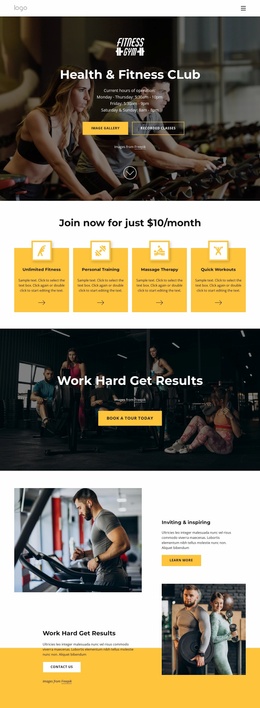


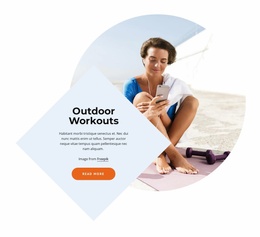
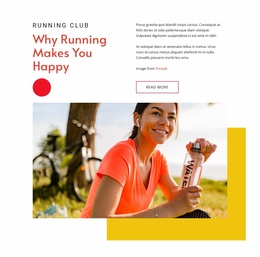
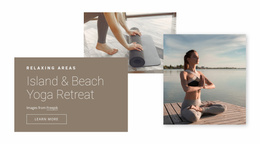
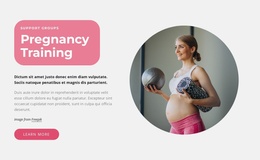
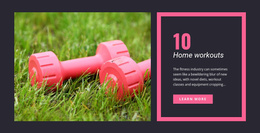
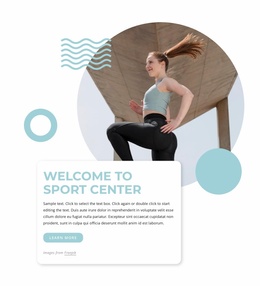
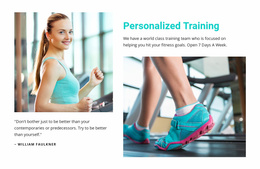
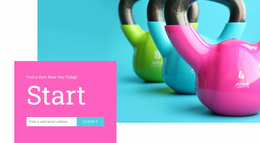
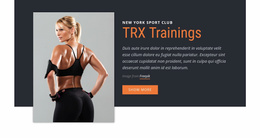

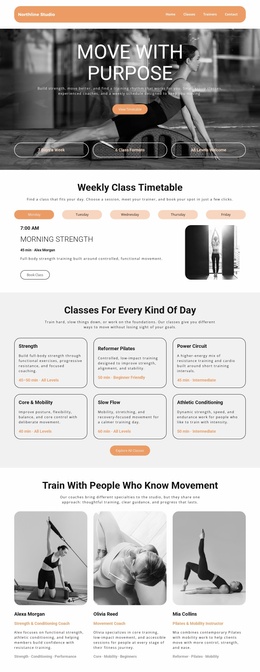
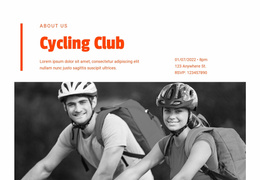

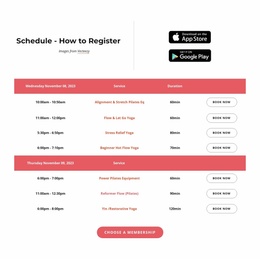





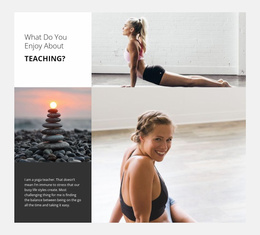
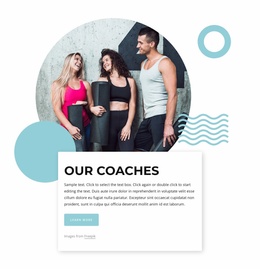
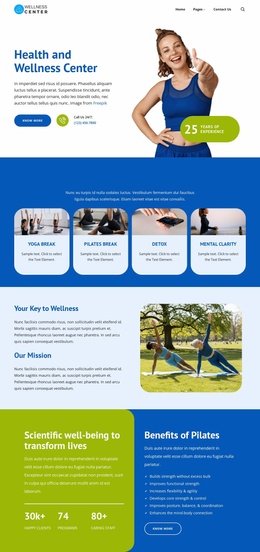
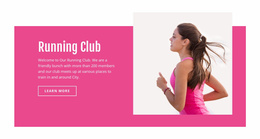

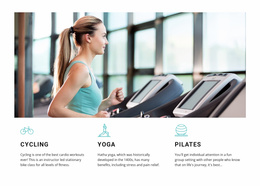

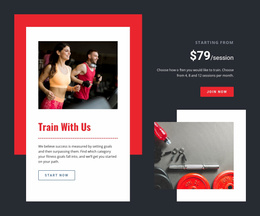
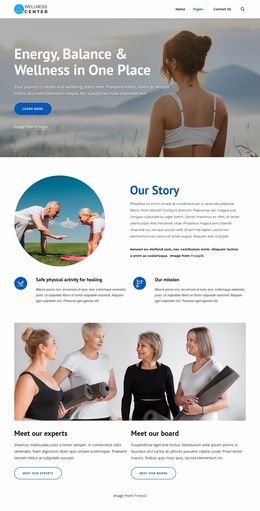
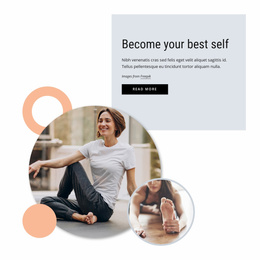
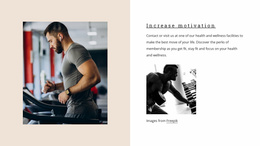

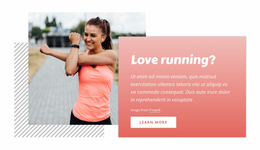



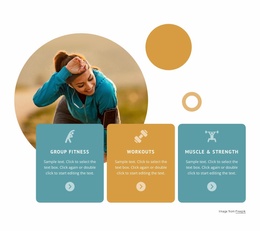
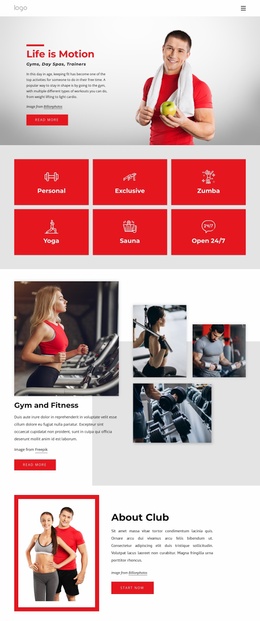
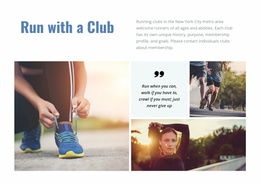
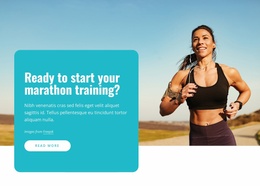

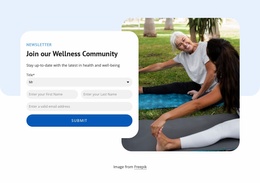
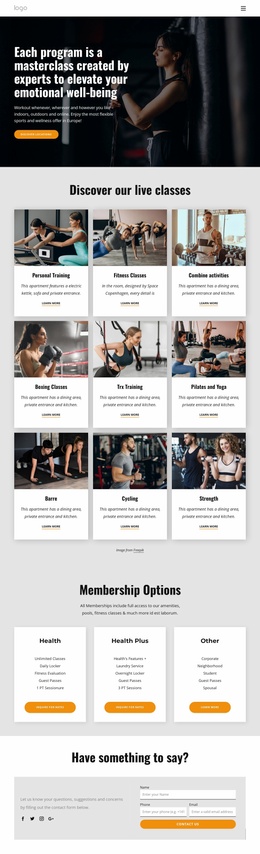

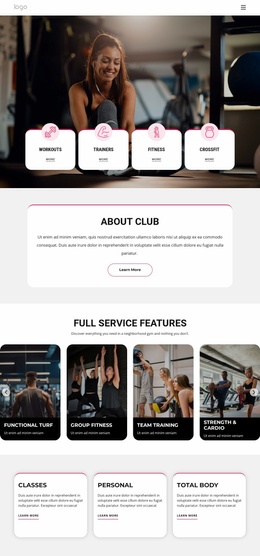
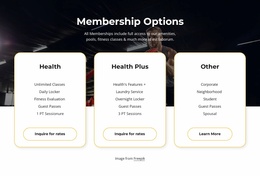

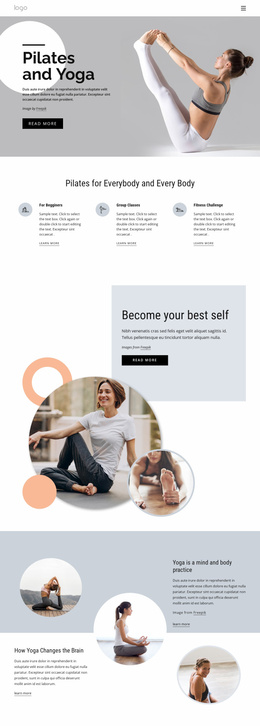
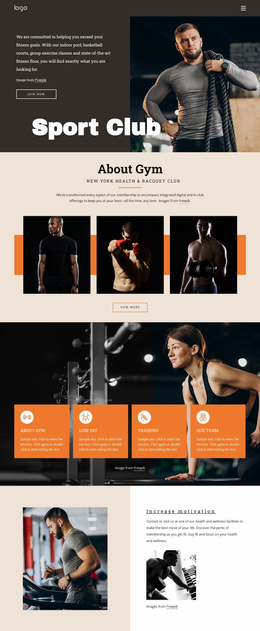


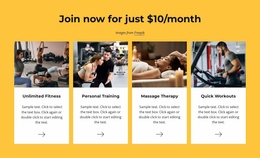


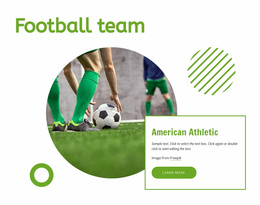
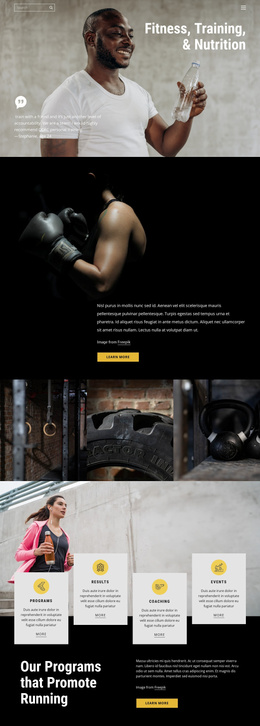
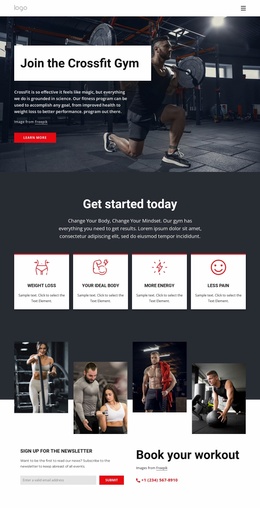
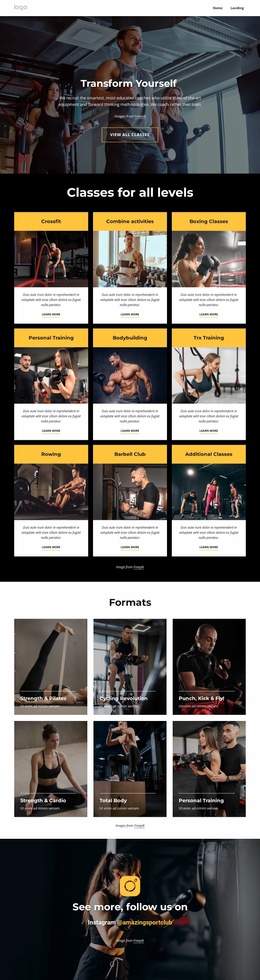


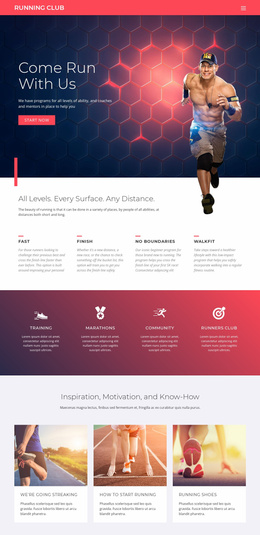
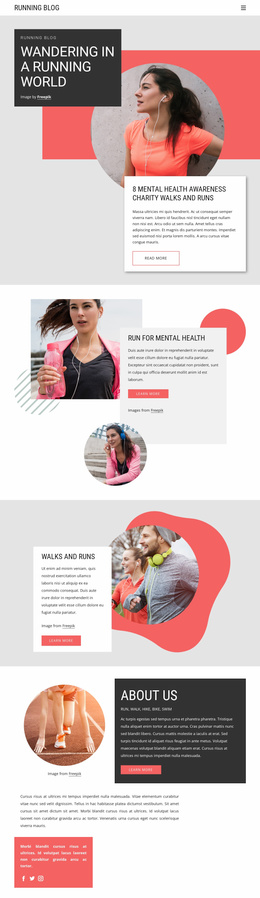

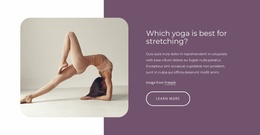
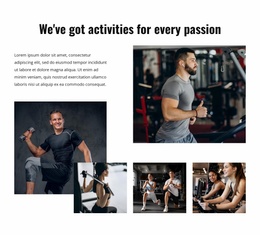
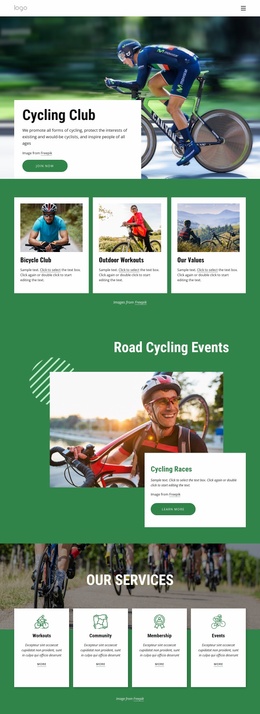
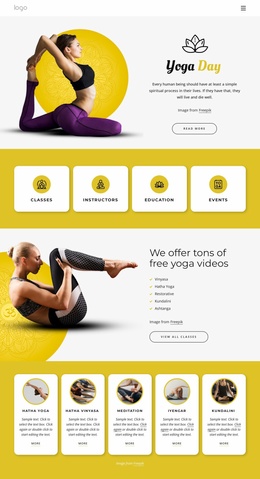
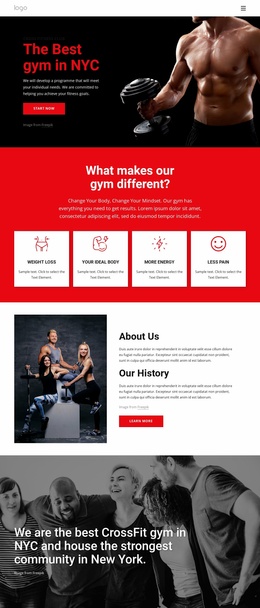

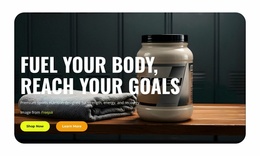
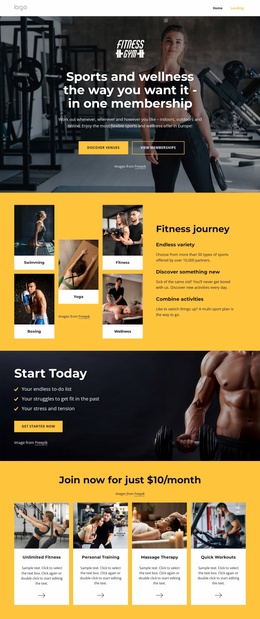
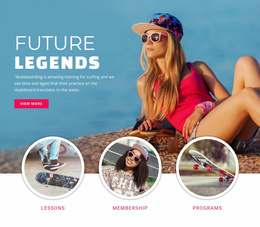

Ready-To-Use Sports Website Templates for Clubs and Training Centers
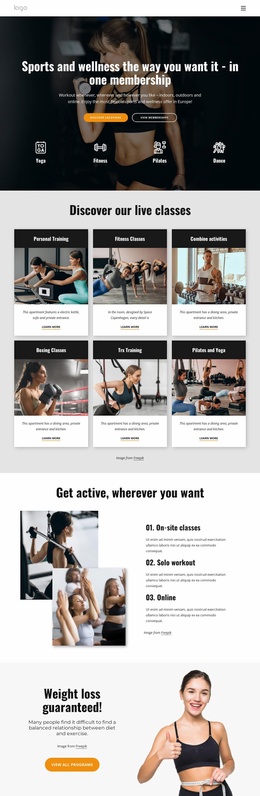
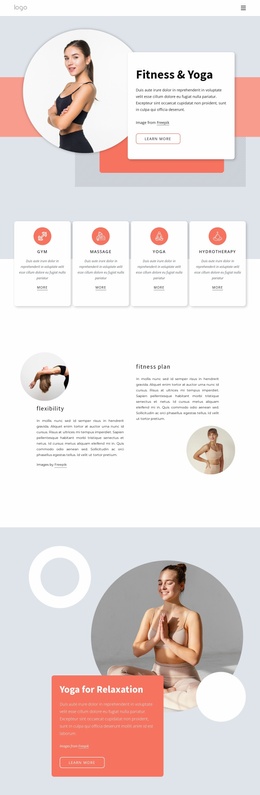
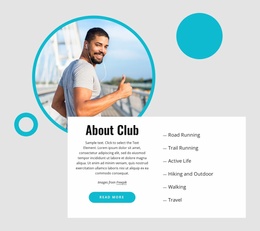
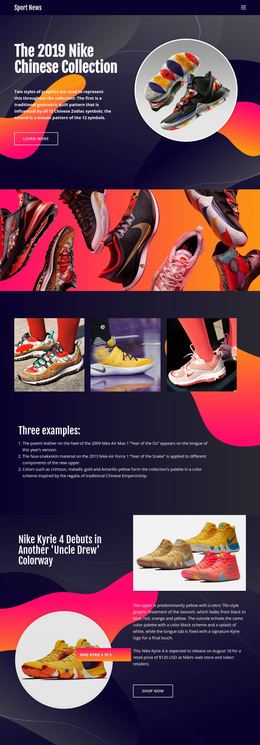
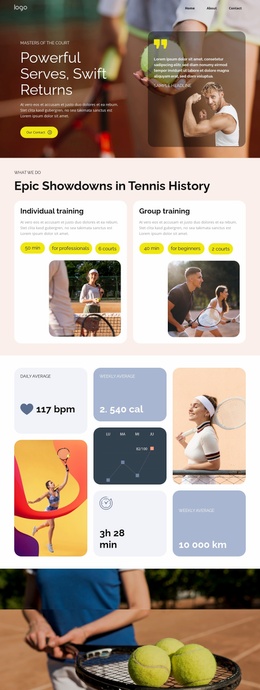
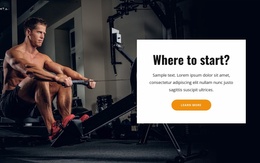
Sports website templates are designed for connected multi-page projects rather than a single isolated layout. Clubs, boxing gyms, training centers, and athletic organizations can start with a coordinated set of pages for teams, schedules, events, coaches, galleries, FAQs, and contact information, all linked through a single navigation structure and a shared visual system.
Which Pages Belong in a Complete Sports Website Template?
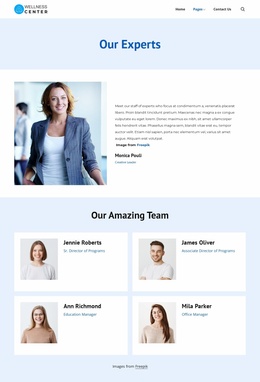
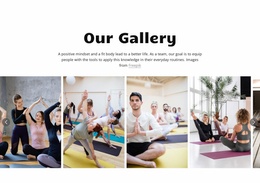
A complete sports site may use a Home page for the main club message, a Teams or Coaches section for people, a Schedule page for fixtures or classes, an Events page for upcoming dates, a Gallery for sports photography, an FAQ for practical questions, and a Contact page for membership or visitor inquiries. Add news or results pages when updates are part of the organization.
A specialist gym can draw content direction from boxing website ideas, while a broader athletic organization may use sports hub concepts to plan how several teams, activities, or services connect. The defining feature is the relationship between pages: visitors should be able to move from a team profile to a schedule, from an event to contact or registration details, and back to the main navigation without losing context.
Shared Features for a Multi-Page Sports Website
Shared site structure
- Use the Menu Element to connect Home, Programs, Coaches, Events, Gallery, FAQ, and Contact pages through one clear navigation system.
- Add Header and Footer blocks for recurring brand, menu, contact, and supporting information.
- Apply Theme Settings so colors and typography remain consistent across the complete project.
- Use the FAQ Element when membership, equipment, training, or event questions need a compact expandable format.
For a multi-page project, Nicepage documents the Menu Element as the navigation component that connects website destinations and organizes access to the broader site structure.
Sports content tools
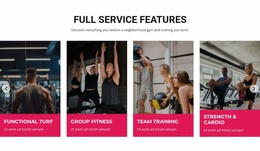
- Use Grid Repeater for coach profiles, training programs, club sections, or recurring activity cards.
- Apply Responsive Modes so each page can be refined for large screens, desktops, laptops, tablets, and phone views.
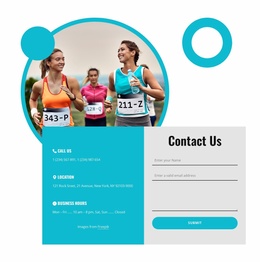
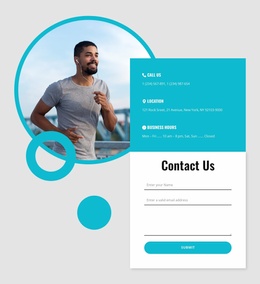
- Add a Contact Form Element where visitors need to request membership details, ask about classes, or contact the organization.
The Grid Repeater Element is useful when several boxing classes, coaches, training plans, or sports services need the same card structure with different content.
A check-oriented design reference can inspire checklist-style content for equipment, participant preparation, or event requirements on the relevant page. Before release, review the connections between the main destinations: confirm that team and coach pages link to programs or schedules, event pages highlight the next action, the gallery and FAQ are easy to reach, and contact details stay consistent.
Nicepage follows a direct workflow for this kind of multi-page project: choose a website design, open it in the builder, replace the sample content across the connected pages, adjust shared sections and responsive layouts, then publish online or prepare supported output.
Simple Sports Website Template Questions
How quickly can I start a complete sports website in Nicepage?
Nicepage offers a Quick Start process to set up the application and begin building responsive websites, landing pages, or CMS themes. You can start arranging the sports project as soon as the initial setup is complete.
Can I add an FAQ section for memberships, classes, or sports events?
Yes. Nicepage includes an FAQ Element that presents questions in expandable rows, which is suitable for membership rules, class requirements, event information, equipment guidance, or visitor policies.
How can a boxing gym keep classes and coach profiles consistent across the site?
Use the Grid Repeater Element. Design a single recurring card structure for a class, coach, or program, then reuse that visual arrangement while changing the text and imagery for each item.
Free Route to a Complete Sports Website
Build the project as a connected sports website from the beginning. Keep teams, schedules, events, coaches, gallery, FAQ, and contact pages tied together through shared navigation and recurring sections, then review the responsive versions of each destination. Go live when the full multi-page structure functions as a single site rather than a collection of unrelated layouts.





















































