
1010 Travel & Hotels Website Templates

































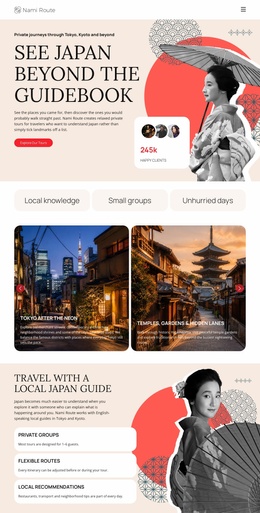
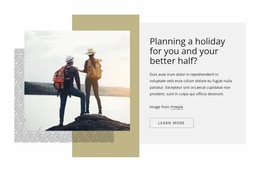


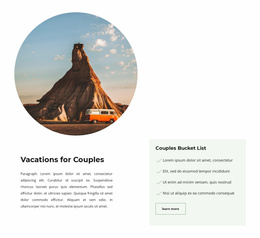

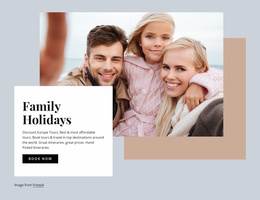






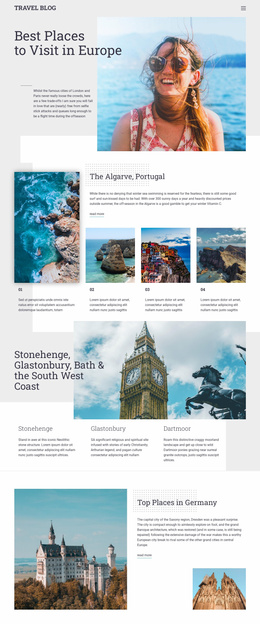

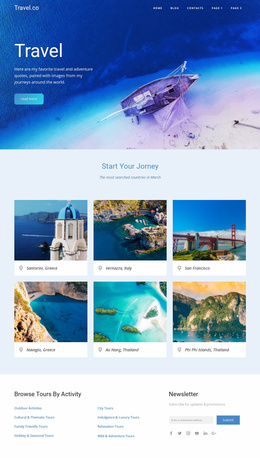
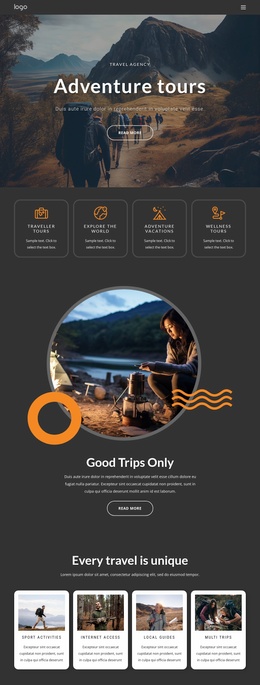

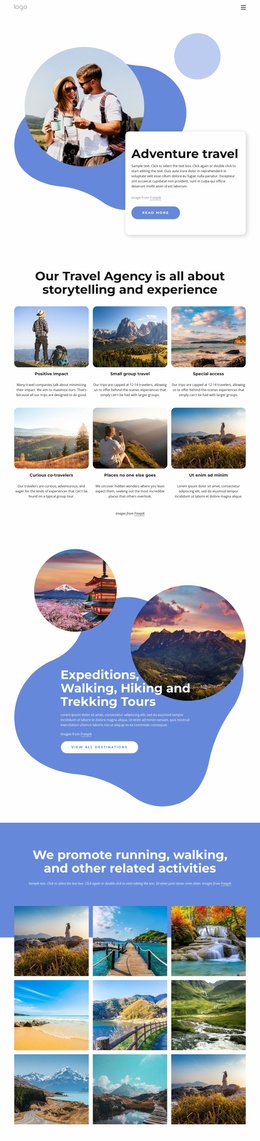



Multipurpose Travel & Hotels Website Templates
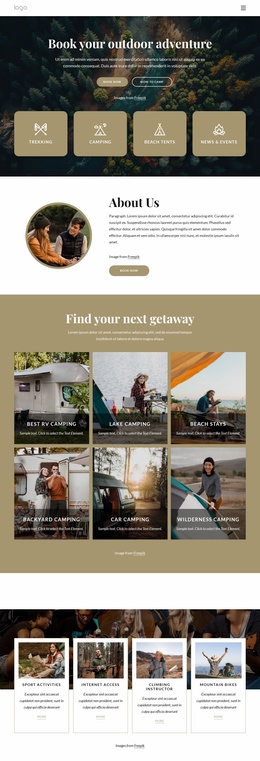
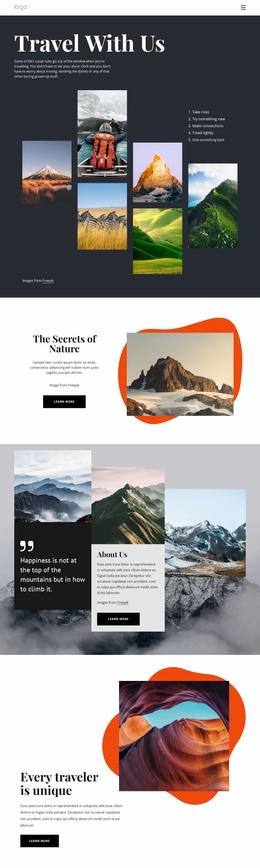
For hotels, local travel services, and aviation teams, travel & hotel website templates offer a practical way to scale from a single page to a complete web project without losing a unified visual style. Room pages, destination guides, transport details, and contact paths can follow one structure as the site expands.
How to Create an Easy-to-use Travel Website?
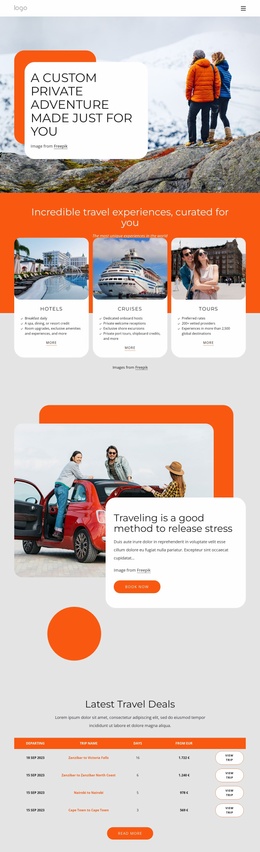
Hotels: start with rooms, amenities, location details, and inquiry pages. Local travel services: connect destination guides with tours and practical visitor information. Aviation teams: organize routes, aircraft content, transfers, and service pages. A full-site structure gives each audience a ready-made starting point rather than an isolated homepage.
A local travel website direction can help define neighborhood guides, nearby attractions, transport notes, and service pages before customization begins. Nicepage lets you choose a design concept, open it in the website builder, refine individual pages and shared blocks, then export or publish the complete web project.
For larger sites, the Page Basics workflow supports page management from the Nicepage Dashboard, which is useful when hotel, destination, and transport content needs a clear page hierarchy.
Fully responsive Features for Complete Travel Sites
Shared site structure
- Header & Footer: Use shared blocks for branding, navigation, contact details, and common links across the website.
- Move Blocks: rearrange page sections in the Page Navigator when room offers, destination highlights, or service information need a different order.
- Edit Mobile Views: refine layouts separately for desktop, laptop, tablet, and phone screens.
Travel content
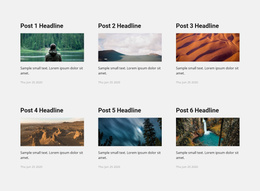
- Grid Repeater Element: present room types, excursions, routes, or service cards with a repeated visual structure and individual content.
- Gallery Slider Element: place hotel, destination, or aircraft photography into slides with optional captions.
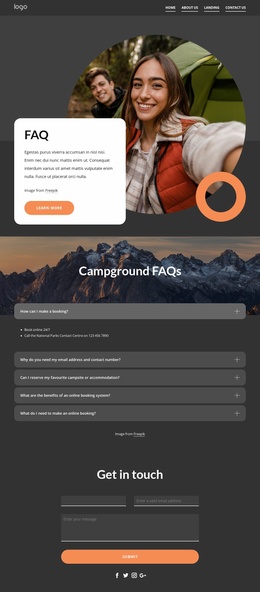
- Contact Form Presets: add ready form blocks for inquiries or subscriptions, then adapt the fields and visual treatment to the travel brand.
The Block Operations guide fits this full-site workflow because travel pages can start from blank, preset, or predesigned blocks and then be reordered as the project develops. An aircraft website direction can also help shape fleet, route, service, or aviation information pages within the same site structure.
Advanced Travel Website Questions
How can I manage many hotel, destination, and service pages in one Nicepage project?
Use the Nicepage Dashboard to create, open, and manage Project Websites and their individual pages across Nicepage platforms. This gives a growing hotel or travel site one place for page-level organization.
Where can I change global settings for a complete travel website?
Open Site Settings from the Dashboard Top Bar. Nicepage lets you manage global website properties there, including metadata, so site-wide settings do not have to be handled on a page-by-page basis.
Can I reorder room, destination, or transport sections after choosing a design?
Yes. Use Move Blocks in the Page Navigator or the block controls to change section positions without rebuilding the page. This is useful when a hotel promotion, local guide, or transport section needs higher priority.
Start with a Unique Full Travel Website
A complete travel project is easier to deploy when its pages already share navigation, visual rules, and reusable content patterns. Use Indian culture website ideas when cultural destination content needs its own visual direction, select a full-site concept in Nicepage, and refine the pages in the visual design canvas. Start for free, then publish online or export the finished project for the required platform.






















































