
Tabs Website Templates
-
-

-
-
-
-
-
-
-
-
-
-
-
-
-
-
-
-
-
-
-
Customize Any TemplateDownload
-
-
-
-
-
-
-
-
-
-
-
-
-
-
-



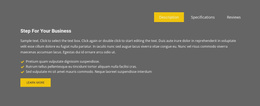
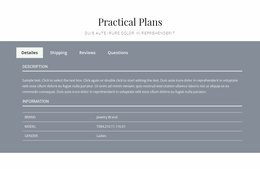
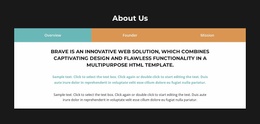
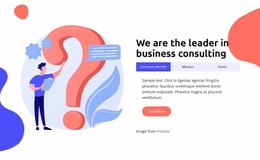
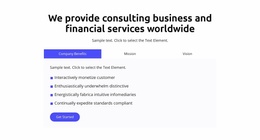

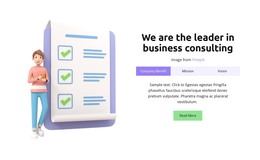

Multipurpose Tabs Website Templates for Consistent Page Contexts
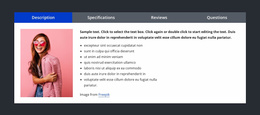
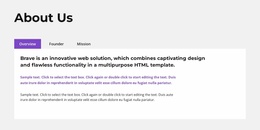
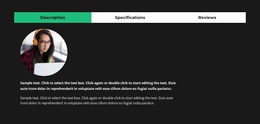
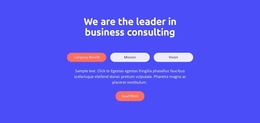
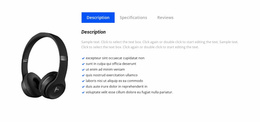
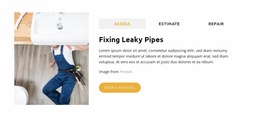
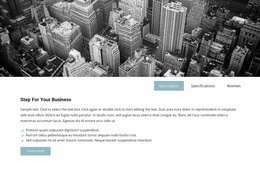
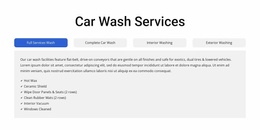
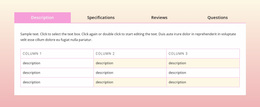
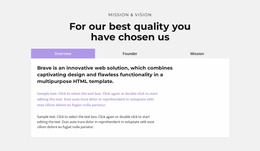
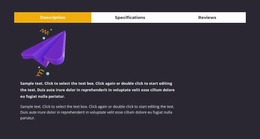
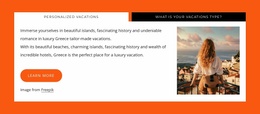
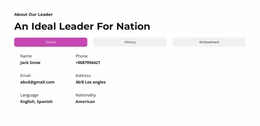
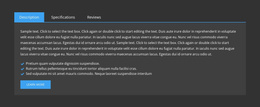
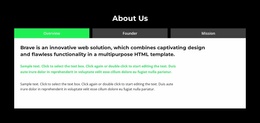
Tabs Website Templates are most useful when the same recognizable Tabs language appears in different page contexts. Controls, active-state logic, typography, spacing, and responsive behavior can stay familiar while panel content changes to match each page's purpose.
The focus remains on Tabs rather than on general website architecture.
Use Tabs in Different Website Page Contexts
A multi-page website can use Tabs for different kinds of grouped content:
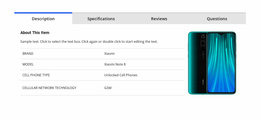
- Product pages for feature groups, product modes, specifications, or media-rich details.
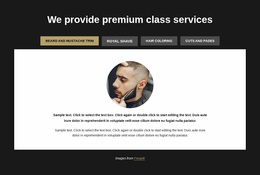
- Services pages for service categories, approaches, or package differences.
- Pricing pages for plan details, billing options, or audience types.
- Portfolio pages for project categories, disciplines, or case-study groups.
- Support pages for grouped documentation or topic views.
Nicepage Tabs block designs can provide the starting visual language for these repeated page contexts.
Keep Cross-Page Tabs Consistent
When Tabs appear on more than one page, consistency should come from the interaction language, not from duplicating the same content.
Keep these elements recognizable:
- tab-label typography;
- active and inactive states;
- control spacing and alignment;
- panel border or background treatment;
- responsive behavior at common breakpoints.
That helps visitors understand a Tabs section on a pricing page just as quickly as one on a product or services page.
Adapt Panels to the Purpose of Each Page
The Tabs pattern can stay familiar even when panels change.
For example:
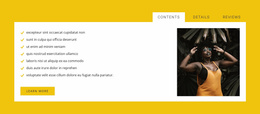
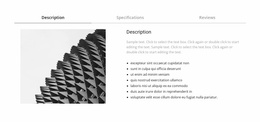
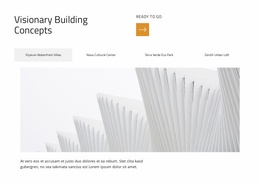
- on a Product page, panels may combine feature text with media;
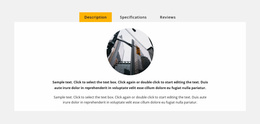
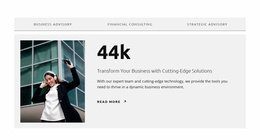
- on a Services page, panels may contain descriptions plus a CTA;
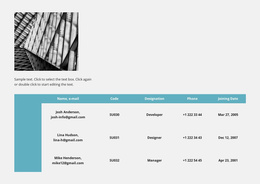
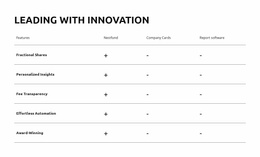
- on a Pricing page, panels may focus on plan details;
- on a Portfolio page, panels may present project groups.
The controls and active-state language remain recognizable while the panel content fits the local page purpose.
Keep Responsive Tabs Behavior Predictable Across Pages
Nicepage Responsive Modes can help review repeated Tabs sections across smaller widths.
Try to keep a consistent approach to:
- long-label handling;
- wrapping or stacking of controls;
- active-state visibility;
- panel spacing;
- image and media scaling.
Use Shared Visual Rules Without Making Every Tabs Section Identical
Nicepage Site Colors can help keep tab controls and active states aligned with the wider project palette.
A pricing Tabs section may be compact and text-heavy, while a product Tabs section may need more media space. What should remain stable is the recognizable Tabs interaction language.
Tabs Website Templates FAQ
Can the Same Tabs Pattern Work on Different Website Pages?
Yes. A recognizable Tabs pattern can support product features, service categories, pricing details, portfolio groups, or support content while panel content changes for each page.
What Should Stay Consistent Between Tabs Sections on Different Pages?
Keep control styling, active-state logic, typography, spacing principles, and responsive behavior consistent enough that visitors recognize the interaction immediately.
Can Product and Services Pages Use Different Tabs Panel Content?
Yes. Product panels may combine features and media, while service panels may use descriptions and CTAs. The Tabs language can stay consistent even when panel content differs.
Should Every Website Tabs Section Use the Same Layout?
No. The exact panel arrangement can change based on the page's purpose. Keep the interaction language recognizable rather than forcing every Tabs section into an identical layout.
Apply Tabs Consistently Across Page Contexts
Identify the pages where Tabs fit the grouped content, adapt each panel set to that page's purpose, and preserve consistent controls, states, and responsive language across the website.





















































