
Overlap Block Website Templates

















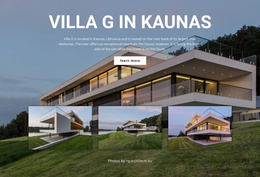



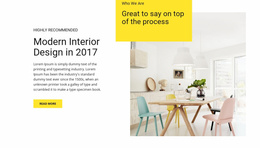

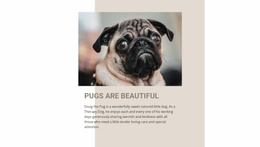



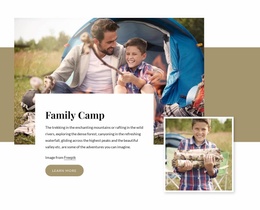






Ready-To-Use Overlap Block Website Templates for Consistent Site Sections
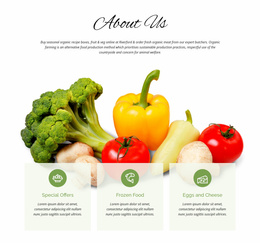
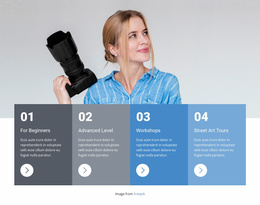
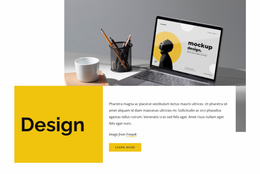
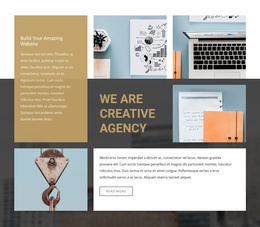
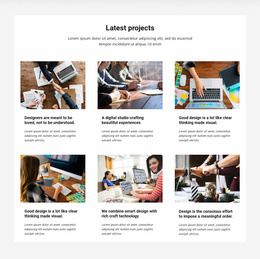
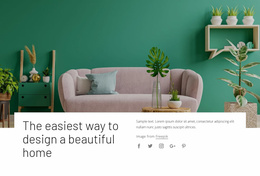
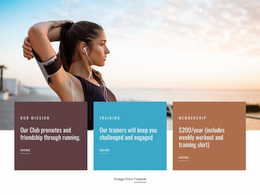
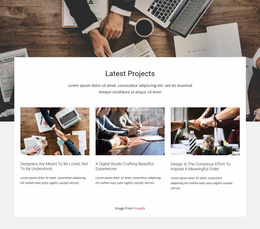
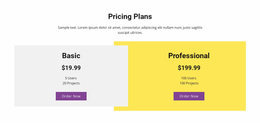
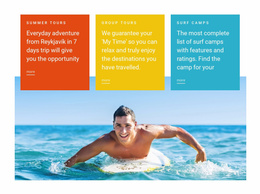
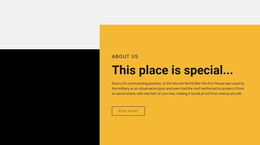
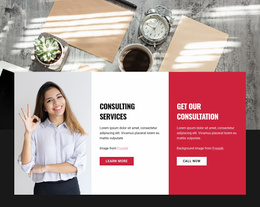
Overlap Block Website Templates give you a ready-made site section that can be selected from the template library, adapted to a project, and reused across different pages as part of a broader website system. The overlap remains the defining visual pattern, while the section is treated as a reusable part of the overall site project.
This is especially useful when several pages need a recognizable visual language. A site can reuse the same general overlap treatment for stories, services, promotional content, or featured information while changing the images and copy for each page.
Choose a Reusable Block for the Wider Website Project
The main decision is how well the section fits the broader site style and whether it can be adapted without losing its identity. A strong template should work with the project's typography, colors, imagery, and spacing while keeping the overlap composition recognizable across different uses.
When reviewing a ready-made block, look for:
- a content structure that can support more than one page scenario;
- a visual balance that matches the site's overall style;
- enough flexibility to replace images and copy without losing the composition.
This helps the section function as a reusable site asset rather than a design that only makes sense with its original demo content.
Reuse the Overlap Pattern Across Different Pages
A website does not need to repeat the exact same block everywhere. Consistency can come from keeping the same design language while adapting the content and placement.
For example, one project might use:
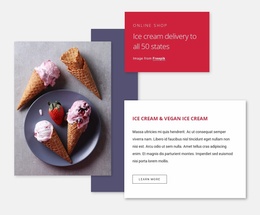
- an image-and-card overlap for a service introduction;
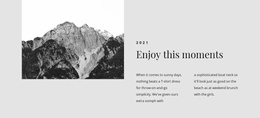
- a related variation for an About page story;
- the same color and spacing logic for a promotional section on another page.
The individual blocks can differ while still feeling connected. The goal is to build site-wide consistency without visual repetition.
Keep Theme Colors and Styling Connected Across the Project
Nicepage Elements and Blocks provide pre-designed content parts that can be adapted for this type of composition. Once a suitable block is selected, replace the imagery and copy while preserving the structure that gives the section its visual identity.
Nicepage Theme Colors apply a global color scheme across project pages. That makes it easier to keep the overlap section aligned with the site's wider visual direction rather than introducing unrelated color combinations on every page.
Bold foreground cards, background fields, and image treatments can still vary, but they should feel like part of the same design system.
Build Consistency Through Reusable Section Decisions
Site-wide reuse works best when a few design choices remain predictable. These may include:
- the way foreground cards are styled;
- the relationship between text width and image scale;
- the spacing used around stronger visual sections.
Keeping these decisions consistent makes it easier to introduce overlap blocks on different pages without making the website feel assembled from unrelated templates.
At the same time, avoid repeating one composition so often that every page looks identical. Reuse the design language, not necessarily the exact same arrangement.
Keep the Template Focus at Site Level
For a website-template context, the important question is how the block works as part of a larger collection of pages. The section should be easy to select, adapt, and reuse within the project while remaining visually compatible with the site's broader design language. The focus stays on template selection, reusable site sections, and consistency across the broader project.
Related Layered Layout Options
Layered Images is useful when several images form the main stacked composition. Over Grid is better when a visible repeated grid remains underneath the foreground content. An Overlap Block is more flexible for mixed content because the reusable section can combine imagery, text cards, and broad color panels in one composition.
Overlap Block Website Template FAQ
Can I Reuse an Overlap Block on Multiple Website Pages?
Yes. You can adapt the same design direction for different page contexts by replacing images, text, and supporting content while keeping the overall visual language consistent.
Are There Pre-Designed Elements for Building an Overlap Section?
Yes. Nicepage provides pre-designed Elements and Blocks that can be placed on the visual canvas and adapted with text, images, colors, and other content.
Can an Overlap Section Follow the Same Colors as the Rest of the Website?
Yes. Nicepage Theme Colors apply a global Color Scheme across project pages, helping the section remain consistent with the broader visual direction.
Should Every Page Use the Exact Same Overlap Layout?
No. Reuse the visual language where it helps, but vary the composition when different page content needs a different balance. Consistency does not require identical sections everywhere.
Is an Overlap Block Website Template a Complete Website?
No. In this category, the template is a functional section or block intended to become one reusable part of a wider website project.
Build a Consistent Website with Reusable Overlap Sections
Select a block whose structure already fits the site's visual direction, then adapt its content and connect it to the same theme colors, typography, and spacing used elsewhere. Reuse the overlap treatment where it supports the project, vary it where needed, and keep the result consistent at site level without making every page look the same.





















































