
100 Pricing Website Templates
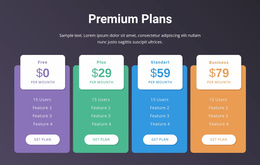
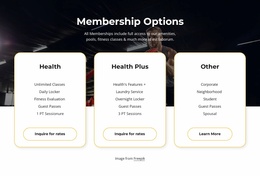
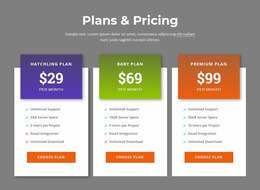

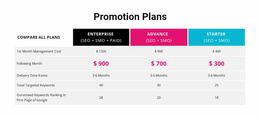
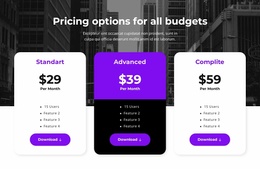
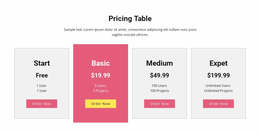
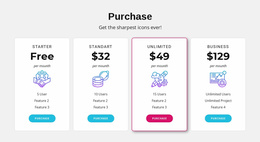
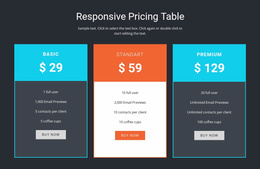
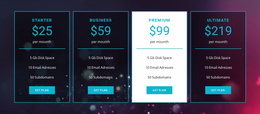

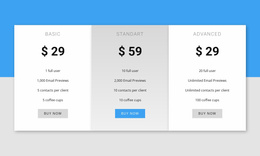
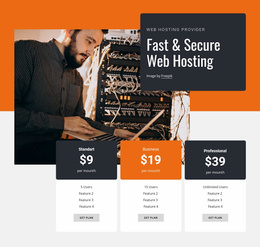
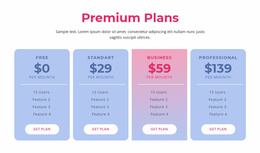
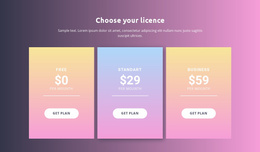
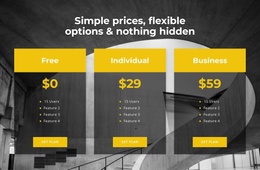
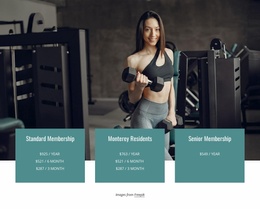
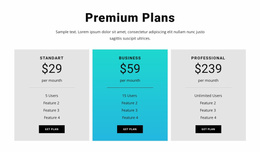
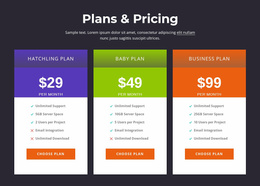
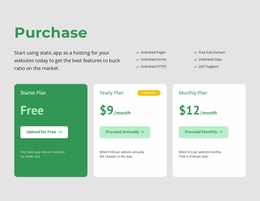
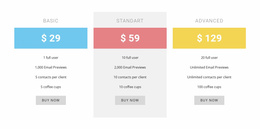
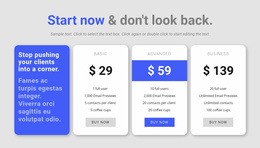
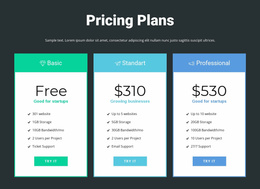
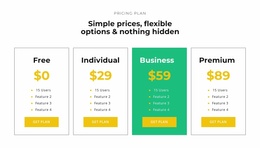
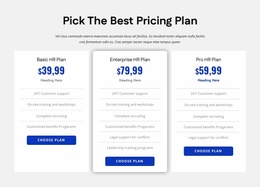
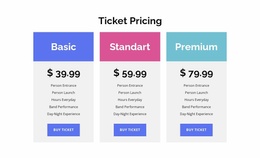
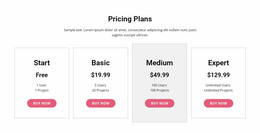
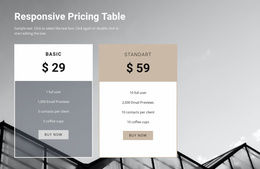
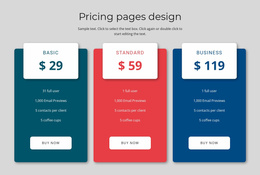
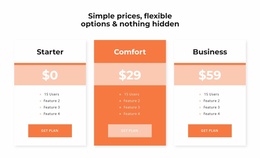

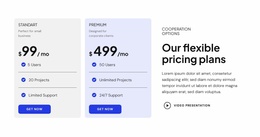

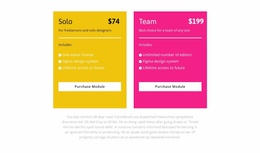
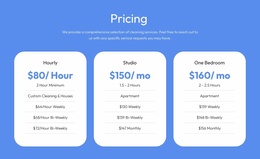
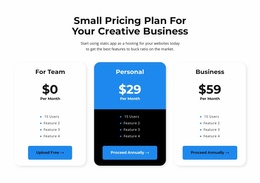
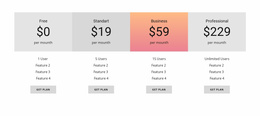
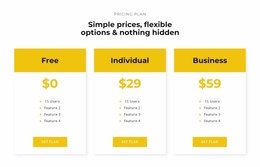
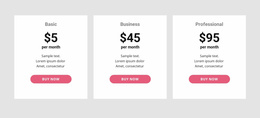
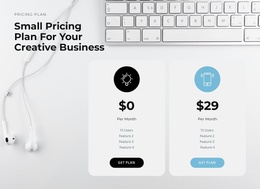
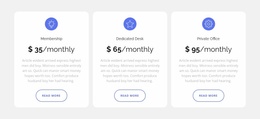
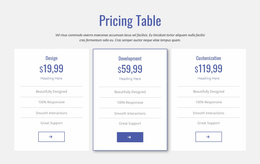
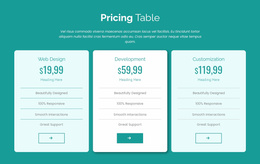


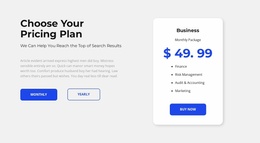
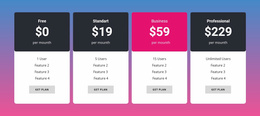
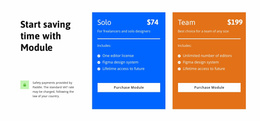

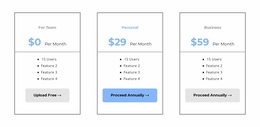


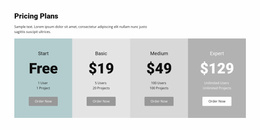
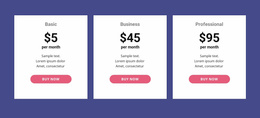
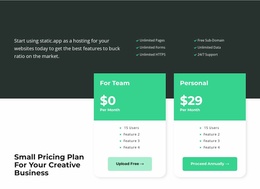
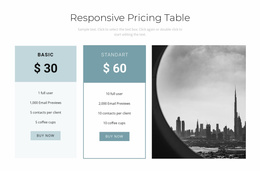



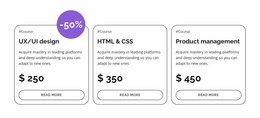
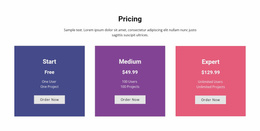
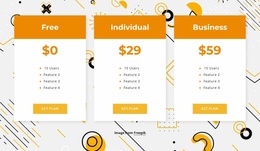
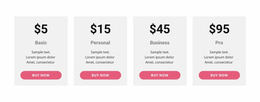

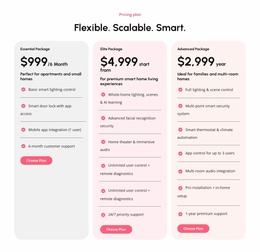
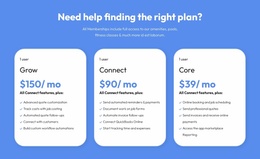
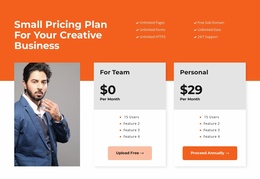
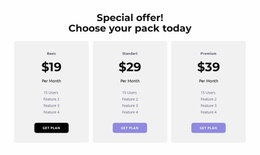
Pricing Website Templates for Clear Plan and Package Comparisons
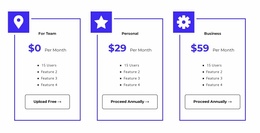
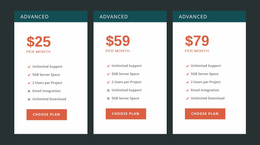
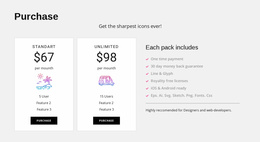
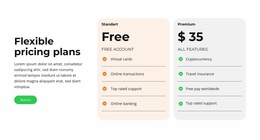
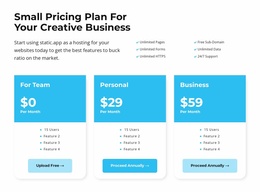
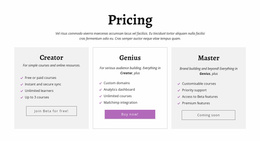
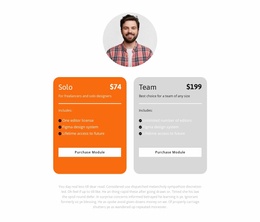
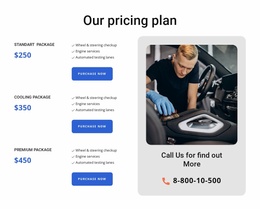
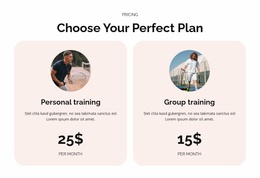
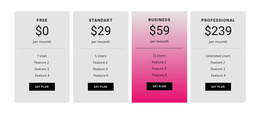
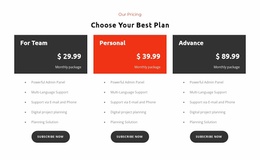
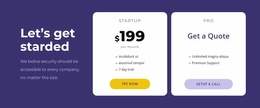
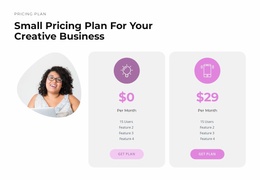
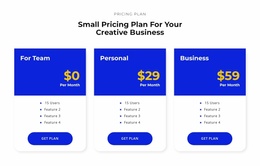
Pricing Website Templates give you ready-made website section designs for presenting subscription plans, service packages, and membership tiers. Instead of designing every price card from scratch, choose a Nicepage Pricing Block layout that fits your offers. The focus is usable website pricing designs: readable prices, meaningful feature differences, and a next step for every plan.
These blocks work within existing or newly created pages, including single-page sites. They are pricing sections, not complete websites on their own; however, their card arrangements, comparison formats, and styling can be adapted to the wider website design.
Browse Ready-Made Pricing Website Templates
Browse prepared pricing sections by how they will sit beside the rest of the website content—a short pricing preview near service highlights calls for a different ready-made design than a full comparison on a dedicated pricing page. Start with the section design, not the work of building the surrounding site.
Browse complete, prepared pricing sections by plan count and their fit with different kinds of website pages. A compact homepage preview, a services-page package display, and a full pricing-page comparison require different amounts of surrounding context, not a different programming language.
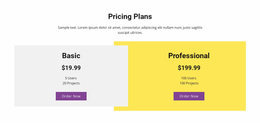
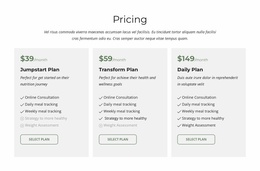
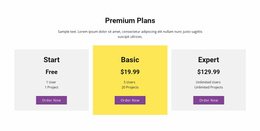
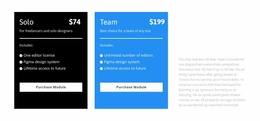
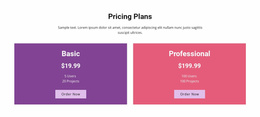
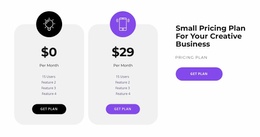
Start by comparing ready-made Pricing Blocks rather than planning page placement first. Browse two-plan cards, three-tier subscription grids, featured-plan designs, and more detailed pricing comparisons. Short service packages often suit compact cards; subscriptions with usage limits may need designs with longer feature lists. Choose a design whose existing arrangement fits your actual offers, then consider where it will appear on the website.
Consider these ready-made layout directions:
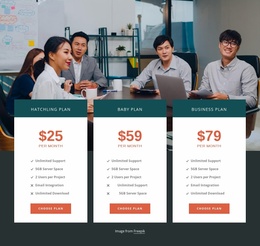
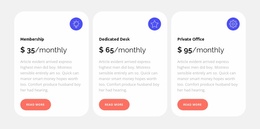
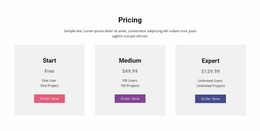
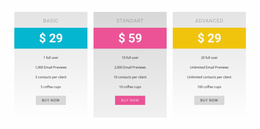
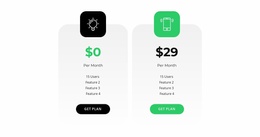
- Side-by-side cards for a short comparison of two or three plans.
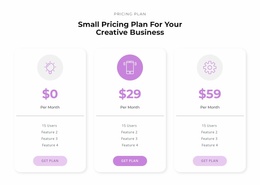
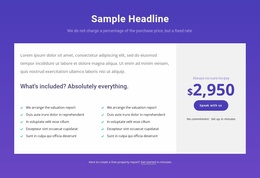
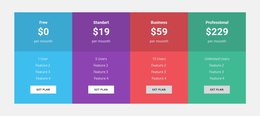
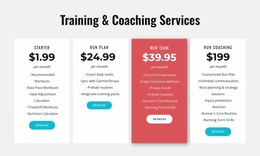
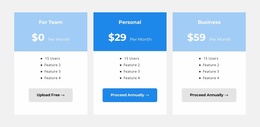
- Featured-plan layouts that give a recommended tier measured visual emphasis.
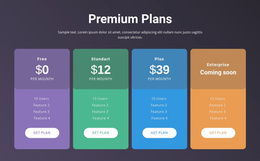
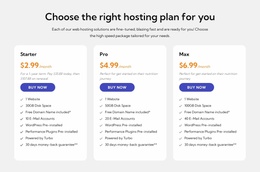
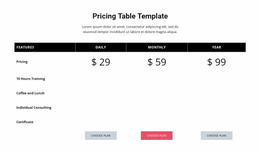
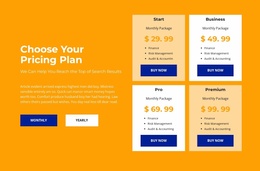
- Detailed comparison designs for differences in limits, service levels, or included features.
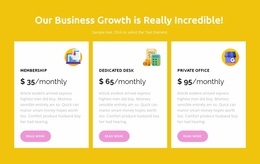
- Membership pricing sections that show access periods and privileges beside fees.
- Compact price previews that introduce packages without overwhelming a homepage.
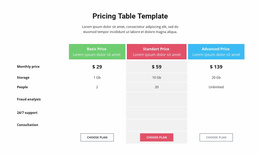
The Table Element can help when a design needs a more detailed row-by-row feature comparison. A pricing design should still make each plan understandable without requiring visitors to decode the whole comparison at once.
Select a Template by Plan Count, Detail, and Page Context
When comparing ready-made designs, check how many plans the template shows, whether prices and billing periods have enough space, and whether features and buttons are easy to scan. A compact two-card block may suit fixed-price services, while a broader comparison design may better fit subscriptions with several limits. Do not select a visually appealing block that forces important offer details out of view.
Alongside the number and length of plans, compare the existing page layout, adjacent website blocks, available content width, and visual continuity with the surrounding sections. Choose the prepared block that fits that composition before adapting its text or styling.
Next, judge how the prepared section fits adjacent website blocks, the available content width, and the existing visual rhythm. Then match the selected pricing template to its destination: a homepage often calls for a concise preview; a services page may show short packages beside service descriptions; a dedicated pricing page can support complete comparisons and billing conditions. These are different uses of a ready-made block, not separate reasons to build a pricing section from scratch.
Before committing, compare how candidate blocks handle featured tiers, uneven feature lists, and mobile stacking. Pick the one that requires the fewest structural changes to communicate your plans. You can adapt its colors, text, and buttons after selection; the central task on this page remains finding an appropriate ready-made website pricing template, not learning every step of website assembly.
Adapt Your Selected Website Pricing Template
Once you select a ready-made Pricing Block, Nicepage's Block Presets and Designs let you add it to a page and change its text and appearance. Replace example plans with actual prices and benefits, then bring colors and typography into line with the website. Selection of the prepared design comes first; editing follows.
When using the same offers in several sections, keep their names, costs, and billing terms consistent. A smaller homepage preview and a full pricing page can convey different levels of detail. Review mobile spacing and action links as well: a visually polished pricing section still needs accurate conditions and useful destinations.
Pricing Website Templates FAQ
Can I add a pricing block to an existing Nicepage website?
Yes. Nicepage supports adding predesigned Blocks to pages and editing their content and properties. You can select a pricing design, adapt its plans and prices, and position the section alongside existing website content.
Can I reuse the same pricing section on different pages?
Yes. In the Nicepage Desktop Application, customized Blocks can be saved to My Library and reused on other pages or projects. This can help maintain consistent pricing layouts when the same offers appear in several places.
How do I choose between pricing cards and a comparison table?
Use pricing cards when each plan can be summarized with a price, main features, and selection. Choose a comparison table when you compare many offers with numerous shared attributes. The best structure depends on how much information is necessary for a clear decision.
Add a Pricing Section That Fits Your Website
Browse the ready-made Pricing Website Templates and choose a card or comparison design that matches your number of offers, pricing detail, and site context. Then customize the chosen block in Nicepage without losing the clarity of its original comparison layout.
Select a ready-made pricing block that visually belongs beside the existing page sections, then adapt its details. Its purpose is a suitable website-section choice, not general landing-page conversion advice.
The finished section should make each plan's price, included value, and next step easy to understand, while remaining a natural part of the broader website layout.





















































