
930 Food & Restaurant Website Templates
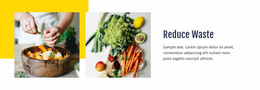
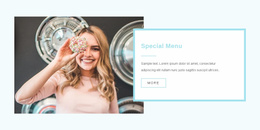
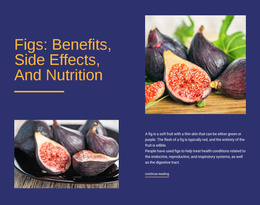
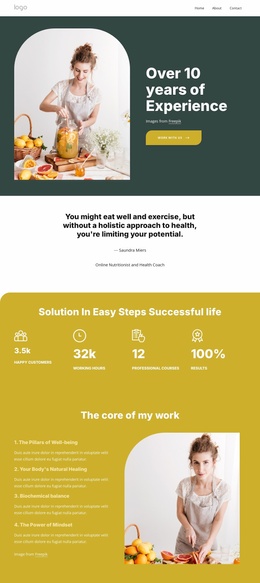


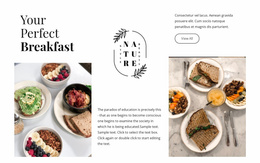
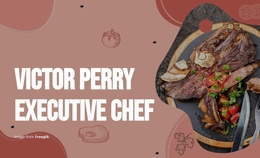
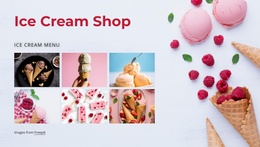
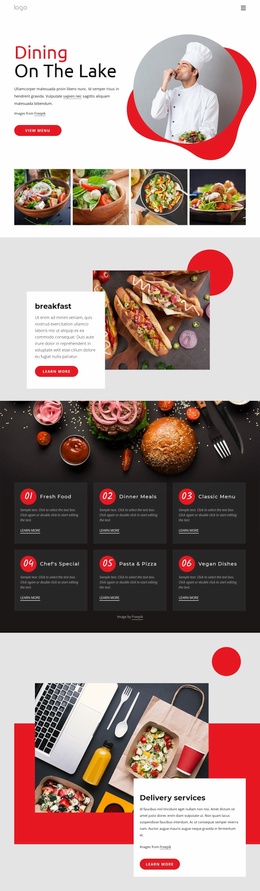

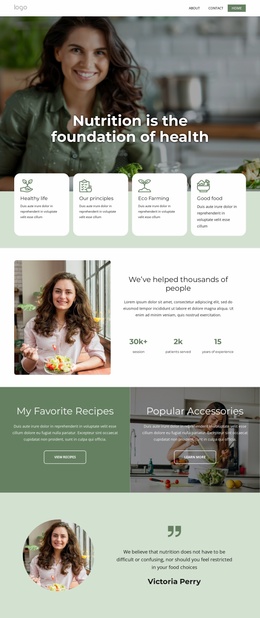
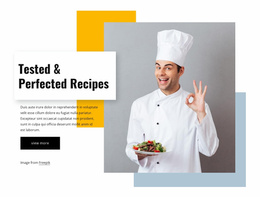
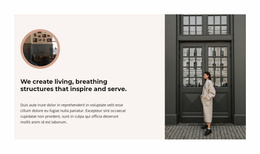

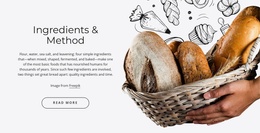
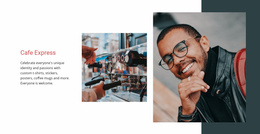
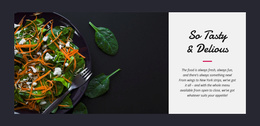



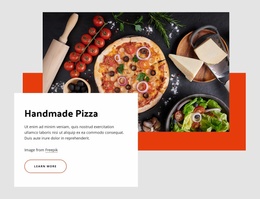
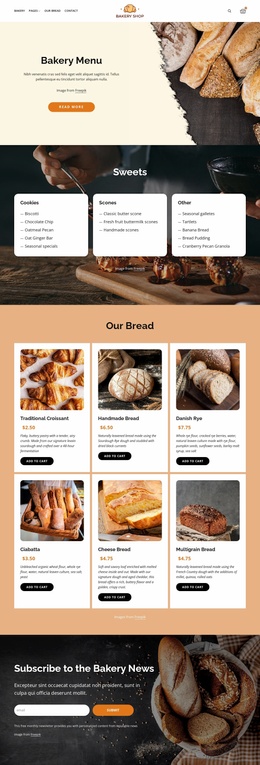
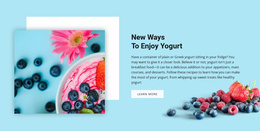
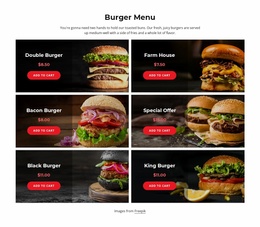
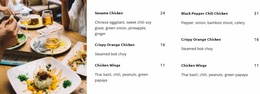
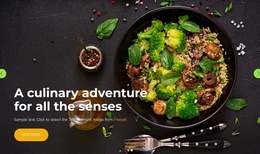
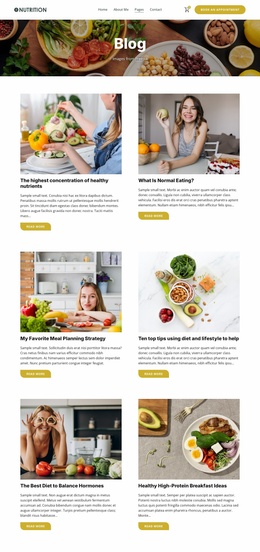
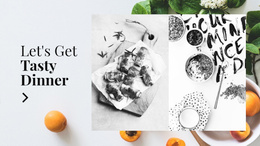
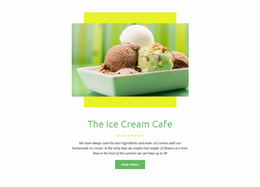
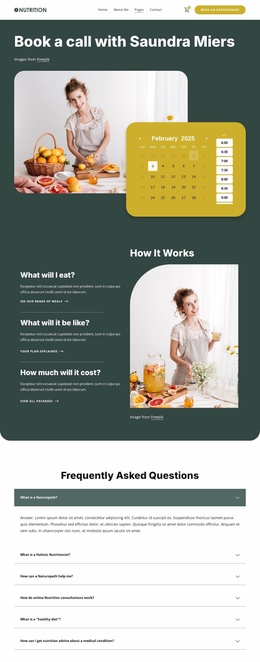
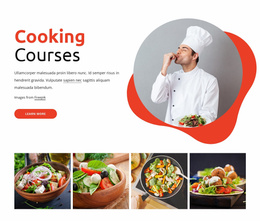
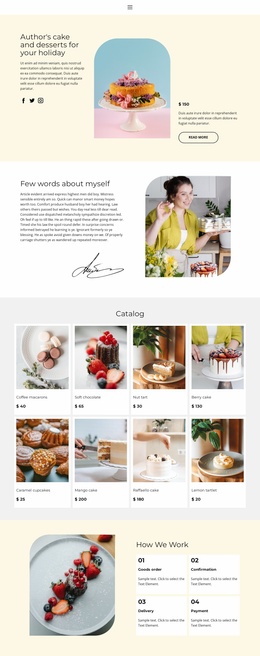
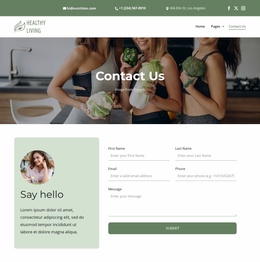
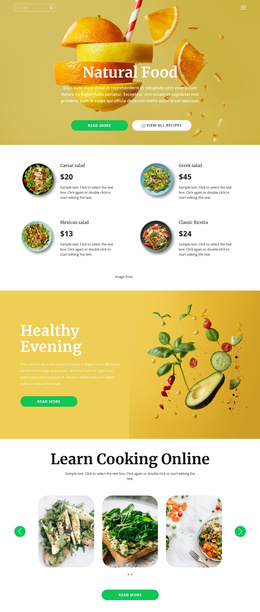

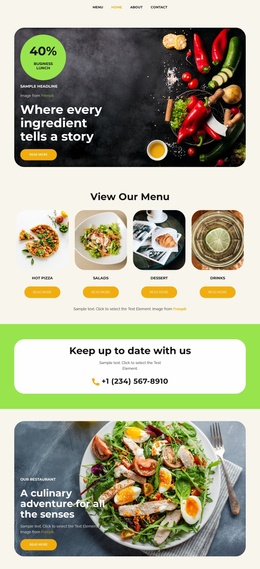
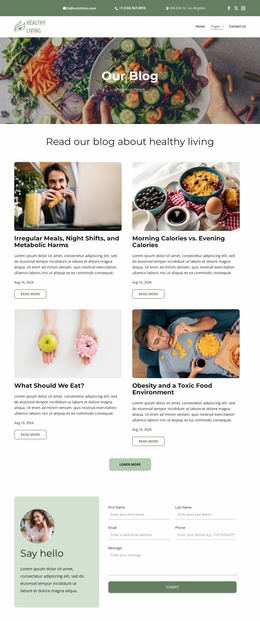
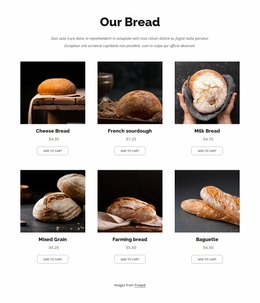
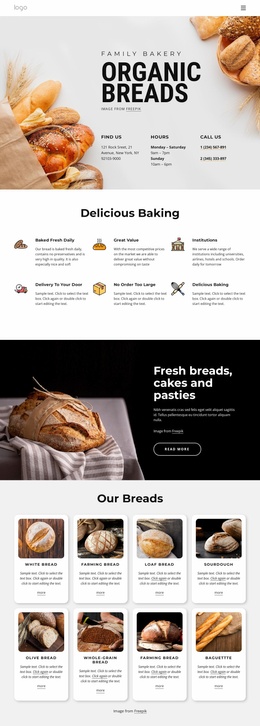
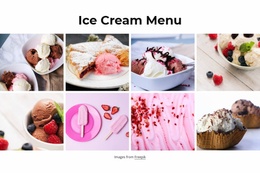
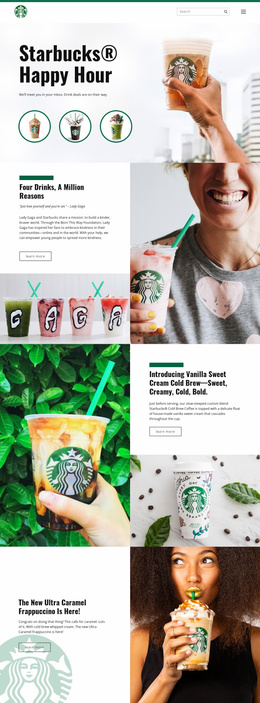
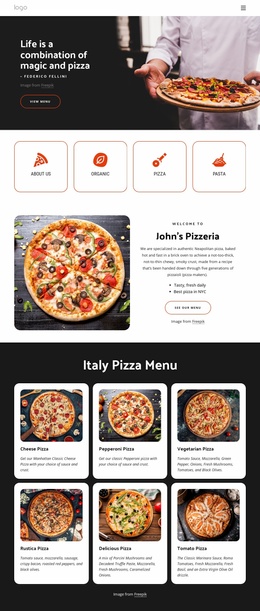
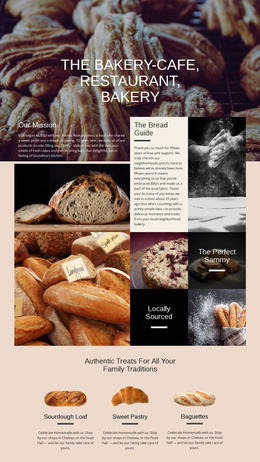

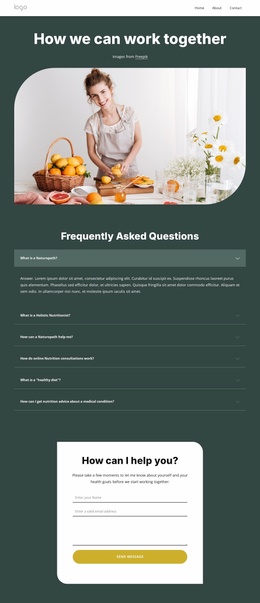
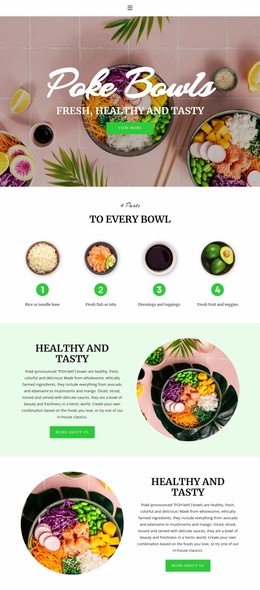
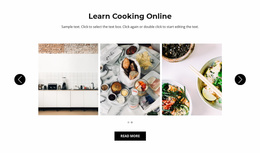

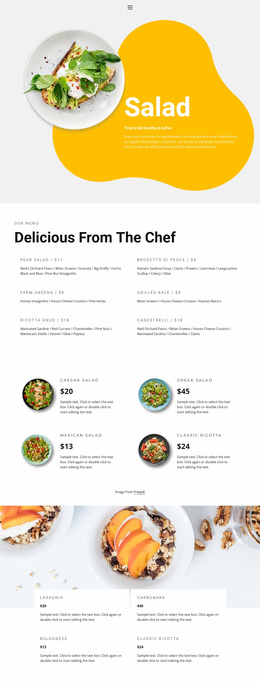
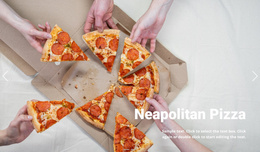
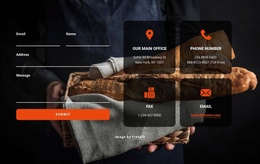
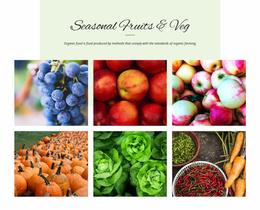
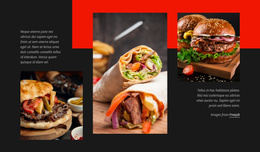
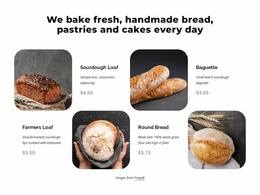
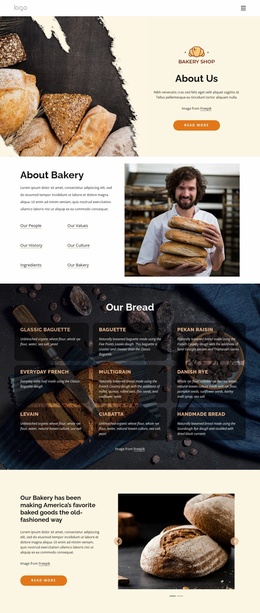
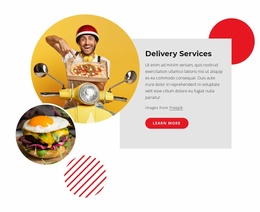
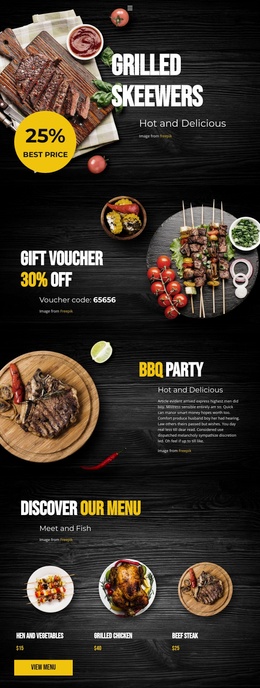


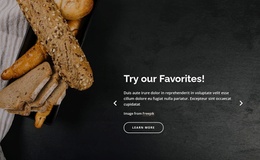
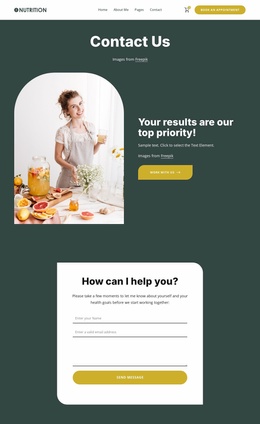
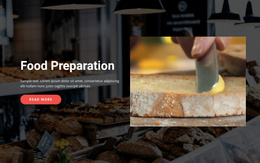
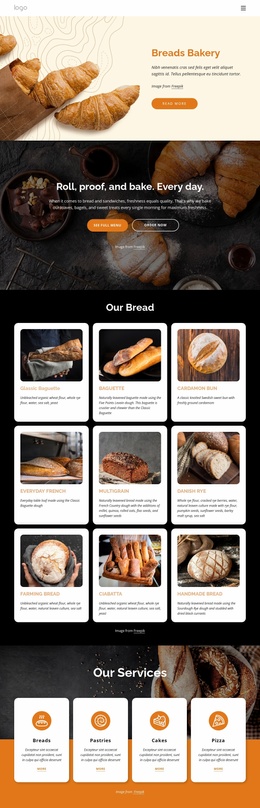
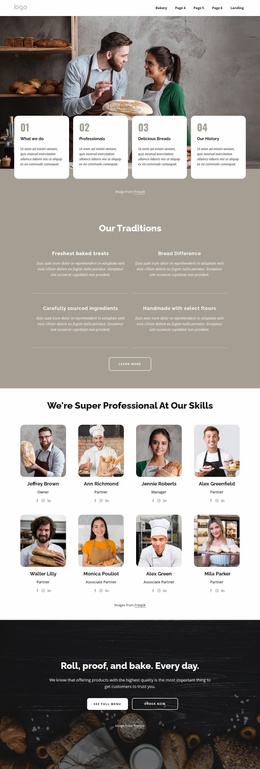
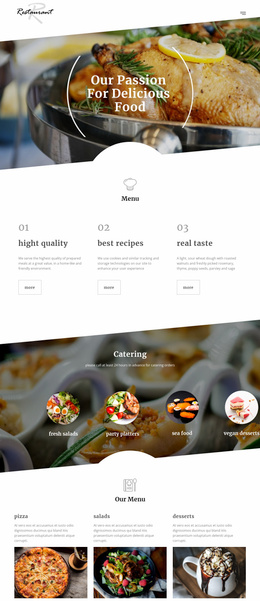
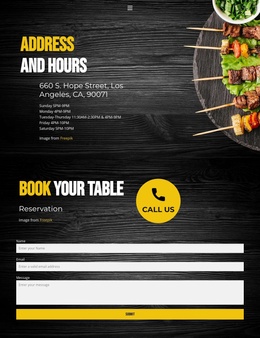
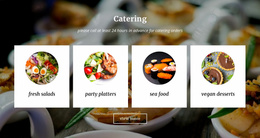
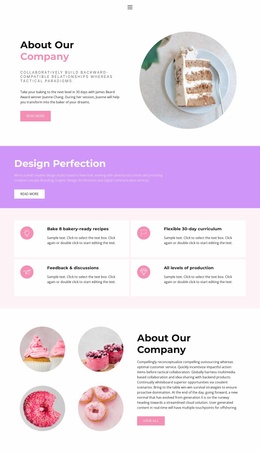

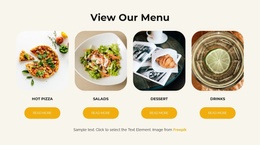
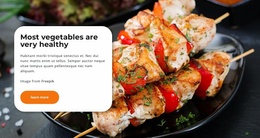
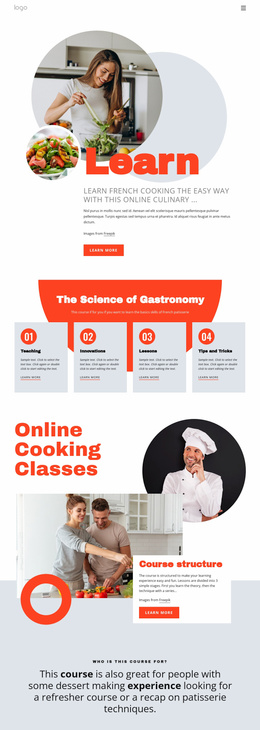
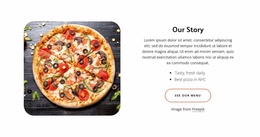
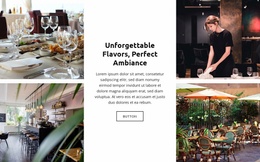
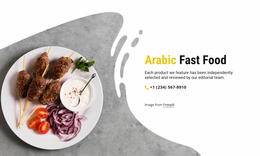
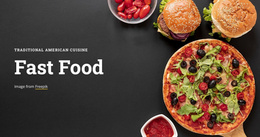
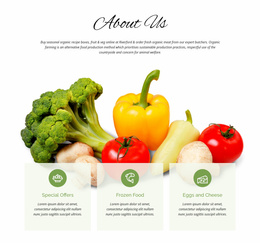
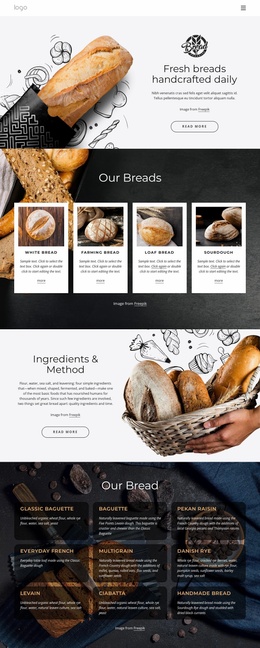
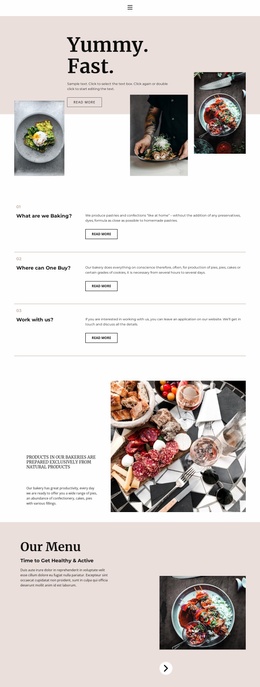
Complete Food & Restaurant Website Templates
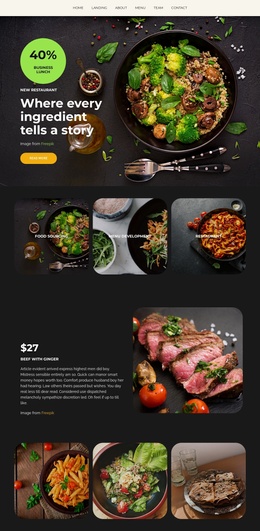
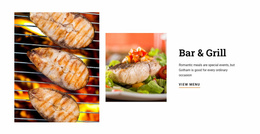
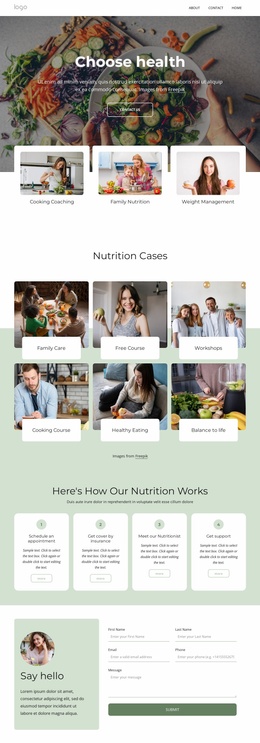
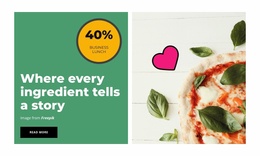
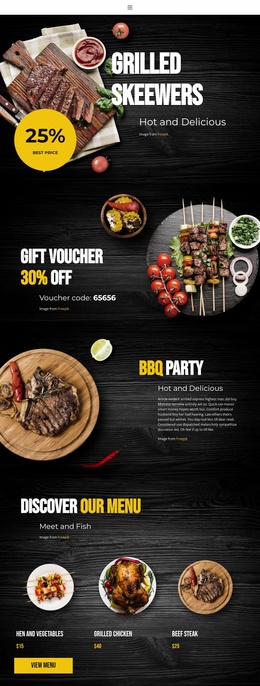
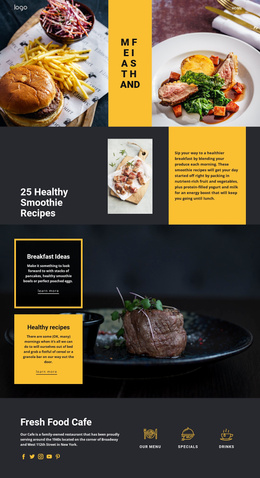
Food & restaurant website templates are designed for businesses that need a complete, connected web presence, not an isolated page. Restaurants, juice bars, ice-cream shops, dessert brands, and organic food companies can start with a coordinated project in which the home page, menu, about content, galleries, locations, and contact areas share the same navigation and visual system.
Build a Connected Multi-Page Restaurant Website
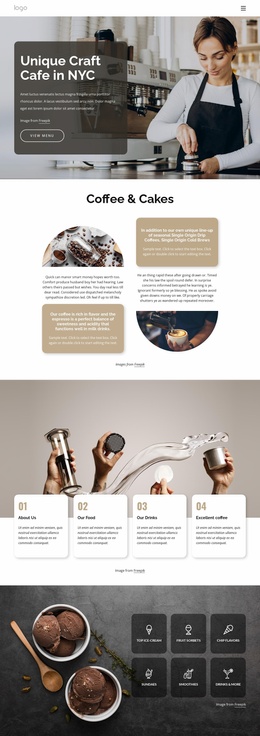
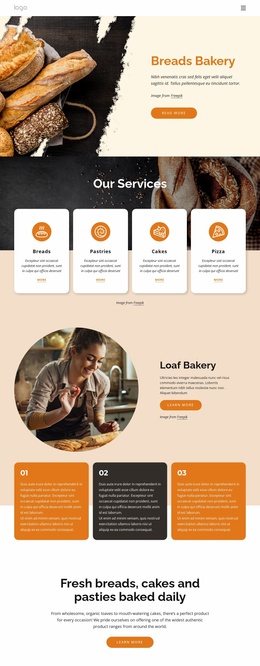
A complete restaurant project usually needs several jobs handled in one place. The home page introduces the venue, the menu page organizes dishes or product groups, an about page explains the brand, galleries show food and atmosphere, and contact or location pages give visitors the practical details they need.
An ice-cream business can adapt ice-cream website ideas around flavors, seasonal collections, store locations, and brand imagery. A beverage company can use juice-focused layouts for ingredients, product ranges, sourcing stories, and retail information. In both cases, the key is that these pages belong to one coordinated website project.
Nicepage lets users create, open, and organize multiple pages inside one Project Website. The documented Page Basics workflow explains page management, while Site Basics covers Project Websites and their pages across Nicepage Desktop and Online.
Features That Support a Full Restaurant Project
Page management: Keep Home, Menu, About, Gallery, Locations, Contact, and other pages inside one project.
Website Menu: Link those pages from the Header or Footer, and add subitems as the structure grows.
Theme settings: Shared colors and typography help separate pages feel like one restaurant brand.
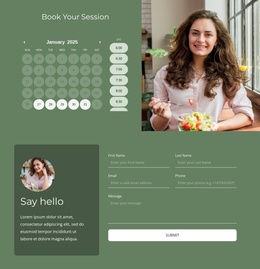
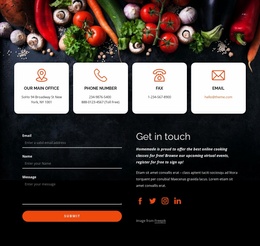
Contact Form Builder: Add forms for general inquiries, catering requests, mailing lists, or other submissions.
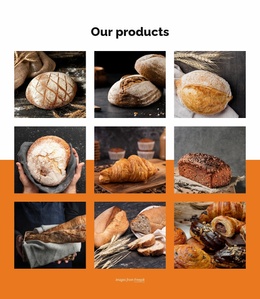
Gallery elements: Present dishes, interiors, ingredients, events, and chef work in image-focused sections.
Responsive controls: Refine each page for desktop, tablet, and phone views while preserving the same overall project structure.
Keep Navigation and Brand Elements Consistent
A multi-page site is easier to use when visitors do not have to relearn the interface on every page. Keep the main navigation predictable, reuse the same brand colors and typography, and place common actions such as booking, calling, ordering, or finding a location consistently.
An organic producer may also connect its story with organic website concepts, especially when sourcing, ingredient information, values, and product philosophy need more room than a single compressed section can provide.
The website can still contain visually different page types. A gallery page may be image-heavy, while a menu page is more structured and a location page is practical. Shared site-level styling keeps those different pages connected.
Questions About Complete Restaurant Website Projects
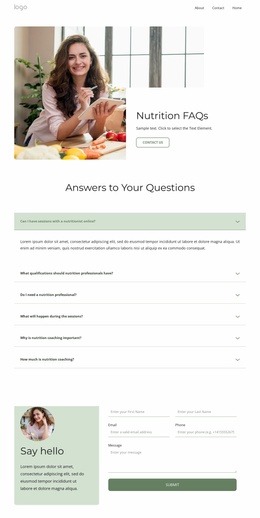
How do I manage several restaurant pages in one Nicepage project?
Use the unified Nicepage Dashboard to create, open, and manage Project Websites and their individual pages. This supports separate pages for menus, galleries, business information, contacts, locations, or other content.
Where can I control global settings for a food website?
Nicepage Site Settings provide access to global website properties and site-wide configuration from the Top Bar on the Dashboard.
How can visitors move between menu, gallery, and contact pages?
Use the Website Menu. Nicepage lets you add menus in the Header and Footer, and you can add subitems when a restaurant has multiple pages or content levels.
Can I keep the same colors and fonts across all restaurant pages?
Yes. Site-level color and typography settings help maintain a consistent visual identity across the complete project.
Can a multi-page restaurant website include forms and galleries?
Yes. Nicepage provides Contact Form and gallery elements you can use across pages for inquiries, catering requests, mailing lists, food photography, interiors, events, and related content.
Create the Full Restaurant Site as One Project
Start with a website template that already supports several connected pages, then adapt the navigation, menu content, photography, brand story, locations, and contact areas around the real business. Review the project as a whole, refine responsive layouts page by page, and publish or export once the complete website feels consistent.





















































