
350 Nature Website Templates






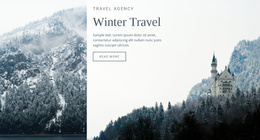
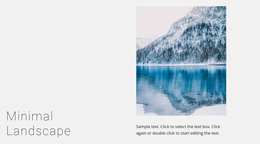
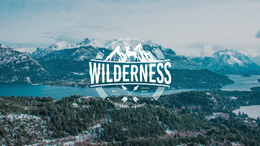
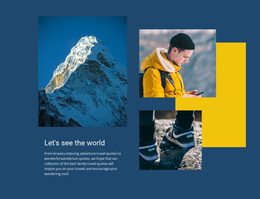
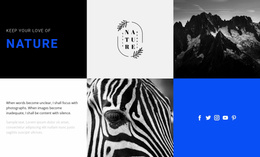
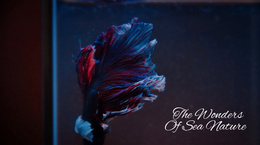
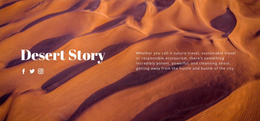
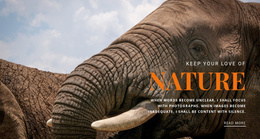
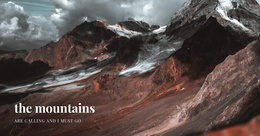


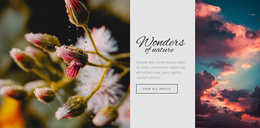
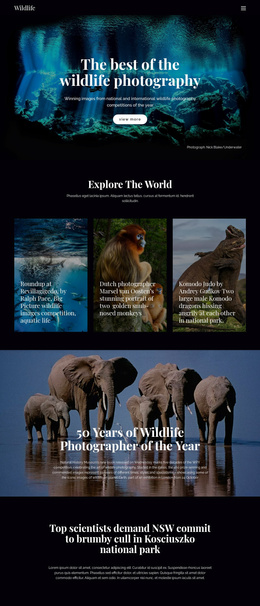

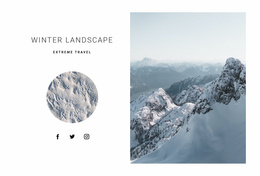
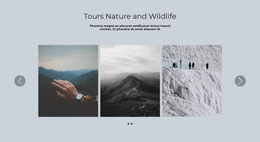
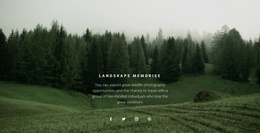
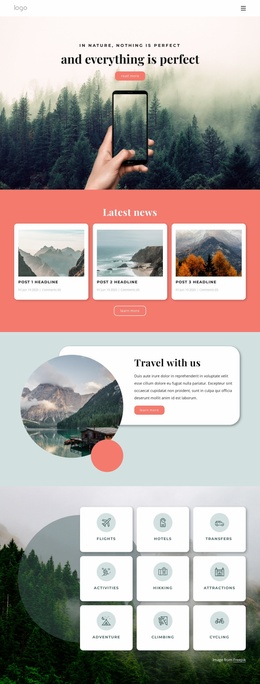




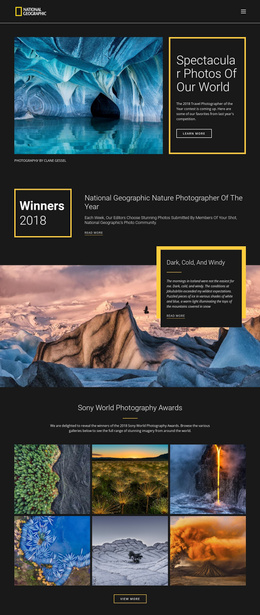
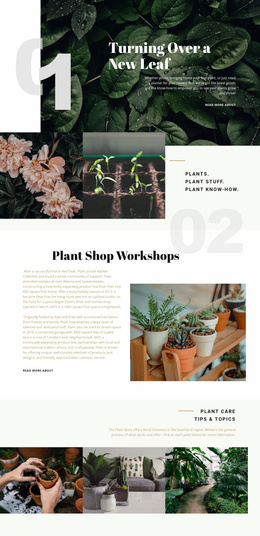
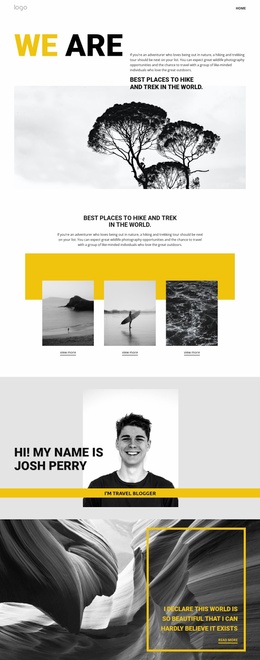
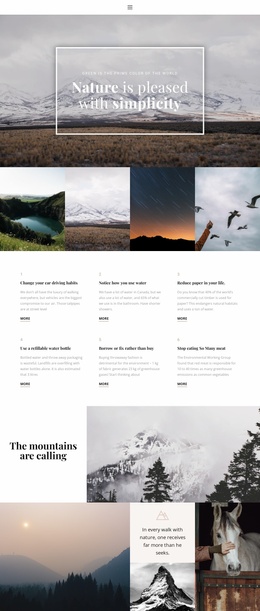
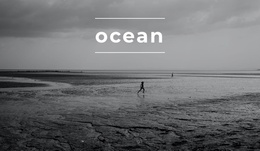
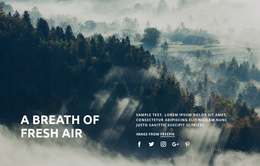
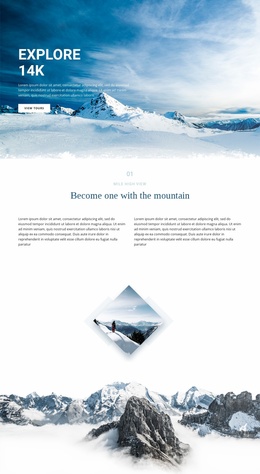
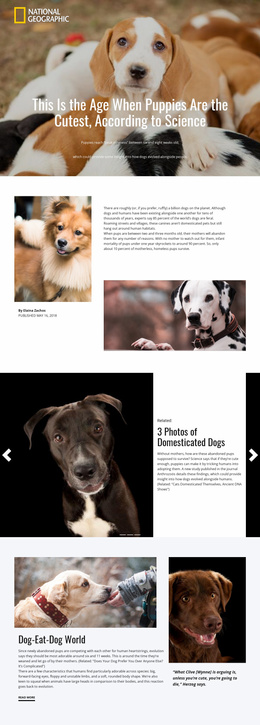

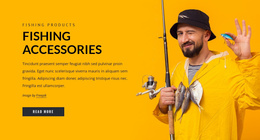



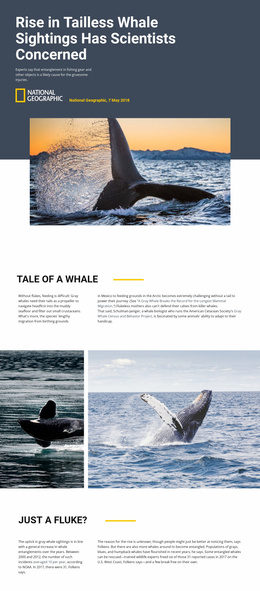
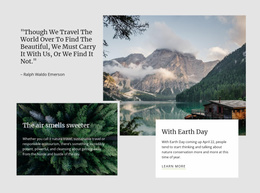
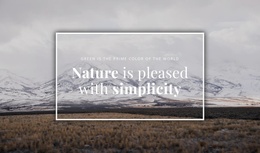
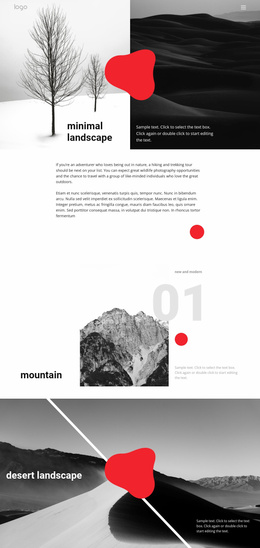

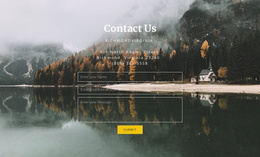
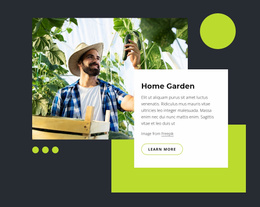
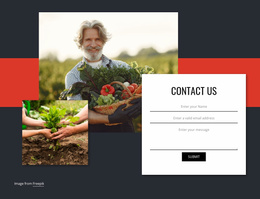
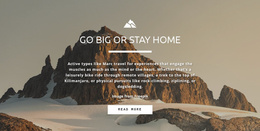
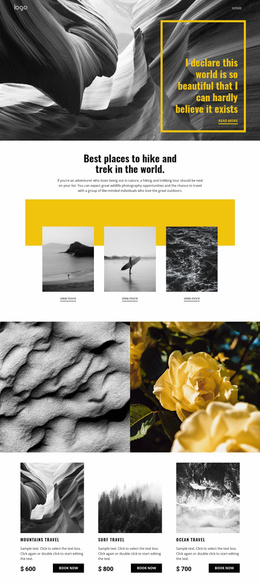
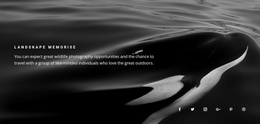
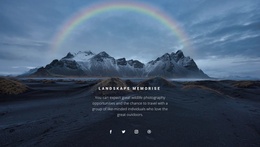

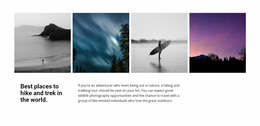


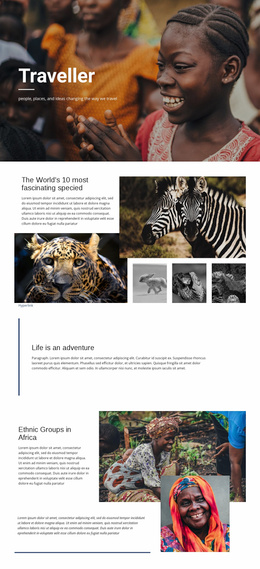

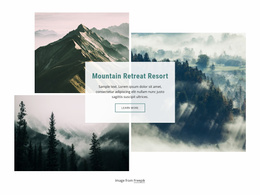
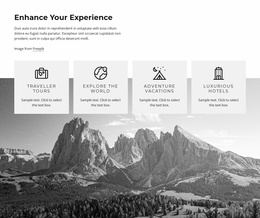
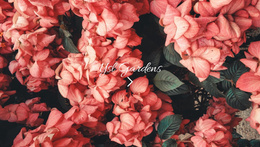

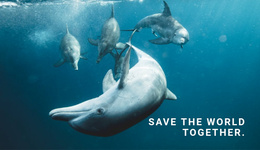
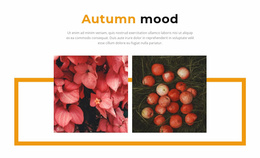
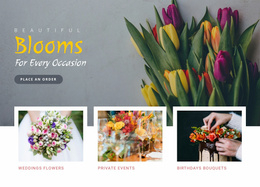
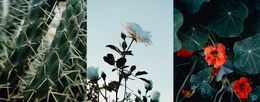
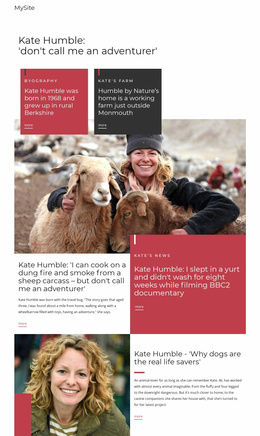
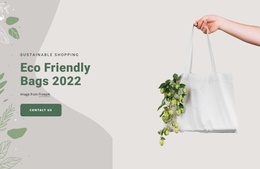
Best Nature Website Templates for Complete Multi-Page Projects
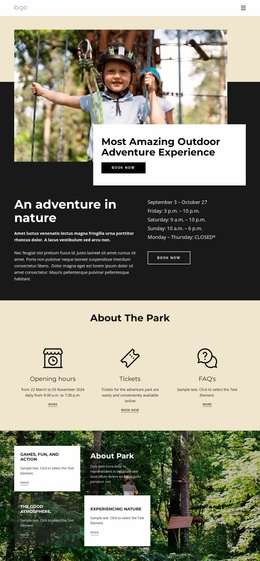
Nature website templates are designed for projects that require a cohesive set of pages rather than a single isolated layout. Conservation groups, climate initiatives, wildlife organizations, and outdoor services can begin with a site structure in which the Home, About, Projects, Blog, and Contact pages already belong to the same system.
The main advantage is multi-page continuity. Visitors can move from the homepage to project information, organizational background, updates, and contact details without encountering a different navigation model or visual treatment on every page.
Build Around a Connected Page Set
A useful environmental website template should provide enough page types for the real project. A common structure may include:
- Home for the main subject and current priorities
- About for mission, team, or organizational background
- Projects for conservation work, destinations, or programs
- Blog for field reports, research updates, or news
- Contact for inquiries, participation, or practical details
A climate organization can use climate website ideas to shape educational and project content while keeping the same navigation, typography, and shared site elements across all pages.
Keep Navigation and Shared Elements Consistent
Header & Footer provide every page with a common framework for identity, navigation, and recurring information. Website Menu supports links and subitems across the site. Theme Settings applies shared Colors, Fonts, and Typography so page types remain visually connected.
The Nicepage Dashboard manages complete Project Websites and their pages through the Site Basics workflow. This is useful when the project grows beyond a few screens, and editors need a clear overview of the complete site.
For wildlife- or destination-focused projects, Africa website references can help shape regional photography and subject matter while keeping the underlying multi-page structure consistent.
Maintain the Whole Website as One Project
A multi-page template should make later maintenance easier. Shared elements can be updated without redesigning every page separately, and additional content pages can follow the same visual rules. Edit Mobile Views helps keep those connected pages usable across desktop, laptop, tablet, and phone layouts.
When a completed project needs to move to another Nicepage account, the Website Transfer feature can transfer the entire website project for collaboration or client handover.
Nature Website Template Questions
What page types are useful in a complete nature website template?
Home, About, Projects, Blog, and Contact are common core pages. Additional pages can be added for services, locations, species, programs, or other project-specific content.
How can navigation stay consistent across all nature pages?
Use shared Header & Footer blocks alongside the Website Menu so that page links, subitems, identity, and common information remain consistent throughout the project.
Can the whole nature website be transferred to another account?
Yes. The Website Transfer feature can move an entire Nicepage website project to another Nicepage user for collaboration or handover.
Can different page types still share one visual system?
Yes. Theme Settings and shared site elements help keep typography, colors, navigation, and common interface patterns consistent even when individual pages serve different purposes.
Maintain a Complete Nature Site as One Connected System
Start with the required page set, and ensure that Home, About, Projects, Blog, Contact, and any specialist pages work together through shared navigation and visual settings. A winter website direction can guide seasonal content while the multi-page structure remains stable as the project grows.



















































