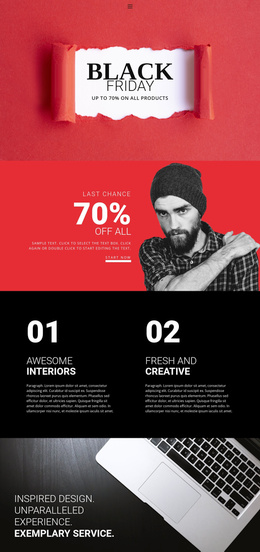
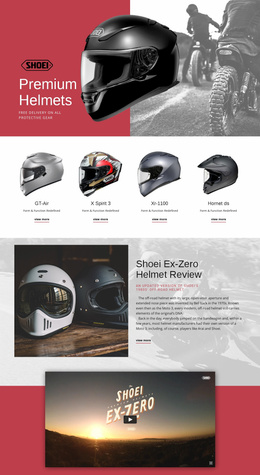
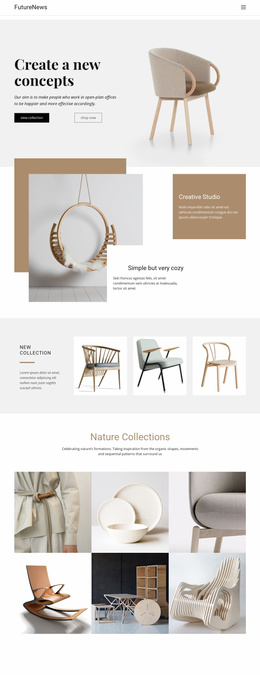
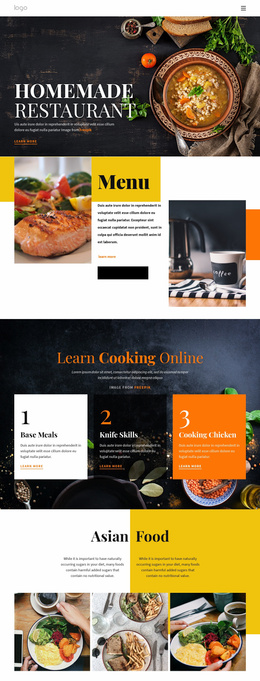
Table Website Templates
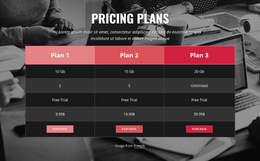
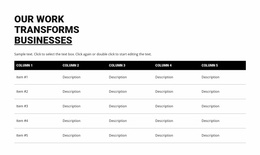
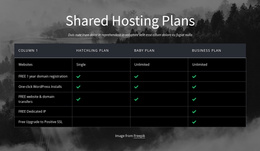
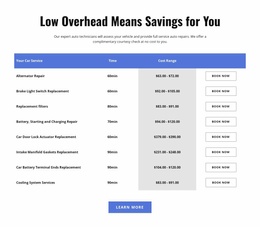

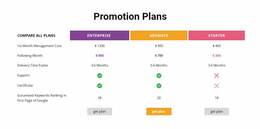
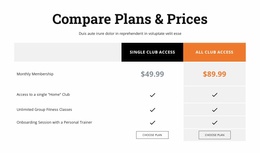
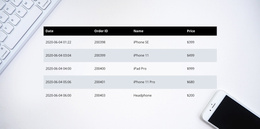
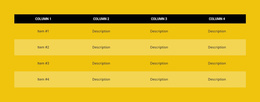
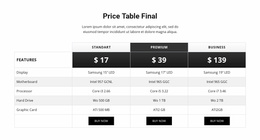
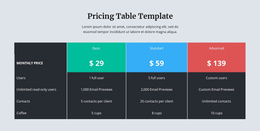
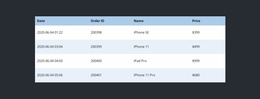
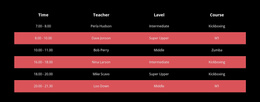

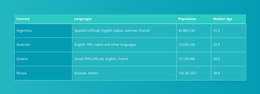
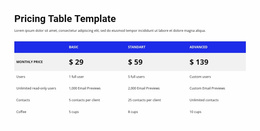
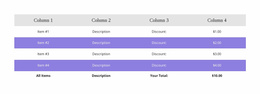
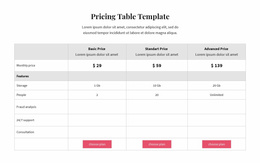
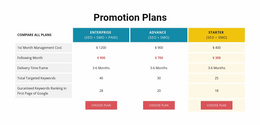
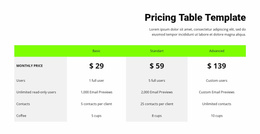
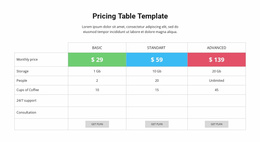
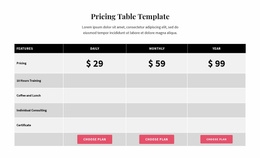

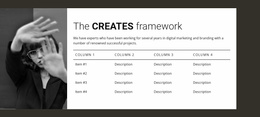
Flexible Table Website Templates for Integrating Data Sections Across Pages
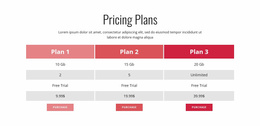
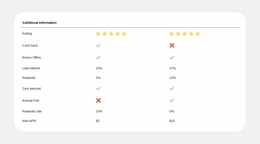
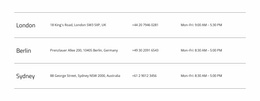
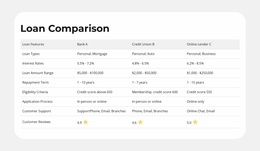
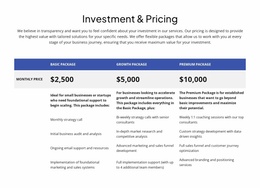
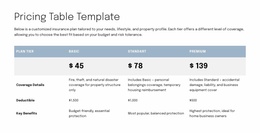
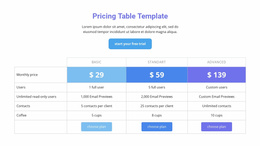
Table Website Templates provide ready-made table sections that can be placed within the visual structure of a complete website. They support specifications, schedules, and comparisons, with layouts suited to different page content lengths.
A Table block should look like part of the selected website template. It might follow a product overview, fit inside a service page, or form a distinct band on an information-rich page. The best choice respects both the data and the overall composition.
Choose a Table Section for an Existing Website Template
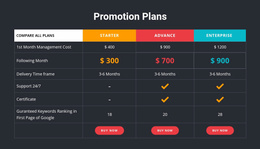
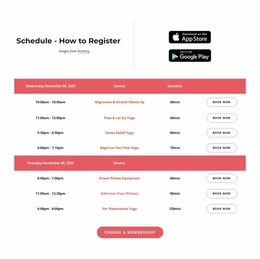
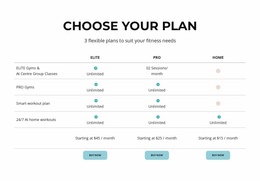
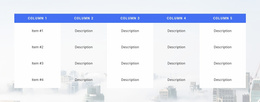
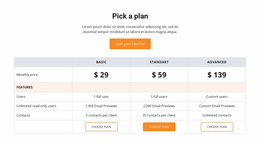
Compare ready-made Table sections by the page layout they are meant to complement. A compact facts block can fit a services overview without disrupting its rhythm. A wide comparison section can sit beneath a product introduction, while a reference table with quieter headings may suit a longer informational page.
When selecting a design, consider:
- Section width in relation to the selected website template's content area.
- Visual density beside nearby headings, images, and text.
- Header and row treatment appropriate to the page's existing hierarchy.
The best ready-made Table section looks native to that particular website layout and gives its comparable facts enough space. Unlike a general catalog of Table types, this choice begins with the structure of the page that will contain the section.
Compare Table Sections for Different Page Types
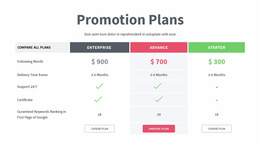
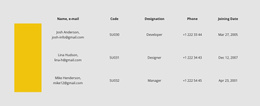
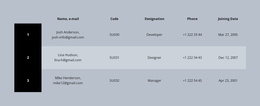
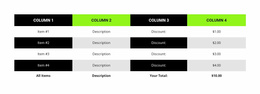
Ready-made sections can share the same Table function but differ in composition. For a product page, a broad comparison with pronounced headings may fit a full-width content band. A service page may need a smaller, less dense block aligned with a short description. An informational page can accommodate a longer reference section with restrained row separators.
The Table Element in Nicepage lets you adapt the selected section's content and dimensions. Row-based section designs illustrate related horizontal compositions, but the deciding factor is the Table section's visual compatibility with the surrounding page, not a generic method of inserting a table.
Select a Consistent Style for the Website
If several pages use Table sections, choose ready-made designs with compatible heading weight, outer spacing, and color treatment. One page may need a compact block and another a wide comparison; they can still belong to the same visual family.
Favor a ready-made section that complements the website template from the outset. Minor adjustments can align its appearance with adjacent content without forcing every page to use the same table shape.
Keep Each Table Relevant to Its Page
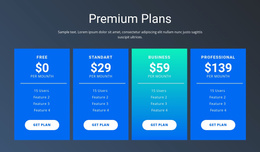
A Table works for values that need direct comparison. Independent content cards and counters serve other purposes, while paid packages may be better represented by pricing table designs.
In a website template, the Table section should answer a practical question visitors have on that page, without becoming a separate guide to designing an entire website.
Table Website Templates FAQ
Can I add a Table section to different pages of my website?
Yes. A Table block can be incorporated into different Nicepage pages wherever structured information is needed. You can adapt its content and layout to support specifications, schedules, or comparison records.
Can I customize rows and columns in a Nicepage Table?
Yes. The Nicepage Table Element supports adding, removing, moving, and resizing rows and columns. You can also edit cells and adjust their formatting to match the information being presented.
How should I choose a Table design without professional design experience?
Start with the content and the needs of your visitors. Choose a ready-made Nicepage layout whose number of columns and visual structure fit the information, then refine its headings, values, typography, and spacing.
Add a Table Section to Your Website Project
Explore the ready-made Table Website Templates and choose a section that suits your page and factual content. Adapt its headings and values in Nicepage, then review the finished design with the rest of the website.
The right template presents useful data clearly as part of a complete website.