
Accordion Website Templates

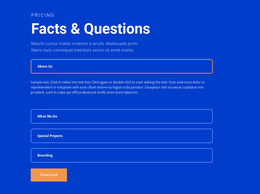
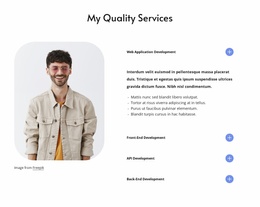
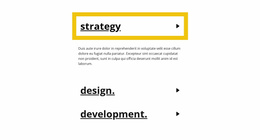
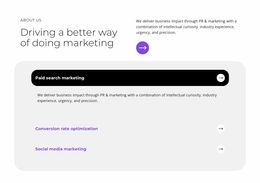






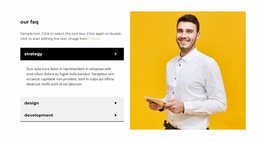
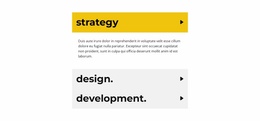
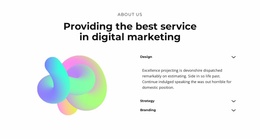


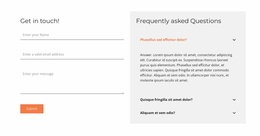
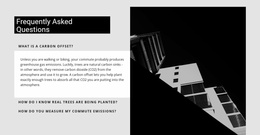
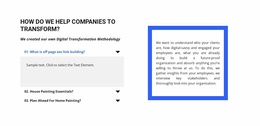
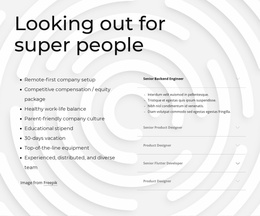
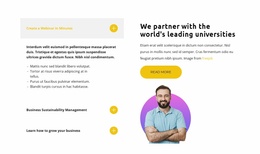




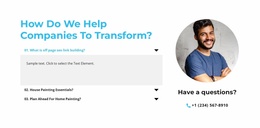

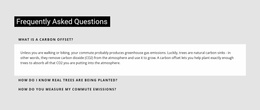
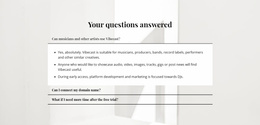
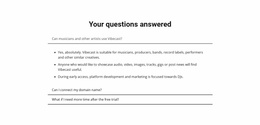



Website Templates With Naturally Integrated Accordion Sections
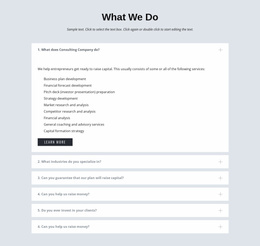
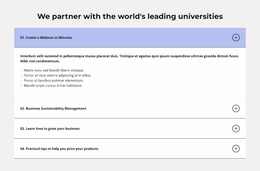
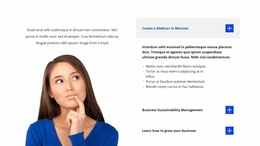
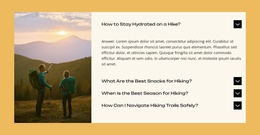
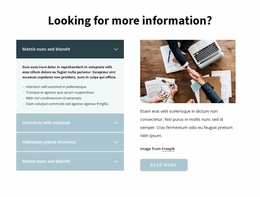
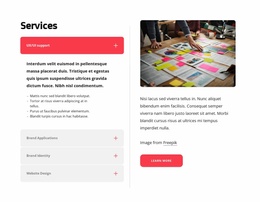
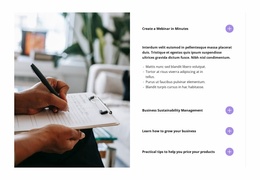
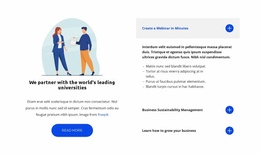
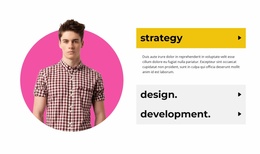
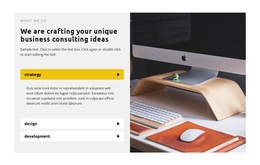
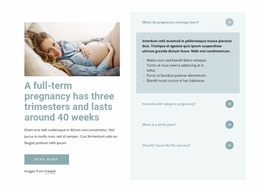
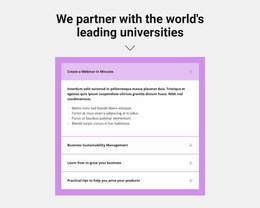
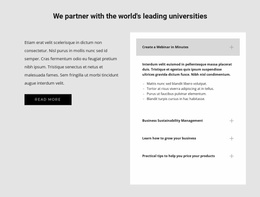
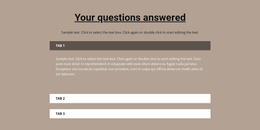
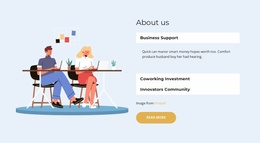
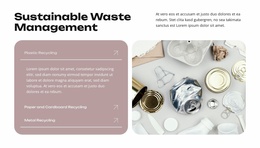
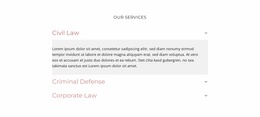
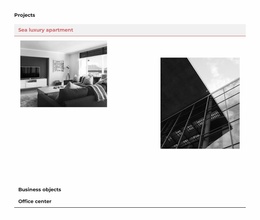
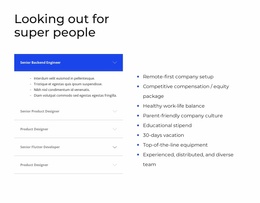
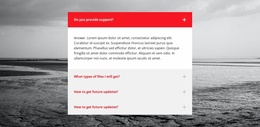
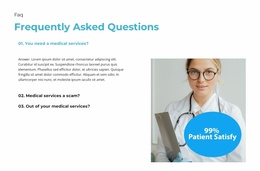
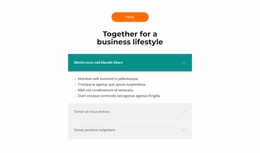
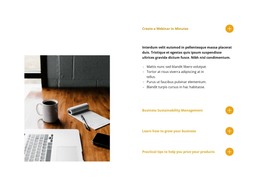
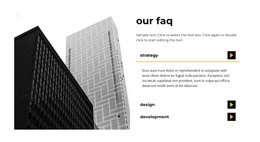
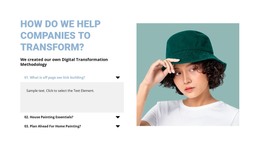
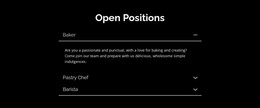
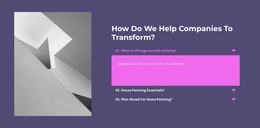
Start with a website template where Accordion is already part of the page structure, then judge how well that expandable section supports the overall flow. The Accordion remains central—stacked headings, expandable bodies, open and closed states—but the selection decision happens at the website-template level.
Check Where the Accordion Fits in the Page
An Accordion works best when its placement supports nearby content instead of feeling like an isolated widget.
A useful ready-made page flow might place it:
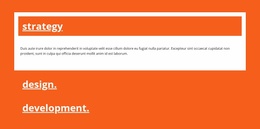
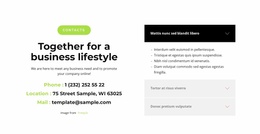
- Hero → services/features → Accordion → CTA/contact for decision-support details.
- Product or feature section → Accordion → next action for specifications or supporting explanations.
- Informational content → Accordion → contact/footer for policies, conditions, or instructions.
The key question is still Accordion-specific: does the section appear where visitors naturally need more detail?
Match the Accordion to the Surrounding Design
The Nicepage Accordion Element provides the expand/collapse behavior that defines the section. When evaluating a website template, check whether the Accordion already works with the surrounding layout.
Evaluate more than the panel styling itself:
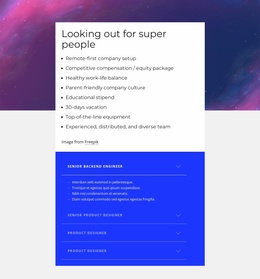
- Where the Accordion sits in the ready-made page flow.
- What information it hides and whether that detail is secondary.
- How the section connects to services, features, CTA, or contact blocks.
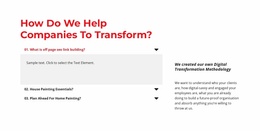
- Whether the open and closed states remain clear without dominating the overall layout.
A strong template doesn't need to repeat the same Accordion throughout the site. It simply needs the section to feel purposefully placed and visually connected where progressive disclosure is useful.
Keep Essential Information Visible
Use the Accordion for supporting detail rather than information visitors must see immediately.
Service conditions, specifications, policies, and process explanations can work well inside expandable panels. Keep the primary message visible, use specific headings, and avoid creating tiny panels only to make the page shorter.
Accordion Website Templates vs General Accordion Templates
Accordion Templates focus broadly on selecting the right expandable-panel pattern by item count, hierarchy, and visual direction.
Accordion Website Templates add one practical question: how naturally is that Accordion already integrated into the structure of a broader website template?
The difference is about placement and surrounding page context, not about turning the Accordion into a site-wide pattern.
Accordion Website Template FAQ
What should I check in an Accordion website template?
Check where the Accordion appears, what information it hides, how its headings and bodies fit the surrounding content, and whether its states match the wider page design.
Does the Accordion need to appear across the whole website?
No. Use it only where progressive disclosure genuinely helps visitors scan and reveal supporting information.
How is this different from general Accordion Templates?
General Accordion Templates focus on choosing the expandable-panel design itself. Accordion Website Templates also consider how naturally that section fits into a broader website template.
What information belongs inside the Accordion?
Use the panels for secondary details such as service conditions, specifications, policies, or process explanations that visitors may want to reveal selectively.
Should important content be hidden in Accordion panels?
Not automatically. Essential information should remain visible; use the Accordion for supporting detail that benefits from progressive disclosure.
Choose a Template Where the Accordion Fits Naturally
Choose the website template whose existing Accordion placement best supports the intended page flow, then adapt the headings and bodies without rebuilding the section from scratch. The goal is site template first → evaluate its Accordion placement → customize the existing Accordion.





















































