300 Gallery Website Templates



































































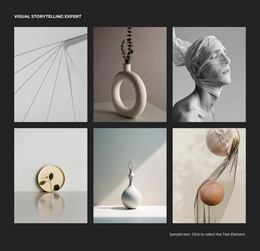






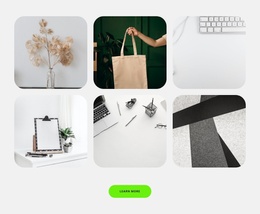

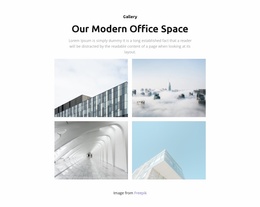






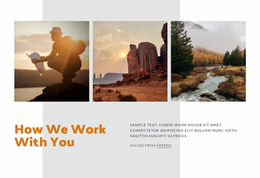















Gallery Website Templates for Ready-Made Photo Sections
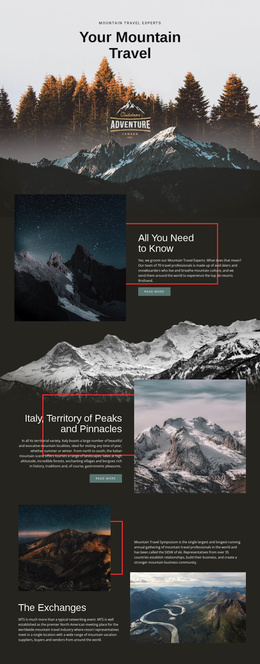
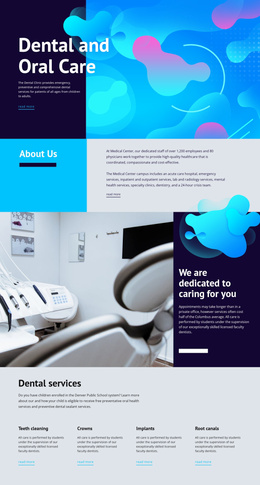
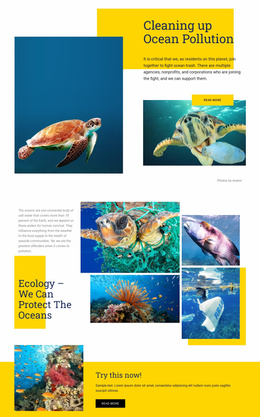
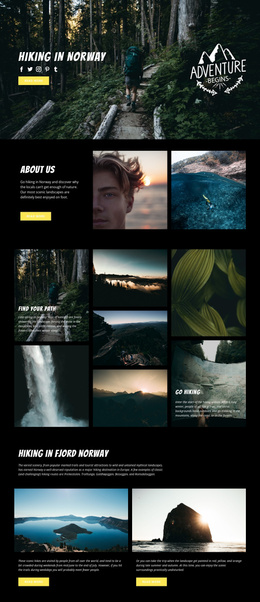
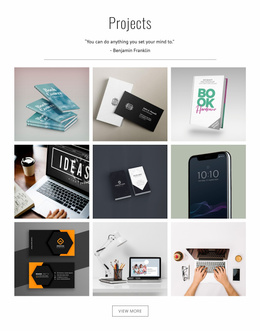
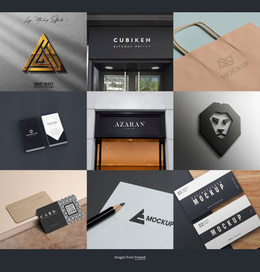
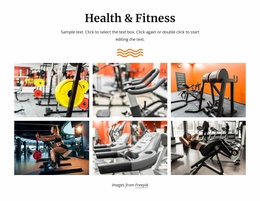
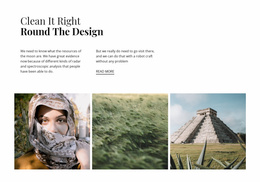
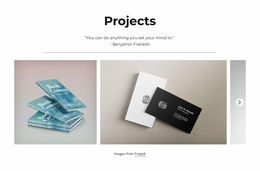
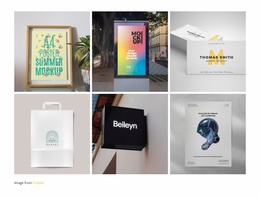
Gallery Website Templates provide ready-made image sections for websites. They can introduce portfolio work, highlight a finished project's details, or showcase a small product collection. The Gallery blocks are parts of a wider page design, suited to a variety of website pages.
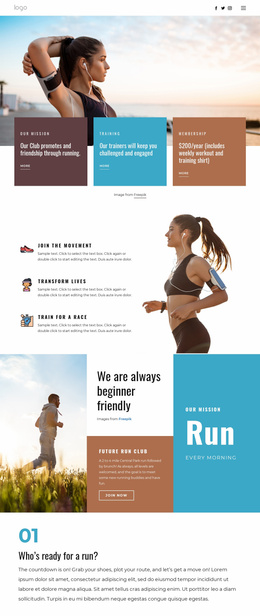
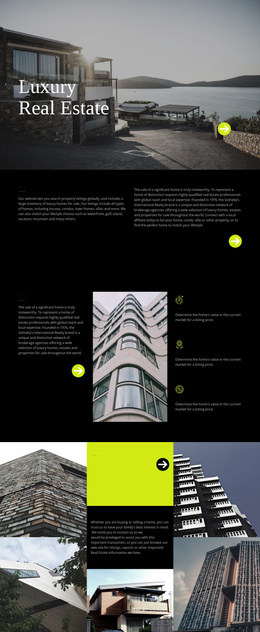
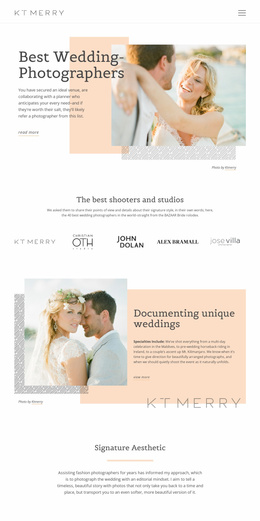
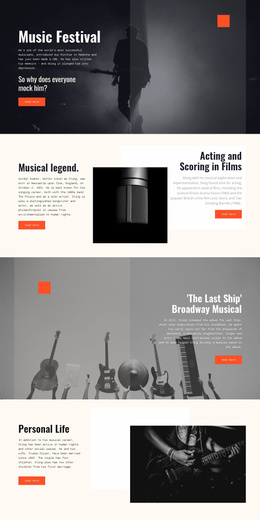
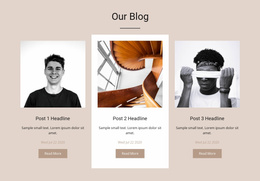
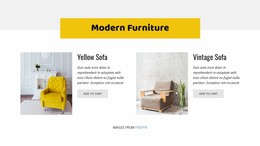
Compare the designs by what they offer on screen: even images, a strong featured photograph, a denser thumbnail arrangement, or captions. Different websites may use the same Gallery styles, but the preferred balance depends on the material being displayed.
Gallery Sections for Different Website Pages
When choosing a ready-made Gallery section for a website, consider the role the images will play within the page. A compact collection can introduce selected work on a homepage without dominating the surrounding content. A portfolio or project page may give the photographs more space, while a product page often benefits from consistent views of related items. These are familiar Gallery compositions selected for different website contexts.
Nicepage's Image Gallery Element supports image collections within a selected block. Compare the available designs for the number of photos, their prominence, and the space given to context.
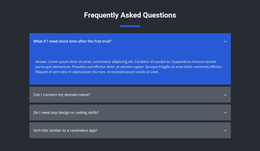
Gallery Website Templates FAQ
Can I add a Gallery section to an existing Nicepage website page?
Yes. Nicepage allows you to add Block Designs to existing pages. You can choose a Gallery design, insert it into the page composition, and customize its images and layout in the Nicepage editor.
Can I change the images and layout of a Gallery block?
Yes. The Nicepage Image Gallery Element supports image replacement, additional images, and different gallery arrangements. You can also adjust supported properties such as spacing, captions, and image previews.
Can I combine several Gallery sections on one website page?
Yes. A page can contain multiple blocks, including image-focused sections. Separate Gallery blocks can present different collections, although each should have a clear purpose to avoid repetitive visual content.
Will my Gallery section work on mobile devices?
Nicepage supports responsive image galleries. Gallery images adapt to smaller screen widths, and you can review the arrangement in responsive editing modes to check image proportions, captions, and overall presentation.
How do Gallery sections differ from complete website templates?
A Gallery section presents a collection of related visual media within a page. A complete website template may include multiple pages, navigation, and other structural components. The Gallery block provides the image-browsing area, not the entire website structure.
Integrate a Gallery Section Into Your Website Design
Select a Gallery block that matches the number and type of images you want to present. Open it in the Nicepage editor, replace sample photographs, refine captions and spacing, and position the section alongside relevant page content.
Review how the collection fits the surrounding layout, including its scale and visual hierarchy. The finished Gallery should offer a clear browsing experience while remaining consistent with the website's overall composition.