
1130 Fashion & Beauty Website Templates






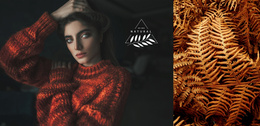
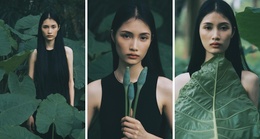

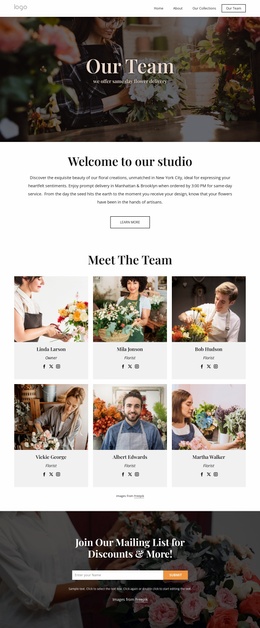
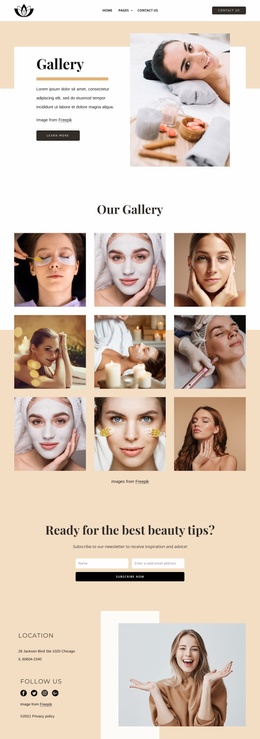
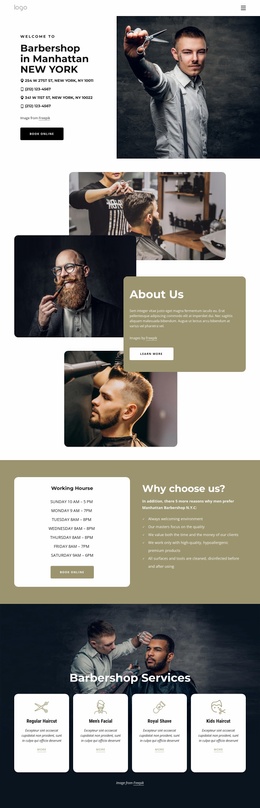

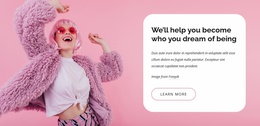
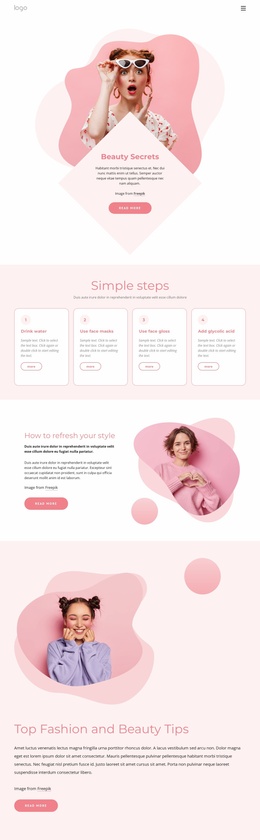
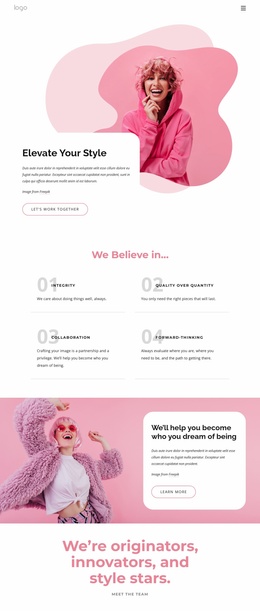
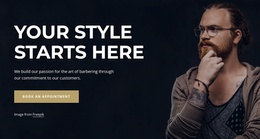
Best Fashion & Beauty Website Templates for Complete Brand Sites
A useful Fashion & Beauty Website Template is more than an attractive homepage. It provides a coordinated starting point for the different pages a complete brand site may need, with shared navigation, site-wide visual rules, and enough structural flexibility for collections, services, stories, and future content.
What Makes a Modern Fashion & Beauty Website Template Complete?
Start by looking at the number and type of pages the project actually requires.
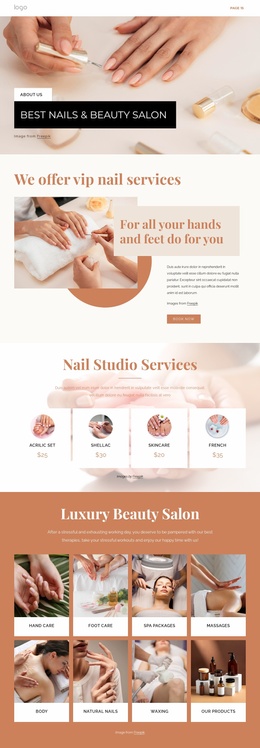
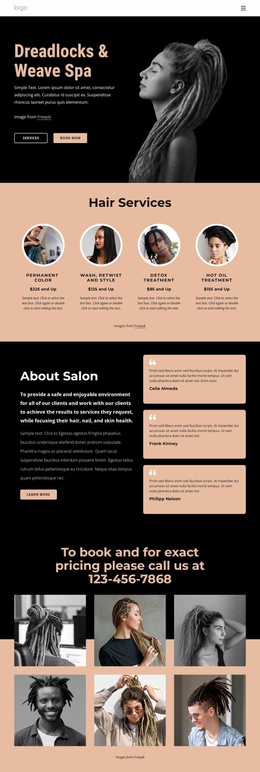
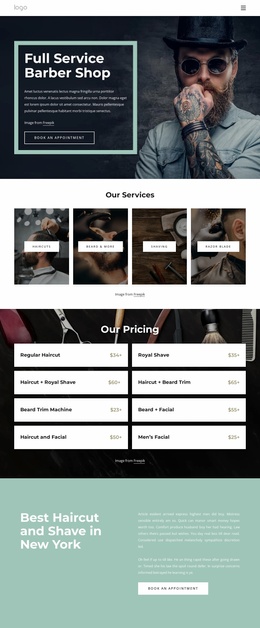
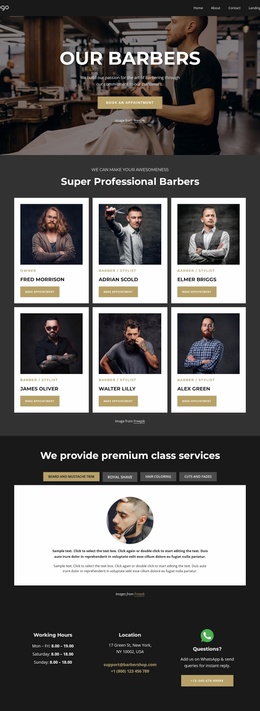
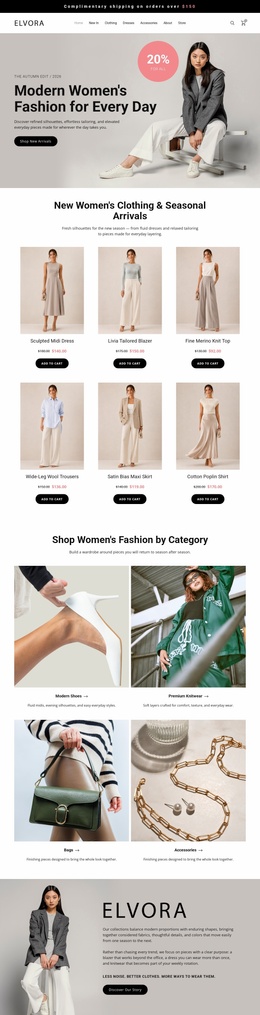
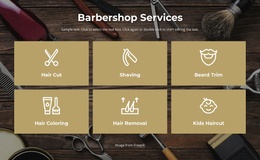
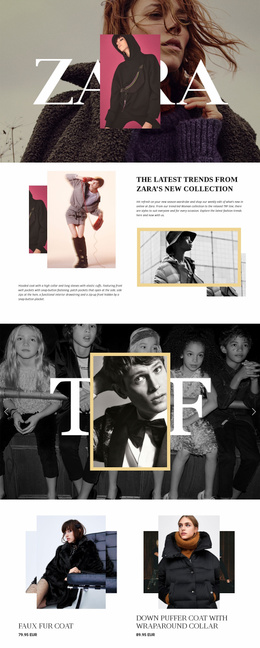
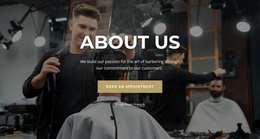
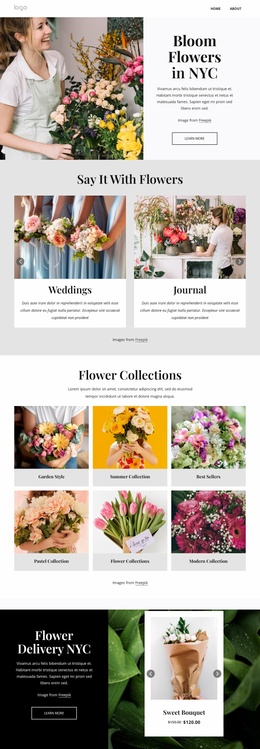
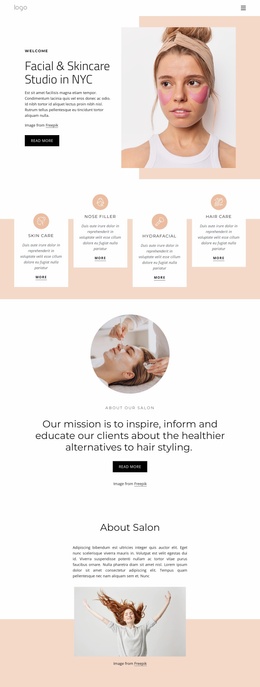
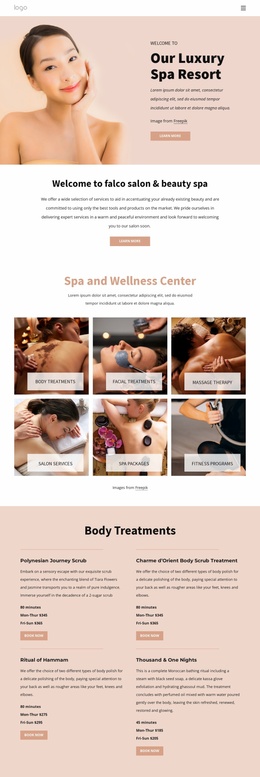
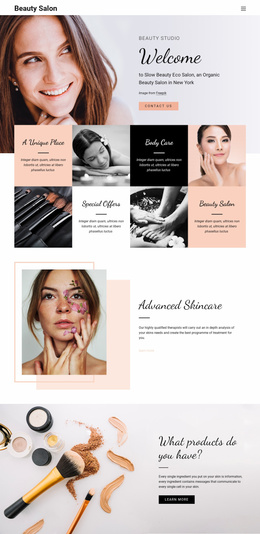
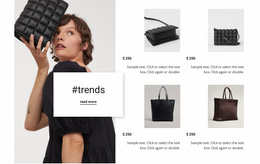
A small salon may need a Homepage, About page, Services page, Portfolio page, and Contact page. A fashion label may need a Homepage, Collections, About, Lookbook, Contact, and supporting campaign pages. A product-led beauty brand may also need space for product education, brand stories, FAQs, or editorial content.
The value of a full website template is that those pages are part of the same system from the start.
Shared navigation should make the site easy to understand as the page count grows. Header and Footer areas can provide consistent access to collections, services, contacts, and other important sections, rather than forcing every page to reinvent its own navigation.
Site-wide branding matters for the same reason. Typography, colors, image treatment, button styles, and spacing should carry across the project so a service page does not feel disconnected from the homepage or a future campaign page.
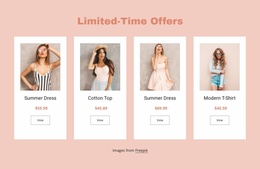
Use nail website ideas to study service and portfolio priorities, hijab website concepts for collection-led fashion structures, and skin-care website ideas for product education. The exact page may vary by niche, but the template should give the brand room to grow without sacrificing consistency.
Choose a Template for Current and Future Content
Do not choose only by the first hero section.
Check whether the template supports the content type the site will need six months from now. A fashion label may add another collection, a salon may introduce new treatments, and a beauty brand may expand its educational content.
A useful site template should therefore support:
- an appropriate number of pages;
- shared Header and Footer navigation;
- consistent page templates across sections;
- collection or service growth;
- new supporting pages without a visual reset;
- site-wide colors and typography.
Nicepage provides several controls that support this type of full-site structure:
- Theme Settings apply shared Colors, Fonts, and Typography.
- Website Menu supports navigation across multiple pages.
- Header & Footer blocks keep global site elements consistent.
- Image Gallery Element can support collections, portfolios, or visual service proof.
- Contact Form Element gives supporting pages a consistent way to handle inquiries.
- Edit Mobile Views lets page templates be refined across screen sizes.
The website with hosting guide describes the Nicepage workflow for creating and managing a complete site project.
Website Template vs Landing Page vs One-Page Template
These formats solve different problems.
A Website Template is the best fit when the project needs several coordinated pages, shared navigation, and room for future content growth.
A Landing Page is designed around a single campaign and a single conversion objective. It does not need to represent the full brand website.
A One-Page Template can represent a complete small website, but About, Services, Portfolio, Reviews, Contact, and other sections remain on a single URL rather than separate pages.
Choosing the correct format before customization prevents a small campaign from becoming an unnecessarily large site and a growing brand from being forced into a single overloaded page.
Creative Fashion & Beauty Website Questions
How do I manage several pages in one fashion or beauty project?
Use the unified Nicepage Dashboard to create, open, and manage Project Websites and individual pages. This is useful when a complete template grows into a multi-page site with collections, services, About content, and contact pages.
Are there ready-made elements for fashion and beauty pages?
Yes. Nicepage provides pre-designed Elements and Blocks. You can use text, images, sliders, forms, grids, and other supported elements while keeping different pages inside the same site-wide visual system.
How can a hijab or skin-care brand feature seasonal visual stories?
Use the Slider Element. It can combine images, text, buttons, and other elements so a brand can feature a capsule collection, seasonal campaign, routine, or product story without changing the wider website structure.
Ready-To-Use Workflow for a Complete Fashion & Beauty Site
Choose the template by site structure first, then by visual style. Confirm that it includes the right page types, supports shared navigation, and gives collections, services, or supporting content room to grow.
Then refine the imagery, typography, page hierarchy, and responsive states while keeping the same visual system across the project.
A Fashion & Beauty Website Template should provide a coherent foundation for the whole website, not just a strong-looking opening page.






















































