
280 Pets & Animals Website Templates








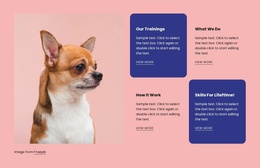
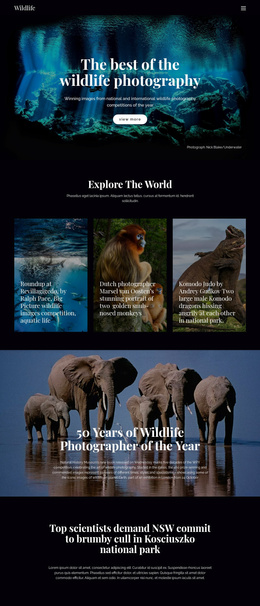
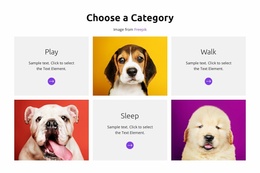
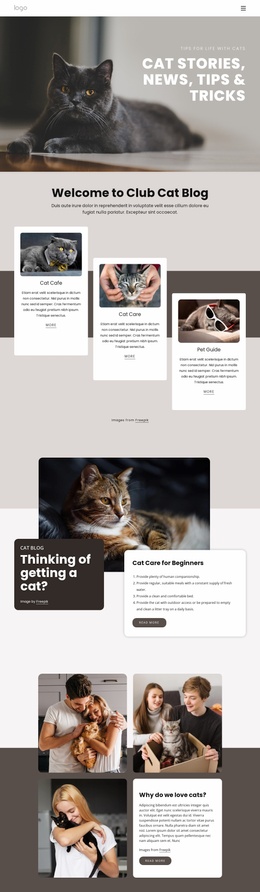

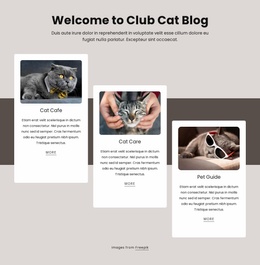
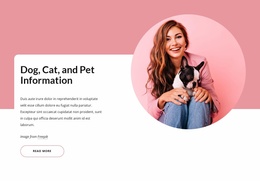
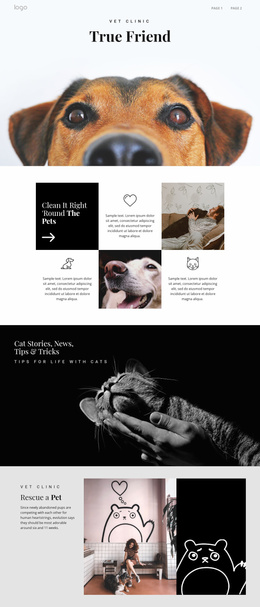
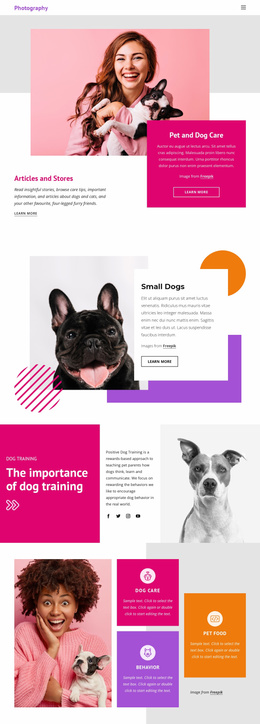
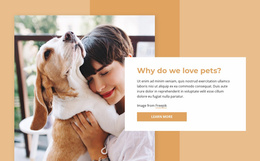

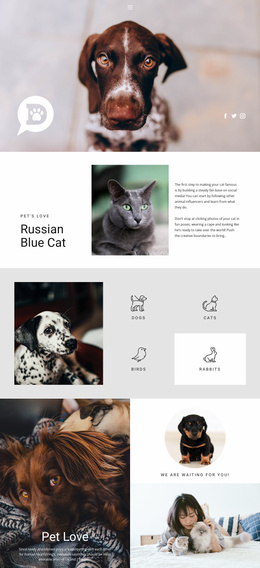
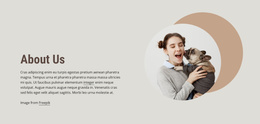
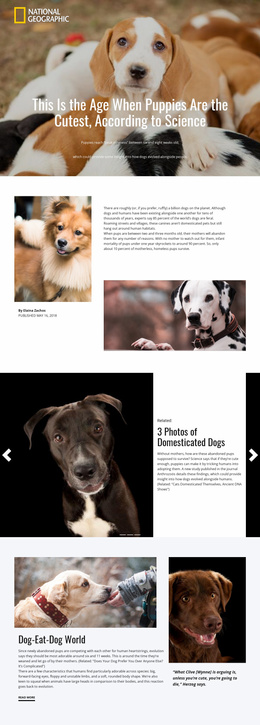




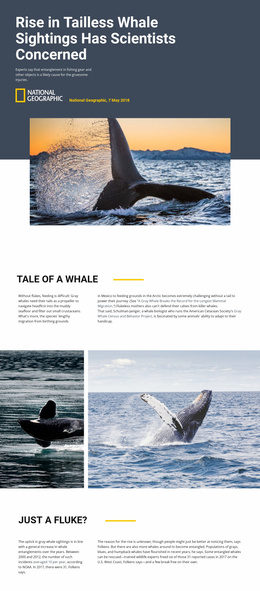
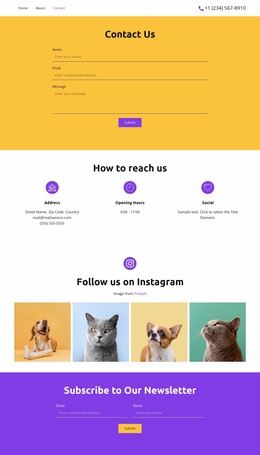
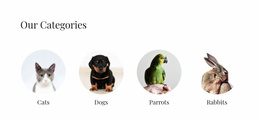


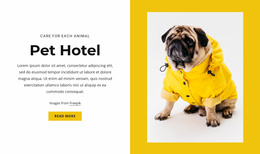

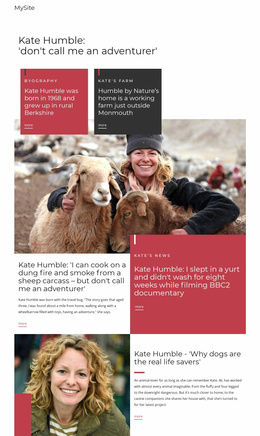

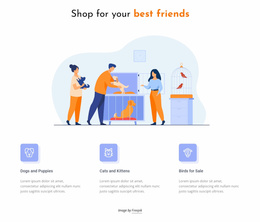
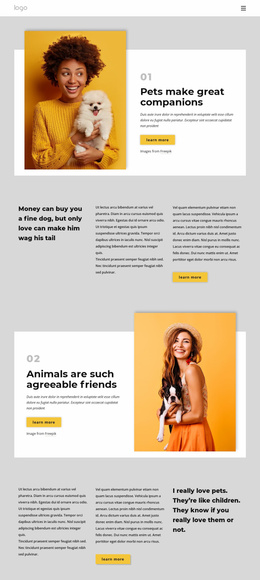







Pets & Animals Website Templates for Complete Multi-Page Sites
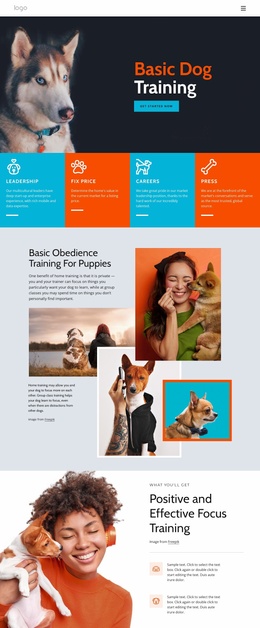
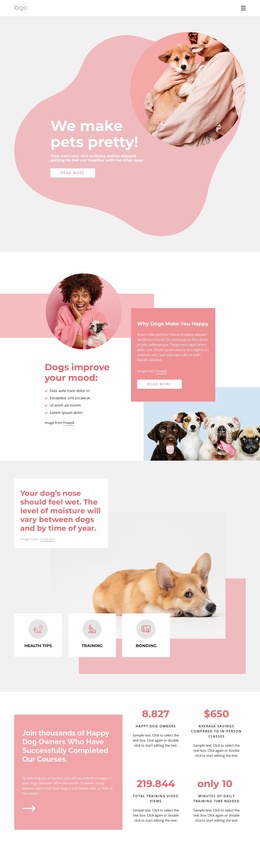
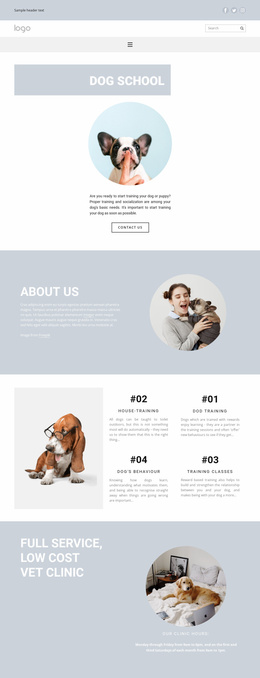
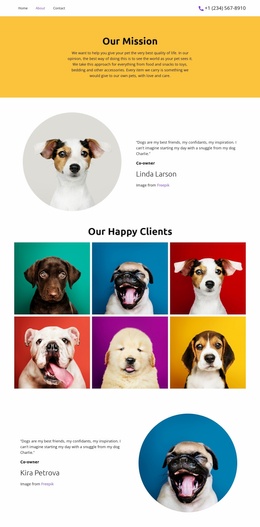
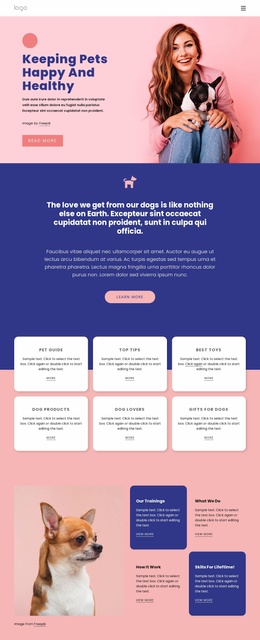
Pets & animals website templates are for projects that require several connected pages within a single shared navigation system. A typical animal-site architecture might include Home / Animals or Services / About / Blog or Resources / Contact, with additional profile or service pages added as the organization grows.
That makes Website Templates more specific than the generic Templates category. Templates is where you choose the project format. Website Templates means the format has already been chosen: a complete multi-page website with connected navigation and shared visual rules.
Plan the Page Architecture Before Adding Content
For a shelter, the Home page can introduce the organization and featured animals; the Animals section contains individual profiles; About explains the program; Resources covers care or adoption guidance; and Contact handles inquiries. A farm or educational project may use different labels, but the principle is the same: each page has a distinct role.
A domestic animals design direction can provide a starting visual concept. Open the project in the Nicepage visual editor, replace sample content with real content, and extend the architecture by adding new pages when services, animal profiles, or articles require their own destinations.
Shared Navigation Keeps the Site Coherent
Website Menu connects pages through Header or Footer navigation and can support subitems as the structure grows. Theme Settings help keep typography and shared visual rules consistent across the site.
The Pages Panel manages pages and folders, and the Nicepage Dashboard provides a route to open and manage website pages. For larger sites, Page Folders can group related areas, such as Animals, Services, or Resources, without changing the fact that the project is one connected website.
A cow-focused website might start with Home, Breeds, Farm Services, Care, About, and Contact. If the organization later adds a separate nutrition service or regular articles, those additions can receive their own pages while the main navigation and shared styling remain consistent.
Growth Is Part of the Multi-Page Intent
The value of a website template appears when the content expands. A new animal should not force the team to squeeze another card onto the homepage. A new service may deserve its own page. A growing resource library may need categories or folders. Plan the information architecture so additional pages feel like part of the same project rather than isolated layouts.
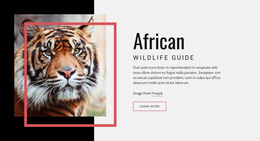
A zebra-focused project can similarly separate species facts, conservation work, visitor information, education, and contact details when those topics are too substantial for one long page.
Website Template Questions for Animal Projects
How many pages should a pets and animals website template have?
There is no fixed number. Use enough pages to give major content types their own clear purpose, without unnecessarily fragmenting small amounts of information. Home, Animals or Services, About, Resources, and Contact are common starting points for the architecture.
How is a Website Template different from the general Templates category?
The general Templates category helps users choose a project format. A Website Template is specifically a multi-page website format with connected pages, shared navigation, and a site-wide visual system.
How is a Website Template different from a One-Page Template?
A Website Template distributes content across several URLs linked by shared navigation. A One-Page Template combines several site sections into a single URL and typically uses anchor navigation.
Can shared navigation grow when new animal or service pages are added?
Yes. New pages can be added to the project and incorporated into the site menu or submenus according to the information architecture.
How can a larger shelter keep related pages organized?
Use page naming and a clear navigation hierarchy first. Page Folders can then group related areas within the project, such as Animals, Services, or Resources, as the internal page list grows.
Test the Architecture with Future Content
Before finalizing the template, imagine the site six months later. If new profiles, services, and resources can be added without breaking the navigation or overloading existing pages, the multi-page structure is doing its job.





















































