Gallery with plants Website Template


A Six-Image Nature Gallery for a Broader Website Project
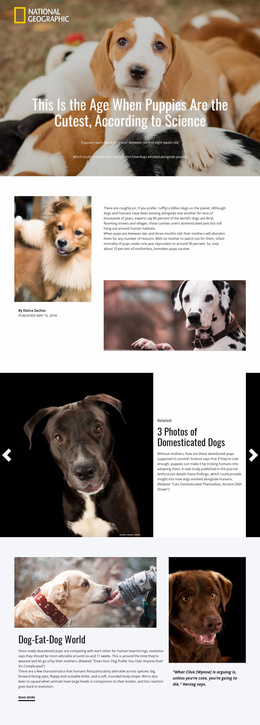
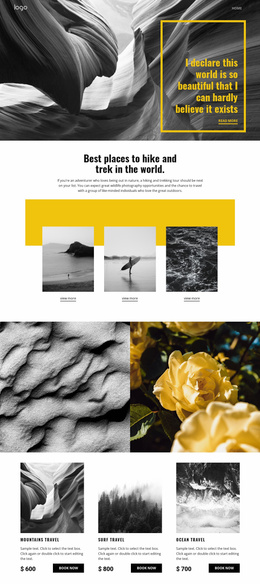
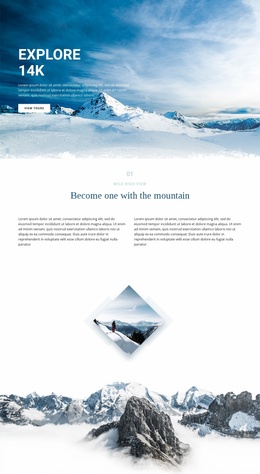
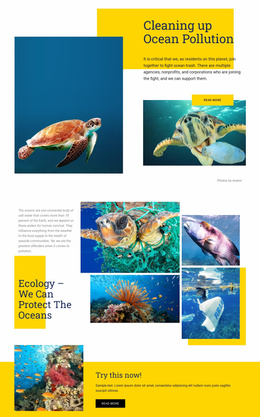
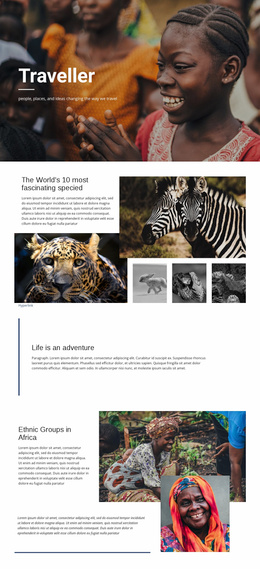
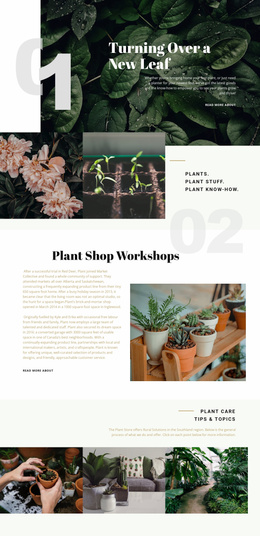
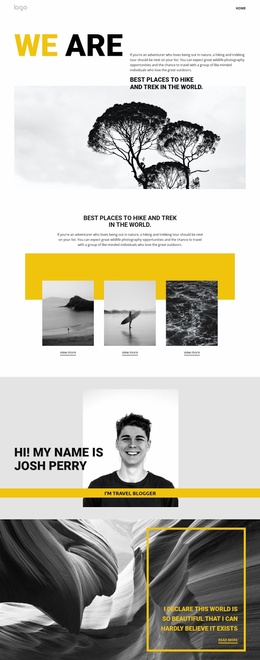
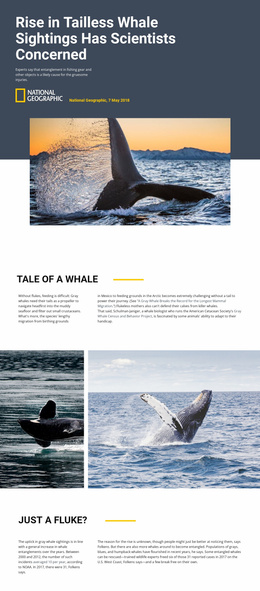
The block defines one stable content area: a six-image gallery focused on flowers, leaves, dried plants, and green agricultural landscapes. Its three-column, two-row grid gives the imagery a repeatable structure that can be reused as a visual section within a broader website project. Rather than mixing image cells with explanations or calls to action, the design lets the collection establish its own subject through photography and botanical detail.
Evenly sized rectangles and edge-to-edge alignment make the section easy to coordinate with other blocks that use a clean, spacious visual direction. The bright white background separates each image while preserving a continuous grid rhythm, and the soft natural tones allow different kinds of plant and landscape imagery to sit together without requiring a heavy frame or decorative overlay. This makes the section suitable for a nature-focused content flow, portfolio-like image presentation, or an environmental visual pause, depending on the surrounding page.
The block remains intentionally self-contained. It supplies six static image cells, but a larger website project can place headings, descriptive copy, navigation, or related sections around it. That separation is useful when the same gallery pattern needs to support different pages or content contexts without changing its underlying layout. The section's consistency comes from its image count, grid organization, white field, and restrained presentation, giving the broader project a defined visual component rather than a complete site structure.
Customize with Nicepage
Open this ready-made template in the Website Template Builder and customize it visually in the Nicepage editor. Replace demo content, edit page sections, and adapt the design to your project without rebuilding the template from scratch.
Edit Template Offline
2. Create a new page or select existing
3. Click Add new block, search for id 51168 and click enter
Edit Template Online
Create Awesome Websites


Free Nicepage Builder
Keywords
Build a Complete Website From This Template
Customize the Website Visually
Use this ready-made website template as a starting point for your project and adapt its pages visually in Nicepage. Change content, images, typography, navigation, sections, and other design elements while keeping the website together as a single editable project.
Manage Website Pages in One Project
Use the Pages panel to open, add, duplicate, and manage the pages of your website. Work on individual pages while keeping navigation and the overall site structure accessible from the same project, making it easier to develop a complete website instead of managing separate page files.
Expand the Website With Matching Designs
When you need additional pages or sections, use Page Design Sets to find Page and Block Designs created in the same visual style. Design Sets group matching designs together, making it easier to expand the website with new content while maintaining a consistent look across its pages and sections.
Organize Larger Multi-Page Websites
As the website grows, use Page Folders to organize related pages and keep larger multi-page projects easier to navigate in the editor. This is especially useful for websites with separate service pages, company information, contacts, landing pages, and other content areas.
This workflow makes the template a practical foundation for building and expanding a complete website while managing its pages, content, and visual design within one Nicepage project.