
890 Features Website Templates




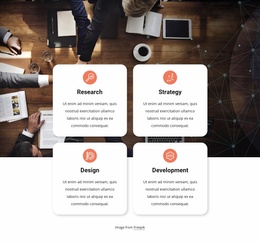
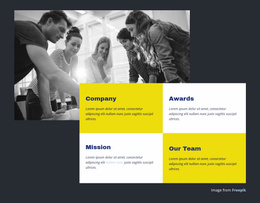
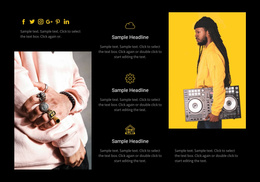



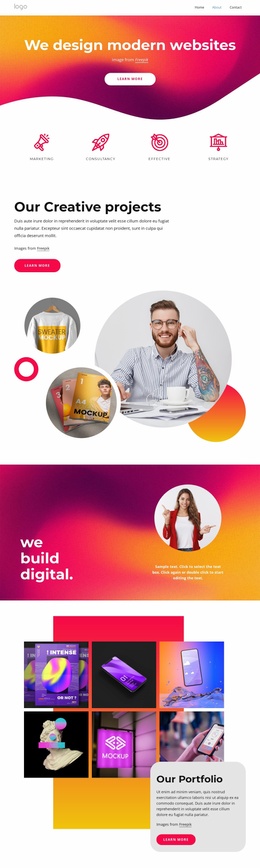
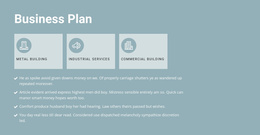
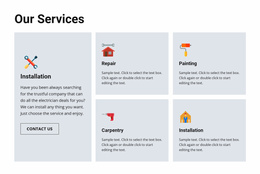
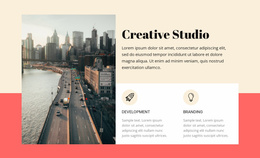
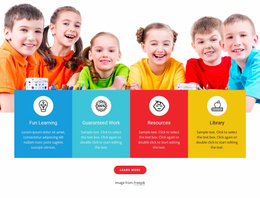
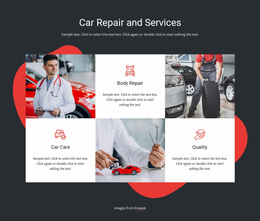
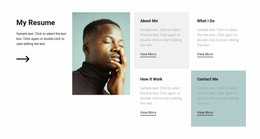

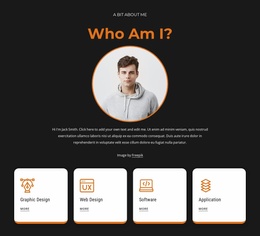
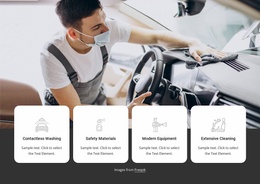
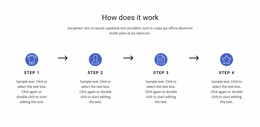
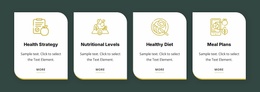
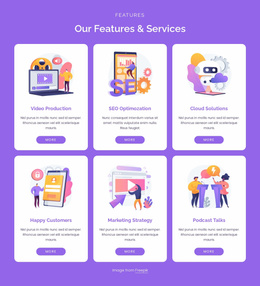
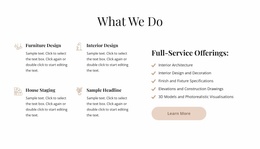
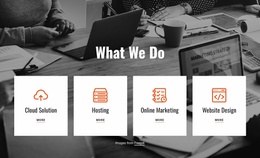
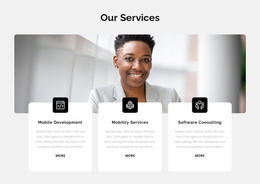
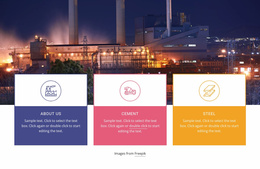







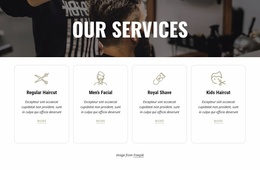
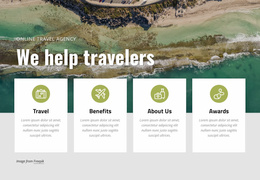
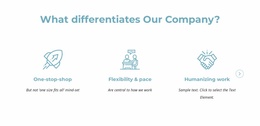
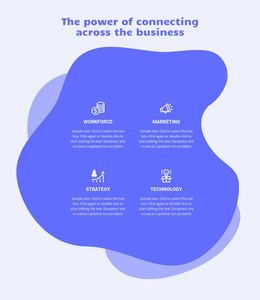




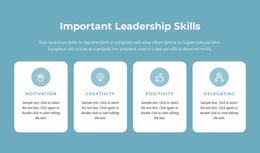

Ready-To-Use Features Website Templates for Complete Site Designs
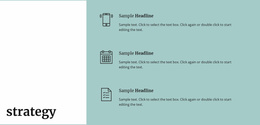
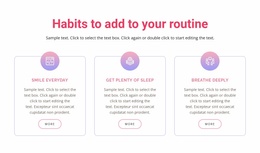
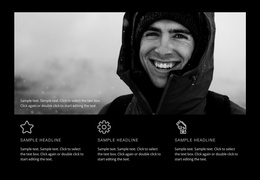
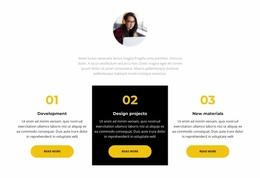
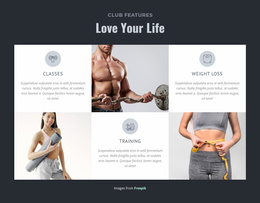
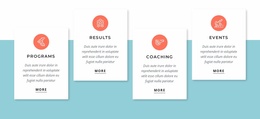
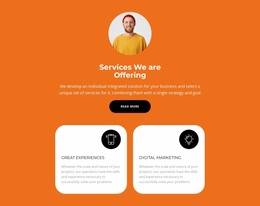
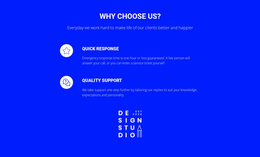
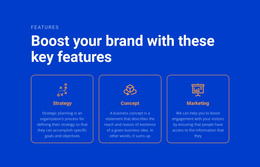
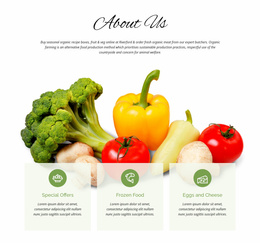
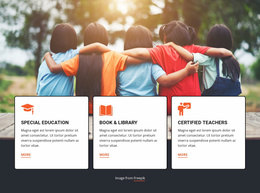
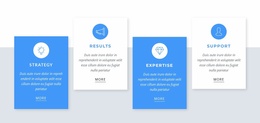
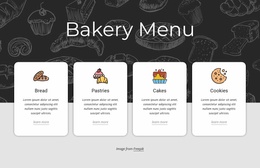
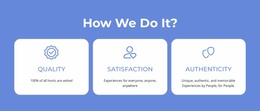
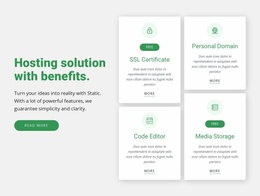
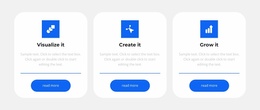
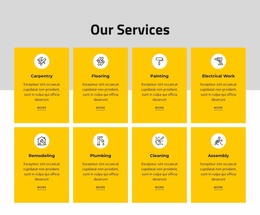
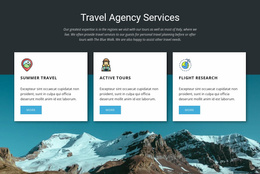
Features Website Templates help you start from a ready-made website or page design where product, service, or capability highlights already have a clear place in the composition. Instead of thinking about the Features block in isolation, you can compare how it works with the hero, supporting content, proof, calls to action, and other sections around it.
This makes the category useful for landing pages, product websites, service sites, software presentations, and other projects where Features are an important part of the overall message.
Choose a Website Template Around the Whole Page Structure
A strong template should give the Features content enough prominence without making every part of the site look like a repeated card collection. Review how the design balances the feature area with the rest of the page.
- Hero and Features combinations work well when visitors need a quick introduction followed by key advantages.
- Product-focused layouts can pair feature cards with screenshots, demonstrations, or supporting images.
- Service websites may use concise feature items before deeper service descriptions.
- Landing pages can place Features between the main value proposition and proof or conversion sections.
The right choice depends as much on the full page flow as on the feature cards themselves.
Compare Feature Sections Inside Ready-Made Website Designs
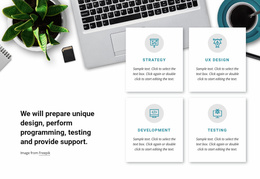
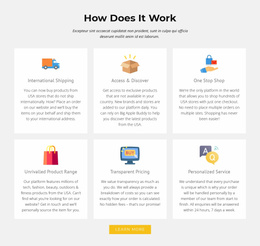
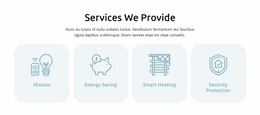
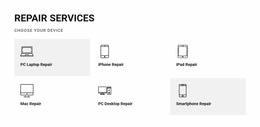
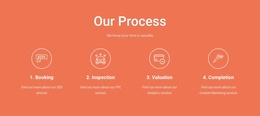
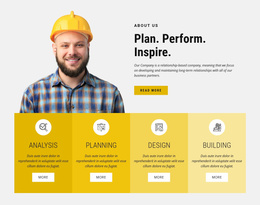
Within the template, look at the number of items, card or column structure, icon treatment, image use, text density, and the way the section responds to different screen widths. A Features block should feel consistent with the rest of the website design, not like a separate component dropped into the middle of the page.
Grid Repeater is the closest Nicepage feature for repeated feature items that share one structure. The Grid Repeater element can keep a recurring pattern consistent while each card uses different titles, descriptions, visuals, or links.
Keep Features Connected to Surrounding Website Content
A website template may place Features near several supporting section types. That context matters because visitors rarely decide from one block alone.
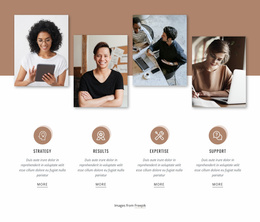
For example, the Features area can explain what the offer provides, while a results-focused section later demonstrates outcomes or achievements. Other surrounding sections may introduce the product, explain the process, show testimonials, or lead visitors toward a contact or purchase action.
A useful site-level checklist includes:
- Does the feature layout fit the main page type?
- Do the surrounding sections support the same visual direction?
- Does the template remain coherent on desktop, tablet, and phone layouts?
- Can the feature content be expanded or reduced without disrupting the page?
Adapt the Full Template Without Losing the Features Focus
After choosing a website template, replace the sample feature titles, descriptions, icons, or images with real content. Then review the section together with the hero and nearby blocks so the same typography, spacing, and visual tone continue across the page.
The Features category should remain visible in the final result. Even within a complete site design, visitors should be able to identify the main advantages or capabilities without digging through long paragraphs.
Features Website Template Questions
What Should I Compare in Features Website Templates?
Compare the complete page structure, feature-section layout, item count, image or icon use, responsive behavior, and how well the surrounding sections support the same website style.
Can Nicepage AI Services Help Create a Website With Features Content?
Yes. Nicepage AI Services can generate sites, pages, and blocks. You can then refine the generated Features content and adapt it to the wider website design.
Are There Pre-Designed Blocks for Features Sections?
Yes. Nicepage provides pre-designed Elements and Blocks. Choose a Features pattern whose item count and visual treatment fit the benefits or capabilities you need to present, then adapt it in the editor.
Build the Website Around a Strong Features Presentation
Select a template where the whole page structure and the Features section work together, then customize the content in the Nicepage editor. Refine the repeated feature items, surrounding sections, and responsive layouts as one coherent website rather than treating the block as an isolated design exercise.





















































